CricHD: Live TV, Entertainment
अपडेट किया गया
वर्तमान वर्शन
3.0.0
संसाधन

CricHD: Live TV, Entertainment पर अपनी मोबाइल डेटा सीमा पार करने को अलविदा कहें और छोटी स्क्रीन की सीमाओं से मुक्त होकर बड़े डिस्प्ले के लाभों का अनुभव करें। अब, आप अपने कीबोर्ड और माउस का उपयोग करके फुल-स्क्रीन मोड में टॉपर्स क्लैन की शक्ति का अनुभव कर सकते हैं। MEmu Play में वे सभी बेहतरीन सुविधाएँ हैं जिनकी आप अपेक्षा करते हैं: त्वरित इंस्टॉलेशन और आसान सेटअप, सहज नियंत्रण, बैटरी की आवश्यकता नहीं, और कोई डेटा या कॉल समय सीमा नहीं। नया MEmu 9 आपके कंप्यूटर पर CricHD: Live TV, Entertainment का उपयोग करने के लिए सबसे अच्छा विकल्प है। हमारा मालिकाना मल्टी-इंस्टेंस मैनेजर एक साथ दो या अधिक खातों को चलाने का समर्थन करता है। इससे भी महत्वपूर्ण बात यह है कि हमारा अनूठा इम्यूलेशन इंजन आपके कंप्यूटर के प्रदर्शन का पूरा उपयोग करता है, जिससे एक सहज और निर्बाध अनुभव मिलता है।
और दिखाएं
MEmu Play के साथ PC पर CricHD: Live TV, Entertainment इस्तेमाल करने के शानदार अनुभव का आनंद लें। यह एक शक्तिशाली मुफ़्त Android एमुलेटर है जो आपको डेस्कटॉप वर्ज़न के लिए हज़ारों Android ऐप्स उपलब्ध कराता है। दोस्तों से जुड़ने और अपने काम को और भी बेहतर बनाने का आनंद लें! CricHD is your all-in-one destination for seamless access to live TV streaming, offering an extensive selection of channels, including HD Streamz, Cricfy, Jio TV, and many more.

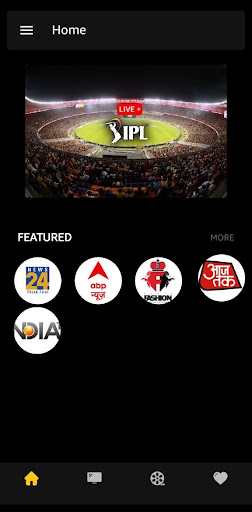
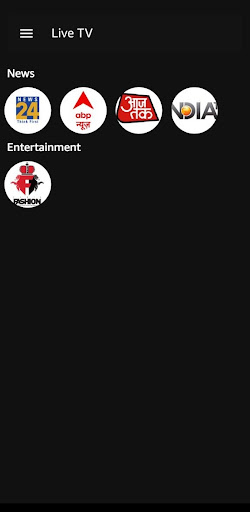
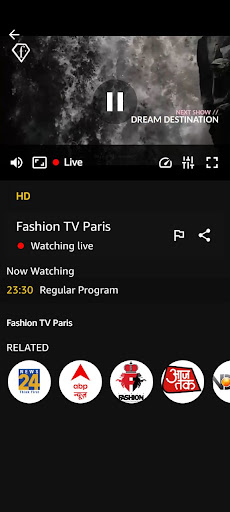
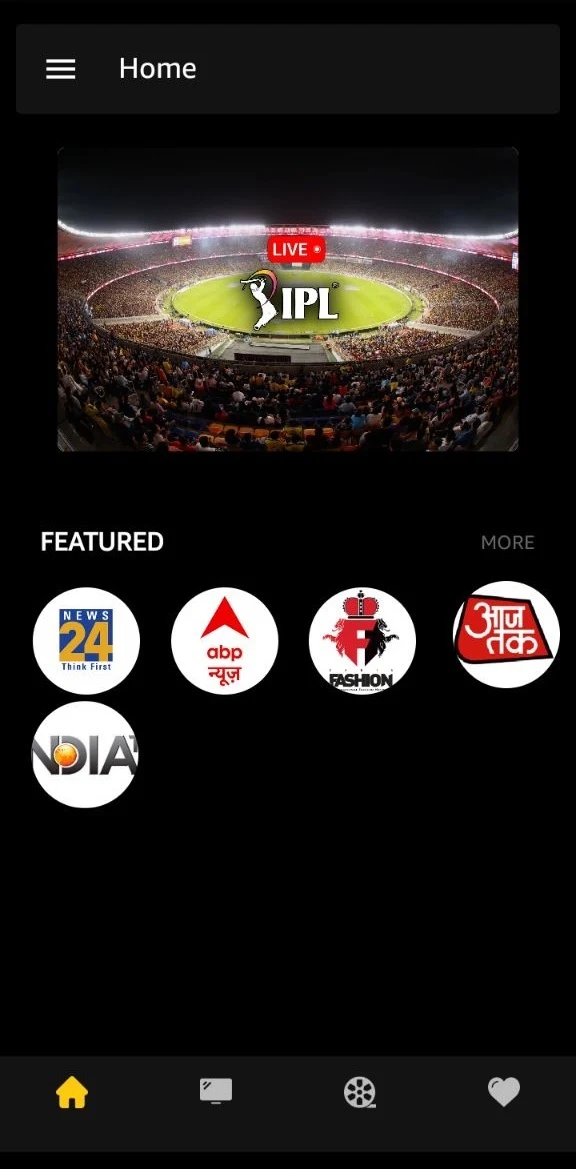
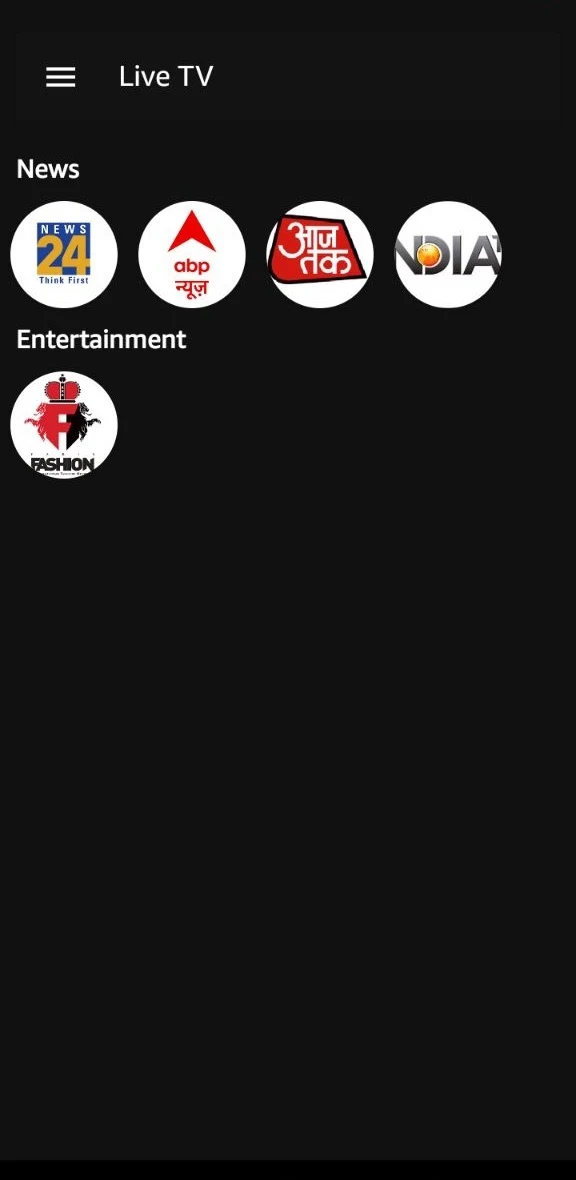
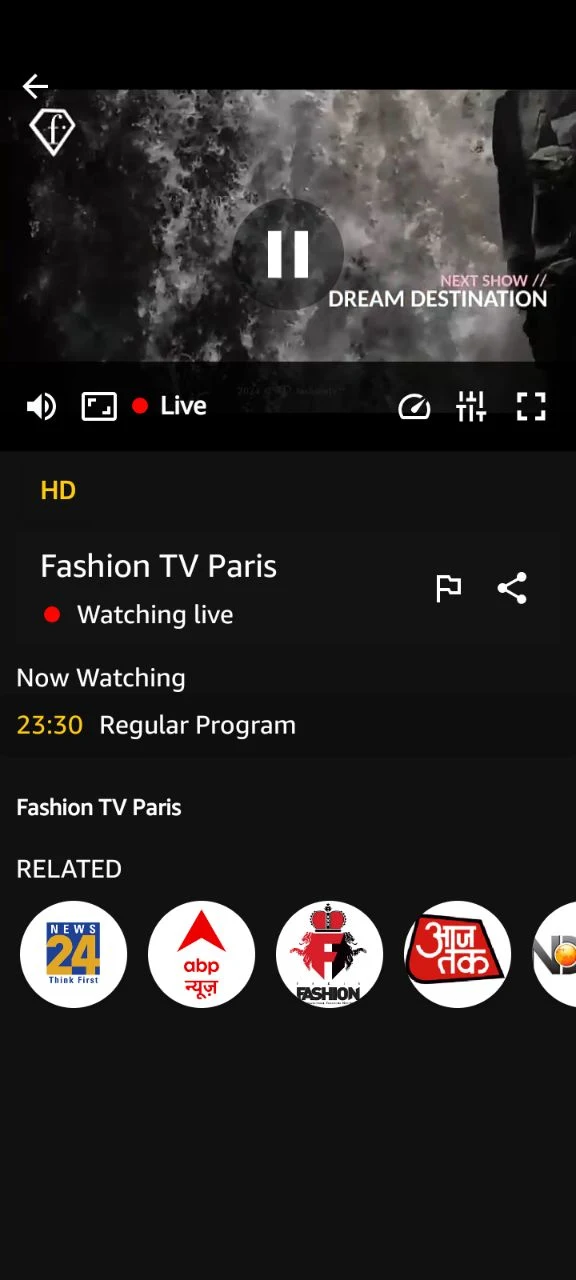
CricHD is your all-in-one destination for seamless access to live TV streaming, offering an extensive selection of channels, including HD Streamz, Cricfy, Jio TV, and many more. With CricHD you can enjoy your favorite TV shows, sports events, news broadcasts, and entertainment programs anytime, anywhere, right from your mobile device.
CricHD brings in a 100+ free live channels, with catch up. The latest TV shows, the latest episodes, the latest prime time, all of it is here. Watch HD Streamz content right up to your screen and stream unlimited content of pika show TV on your hand.
Features:
Live Streaming: Watch every IPL match live and in real-time, with HD streaming quality that brings the excitement of the stadium to your device.
Offline Viewing: Catch up on matches at your convenience with offline viewing capabilities, allowing you to download highlights and full replays to watch later, without the need for an internet connection.
User-Friendly Interface: Navigate the app with ease thanks to its intuitive user interface, designed for seamless browsing, quick access to features, and hassle-free streaming.
Multi-Device Compatibility: Enjoy CricketLive on multiple devices, including smartphones, tablets, and smart TVs, with cross-platform compatibility ensuring you can tune in from wherever you are.
Disclaimer:
The content of this application is available free on public domains. For any content removal request contact us on our developer email, and we will look into your concern and take action from our side as soon as possible. We don't claim rights on any content in this application. This is not an official app of the IPL 2024 schedule and is Not affiliated with ICC in any manner. All the content this application provides is available free in the public domain. All rights reserved to the content's respective owners.
For copyright removal, Your valuable suggestions & Improvements or any type of query please contact us at :
Streamzhub@protonmail.com
और दिखाएं

1. MEmu इंस्टॉलर को डाउनलोड करें और इंस्टॉलेशन को पूरा करें

2. MEmu शुरू करें फिर होमपेज पर Google Play खोलें

3. Google Play में CricHD: Live TV, Entertainment खोजें
Install
4. CricHD: Live TV, Entertainment डाउनलोड कर इंस्टॉल करें
5. इंस्टॉल पूरा होने पर आइकन दबाएं

6. MEmu का उपयोग करके अपने कंप्यूटर पर CricHD: Live TV, Entertainment का अनुभव करें
MEmu Play सबसे बेहतरीन मुफ़्त Android एमुलेटर है और 5 करोड़ लोग पहले ही इसके शानदार Android ऐप अनुभव का आनंद ले चुके हैं। MEmu 9 वर्चुअलाइज़ेशन तकनीक आपको अपने PC पर हज़ारों Android ऐप्स, यहाँ तक कि सबसे ज़्यादा ग्राफ़िक्स वाले ऐप्स भी, आसानी से चलाने की सुविधा देती है।
असीमित बैटरी या मोबाइल डेटा के साथ बेहतर ग्राफिक्स के साथ बड़ी स्क्रीन; लंबी अवधि।
कीबोर्ड और माउस या गेमपैड के उत्तम नियंत्रण के लिए संपूर्ण कीमैपिंग का समर्थन करता हैं।
एक ही पीसी पर मल्टी-इंस्टेंस मैनेजर के साथ एक समय में कई गेम खाते या कार्य कर सकते हैं।
Use CricHD: Live TV, Entertainment on PC by following steps:




![티비핫 [TVHOT] :: 티비위키 시즌 2 PC](https://dl.memuplay.com/new_market/img/com.tvhot.tvhot.icon.2025-01-16-10-12-57.png)