CricHD: Live TV, Entertainment
Diupdate
Versi Saat Ini
3.0.0
Ditawarkan Oleh

Hentilah khawatir tentang biaya berlebihan saat menggunakan CricHD: Live TV, Entertainment di ponsel Anda, bebaskan diri Anda dari layar kecil dan nikmati menggunakan aplikasi pada tampilan yang lebih besar. Mulai sekarang, dapatkan pengalaman full-screen di aplikasi Anda dengan keyboard dan mouse. MEmu menyediakan semua fitur mengejutkan yang Anda harapkan: cepat menginstal dan mudah menggunakan, kontrol intuitif, tidak ada lagi batasan baterai, data seluler dan panggilan yang mengganggu. MEmu 9 yang baru adalah pilihan terbaik untuk menggunakan CricHD: Live TV, Entertainment di komputer Anda. Bersandi dengan absorpsi kami, manajer multi-instance memungkinkan pembukaan 2 akun atau lebih pada saat yang bersamaan. Dan yang paling penting, mesin emulasi eksklusif kami dapat melepaskan potensi penuh PC Anda, menjadikan semuanya lancar dan menyenangkan.
Tampilkan Lebih banyak
Nikmati pengalaman luar biasa menggunakan CricHD: Live TV, Entertainment di PC dengan MEmu Play. Emulator Android gratis dan canggih ini menyediakan ribuan aplikasi Android untuk versi desktop. Nikmati koneksi yang lancar bersama teman dan tingkatkan pekerjaan Anda dengan efisiensi yang lebih tinggi! CricHD is your all-in-one destination for seamless access to live TV streaming, offering an extensive selection of channels, including HD Streamz, Cricfy, Jio TV, and many more.

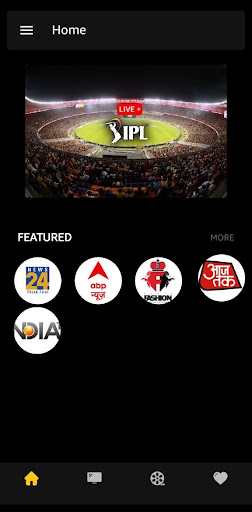
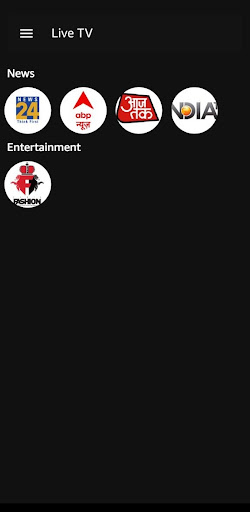
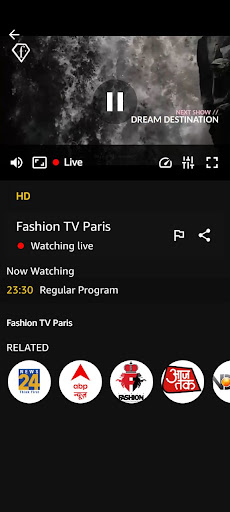
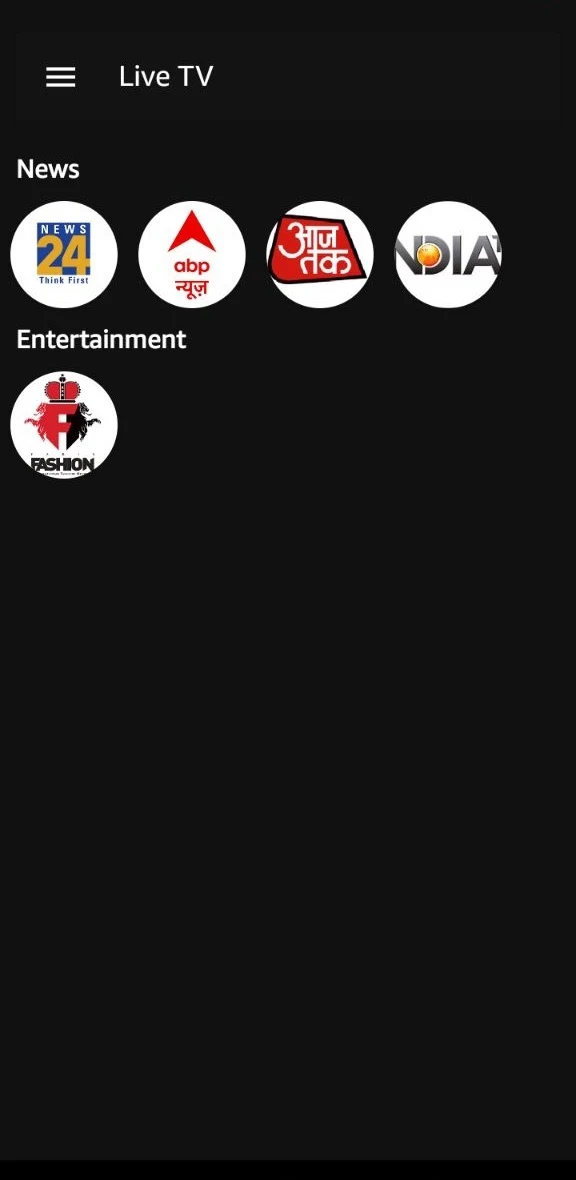
CricHD is your all-in-one destination for seamless access to live TV streaming, offering an extensive selection of channels, including HD Streamz, Cricfy, Jio TV, and many more. With CricHD you can enjoy your favorite TV shows, sports events, news broadcasts, and entertainment programs anytime, anywhere, right from your mobile device.
CricHD brings in a 100+ free live channels, with catch up. The latest TV shows, the latest episodes, the latest prime time, all of it is here. Watch HD Streamz content right up to your screen and stream unlimited content of pika show TV on your hand.
Features:
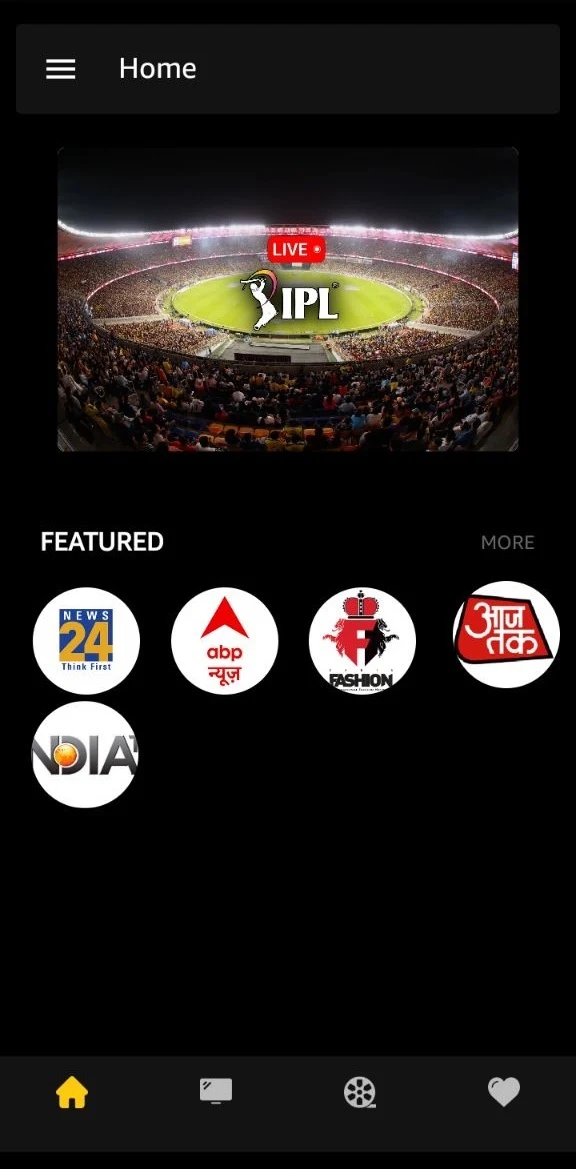
Live Streaming: Watch every IPL match live and in real-time, with HD streaming quality that brings the excitement of the stadium to your device.
Offline Viewing: Catch up on matches at your convenience with offline viewing capabilities, allowing you to download highlights and full replays to watch later, without the need for an internet connection.
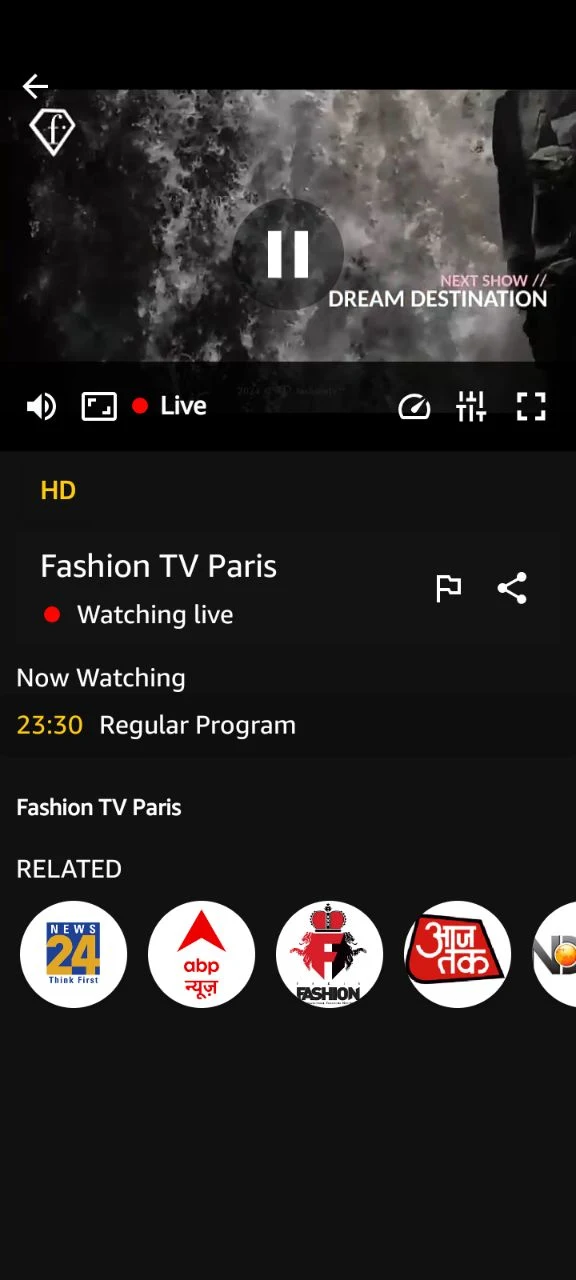
User-Friendly Interface: Navigate the app with ease thanks to its intuitive user interface, designed for seamless browsing, quick access to features, and hassle-free streaming.
Multi-Device Compatibility: Enjoy CricketLive on multiple devices, including smartphones, tablets, and smart TVs, with cross-platform compatibility ensuring you can tune in from wherever you are.
Disclaimer:
The content of this application is available free on public domains. For any content removal request contact us on our developer email, and we will look into your concern and take action from our side as soon as possible. We don't claim rights on any content in this application. This is not an official app of the IPL 2024 schedule and is Not affiliated with ICC in any manner. All the content this application provides is available free in the public domain. All rights reserved to the content's respective owners.
For copyright removal, Your valuable suggestions & Improvements or any type of query please contact us at :
Streamzhub@protonmail.com
Tampilkan Lebih banyak

1. Unduh dan instal MEmu APP

2. Menjalankan MEmu lalu buka Google Play di halaman

3. Cari CricHD: Live TV, Entertainment di Google Play
Install
4. Unduh dan instal CricHD: Live TV, Entertainment
5. Setelah insatl APP selesai,klik ikon untuk mulai

6. Nikmati bermain CricHD: Live TV, Entertainment di PC dengan MEmu
MEmu Play adalah emulator Android gratis terbaik dan 50 Juta orang sudah menikmati pengalaman luar biasa dalam Aplikasi Android. Teknologi virtualisasi MEmu memberi kekuasaan untuk memainkan ribuan Aplikasi Android dengan lancar di PC anda, bahkan Aplikasi dengan grafis yang paling tinggi.
Layar lebih besar dengan grafis yang lebih baik; durasi panjang, tanpa batasan baterai atau data seluler.
Didukung penuh oleh Pemetaan tombol yang lengkap untuk keakuratan kontrol keyboard dan mouse maupun gamepad.
Membuka beberapa akun game atau tugas di waktu yang sama hanya pada satu PC, dengan Multi-Instance manager.
Use CricHD: Live TV, Entertainment on PC by following steps: