Emotes & Dances Challenge
अपडेट किया गया
वर्तमान वर्शन
1.0.9
संसाधन

Emotes & Dances Challenge पर अपनी मोबाइल डेटा सीमा पार करने को अलविदा कहें और छोटी स्क्रीन की सीमाओं से मुक्त होकर बड़े डिस्प्ले के लाभों का अनुभव करें। अब, आप अपने कीबोर्ड और माउस का उपयोग करके फुल-स्क्रीन मोड में टॉपर्स क्लैन की शक्ति का अनुभव कर सकते हैं। MEmu Play में वे सभी बेहतरीन सुविधाएँ हैं जिनकी आप अपेक्षा करते हैं: त्वरित इंस्टॉलेशन और आसान सेटअप, सहज नियंत्रण, बैटरी की आवश्यकता नहीं, और कोई डेटा या कॉल समय सीमा नहीं। नया MEmu 9 आपके कंप्यूटर पर Emotes & Dances Challenge का उपयोग करने के लिए सबसे अच्छा विकल्प है। हमारा मालिकाना मल्टी-इंस्टेंस मैनेजर एक साथ दो या अधिक खातों को चलाने का समर्थन करता है। इससे भी महत्वपूर्ण बात यह है कि हमारा अनूठा इम्यूलेशन इंजन आपके कंप्यूटर के प्रदर्शन का पूरा उपयोग करता है, जिससे एक सहज और निर्बाध अनुभव मिलता है।
और दिखाएं
डाउनलोड करें Emotes & Dances Challenge पीसी पर MEmu एंड्रॉयड एमुलेटर के साथ बड़े पर्दे पर खेलने का आनंद लें। One of the funniest aspects of any battle royale is the dances and emotes.
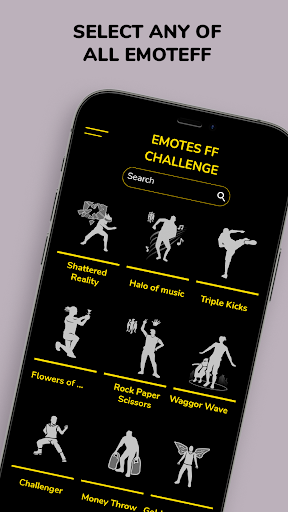
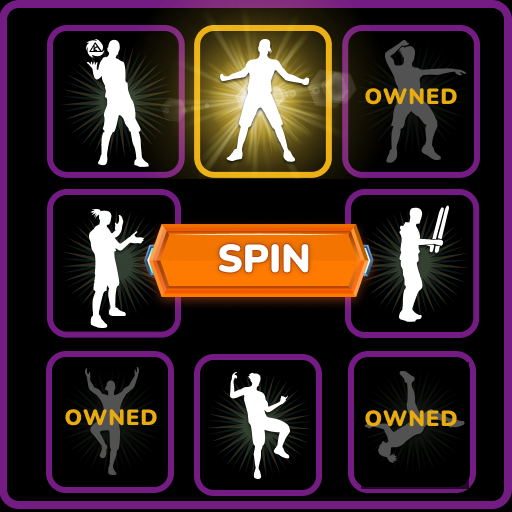
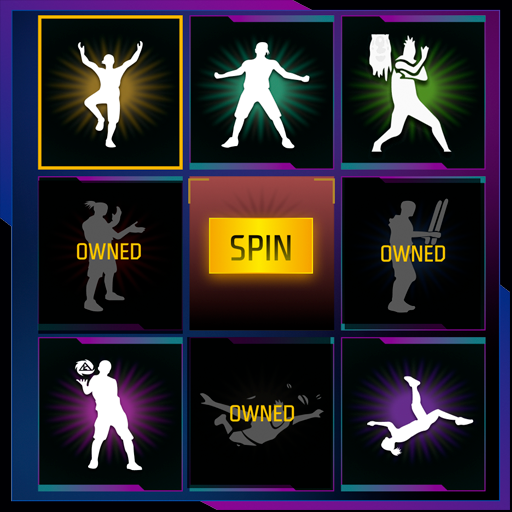
One of the funniest aspects of any battle royale is the dances and emotes. We have prepared a challenge that you will surely love. In Emotes & Dances Challenge you will be able to compete against all the emotes. Practice the dances and emotes as many times as you need to become an expert.
All gestures in Emotes & Dances Challenge
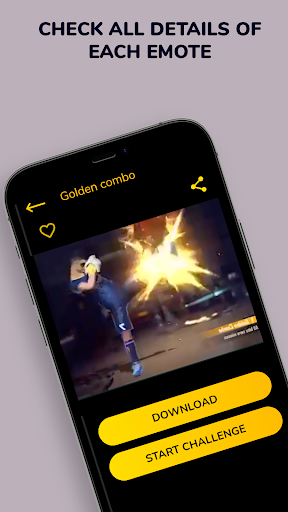
On the one hand, in Emotes & Dances Challenge you can find tutorial videos of all the emotes and dances so that you can practice them as many times as necessary. To become a master, the best way is to practice until you have mastered the movements.
Save the emotes and dances in the favorites section to locate them quickly and easily
Browsing through all the emotes you will surely see some that you especially like. You can easily add them to your favorites to have them located and to be able to access them easily.
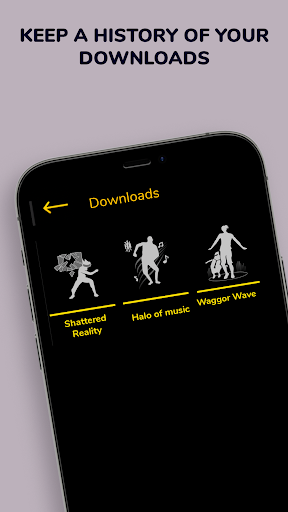
Download the emotes and dances that you like the most and practice offline
You can download any emote or dance to your device in just a few seconds in a very simple and fast way. You can share them, play them offline and practice any emote or dance wherever you want.
Use the search engine to find emotes and dances by name
The list of all emotes is long, that is why we have implemented a search engine in which you can locate any emote quickly and easily. You just have to enter the name or the first letters and you will see the results that match the search.
When you're ready, start challenging by competing against emotes and dances
The most interesting functionality in Emotes & Dances Challenge is the challenge functionality. In it, you can compete by dancing and doing emote movements against the tutorial videos. Each challenge will be saved so you can check how you did it, improve your movements and compete again. Without a doubt, then you can show these movements to all your friends and share them with them
और दिखाएं

1. MEmu इंस्टॉलर को डाउनलोड करें और इंस्टॉलेशन को पूरा करें

2. MEmu शुरू करें फिर होमपेज पर Google Play खोलें

3. Google Play में Emotes & Dances Challenge खोजें
Install
4. Emotes & Dances Challenge डाउनलोड कर इंस्टॉल करें
5. इंस्टॉल पूरा होने पर आइकन दबाएं

6. MEmu का उपयोग करके अपने कंप्यूटर पर Emotes & Dances Challenge का अनुभव करें
MEmu Play सबसे बेहतरीन मुफ़्त Android एमुलेटर है और 5 करोड़ लोग पहले ही इसके शानदार Android ऐप अनुभव का आनंद ले चुके हैं। MEmu 9 वर्चुअलाइज़ेशन तकनीक आपको अपने PC पर हज़ारों Android ऐप्स, यहाँ तक कि सबसे ज़्यादा ग्राफ़िक्स वाले ऐप्स भी, आसानी से चलाने की सुविधा देती है।
असीमित बैटरी या मोबाइल डेटा के साथ बेहतर ग्राफिक्स के साथ बड़ी स्क्रीन; लंबी अवधि।
कीबोर्ड और माउस या गेमपैड के उत्तम नियंत्रण के लिए संपूर्ण कीमैपिंग का समर्थन करता हैं।
एक ही पीसी पर मल्टी-इंस्टेंस मैनेजर के साथ एक समय में कई गेम खाते या कार्य कर सकते हैं।
Use Emotes & Dances Challenge on PC by following steps: