Break Master Ace
Updated
Current Version
1.102.0.261109
Offered By

With your passion for Break Master Ace, you shouldn’t have to limit yourself to the small screen of a phone. Play like a pro and take full control of the game using a keyboard and mouse. MEmu gives you everything you’re looking for. Download and play Break Master Ace on PC. Play as long as you want — no more worries about battery life, mobile data, or unexpected calls. The all-new MEmu 9 is the best way to play Break Master Ace on PC. With our expertly designed keymapping system, Break Master Ace feels just like a real PC game. The MEmu multi-instance manager lets you run two or more accounts on the same device at the same time. Most importantly, our exclusive emulation engine unlocks your PC’s full potential, delivering smooth and seamless performance.
Show more
Download Break Master Ace on PC with MEmu Android Emulator. Enjoy playing on big screen. Break Master Ace — The Ultimate 8-Ball Pool Experience.
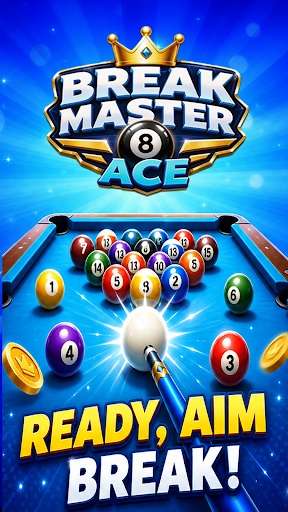
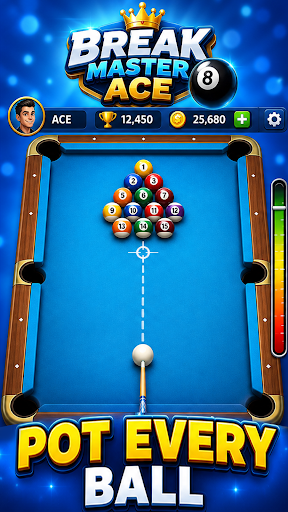
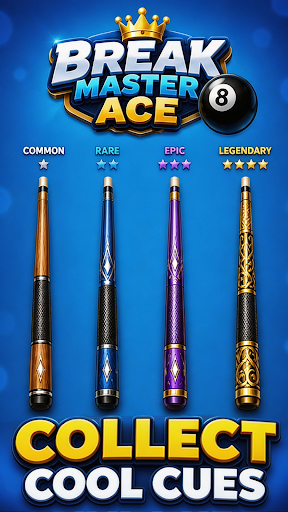
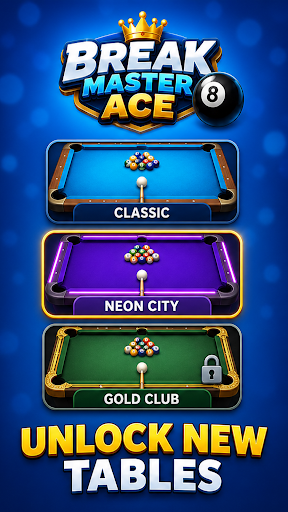
Break Master Ace — The Ultimate 8-Ball Pool Experience
Step up to the table and feel the rush! Break Master Ace delivers fast-paced,
skill-based 8-ball pool action where every shot counts. Perfect your break,
line up the perfect angle, and clear the table in style.
WHY PLAYERS LOVE IT:
• REALISTIC PHYSICS — Authentic ball movement and table dynamics that make
every shot feel true to life.
• COMPETITIVE MODES — Climb the leaderboards in ranked matches, challenge
friends in private rooms, or test your skills in time-limited tournaments.
• DAILY CHALLENGES & STREAKS — Log in every day for fresh challenges. Keep
your streak alive for escalating prizes.
• CUSTOMIZE YOUR CUE — Unlock and upgrade legendary cues with unique stats
and stunning designs.
• GLOBAL MATCHMAKING — Play against real opponents from around the world.
Low-latency servers ensure smooth gameplay everywhere.
• OFFLINE PRACTICE — Hone your skills against AI opponents when you're on the go.
HOW IT WORKS:
1. BREAK THE RACK — Master the opening shot to set yourself up for victory.
2. CALL YOUR SHOTS — Plan ahead, think three moves forward, just like the pros.
3. CLEAR THE TABLE — Sink every ball and claim your victory rewards.
4. BUILD YOUR LEGACY — Rise through the ranks from rookie to pool legend.
Whether you're a casual player looking to unwind or a competitive shark hungry
for the top spot, Break Master Ace has something for you. Simple to pick up,
impossible to put down.
Download now and break your way to the top!
Show more

1. Download MEmu installer and finish the setup

2. Start MEmu then open Google Play on the desktop

3. Search Break Master Ace in Google Play
Install
4. Download and Install Break Master Ace
5. On install completion click the icon to start

6. Enjoy playing Break Master Ace on PC with MEmu
MEmu Play is the best Android emulator and 100 million people already enjoy its superb Android gaming experience. The MEmu virtualization technology empowers you to play thousands of Android games smoothly on your PC, even the most graphic-intensive ones.
Bigger screen with better graphics; Long duration, without limitation of battery or mobile data.
Full Keymapping support for precise control of keyboard and mouse or gamepad.
Multiple game accounts or tasks on single PC at one time with Multi-Instance manager.
Play Break Master Ace on PC by following steps: