Ice Scream 1: Scary Horror
Updated
Current Version
1.3.4587
Offered By

With your passion for Ice Scream 1: Scary Horror, you shouldn’t have to limit yourself to the small screen of a phone. Play like a pro and take full control of the game using a keyboard and mouse. MEmu gives you everything you’re looking for. Download and play Ice Scream 1: Scary Horror on PC. Play as long as you want — no more worries about battery life, mobile data, or unexpected calls. The all-new MEmu 9 is the best way to play Ice Scream 1: Scary Horror on PC. With our expertly designed keymapping system, Ice Scream 1: Scary Horror feels just like a real PC game. The MEmu multi-instance manager lets you run two or more accounts on the same device at the same time. Most importantly, our exclusive emulation engine unlocks your PC’s full potential, delivering smooth and seamless performance.
Show more
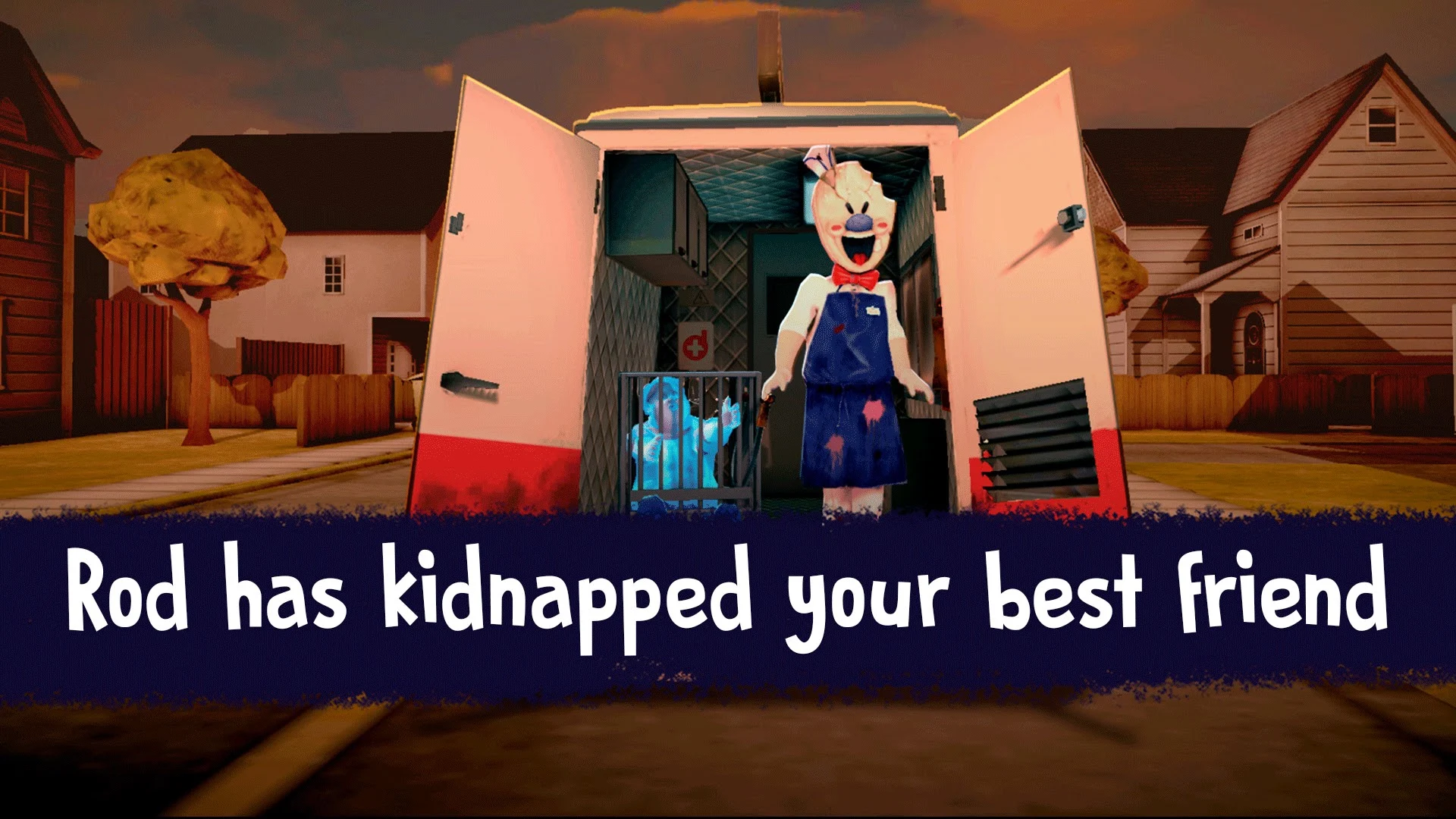
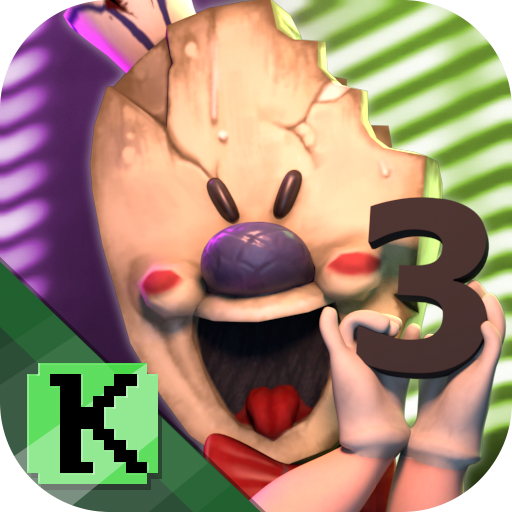
Download Ice Scream: Horror Neighborhood on PC with MEmu Android Emulator. Enjoy playing on big screen. Rod has kidnapped your friend Charlie, frozen him with a mysterious power and taken him away in his ice cream van.
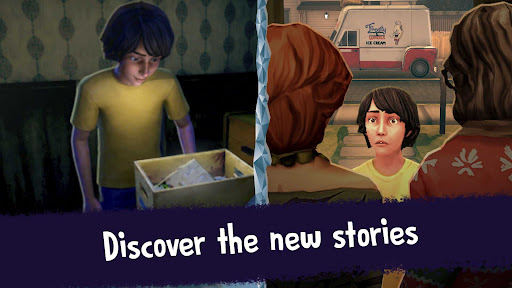
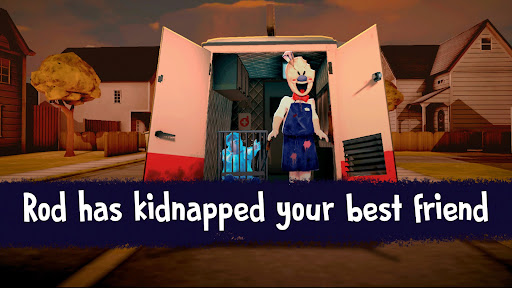
Rod has kidnapped your friend Charlie, frozen him with a mysterious power and taken him away in his ice cream van.
Enter a first-person horror and puzzle adventure where you must explore creepy locations, uncover mysteries and solve challenging puzzles to save your friend. Sneak into Rod’s van, hide from him and find a way to escape before he catches you.
STORIES
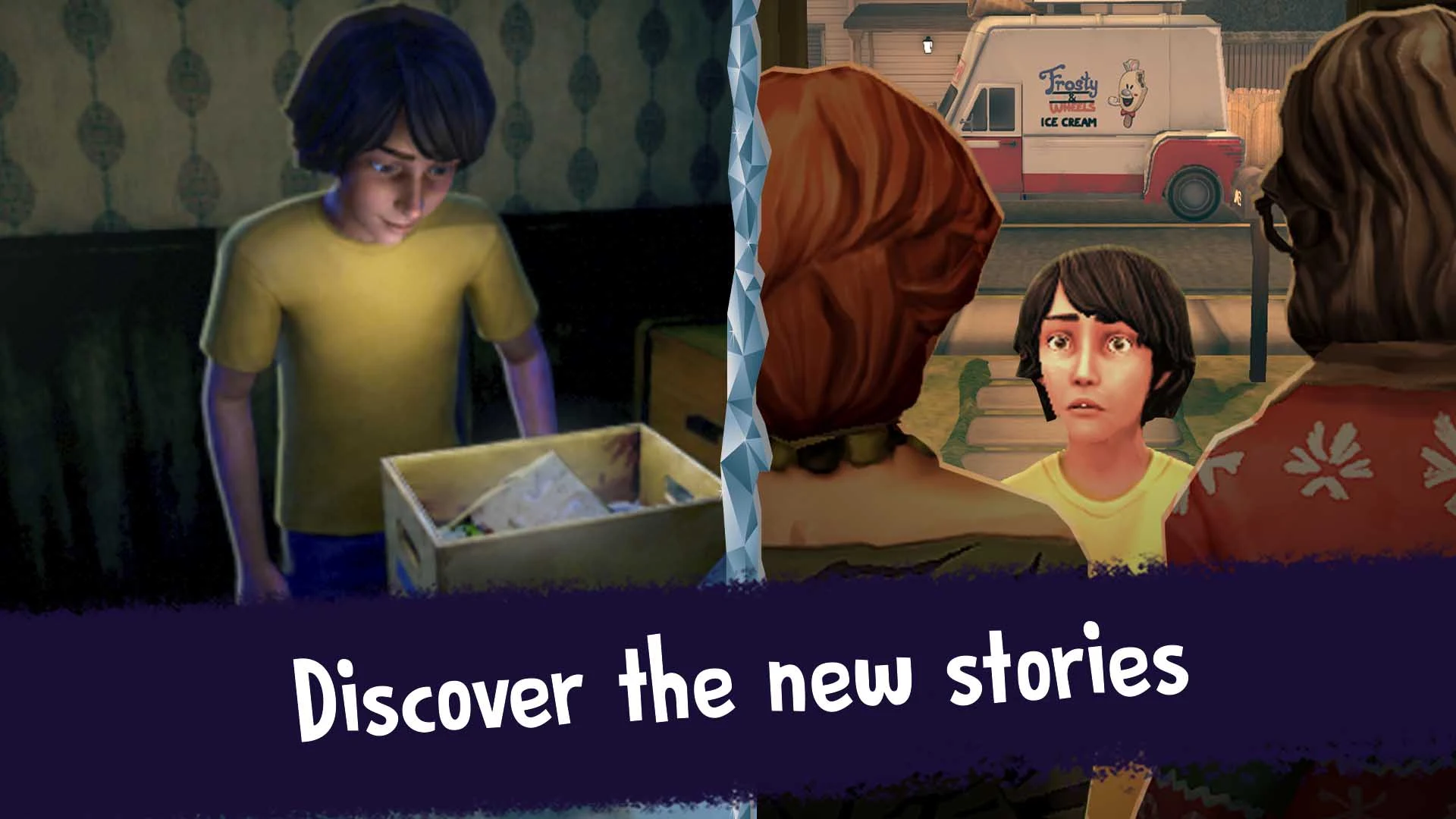
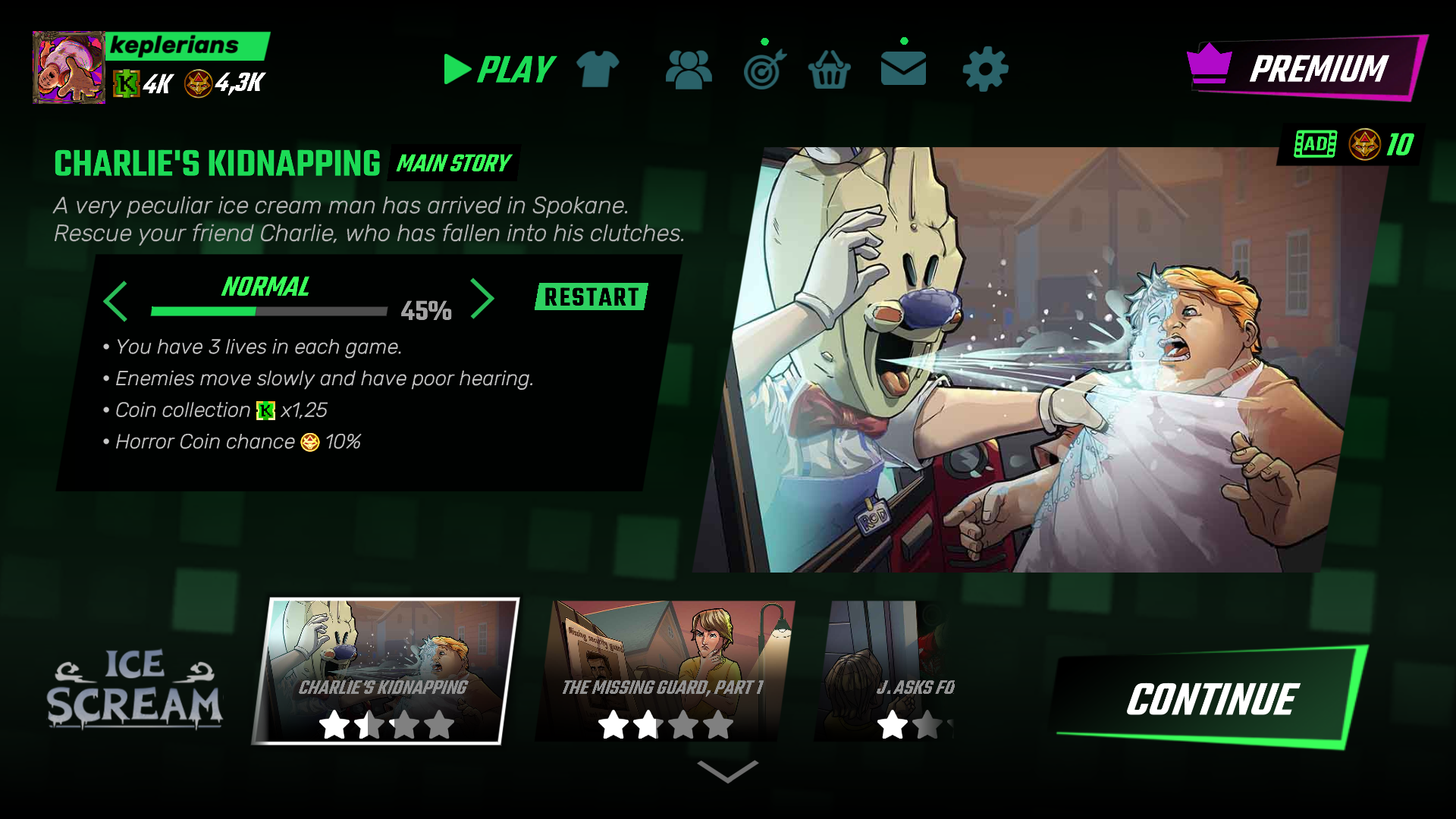
Ice Scream 1 now features multiple stories that expand the Ice Scream universe.
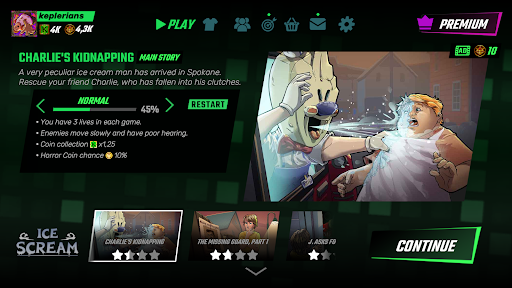
- Charlie’s Kidnapping: Play the original story that started it all. Follow Rod, solve puzzles and rescue Charlie before it’s too late.
- The Missing Guard, Part 1: What if J. had investigated a mysterious disappearance before Charlie was even kidnapped? Begin a what-if story that unfolds across Ice Scream 1, 2 and 3.
- J. Asks for Help: What if J. had asked the neighbors for help instead of sneaking into Rod’s van? Discover a completely different turn of events.
More canonical stories, what-if scenarios and surprises are coming to the Keplerians Universe.
KEPLERIANS NETWORK: PLAY. CONNECT. PROGRESS.
Keplerians Network connects your Ice Scream experience and gives you new ways to play, progress and interact with other players.
- Friends: add other players, manage friend requests and follow their activity.
- Leaderboards: see how you rank globally, locally and among your friends.
- Player Profiles: build your profile, track your stats and discover your friends’ progress.
- Connected Progress: play across connected Ice Scream games and unlock rewards.
- Stories: access the different adventures available in each game.
- Events: take part in limited-time events, complete special challenges and earn rewards across KNetwork games.
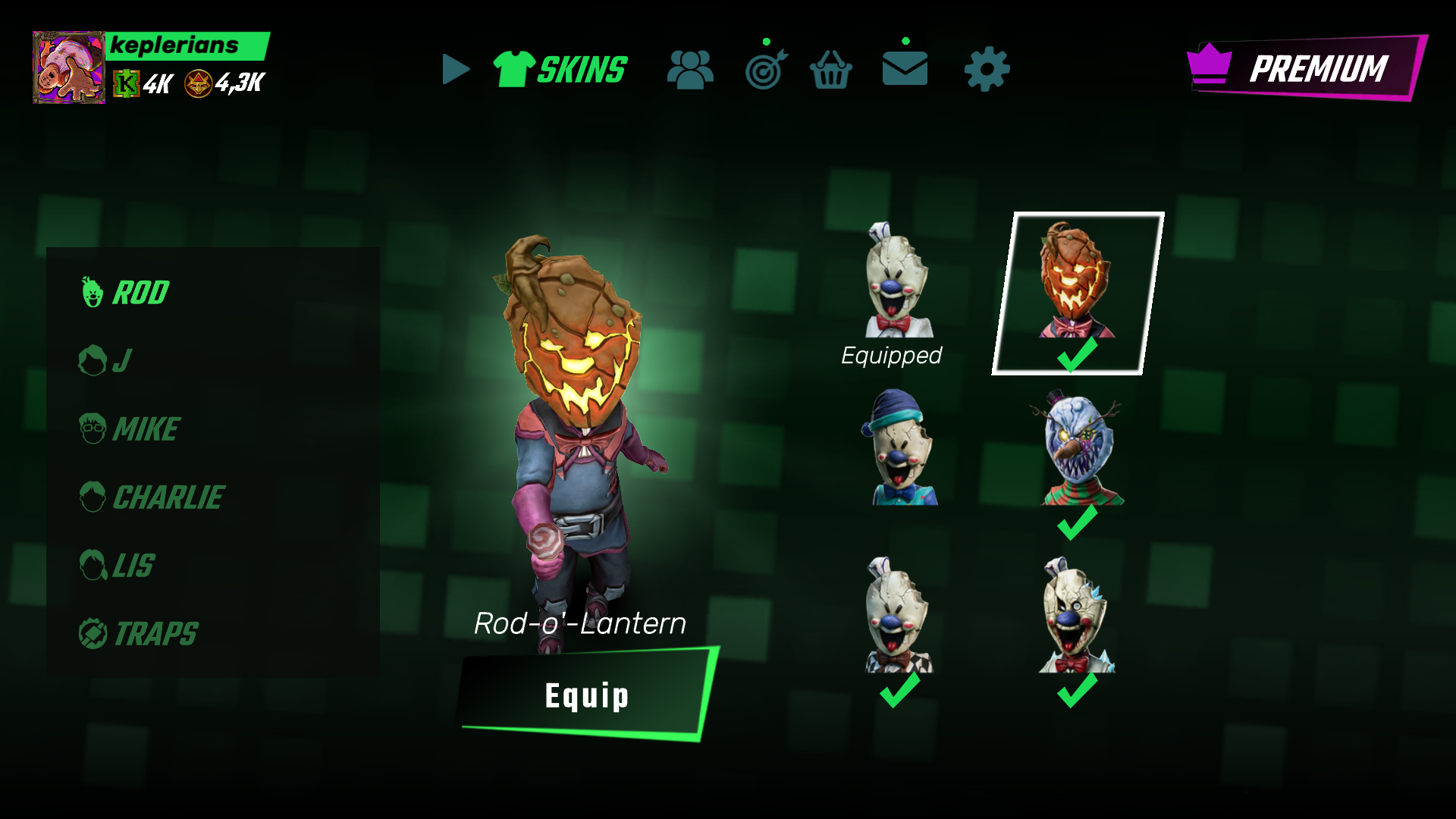
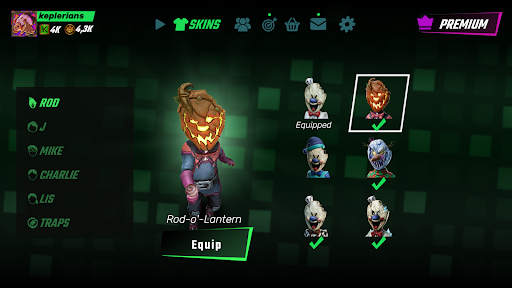
- Skin Shop: unlock and equip skins to customize Rod and the kids.
- Rewards & Customization: earn Kepler Coins, unlock profile cosmetics, use boosters and personalize your experience.
GO PREMIUM
Take your Ice Scream experience even further with Premium:
- No ads: play without interruptions.
- Free boosters across your games.
- Double Kepler Coins while playing.
- Monthly exclusive gifts including Horror Coins, cosmetics, booster reloads and more.
- Access new stories and exclusive content before anyone else.
Play with headphones for the best experience.
We regularly update Ice Scream with new stories, features and improvements. Thanks for playing!
Have questions? Visit our FAQ:
https://keplerians.com/keplerians-network/
Are you a parent of a young Keplerians player? Find everything you need to keep their adventure safe and fun:
https://keplerians.com/parents-guide/
Show more

1. Download MEmu installer and finish the setup

2. Start MEmu then open Google Play on the desktop

3. Search Ice Scream 1: Scary Horror in Google Play
Install
4. Download and Install Ice Scream 1: Scary Horror
5. On install completion click the icon to start

6. Enjoy playing Ice Scream 1: Scary Horror on PC with MEmu
MEmu Play is the best Android emulator and 100 million people already enjoy its superb Android gaming experience. The MEmu virtualization technology empowers you to play thousands of Android games smoothly on your PC, even the most graphic-intensive ones.
Bigger screen with better graphics; Long duration, without limitation of battery or mobile data.
Full Keymapping support for precise control of keyboard and mouse or gamepad.
Multiple game accounts or tasks on single PC at one time with Multi-Instance manager.
Play Ice Scream 1: Scary Horror on PC by following steps: