The Game of Life 2
Updated
Current Version
1.0.5
Offered By

With your passion for The Game of Life 2, you shouldn’t have to limit yourself to the small screen of a phone. Play like a pro and take full control of the game using a keyboard and mouse. MEmu gives you everything you’re looking for. Download and play The Game of Life 2 on PC. Play as long as you want — no more worries about battery life, mobile data, or unexpected calls. The all-new MEmu 9 is the best way to play The Game of Life 2 on PC. With our expertly designed keymapping system, The Game of Life 2 feels just like a real PC game. The MEmu multi-instance manager lets you run two or more accounts on the same device at the same time. Most importantly, our exclusive emulation engine unlocks your PC’s full potential, delivering smooth and seamless performance.
Show more
Download The Game of Life 2 on PC with MEmu Android Emulator. Enjoy playing on big screen. Prepare to live a thousand lives in The Game of Life 2, the award-winning official sequel to the classic board game played by millions around the world.
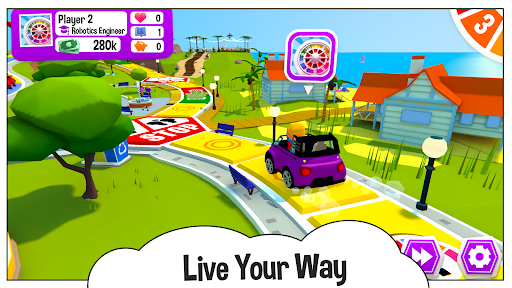
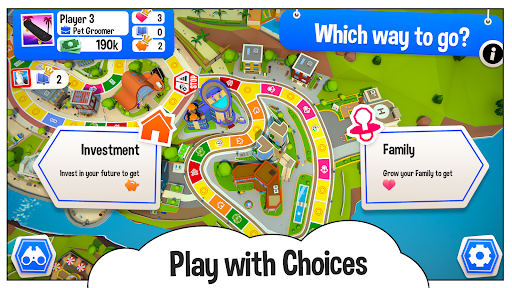
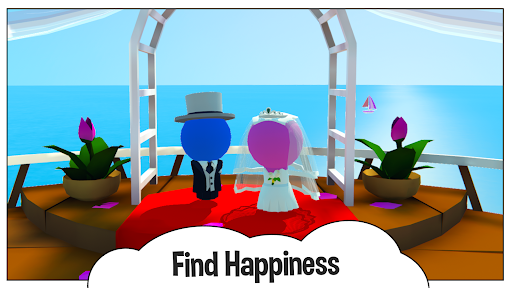
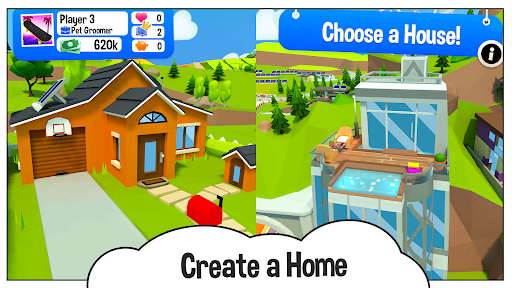
Prepare to live a thousand lives in The Game of Life 2, the award-winning official sequel to the classic board game played by millions around the world. Gather your friends and family and dive into a bright, fun 3D world bursting with adventure!
The Game of Life 2 base game has everything you need to get started:
The Classic World board
3 x outfits unlocked
3 x avatars unlocked
2 x vehicles unlocked
3 x additional outfits to unlock
3 x additional avatars to unlock
2 x additional vehicles to unlock
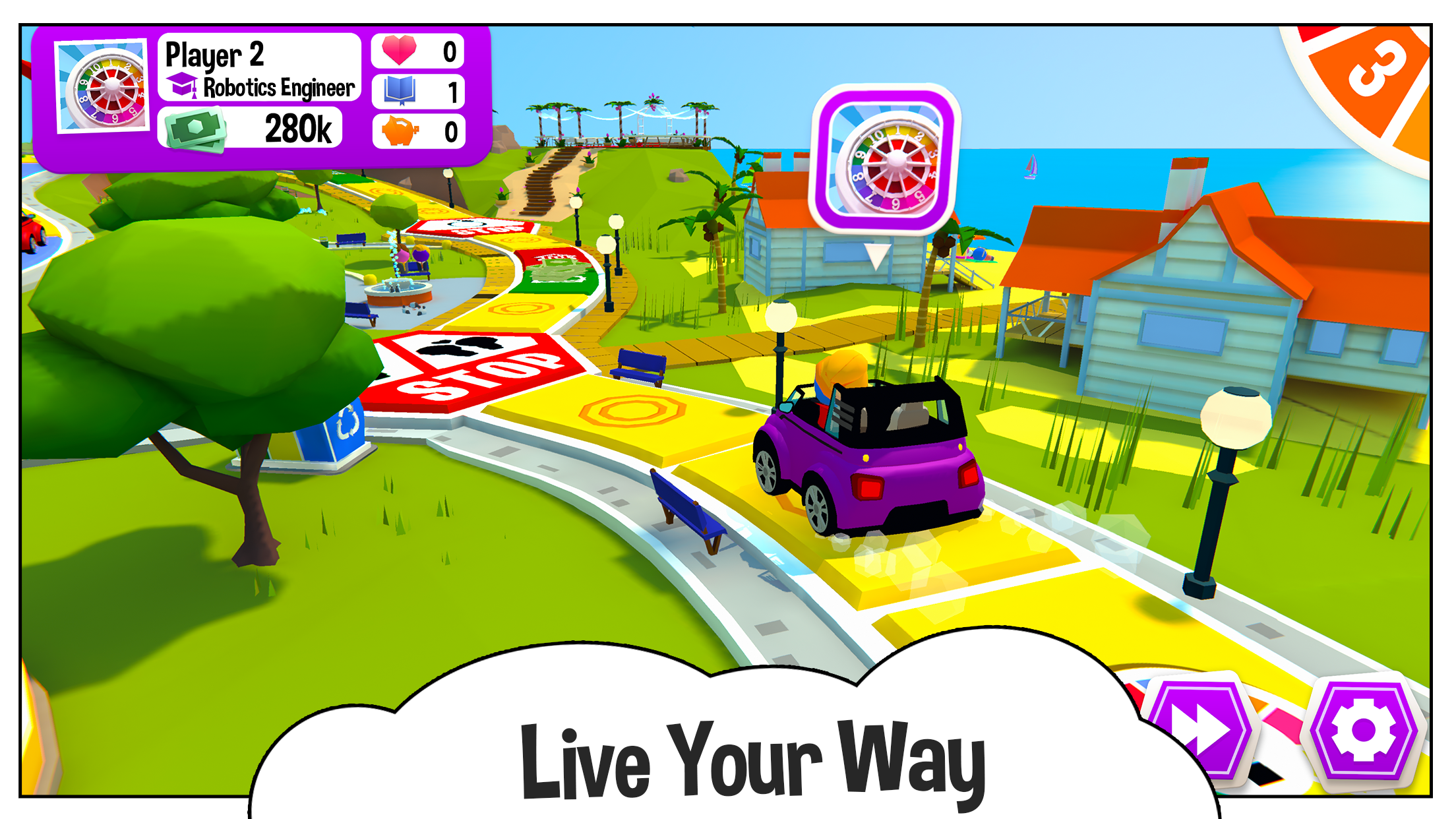
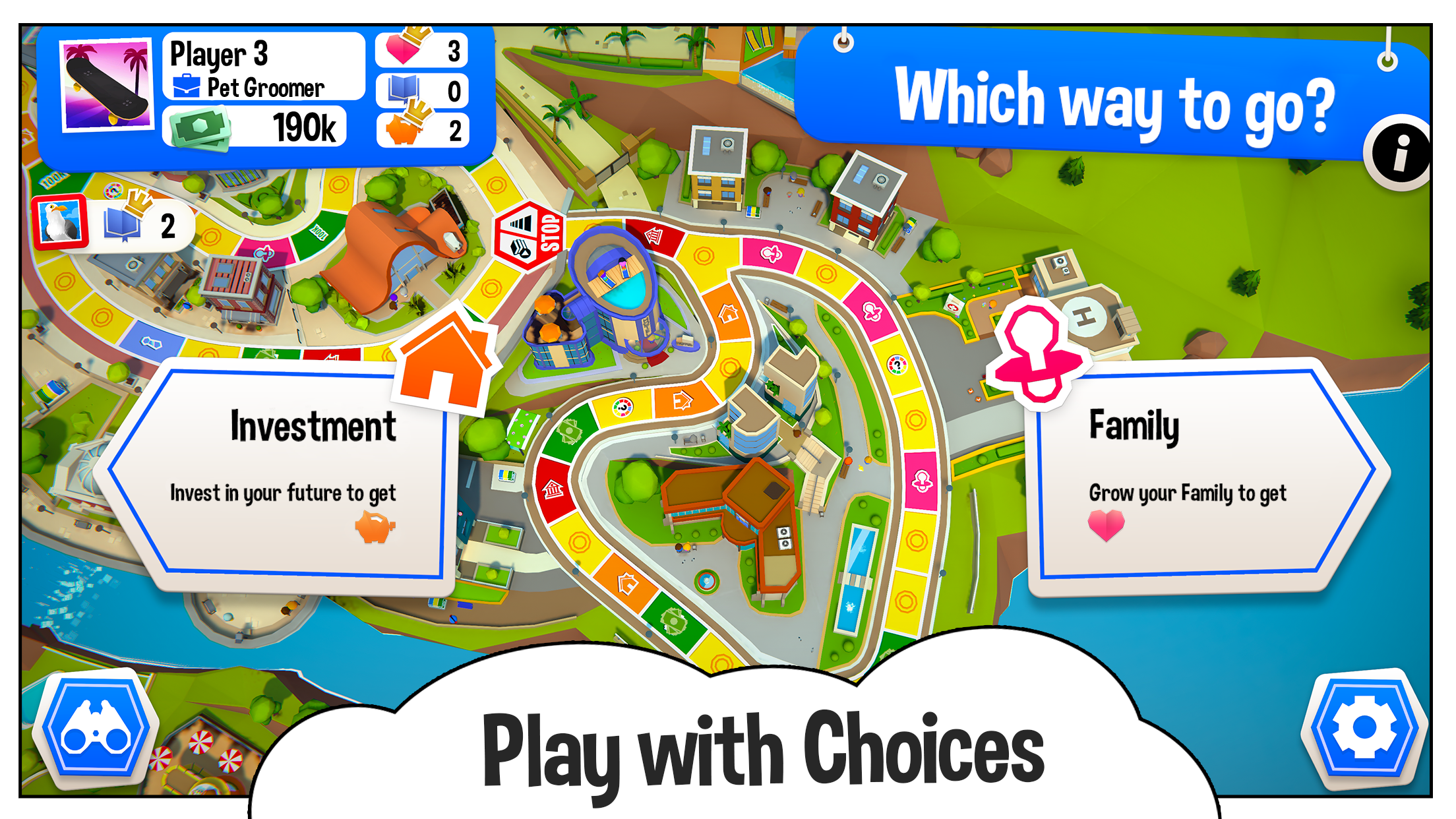
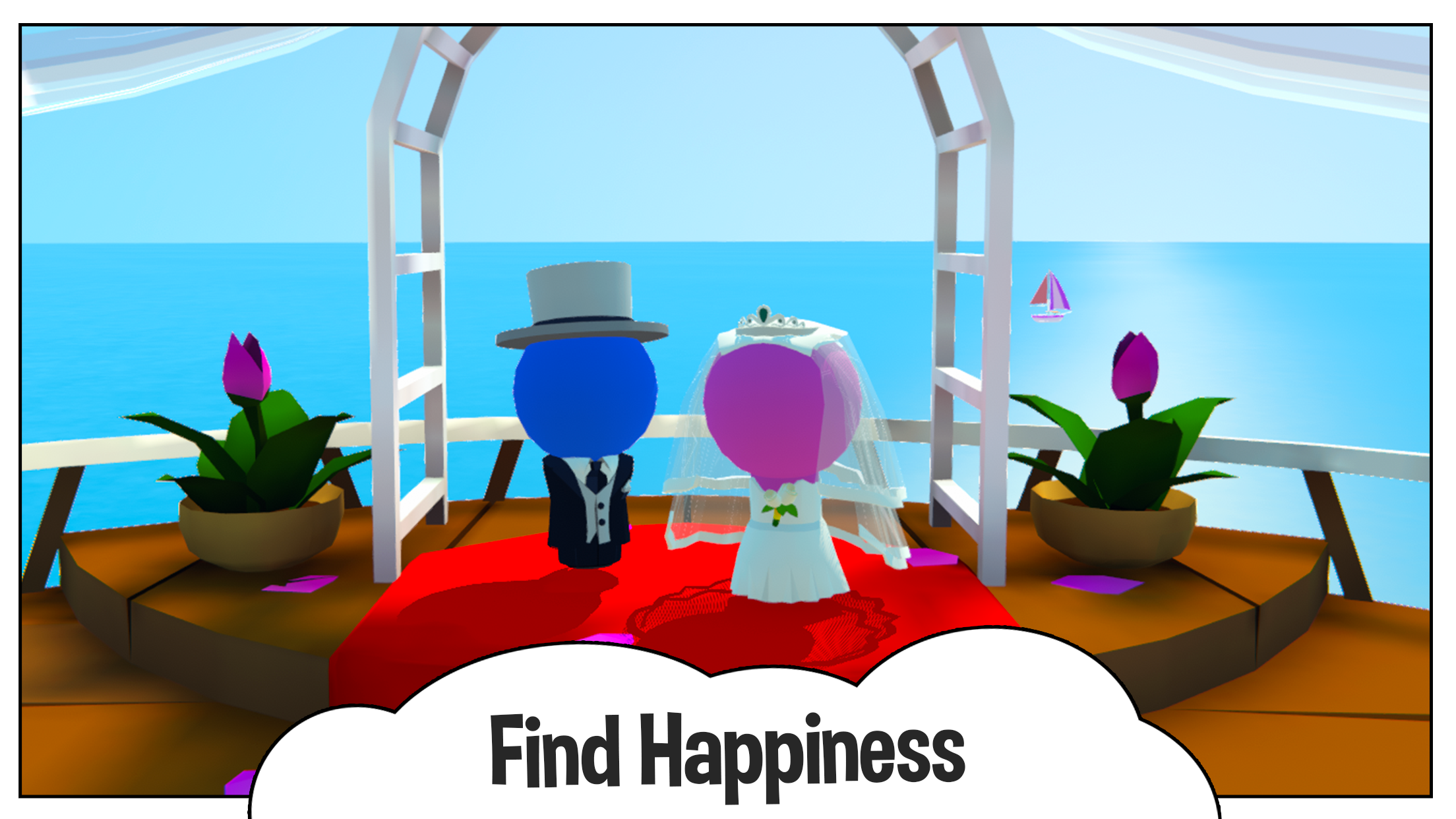
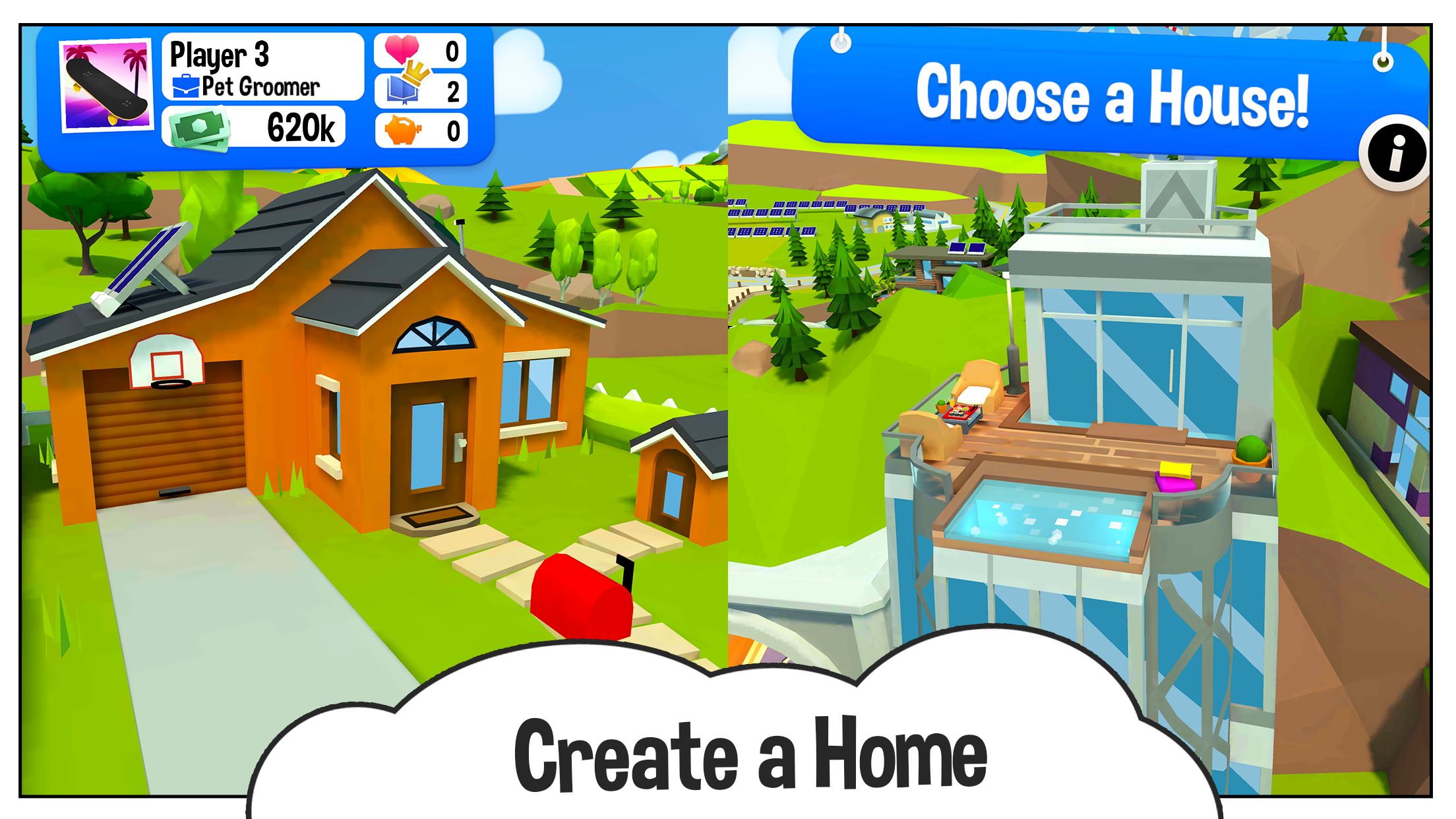
Spin the iconic spinner and set off on your life journey. You’ll be presented with decisions at every turn, altering your life path. Will you go to college immediately or drive straight into a career? Will you get married or stay single? Have kids or adopt a pet? Buy a house? Make a career change? It’s up to you!
Earn points for choices that bring you Knowledge, Wealth and Happiness. Win rich, maximise your Knowledge or Happiness, or go for a healthy mix of all three and come out on top!
HOW TO PLAY THE GAME OF LIFE 2:
1. When it’s your turn, spin the spinner to travel along your life path.
2. Depending on the space you land on, you’ll experience different life events and choices, such as buying a house, collecting your salary, or drawing an Action card!
3. At crossroads, you’ll have to make big life decisions, so choose wisely!
4. Your turn ends; it’s the next player’s chance to spin the spinner!
FEATURES
- CUSTOMISE YOUR CHARACTER – Choose between the pink, blue or the purple peg. Select an outfit and make your peg your own. Browse a selection of cars, bikes and scooters and find a ride to suit your style.
- NEW WORLDS – Live life in enchanted worlds! Every new world features new outfits, vehicles, jobs, properties and more! Buy worlds separately in-game, or buy the Ultimate Life Collection to unlock them all!
- UNLOCK NEW ITEMS – Unlock new outfits and vehicles by playing the game and earning rewards!
- CROSS-PLATFORM – Join your friends and family, whether they’re on PlayStation 4, PlayStation 5, Xbox, PC (Steam), Nintendo Switch, iOS or Android.
Live every life you’ve ever dreamed of in The Game of Life 2 – play today!
Show more

1. Download MEmu installer and finish the setup

2. Start MEmu then open Google Play on the desktop

3. Search The Game of Life 2 in Google Play
Install
4. Download and Install The Game of Life 2
5. On install completion click the icon to start

6. Enjoy playing The Game of Life 2 on PC with MEmu
MEmu Play is the best Android emulator and 100 million people already enjoy its superb Android gaming experience. The MEmu virtualization technology empowers you to play thousands of Android games smoothly on your PC, even the most graphic-intensive ones.
Bigger screen with better graphics; Long duration, without limitation of battery or mobile data.
Full Keymapping support for precise control of keyboard and mouse or gamepad.
Multiple game accounts or tasks on single PC at one time with Multi-Instance manager.
Play The Game of Life 2 on PC by following steps: