Rhythm Tiles:Pop Songs
Updated
Current Version
0.2.0
Offered By

With your passion for Rhythm Tiles:Pop Songs, you shouldn’t have to limit yourself to the small screen of a phone. Play like a pro and take full control of the game using a keyboard and mouse. MEmu gives you everything you’re looking for. Download and play Rhythm Tiles:Pop Songs on PC. Play as long as you want — no more worries about battery life, mobile data, or unexpected calls. The all-new MEmu 9 is the best way to play Rhythm Tiles:Pop Songs on PC. With our expertly designed keymapping system, Rhythm Tiles:Pop Songs feels just like a real PC game. The MEmu multi-instance manager lets you run two or more accounts on the same device at the same time. Most importantly, our exclusive emulation engine unlocks your PC’s full potential, delivering smooth and seamless performance.
Show more
Download Rhythm Tiles:Pop Songs on PC with MEmu Android Emulator. Enjoy playing on big screen. Step into the neon future of Rhythm Games and enjoy cyber music piano!

Step into the neon future of Rhythm Games and enjoy cyber music piano!
Are you ready to test your reflexes and become a true piano master? Welcome to Rhythm Tiles, the most immersive and visually stunning cyber music experience on mobile! If you are a fan of piano games, rhythm games, and high-octane music games, you’ve just found your next obsession.
This isn't just another casual piano game; it’s a high-speed journey through a digital universe where every tap creates a symphony. Whether you're a fan of Kpop games, EDM, or classic pop, Rhythm Tiles brings the beat to your fingertips in a way you've never felt before.
---
How to Play: Tap, Slide, and Conquer the Beat!
Rhythm Tiles is designed to be intuitive for beginners but offers a legendary challenge for rhythm game pros.
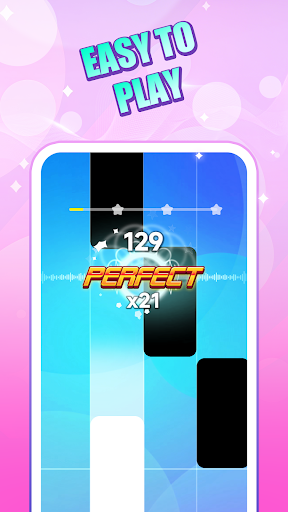
1. Watch the Screen: As the rhythm tiles fall from the top in a sleek cyber interface, get your fingers ready!
2. Tap the Tiles: Tap the black or colored tiles exactly as they hit the rhythm line.
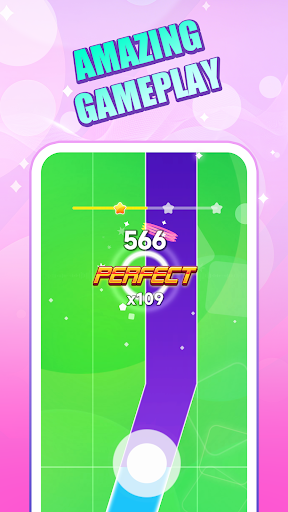
3. Hold & Slide: For long notes, press and hold to sustain the melody.
4. Precision is Key: Don't miss a tile! Missing even one will break your combo and end your run.
5. Boost Your Score: Collect glowing balls and golds on the track to trigger "Fever Mode" and double your points!
---
Why Rhythm Tiles is the Ultimate Music Game?
A Massive, Ever-Growing Song Library
From the latest chart-topping Kpop hits to pulse-pounding EDM and classic piano masterpieces, our song games library is updated weekly. No matter your taste, you’ll find the perfect beat to play along to.
Stunning Cyberpunk Visuals
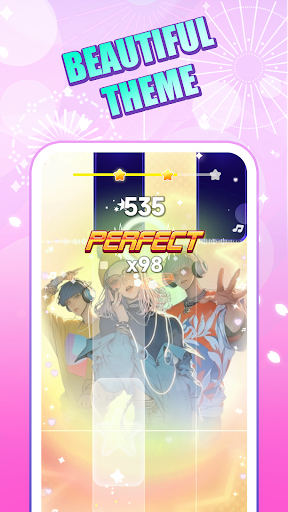
Escape into a world of neon lights and futuristic aesthetics. Our cyber theme transforms every piano game session into a visual feast, with dynamic backgrounds that react to your performance.
No Wifi? No Problem! (Offline Games)
Searching for no wifi games? We’ve got you covered. Enjoy the full rhythm game experience anywhere—on a plane, the subway, or in the middle of nowhere. Rhythm Tiles is one of the premier offline games for music lovers.
Compete and Unlock
Unlock unique skins for your tiles and even different "sound fonts." Want your piano to sound like a digital synth or a classic grand? The choice is yours. Collect balls of light to unlock secret "Hardcore" versions of your favorite tracks.
---
⭐ Key Features ⭐
Free Games Excellence: Download and play for free! Experience high-quality music games content without a price tag.
Piano Games Perfection: Smooth, responsive tap mechanics that make you feel like a real piano master.
Kpop Games Mode: Dedicated playlists featuring the hottest Kpop music and idols.
Rhythm & Beat Mastery: Test your hand-eye coordination with various difficulty levels, from "Chill" to "Cyber Legend."
Fun Games for Everyone: A fun game that’s easy to pick up for kids, yet deep enough for adults and pro gamers.
Small Footprint: Optimized to run smoothly on all devices while maintaining high-fidelity audio.
No Wifi Games: Fully functional offline games support for on-the-go entertainment.
Interactive Effects: Watch the balls and sparks fly with every perfect tap on the tiles.
---
Become a Rhythm Legend
Stop just listening to music and start playing it! Rhythm Tiles combines the addictive nature of tile tapping with the soul of a professional piano game. Improve your timing, challenge your friends on the global leaderboards, and see if you have the speed to handle the fastest rhythm games on the market.
Ready to drop the beat?
Download Rhythm Tiles for FREE today and let your cyber journey begin!
Show more

1. Download MEmu installer and finish the setup

2. Start MEmu then open Google Play on the desktop

3. Search Rhythm Tiles:Pop Songs in Google Play
Install
4. Download and Install Rhythm Tiles:Pop Songs
5. On install completion click the icon to start

6. Enjoy playing Rhythm Tiles:Pop Songs on PC with MEmu
MEmu Play is the best Android emulator and 100 million people already enjoy its superb Android gaming experience. The MEmu virtualization technology empowers you to play thousands of Android games smoothly on your PC, even the most graphic-intensive ones.
Bigger screen with better graphics; Long duration, without limitation of battery or mobile data.
Full Keymapping support for precise control of keyboard and mouse or gamepad.
Multiple game accounts or tasks on single PC at one time with Multi-Instance manager.
Play Rhythm Tiles:Pop Songs on PC by following steps: