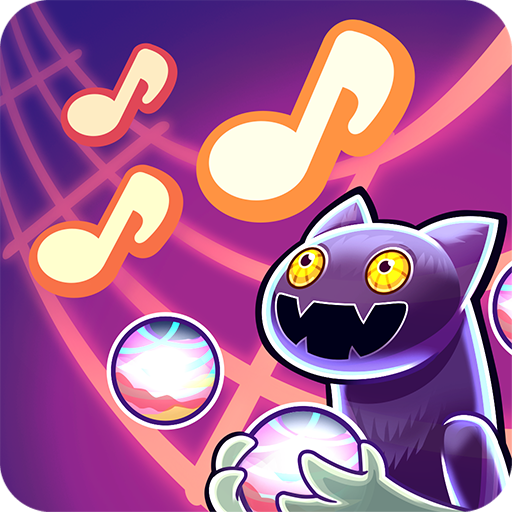
Dancing Cats - Music Tiles
Updated
Current Version
0.2.10
Offered By

With your passion for Dancing Cats - Music Tiles, you shouldn’t have to limit yourself to the small screen of a phone. Play like a pro and take full control of the game using a keyboard and mouse. MEmu gives you everything you’re looking for. Download and play Dancing Cats - Music Tiles on PC. Play as long as you want — no more worries about battery life, mobile data, or unexpected calls. The all-new MEmu 9 is the best way to play Dancing Cats - Music Tiles on PC. With our expertly designed keymapping system, Dancing Cats - Music Tiles feels just like a real PC game. The MEmu multi-instance manager lets you run two or more accounts on the same device at the same time. Most importantly, our exclusive emulation engine unlocks your PC’s full potential, delivering smooth and seamless performance.
Show more
Download Dancing Cats - Music Tiles on PC with MEmu Android Emulator. Enjoy playing on big screen. Are you looking for super cute cat games?
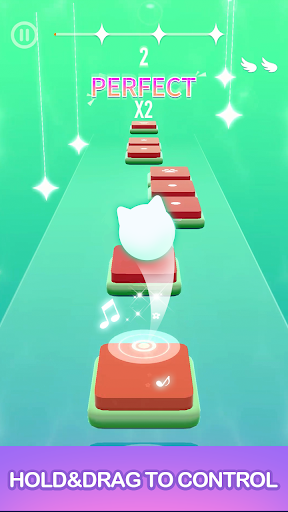
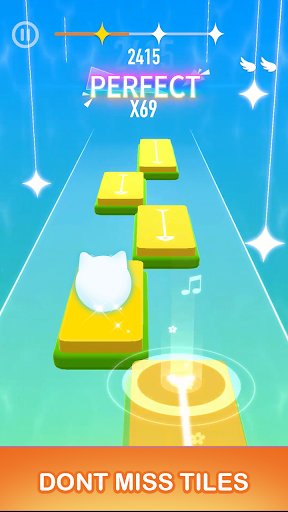
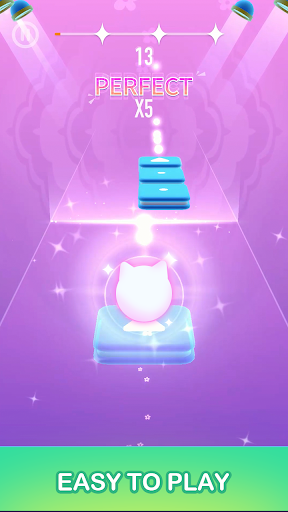
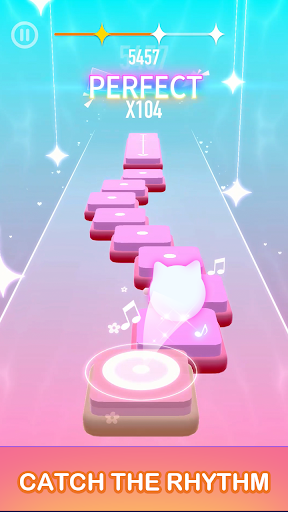
Are you looking for super cute cat games? Are you looking for these addictive music games? There is no doubt that the dancing cat is the perfect gift for you
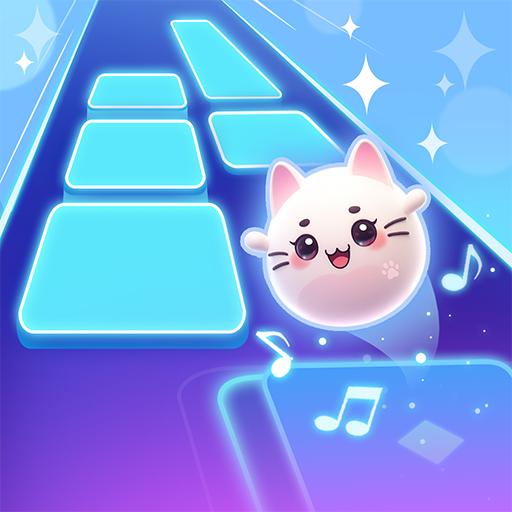
Step into the enchanting world of ""Dancing Cats"", a unique blend of rhythm game and piano games that captures the hearts of music lovers and cat enthusiasts alike. This engaging arcade musical adventure offers players a chance to experience the meow-velous symphony of cat songs and challenging tiles match play, where each step mimics the delightful dance of kitty cats on piano tiles.Let's enjoy the rhythm of the music with cute catヾ(≧▽≦*)o!
In Dancing Cats, you can enjoy super amazing and beautiful ""Cat Music""——a mix of cute ""meowing"" sound and pop music. You can experience wonderful feelings beyond your imagination with a perfect blend of beat and music. You can also experience various song styles including both global hit songs and your favorite independent music.
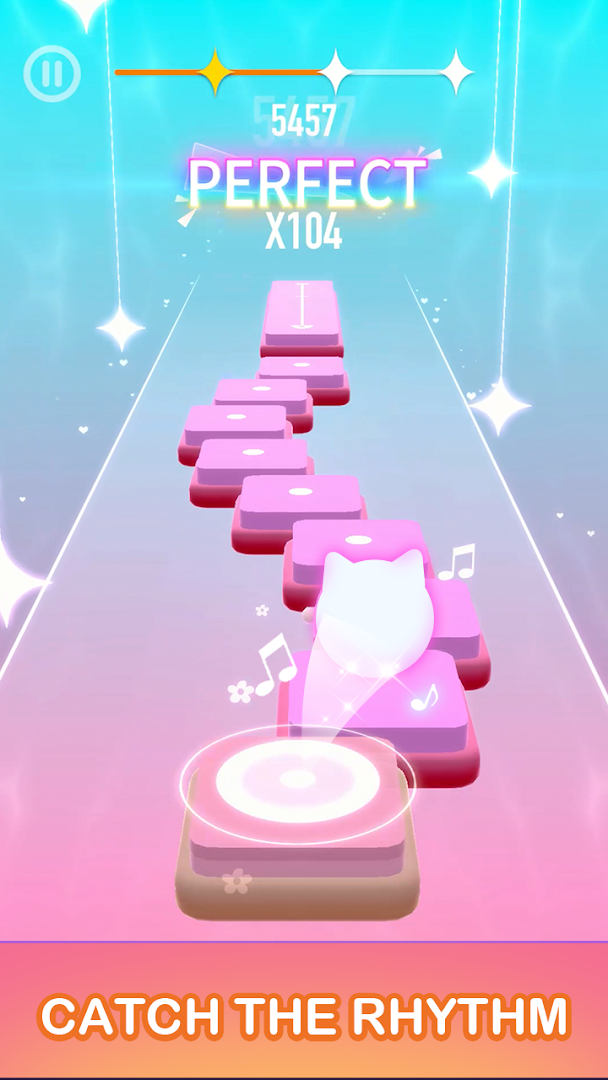
At its core, ""Dancing Cats"" is a music game that revolves around tapping piano tiles in sync with the rhythm of catchy tunes, including popular Kpop games tracks, creating an immersive music games experience. The magic of the game lies in its combination of classic piano games mechanics with a lively dancing games twist. As players navigate through each level, they are greeted by charming kitty cats performing adorable dance routines, adding a layer of visual delight to the rhythm challenges.
⭐Key Features⭐
- So many hot songs to choose
- Remixes of popular songs with ""meowing"" sound
- Easy guides to follow
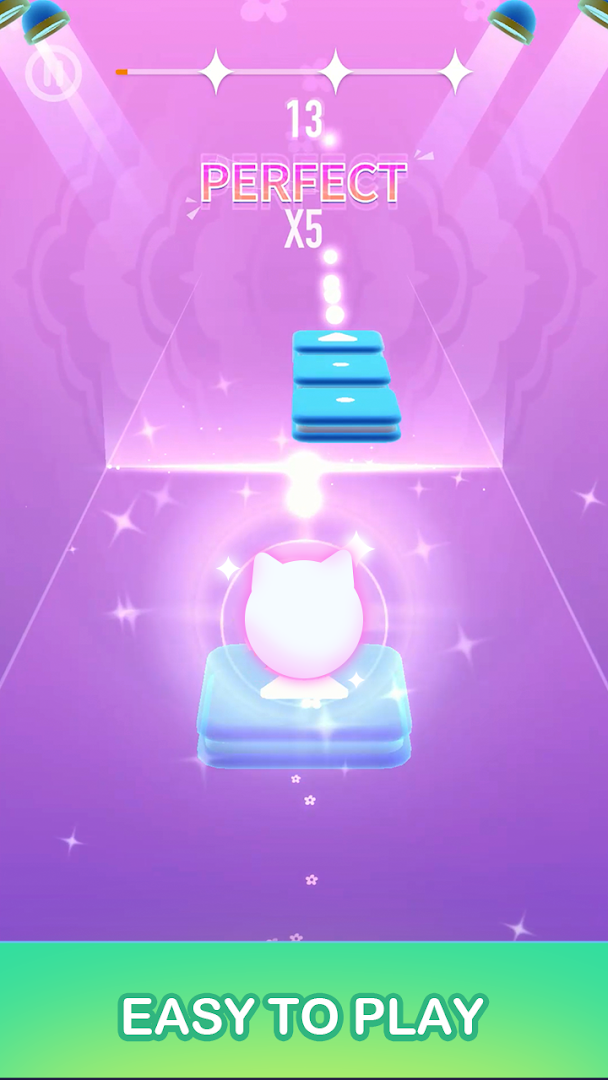
- One-touch control, easy to play
- Bright colors and fantastic design
- Various kawaii cats waiting to collect
How to Play
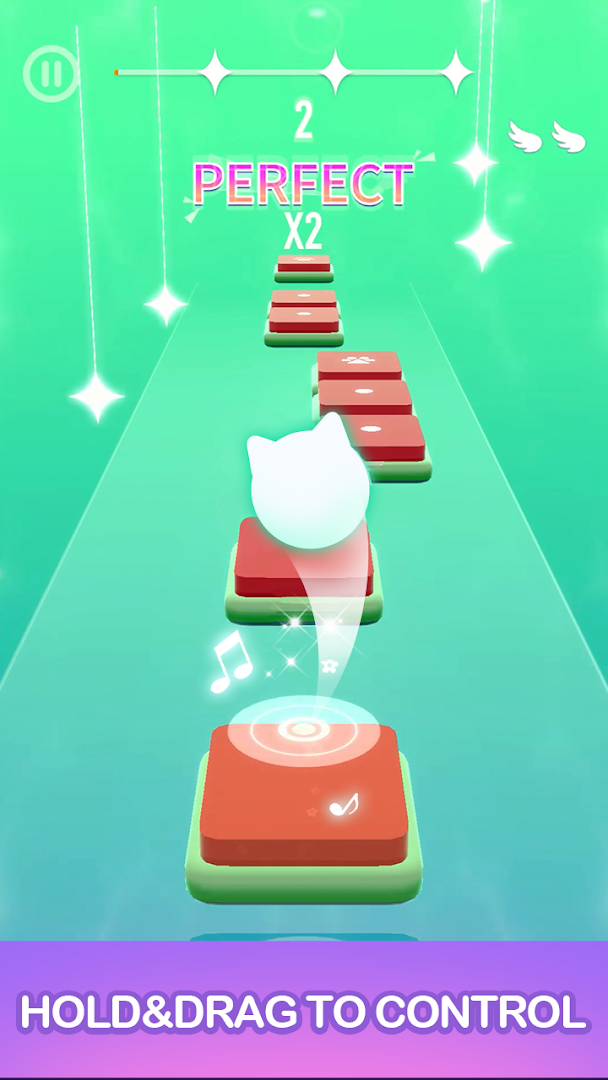
- Hold and drag the cat to make it jump on the correct tiles
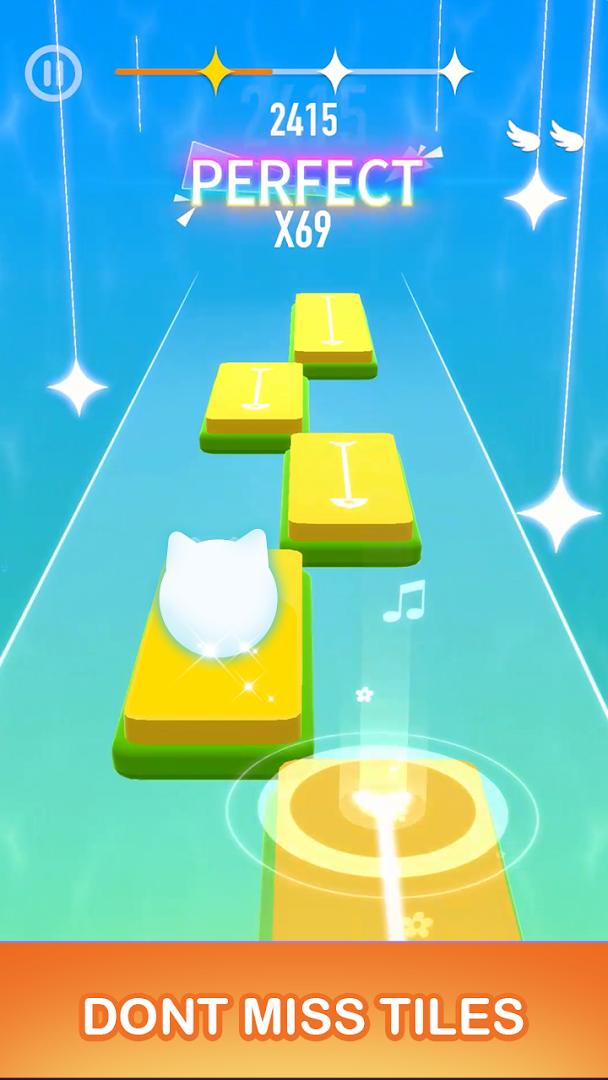
- Be careful not to miss any tiles within one song!
- Complete as many songs as you can!
- Collect as much gold as you can to unlock new cats
- For a complete musical feeling, headphones are recommended
The game boasts a variety of modes that cater to different player preferences, all under the umbrella of music games free. Whether you're looking for intense rhythm games competition or a relaxing music simulation games experience, ""Dancing Cats"" has something to offer. With piano games with real songs, players can engage with actual tracks from their favorite artists, enhancing the connection between game play and real-world music.
""Dancing Cats"" also features an extensive offline component, making it one of the few music games offline available today. Players can enjoy piano tiles offline, ensuring the fun continues even without internet connectivity. This feature is perfect for those who wish to hone their rhythm game skills during commutes or in areas with limited internet access.
Moreover, the game includes cute cat games elements, where each cat character brings its own unique flair and talents to the musical journey. From the deep, resonant purrs of bass notes to the sharp, quick meows of high octaves, the cat music games aspect adds a whimsical twist to conventional music tiles gameplay. The integration of cat piano games with traditional song games provides a refreshing take on both genres.
For those captivated by singing songs and dancing along to rhythmic beats, ""Dancing Cats"" offers a comprehensive package of entertainment. It stands out not just as a piano game, but as a celebration of music, rhythm, and feline charm all rolled into one captivating experience.
If you're passionate about music, love cats, or simply enjoy innovative rhythm games, ""Dancing Cats"" is sure to provide endless hours of enjoyment and challenge. Prepare to tap, dance, and purr along with the rhythm of this magical music tiles game. Whether you're a seasoned pianist or a casual gamer looking for some musical fun, ""Dancing Cats"" welcomes you to join the ultimate dance party with your furry musical companions.
More surprises waiting for you!Download and enjoy the whole new experience right now!
Show more

1. Download MEmu installer and finish the setup

2. Start MEmu then open Google Play on the desktop

3. Search Dancing Cats - Music Tiles in Google Play
Install
4. Download and Install Dancing Cats - Music Tiles
5. On install completion click the icon to start

6. Enjoy playing Dancing Cats - Music Tiles on PC with MEmu
MEmu Play is the best Android emulator and 100 million people already enjoy its superb Android gaming experience. The MEmu virtualization technology empowers you to play thousands of Android games smoothly on your PC, even the most graphic-intensive ones.
Bigger screen with better graphics; Long duration, without limitation of battery or mobile data.
Full Keymapping support for precise control of keyboard and mouse or gamepad.
Multiple game accounts or tasks on single PC at one time with Multi-Instance manager.
Play Dancing Cats - Music Tiles on PC by following steps: