Baby Games
Updated
Current Version
1733832612
Offered By

With your passion for Baby Games, you shouldn’t have to limit yourself to the small screen of a phone. Play like a pro and take full control of the game using a keyboard and mouse. MEmu gives you everything you’re looking for. Download and play Baby Games on PC. Play as long as you want — no more worries about battery life, mobile data, or unexpected calls. The all-new MEmu 9 is the best way to play Baby Games on PC. With our expertly designed keymapping system, Baby Games feels just like a real PC game. The MEmu multi-instance manager lets you run two or more accounts on the same device at the same time. Most importantly, our exclusive emulation engine unlocks your PC’s full potential, delivering smooth and seamless performance.
Show more
Download Baby Games on PC with MEmu Android Emulator. Enjoy playing on big screen. Entertain your baby for hours with "Baby Games - Piano, Baby Phone, First Words", a fun, simple, colorful, and FREE educational phone game designed with kids and toddlers in mind!


Entertain your baby for hours with "Baby Games - Piano, Baby Phone, First Words", a fun, simple, colorful, and FREE educational phone game designed with kids and toddlers in mind!
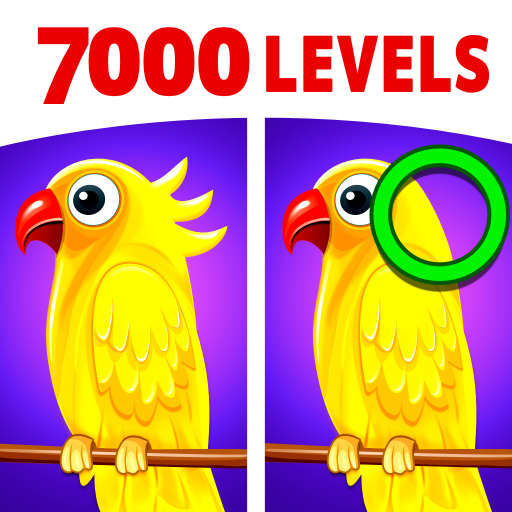
Learning is fun with Baby Games, and there are plenty of mini-games and educational activities here to keep babies interested. It starts with pictures of animals, children can match to the sounds they make. There are also balloon popping games, musical learning modes, fun activities, and more. It's the perfect baby phone game to keep the little ones entertained.
Baby Games has a lively and easy to use interface that's perfect for kids between six and twelve months old. One and two year old toddlers or even kindergarteners will have fun with it, too! While playing, children of all ages will laugh and giggle as they explore all the fun activities at their fingertips, helping to develop attention and observational skills along with memory and fine motor control.
Baby Games also features fun nursery rhymes, baby songs, and rhyming games for kids and toddlers in an easy to use child-safe interface. Some of the nursery rhymes include the ABC alphabet song, Five Little Ducks, Humpty Dumpty, Rain Rain Go Away, Wheels on the Bus, Twinkle Twinkle Little Star, and more.
Here's a quick look at the baby phone games featured in our app:
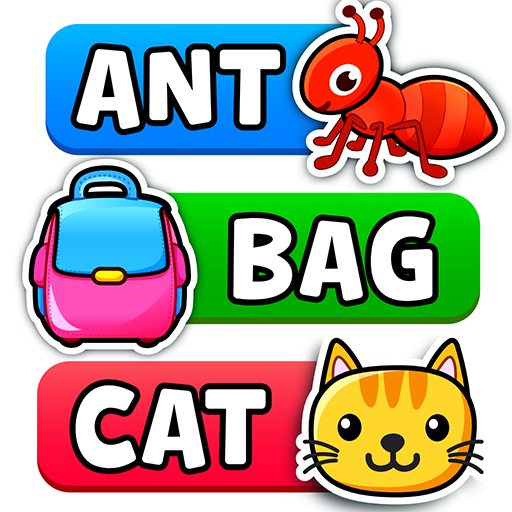
1. First Words - Kids can learn all about the sounds birds and animals make, complete with pictures to match them with. Play the "What's this?" game to see how many they can remember!
2. Music Room - As every parent knows, kids love to make noise. Help your toddler develop their motor skills and appreciation for certain sounds by turning them loose in the Music Room. Four different instruments are ready to play with, everything from drums to pianos, trumpets, and xylophones. Babies can make their own music by tapping the screen, and they'll hear real sounds with every touch!
3. Pop 'n Play - Kids as well as adults love popping toy balloons. It's exciting to tap the screen and watch the images burst and disappear! This mode features regular balloons, animal shaped balloons, and smiley balloons, all ready to pop with one touch. There's even a bonus fruit smash game that helps kids build coordination and motor skills.
4. Fireworks - Look at the sky, it's fireworks! Babies can tap or drag to create a dazzling show of lights, complete with authentic sound effects. Multi-touch support is included, so kids can set off fireworks with all five fingers at once!
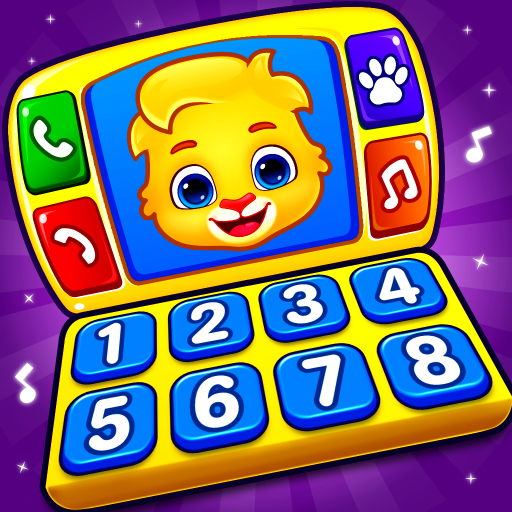
5. Baby Phone - A fantastically fun mode that helps children learn different animal sounds, nursery rhymes, lullabies and musical notes by playing with a virtual phone! Make a pretend phone call to an animal and it will answer, complete with a cartoon face and real sound effects! Kids can press the colorful buttons to hear many different sounds and learn about animals, numbers, and even play nursery rhymes.
Baby Games is the perfect tool to help children, toddlers, and babies to build memory and observational skills. It's colorful and easy to use, and it includes a number of fantastic mini-games that will suit any child's preferences.
Note to parents:
"Baby Games - Piano, Baby Phone, First Words" is a free app released with no third party ads or in-app purchases. It's also a passion project. We're parents ourselves, which means we have some pretty strong opinions on what we want our kids to learn and play with!
We created Baby Games and released it for free to help provide better learning materials for babies and young children. We follow a strict protocol against third party ads since kids of this age should not be exposed to their influencing content. We also kept it free to make sure more families around the world can enjoy it.
We're confident you and your children will have a great time with this game. If you do, please consider sharing it with others.
Thanks for caring about your child's education and well-being!
- Best wishes from the parents at RV AppStudios
Show more

1. Download MEmu installer and finish the setup

2. Start MEmu then open Google Play on the desktop

3. Search Baby Games in Google Play
Install
4. Download and Install Baby Games
5. On install completion click the icon to start

6. Enjoy playing Baby Games on PC with MEmu
MEmu Play is the best Android emulator and 100 million people already enjoy its superb Android gaming experience. The MEmu virtualization technology empowers you to play thousands of Android games smoothly on your PC, even the most graphic-intensive ones.
Bigger screen with better graphics; Long duration, without limitation of battery or mobile data.
Full Keymapping support for precise control of keyboard and mouse or gamepad.
Multiple game accounts or tasks on single PC at one time with Multi-Instance manager.
Play Baby Games on PC by following steps: