Concord
Updated
Current Version
Offered By

With your passion for Concord, you shouldn’t have to limit yourself to the small screen of a phone. Play like a pro and take full control of the game using a keyboard and mouse. MEmu gives you everything you’re looking for. Download and play Concord on PC. Play as long as you want — no more worries about battery life, mobile data, or unexpected calls. The all-new MEmu 9 is the best way to play Concord on PC. With our expertly designed keymapping system, Concord feels just like a real PC game. The MEmu multi-instance manager lets you run two or more accounts on the same device at the same time. Most importantly, our exclusive emulation engine unlocks your PC’s full potential, delivering smooth and seamless performance.
Show more
Download Concord on PC with MEmu Android Emulator. Enjoy playing on big screen. JOIN THE CREW OF THE NORTHSTARAssemble your crew of Freegunner space outlaws and team up online with friends for thrilling 5v5 PVP modes across the galaxy in Concord.
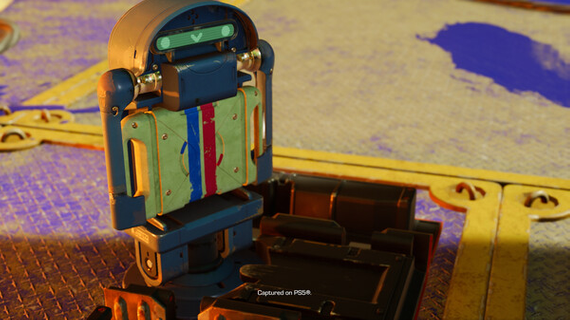
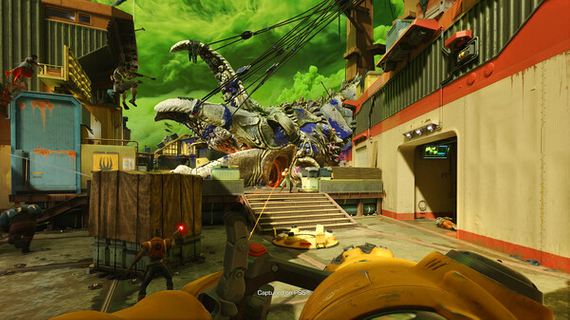
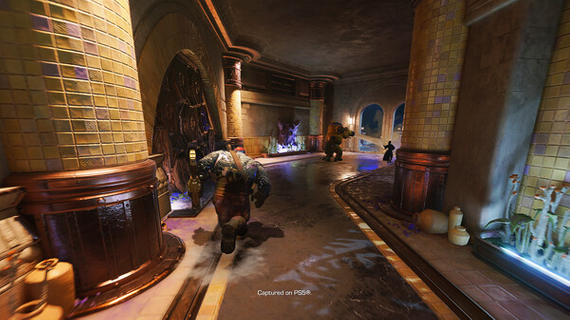
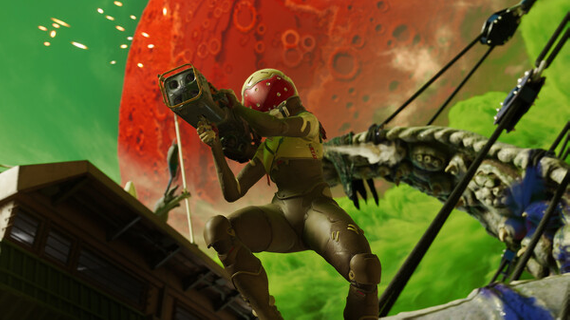
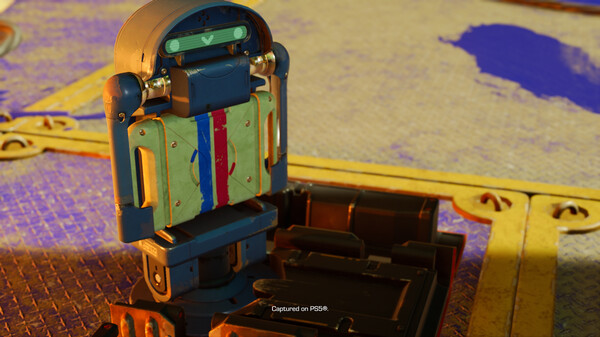
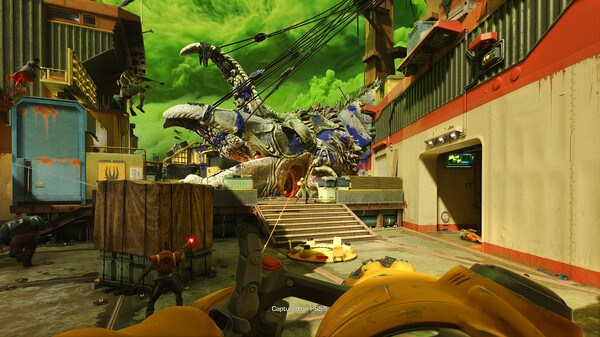
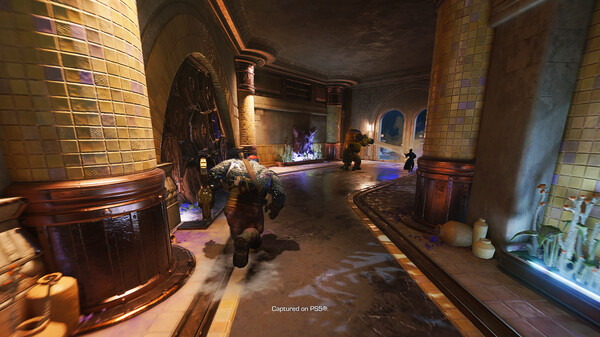
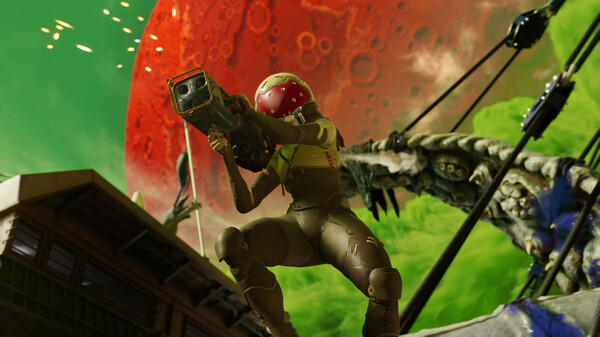
JOIN THE CREW OF THE NORTHSTARAssemble your crew of Freegunner space outlaws and team up online with friends for thrilling 5v5 PVP modes across the galaxy in Concord. Concord is a new team-based first-person shooter for PS5® and PC¹, where you have the power to be the game-changer for your team. Handpick your personal roster of Freegunners from the crew of the Northstar – a group of misfits, outlaws, and adventurers working as guns-for-hire. Team up to take on rival crews across the spectacular worlds of the Wilds of space in a range of PVP modes.PUT TOGETHER YOUR CREWFrom powerful mystics and towering robots to skilled gunslingers and helpful healers, each Freegunner of the Northstar crew brings their own unique skills, personality, and abilities that cater to a wide-range of playstyles. Create your own custom squads of Freegunners to bring an arsenal of different role types to the match or focus on your favorite characters to master their gameplay and unlock unique modifiers, cosmetics, background lore, and more – you decide when to play your characters and how you impact the match.ADVENTURE EVERY MATCHEach match is a new adventure as you team up with friends online and take on rival Freegunner crews to complete high-stakes jobs across the Concord galaxy in online PVP modes. As you play, complete daily and weekly challenges from the Job Board to earn progression, unlock new items for your Freegunners, and learn more about the characters, worlds, and factions in the Concord Galaxy with the Galactic Guide. Win or lose, every match offers rewarding progression.MODES FOR EVERY MOODWith an array of objective and respawn-based modes with emphasis on teamplay, Concord has six different PVP modes that let you determine the level of challenge you are looking for – whether to unwind with a few matches or team up with friends for a more competitive experience.NORTHSTAR CREW STORIESAs your journey in Concord unfolds, so will the stories of the Northstar crew. Each week, you will be greeted by new cinematic vignettes that premiere in-game that deliver ongoing narratives that expand upon the characters and their adventures.AN EXPANDING UNIVERSEThe crew of the Northstar and the galaxy of Concord will grow through regular post-launch updates that introduce new Freegunners, game modes, maps and worlds, and weekly cinematic vignettes for no additional cost.BUILT FOR PS5 AND PCConcord features seamless cross-play and cross-progression between PlayStation®5 consoles and PC, allowing you to team up with friends, enjoy all of your progress and unlocked content, and access PlayStation features – like Trophies and your PlayStation Friends list – regardless of what platform you play on. An account for PlayStation Network is required to play Concord. ¹ PlayStation Network Account required, subject to the PlayStation Terms of Services and User Agreement.
Show more

1. Download MEmu installer and finish the setup

2. Start MEmu then open Google Play on the desktop

3. Search Concord in Google Play
Install
4. Download and Install Concord
5. On install completion click the icon to start

6. Enjoy playing Concord on PC with MEmu
MEmu Play is the best Android emulator and 100 million people already enjoy its superb Android gaming experience. The MEmu virtualization technology empowers you to play thousands of Android games smoothly on your PC, even the most graphic-intensive ones.
Bigger screen with better graphics; Long duration, without limitation of battery or mobile data.
Full Keymapping support for precise control of keyboard and mouse or gamepad.
Multiple game accounts or tasks on single PC at one time with Multi-Instance manager.
Play Concord on PC by following steps: