Dhot Design: The Night Shift
Updated
Current Version
1.3.4
Offered By

With your passion for Dhot Design: The Night Shift, you shouldn’t have to limit yourself to the small screen of a phone. Play like a pro and take full control of the game using a keyboard and mouse. MEmu gives you everything you’re looking for. Download and play Dhot Design: The Night Shift on PC. Play as long as you want — no more worries about battery life, mobile data, or unexpected calls. The all-new MEmu 9 is the best way to play Dhot Design: The Night Shift on PC. With our expertly designed keymapping system, Dhot Design: The Night Shift feels just like a real PC game. The MEmu multi-instance manager lets you run two or more accounts on the same device at the same time. Most importantly, our exclusive emulation engine unlocks your PC’s full potential, delivering smooth and seamless performance.
Show more
Download Dhot Design: The Night Shift on PC with MEmu Android Emulator. Enjoy playing on big screen. Dhot is super unlucky!
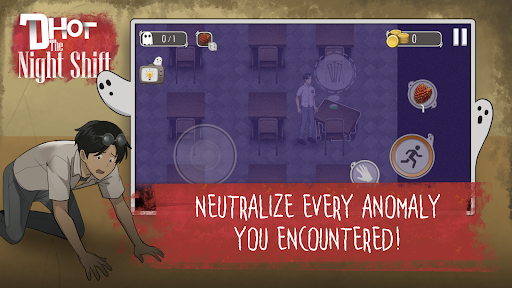
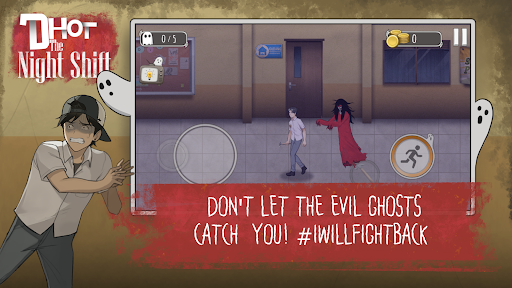
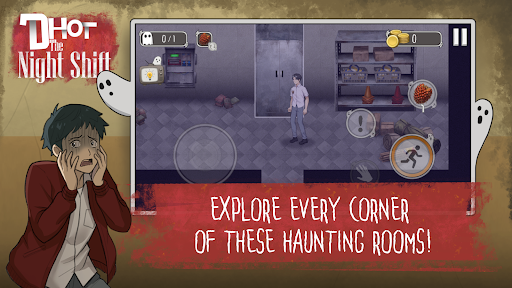
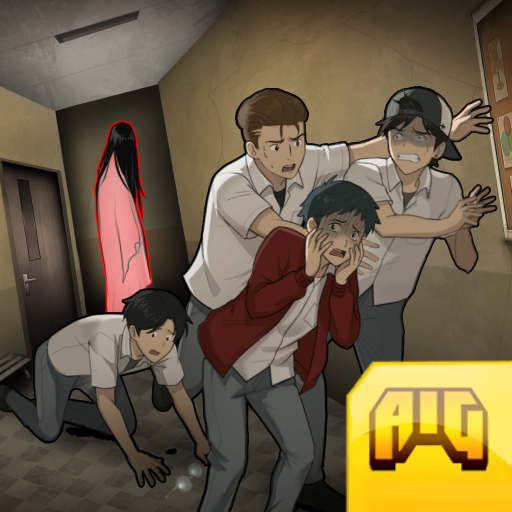
Dhot is super unlucky! He just wanted a normal school life, but after months of unpaid class fees, his teacher forced him to work the night shift as a makeshift janitor and security guard to pay off his debt. But... everyone knows those school hallways are haunted!
Dhot: The Night Shift is the official survival comedy-horror game from the popular animation creator, Dhot Design. Prepare your nerves (and your stomach muscles) to play hide-and-seek against terrifying yet hilarious local ghosts!
Don't just run for your life! Your mission is to explore the dark school, fix messy anomalies, collect coins to pay off your debt, and survive until the morning bell rings.
KEY FEATURES:
Hide & Seek with Creepy Ghosts
The school is haunted by Indonesian urban legends like Pocong and Kuntilanak! Sneak around, don't make a sound, or sprint as fast as you can to the Safe Zone to save your life!
Ridiculous & Hilarious Weapons
Fight ghosts using confiscated school items! Throw Sand to blind them, use Salt & Onions to stun them, make them slip on Marbles & Palm Fruits, or use the ultimate weapon: Throw an LPG Gas Cylinder to blast them away!
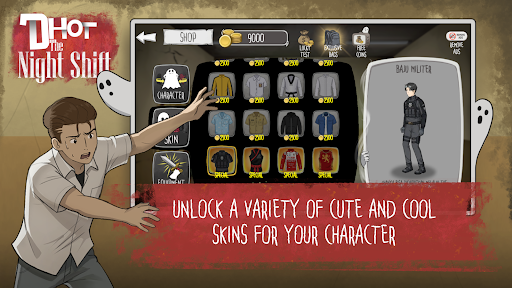
Gacha Lockers & Hundreds of Funny Skins
Collect coins and open the Exclusive Bags! Collect over a hundred hilarious Dhot skins. Can you collect them all?
Original Voice Over by Dhot Design
Accompanied by the original voice of Dhot Geng 4G, the horror atmosphere is instantly filled with comedy. Listen to their funny remarks while hiding, fixing things, or getting caught by ghosts!
Horror, Tension, and Comedy Combined!
Feel the thrill when your flashlight dims, mixed with heart-pounding jumpscares that end in slapstick moments making you laugh out loud.
Can you help Dhot survive until morning and pay off his class debt? Or will Dhot become the school's ultimate sacrifice?
Download Dhot: The Night Shift now! Prove that you are the bravest (or the most unlucky) school guard in the world!
(Don't forget to leave a 5-star rating and a funny review so Dhot can get his paycheck and treat Kona to some snacks!)
Show more

1. Download MEmu installer and finish the setup

2. Start MEmu then open Google Play on the desktop

3. Search Dhot Design: The Night Shift in Google Play
Install
4. Download and Install Dhot Design: The Night Shift
5. On install completion click the icon to start

6. Enjoy playing Dhot Design: The Night Shift on PC with MEmu
MEmu Play is the best Android emulator and 100 million people already enjoy its superb Android gaming experience. The MEmu virtualization technology empowers you to play thousands of Android games smoothly on your PC, even the most graphic-intensive ones.
Bigger screen with better graphics; Long duration, without limitation of battery or mobile data.
Full Keymapping support for precise control of keyboard and mouse or gamepad.
Multiple game accounts or tasks on single PC at one time with Multi-Instance manager.
Play Dhot Design: The Night Shift on PC by following steps: