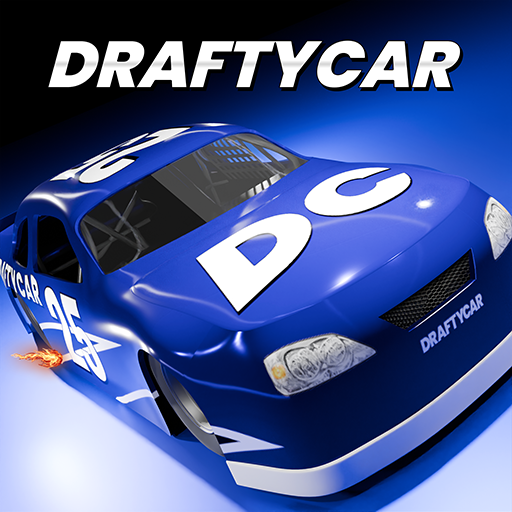
DRAFTYCAR
Updated
Current Version
1.0
Offered By

With your passion for DRAFTYCAR, you shouldn’t have to limit yourself to the small screen of a phone. Play like a pro and take full control of the game using a keyboard and mouse. MEmu gives you everything you’re looking for. Download and play DRAFTYCAR on PC. Play as long as you want — no more worries about battery life, mobile data, or unexpected calls. The all-new MEmu 9 is the best way to play DRAFTYCAR on PC. With our expertly designed keymapping system, DRAFTYCAR feels just like a real PC game. The MEmu multi-instance manager lets you run two or more accounts on the same device at the same time. Most importantly, our exclusive emulation engine unlocks your PC’s full potential, delivering smooth and seamless performance.
Show more
Download DRAFTYCAR on PC with MEmu Android Emulator. Enjoy playing on big screen. I'm trying to get Android 14 devices working!
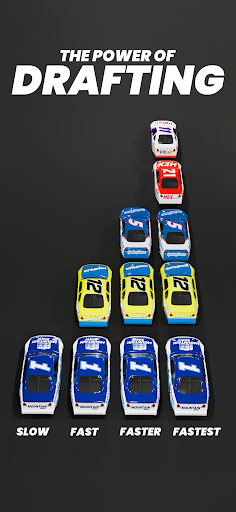
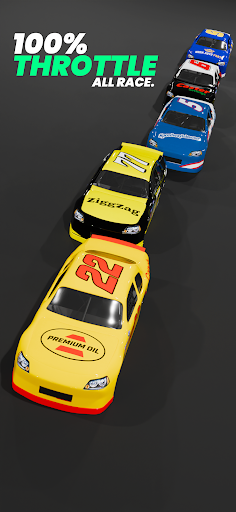
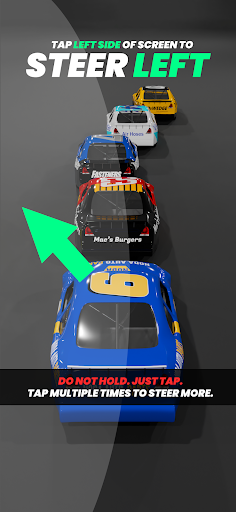
I'm trying to get Android 14 devices working! Updating daily. Made by a solo developer. Fixing a LOT of bugs right now and the graphics are stuck at minimum settings regardless of what you set in the settings menu.
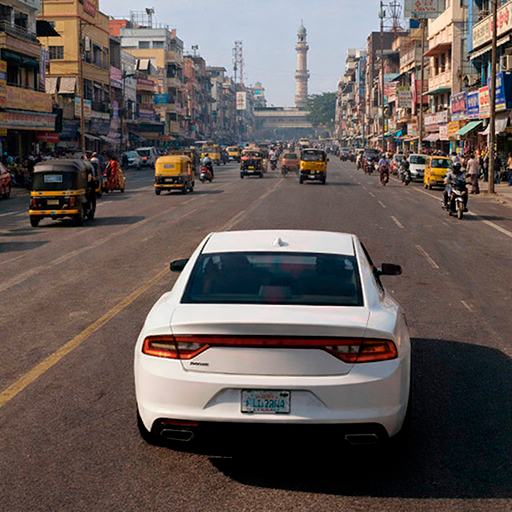
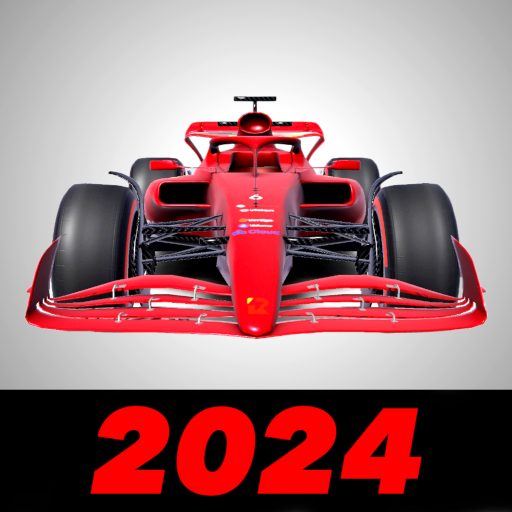
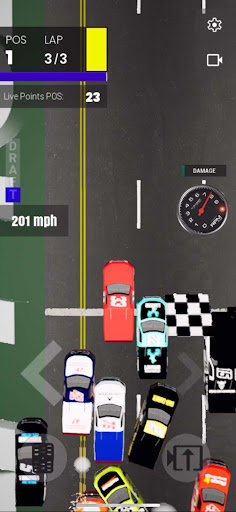
DRAFTYCAR is a fast-paced racing game simulating the art of professional stockcar drafting. Tweak the physics to your liking and immerse yourself in pursuit of victory. Strategically place your car to gain speed, disrupt your competition and navigate a high-speed drag race to the finish.
Overview
Race your competition by using the art of drafting and aerodynamics to overtake your competition. Strategically place your car to gain speed, disrupt your competition and navigate a straight-line dash to the finish in this action-filled Motorsports arcade racer. Precision maneuvers, strategic thinking and quick reflexes are required to secure victory. With realistic physics tweaking, great visuals, and intense gameplay, DRAFTYCAR offers a racing experience like no other.
Mechanics
Tune 13 different parameters to your liking to create challenging, fun, and dynamic experiences.
Race the Clock
Each session is timed. Climb the Steam leaderboard for the best winning time and most career wins.
Indie Developer
DRAFTYCAR was developed by one person. We appreciate your patience as we work on new features and fix bugs. Join our Discord below to submit feedback and get help from the community. By supporting DRAFTYCAR, you're helping us achieve our goal to make this game multiplayer, as well as creating the foundation for more racing games in the future!
In Development
We are working to add a paint scheme selection tool so you can run any paint scheme in the game.
Join Our Community
discord.gg/hrqVGGUpSp
Show more

1. Download MEmu installer and finish the setup

2. Start MEmu then open Google Play on the desktop

3. Search DRAFTYCAR in Google Play
Install
4. Download and Install DRAFTYCAR
5. On install completion click the icon to start

6. Enjoy playing DRAFTYCAR on PC with MEmu
MEmu Play is the best Android emulator and 100 million people already enjoy its superb Android gaming experience. The MEmu virtualization technology empowers you to play thousands of Android games smoothly on your PC, even the most graphic-intensive ones.
Bigger screen with better graphics; Long duration, without limitation of battery or mobile data.
Full Keymapping support for precise control of keyboard and mouse or gamepad.
Multiple game accounts or tasks on single PC at one time with Multi-Instance manager.
Play DRAFTYCAR on PC by following steps: