Elysia: The Astral Fall
Updated
Current Version
1.0.7
Offered By

With your passion for Elysia: The Astral Fall, you shouldn’t have to limit yourself to the small screen of a phone. Play like a pro and take full control of the game using a keyboard and mouse. MEmu gives you everything you’re looking for. Download and play Elysia: The Astral Fall on PC. Play as long as you want — no more worries about battery life, mobile data, or unexpected calls. The all-new MEmu 9 is the best way to play Elysia: The Astral Fall on PC. With our expertly designed keymapping system, Elysia: The Astral Fall feels just like a real PC game. The MEmu multi-instance manager lets you run two or more accounts on the same device at the same time. Most importantly, our exclusive emulation engine unlocks your PC’s full potential, delivering smooth and seamless performance.
Show more
Download Elysia: The Astral Fall on PC with MEmu Android Emulator. Enjoy playing on big screen. Embark on an Endless Adventure in a Mythical Fantasy World!

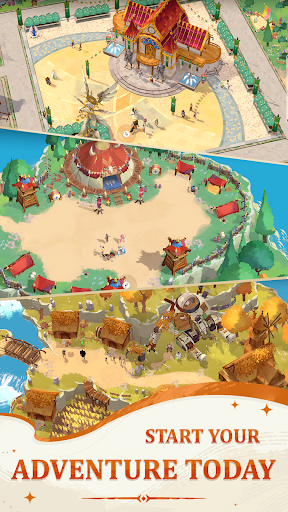
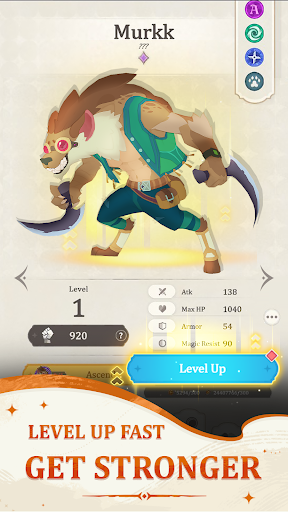
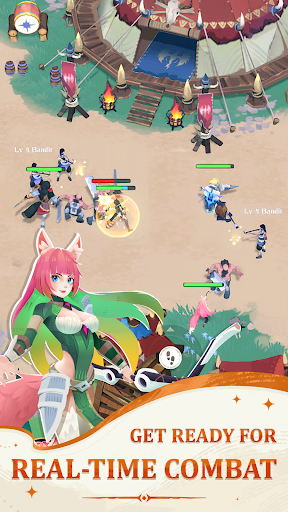
Embark on an Endless Adventure in a Mythical Fantasy World!
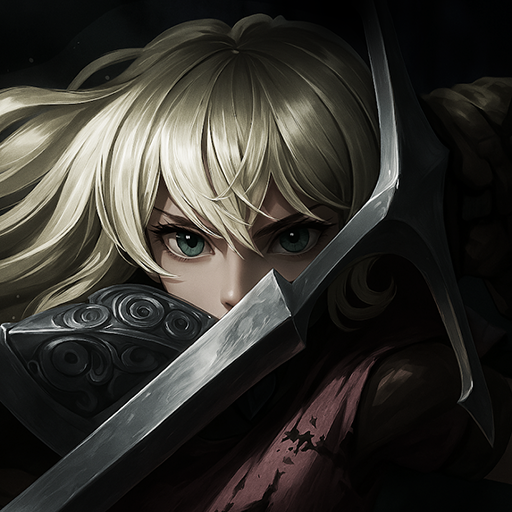
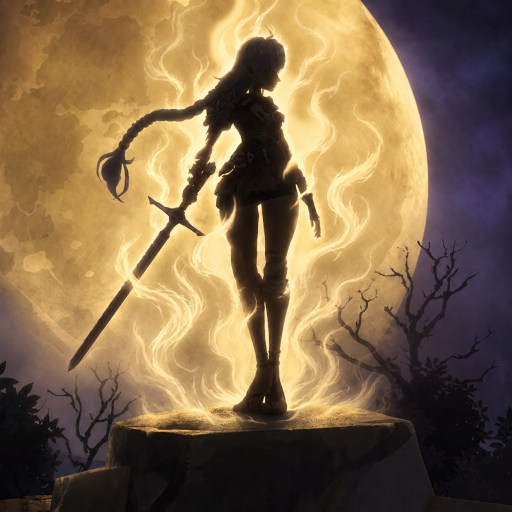
In Elysia: The Astral Fall, you will step into a breathtaking universe where the delicate balance between light and darkness is threatened by the forces of The Void.
Taking on the role of a young warrior, you will lead your team of heroes through countless challenges, uncover the forgotten secrets of Elysia, and fight to protect Solaria from utter destruction.
EXPLORE A MAGICAL WORLD
Travel across six distinct regions, each hiding untold mysteries waiting to be discovered. Search for treasures, complete quests to assist the locals, battle fearsome monsters, and defend Solaria against the devastating invasion of The Void. Every step you take unravels a vital piece of the puzzle in the fight to save the universe.
MASTER BATTLEFIELD STRATEGIES
Engage in real-time battles in an open-world environment, where you can freely select and arrange your team of heroes to face a variety of powerful monsters. Take direct control of your heroes during combat, issuing commands for attacks or activating their unique skills to craft dynamic strategies.
Each hero is equipped with two combat abilities and an ultimate skill, allowing for tailored strategies that can turn the tide of battle. Upgrade your heroes and collect new equipment to strengthen your team and expand your combat capabilities, ensuring Solaria’s survival against the invasion of The Void.
BUILD YOUR DREAM TEAM
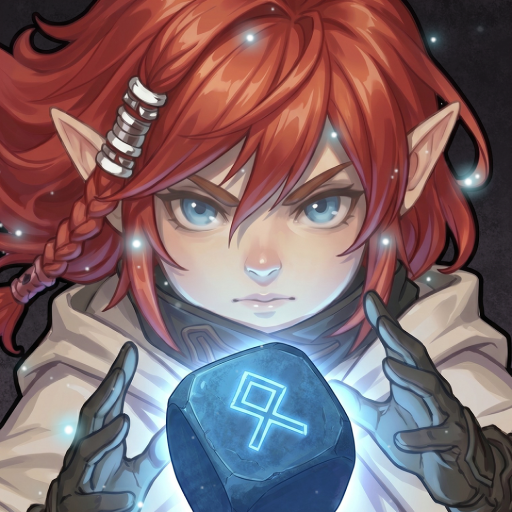
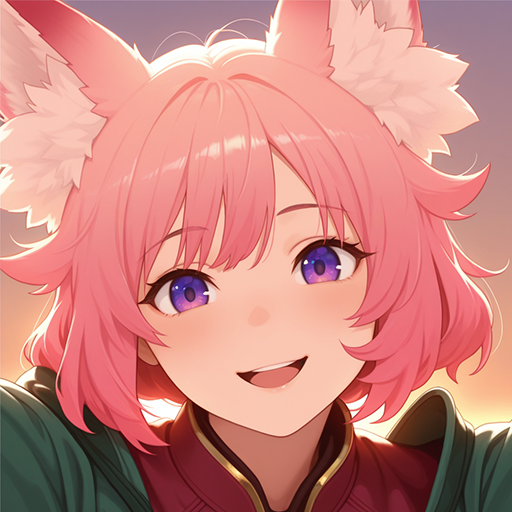
Heroes are divided into seven elemental factions: Fire, Ice, Wind, Lightning, Kinetic, Light, and Void, offering a diverse range of playstyles. Additionally, each hero possesses specialized combat roles such as Fighter, Preserver, Supporter, Nullifier, Executioner, and Striker, enabling endless strategic combinations.
With the ability to choose up to five heroes for your team, you can experiment with countless configurations, unlocking hundreds of synergistic combinations. Every battle is an opportunity to showcase your creativity and strategic thinking.
IDLE REWARDS & POWER UPS
Enjoy a stress-free experience with a unique system: earn continuous rewards by the hour and day—even when offline. Your team will automatically battle and gather resources while you relax, ensuring steady progression and growth.
SEASONAL EVENT & UPDATES
Participate in seasonal events, explore expanding storylines, and unlock exclusive heroes and items. Regular updates ensure your journey remains fresh, exciting, and full of surprises.
START YOUR JOURNEY NOW WITH ElYSIA : THE ASTRAL FALL
Please feel free to contact us via any of the below:
> Facebook Fanpage: https://www.facebook.com/elysiathegame
> Youtube: https://www.youtube.com/@ElysiaTheGame
Show more

1. Download MEmu installer and finish the setup

2. Start MEmu then open Google Play on the desktop

3. Search Elysia: The Astral Fall in Google Play
Install
4. Download and Install Elysia: The Astral Fall
5. On install completion click the icon to start

6. Enjoy playing Elysia: The Astral Fall on PC with MEmu
MEmu Play is the best Android emulator and 100 million people already enjoy its superb Android gaming experience. The MEmu virtualization technology empowers you to play thousands of Android games smoothly on your PC, even the most graphic-intensive ones.
Bigger screen with better graphics; Long duration, without limitation of battery or mobile data.
Full Keymapping support for precise control of keyboard and mouse or gamepad.
Multiple game accounts or tasks on single PC at one time with Multi-Instance manager.
Play Elysia: The Astral Fall on PC by following steps: