Family Fun : Match & Design
Updated
Current Version
1793944421
Offered By

With your passion for Family Fun : Match & Design, you shouldn’t have to limit yourself to the small screen of a phone. Play like a pro and take full control of the game using a keyboard and mouse. MEmu gives you everything you’re looking for. Download and play Family Fun : Match & Design on PC. Play as long as you want — no more worries about battery life, mobile data, or unexpected calls. The all-new MEmu 9 is the best way to play Family Fun : Match & Design on PC. With our expertly designed keymapping system, Family Fun : Match & Design feels just like a real PC game. The MEmu multi-instance manager lets you run two or more accounts on the same device at the same time. Most importantly, our exclusive emulation engine unlocks your PC’s full potential, delivering smooth and seamless performance.
Show more
Download Family Fun : Match & Design on PC with MEmu Android Emulator. Enjoy playing on big screen. Family Fun Garden Design: Match 3 & Bubble Shooter.
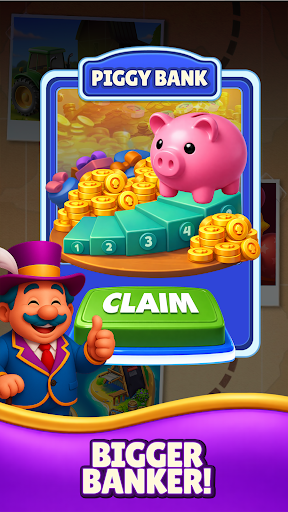



Family Fun Garden Design: Match 3 & Bubble Shooter
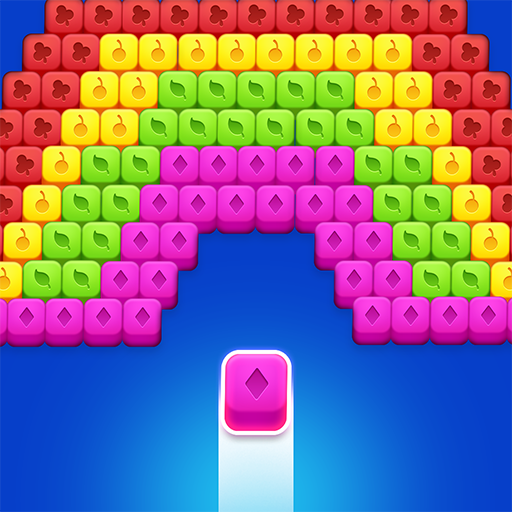
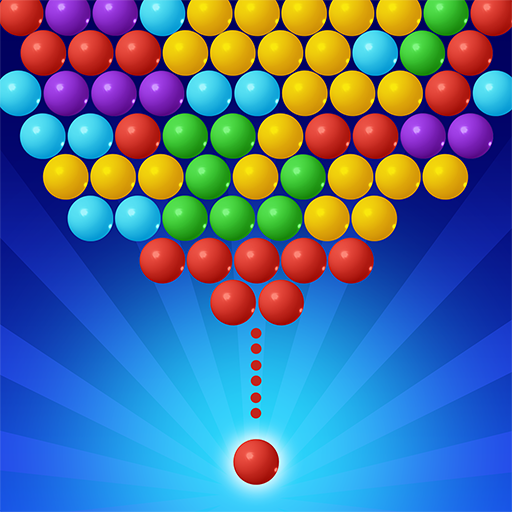
Family Fun is a relaxing garden design match-3 puzzle game where you decorate, renovate, and transform beautiful outdoor spaces into royal dream gardens. If you love home makeover games, landscaping games, bubble shooter puzzles, and cozy decorating games, this is the perfect game for you!
Design stunning royal gardens, beach house yards, terraces, villas, farms, scenic roads, and cozy family homes in one of the most satisfying garden makeover games on Google Play.
Design & Decorate Dream Gardens
Become a master landscaper and create breathtaking outdoor spaces:
• Design royal home gardens & luxury villas
• Decorate terraces with flowers, plants & trees
• Add stylish outdoor furniture & garden lounges
• Renovate beach houses, cottages & chalets
• Customize landscapes with unique themes
Turn empty yards into stunning paradise gardens with your creativity!
Addictive Match-3 & Bubble Shooter Gameplay
Enjoy exciting and relaxing gameplay:
• Swap & match colorful pieces in fun match-3 puzzle levels
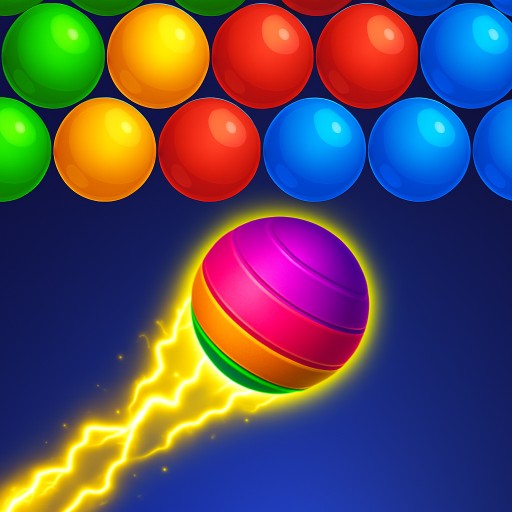
• Play engaging bubble shooter challenges
• Complete garden restoration missions
• Unlock new decorations & landscaping upgrades
• Discover a fresh storyline while you design
This is more than a puzzle game - it’s a full garden makeover adventure.
Relaxing & Cozy Design Experience
If you enjoy:
• Home design games
• Interior & exterior decoration games
• Garden renovation games
• Relaxing puzzle games
• Cozy offline games
Then Family Fun Garden Design: Match 3 will become your new favorite escape.
Unwind, express your creativity, and experience the joy of landscaping beautiful outdoor spaces.
Why Players Love Family Fun
Hundreds of flowers & plants
Beautiful royal garden themes
Daily design challenges
Smooth, relaxing gameplay
Perfect mix of decorating & puzzle fun
Join a growing community of garden lovers and start your landscaping journey today.
Join millions of players who enjoy the best match-3 puzzle game and garden design game on Android. Solve puzzles, grow flowers, decorate homes, and build your dream royal garden - all for free! Trusted by families across India as the most relaxing and creative garden decoration game on Google Play. The best cozy relaxing game for women in India, the top free casual game for the whole family, and the most downloaded flower garden game free in 2025.
If you love any home makeover game - you will absolutely love Family Fun Garden Design Match 3!
Download Family Fun Garden Design: Match 3 & Bubble Shooter on Google Play now and create your dream royal home garden makeover!
Show more

1. Download MEmu installer and finish the setup

2. Start MEmu then open Google Play on the desktop

3. Search Family Fun : Match & Design in Google Play
Install
4. Download and Install Family Fun : Match & Design
5. On install completion click the icon to start

6. Enjoy playing Family Fun : Match & Design on PC with MEmu
MEmu Play is the best Android emulator and 100 million people already enjoy its superb Android gaming experience. The MEmu virtualization technology empowers you to play thousands of Android games smoothly on your PC, even the most graphic-intensive ones.
Bigger screen with better graphics; Long duration, without limitation of battery or mobile data.
Full Keymapping support for precise control of keyboard and mouse or gamepad.
Multiple game accounts or tasks on single PC at one time with Multi-Instance manager.
Play Family Fun : Match & Design on PC by following steps: