Fortnite Mobile
Updated
Current Version
41.30.0-55979764-Android
Offered By

With your passion for Fortnite Mobile, you shouldn’t have to limit yourself to the small screen of a phone. Play like a pro and take full control of the game using a keyboard and mouse. MEmu gives you everything you’re looking for. Download and play Fortnite Mobile on PC. Play as long as you want — no more worries about battery life, mobile data, or unexpected calls. The all-new MEmu 9 is the best way to play Fortnite Mobile on PC. With our expertly designed keymapping system, Fortnite Mobile feels just like a real PC game. The MEmu multi-instance manager lets you run two or more accounts on the same device at the same time. Most importantly, our exclusive emulation engine unlocks your PC’s full potential, delivering smooth and seamless performance.
Show more
Download Fortnite Mobile on PC with MEmu Android Emulator. Enjoy playing on big screen. There is always something new for you and your friends in Fortnite!

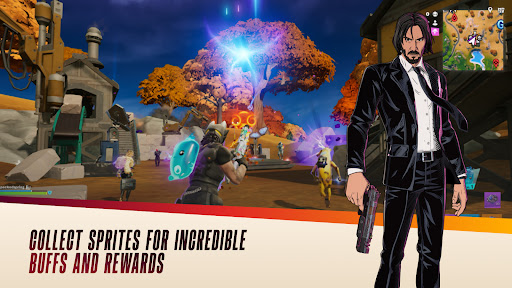
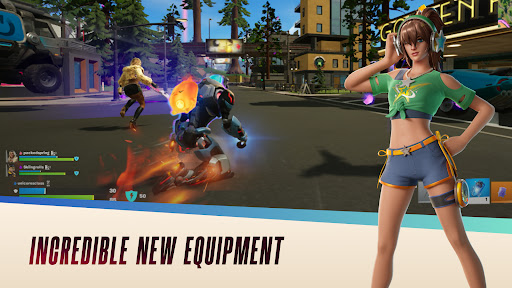
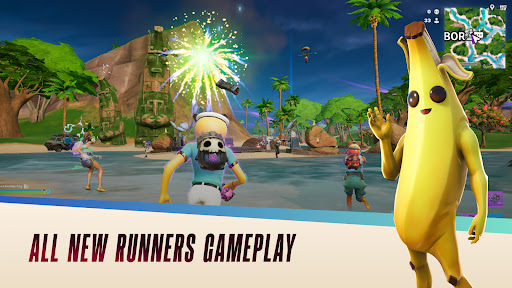
There is always something new for you and your friends in Fortnite!
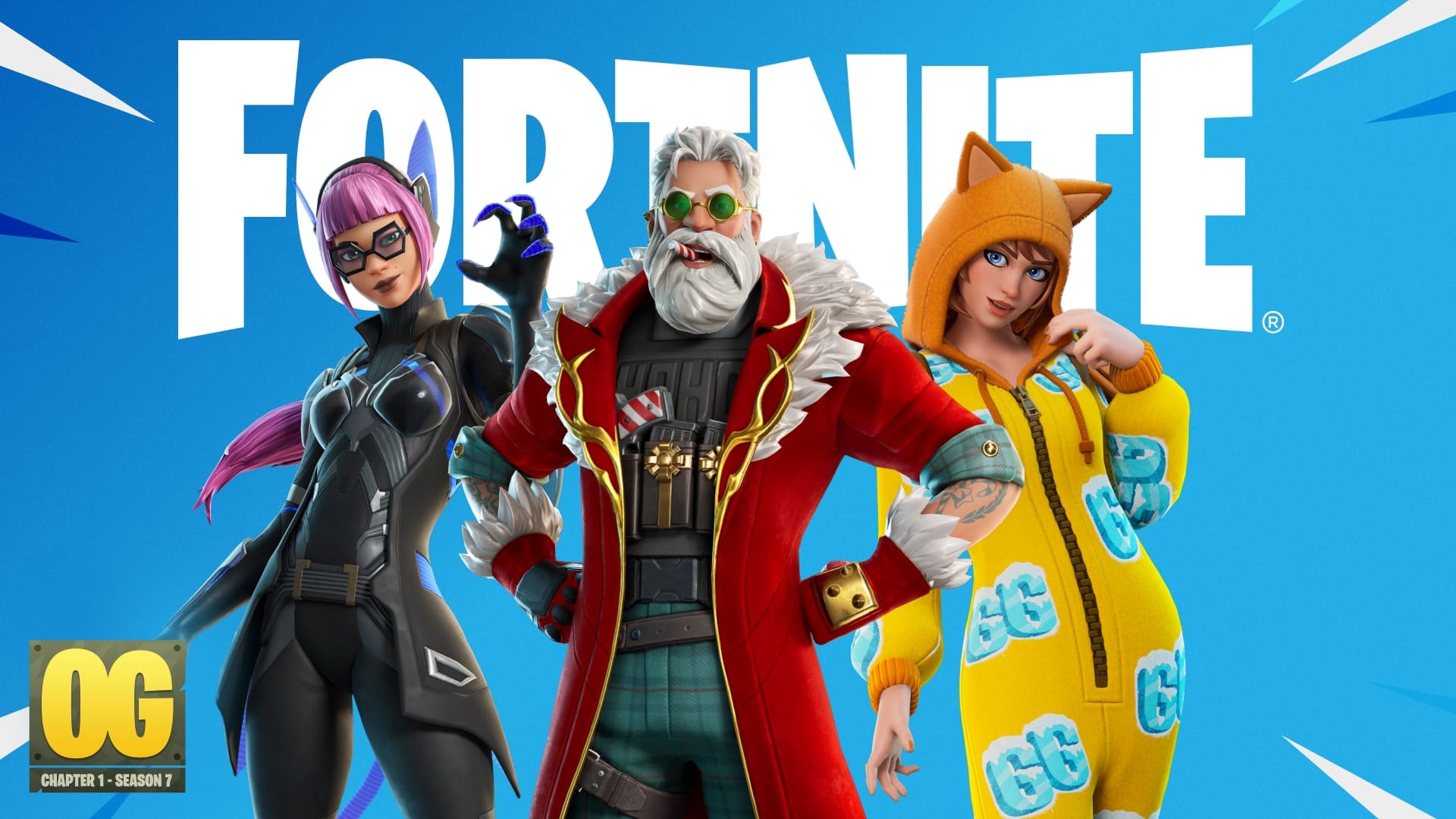
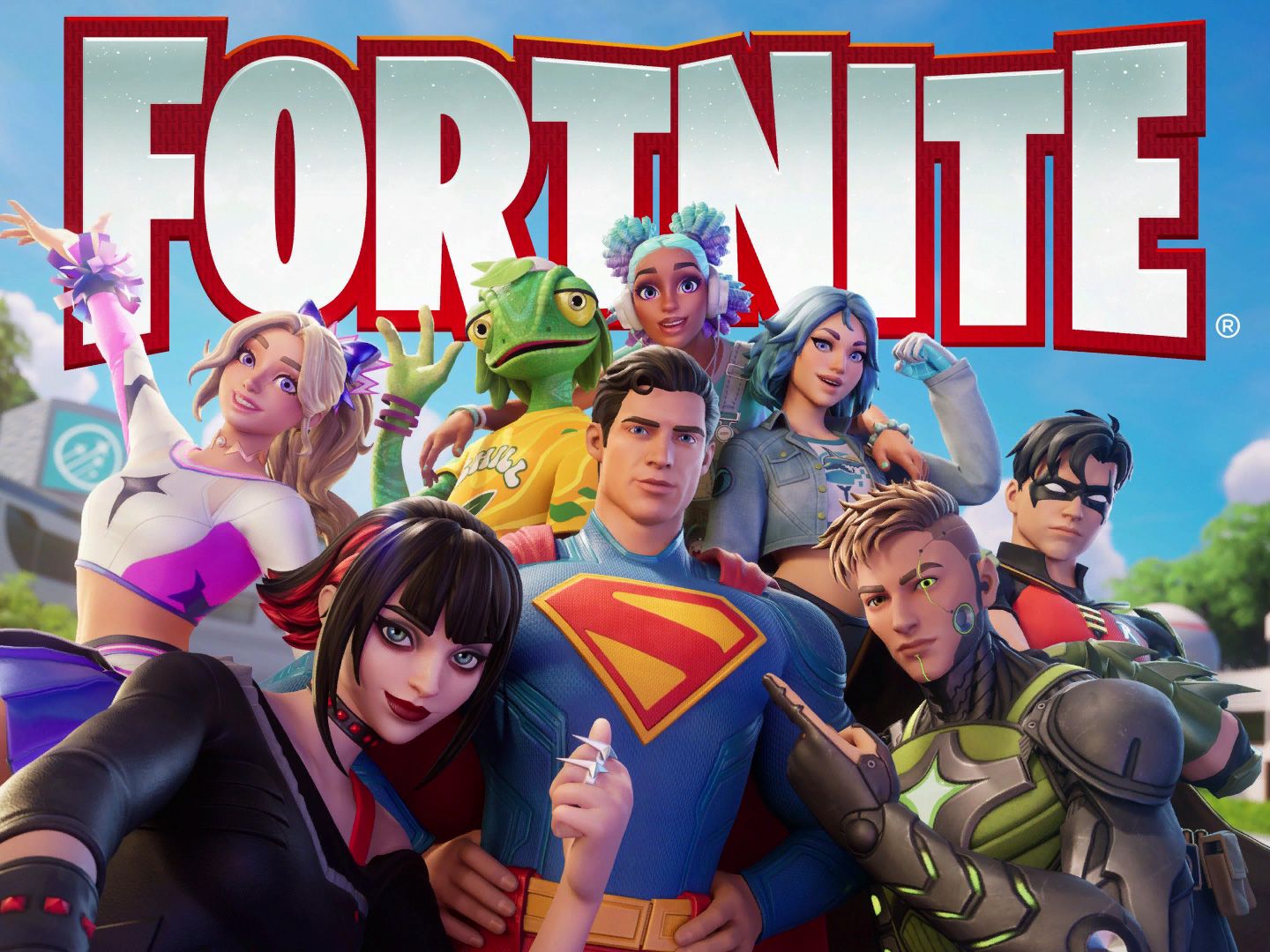
Be the last player standing in Battle Royale. Get nostalgic in Fortnite OG. Headline a concert in Fortnite Festival. Explore the worlds of LEGO Fortnite. Play thousands of free developer-made, multiplayer action games like tycoons, deathruns, zombie survival, and more. There’s always something new for you and your friends.
In between action-packed games, stop by the Shop to get an Outfit, Back Bling, or Emote. Show off your new look as you go no-building, all action in Zero Build, or get tactical in Reload. Brawl and play Ranked modes and qualify for Fortnite Competitive tournaments, where you can earn rewards like cash or cosmetics.
There’s a new Battle Pass every Season, with tons of rewards you can use across Fortnite, like new Outfits, Pickaxes, and Gliders. Unlock these rewards as you complete Quests and earn XP.
Past and present collide in the OG Pass, where you can unlock classic looks with fresh Outfits inspired by past Seasons as you brawl your opponents.
New Seasons of Fortnite Festival bring a brand new music Icon to the stage. Perform as your favorite artists with their Outfits and hit songs in the Shop and Music Pass.
WHAT’S NEW:
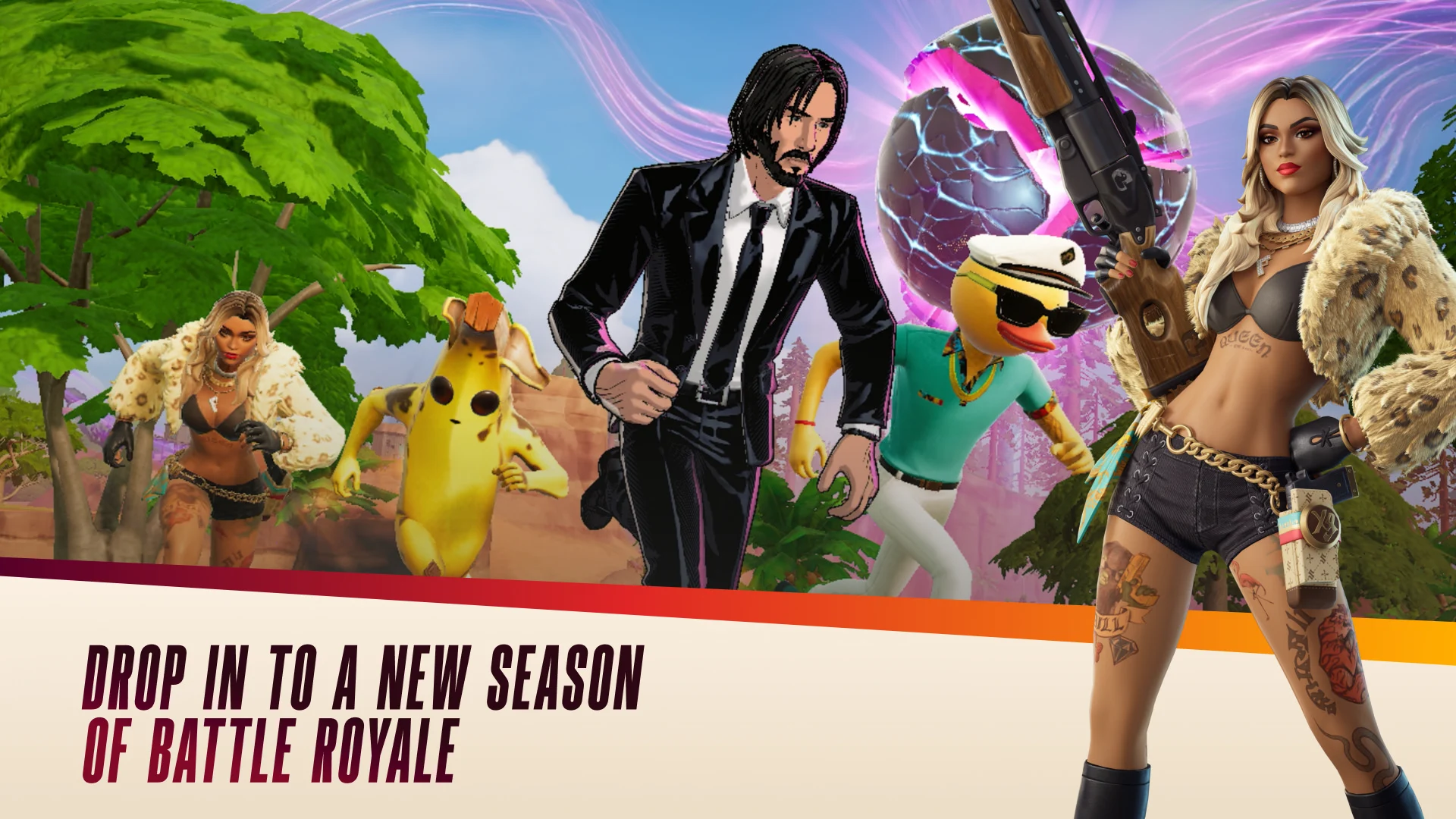
- Chapter 7 Season 3 is here. A new season of Battle Royale with even more ways to win the coveted Victory Royale
- New ways to drop in and play together
GAMES IN THE FORTNITE MOBILE APP:
- Battle Royale
- Blitz Royale
- Zero Build
- Fortnite OG
- LEGO Fortnite
- Fortnite Festival
- Droid Tycoon
- Action Games
- Developer-Made Games
- Competitive Games
- Multiplayer Games
- & more
ACTION PACKED BATTLE ROYALE, WHEREVER & WHENEVER
- Choose your Outfit and explore the Island in style
- Fight to be the last one standing in this fast-paced third-person PvP shooter
- Avoid damage as the Storm closes in
- Coming soon: updates bringing new weapons, vehicles, and more to our competitive games
BRAWL & COMPETE SOLO OR TEAM UP IN ZERO BUILD
- Battle Royale without the building. Play solo or play together as a duo, trio, or 4-person multiplayer squad
- Use your Overshield for protection because no building means more danger
- Use natural coverage as you move through the map, and leverage your loadout to the max
- Mantle, hurdle, jump, and more to stay competitive
MORE TO EXPLORE
- Play faster in a smaller map with fewer players in Blitz Royale
- Jump into multiplayer games and play together
- Perform or remix awesome music with Jam Tracks from the Shop or Music Pass
It’s all right here, in your pocket.
Show more

1. Download MEmu installer and finish the setup

2. Start MEmu then open Google Play on the desktop

3. Search Fortnite Mobile in Google Play
Install
4. Download and Install Fortnite Mobile
5. On install completion click the icon to start

6. Enjoy playing Fortnite Mobile on PC with MEmu
MEmu Play is the best Android emulator and 100 million people already enjoy its superb Android gaming experience. The MEmu virtualization technology empowers you to play thousands of Android games smoothly on your PC, even the most graphic-intensive ones.
Bigger screen with better graphics; Long duration, without limitation of battery or mobile data.
Full Keymapping support for precise control of keyboard and mouse or gamepad.
Multiple game accounts or tasks on single PC at one time with Multi-Instance manager.
Play Fortnite Mobile on PC by following steps: