Grand Lund Cityy - Punjab
Updated
Current Version
Offered By

With your passion for Grand Lund Cityy - Punjab, you shouldn’t have to limit yourself to the small screen of a phone. Play like a pro and take full control of the game using a keyboard and mouse. MEmu gives you everything you’re looking for. Download and play Grand Lund Cityy - Punjab on PC. Play as long as you want — no more worries about battery life, mobile data, or unexpected calls. The all-new MEmu 9 is the best way to play Grand Lund Cityy - Punjab on PC. With our expertly designed keymapping system, Grand Lund Cityy - Punjab feels just like a real PC game. The MEmu multi-instance manager lets you run two or more accounts on the same device at the same time. Most importantly, our exclusive emulation engine unlocks your PC’s full potential, delivering smooth and seamless performance.
Show more
Download Grand Lund Cityy - Punjab on PC with MEmu Android Emulator. Enjoy playing on big screen. Multiple Drag Race Modes.
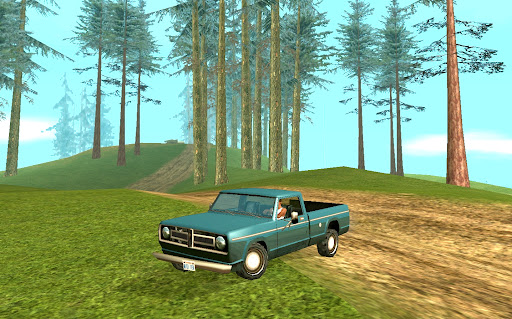
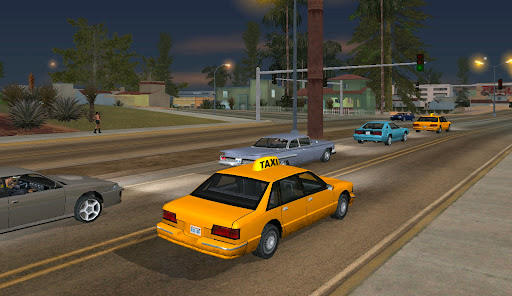
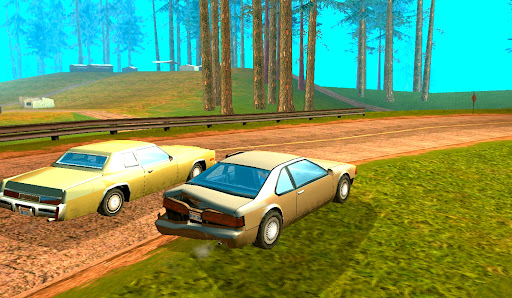
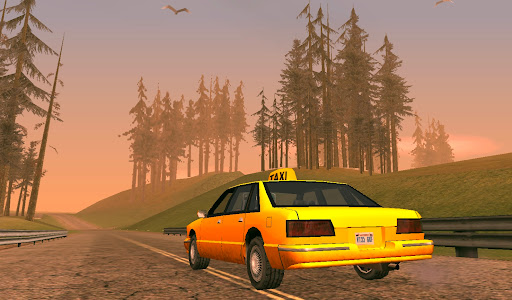
Multiple Drag Race Modes
The car racing simulator game offers a plethora of modes, including Race, Ladder, Tournament, Tier, and more. Each mode has its own unique challenges, and you'll have to use all your skills to emerge victorious. With so many different racing games options to choose from, you'll never get bored of this real driving simulator. There is no limit to the fun!
Fine Tune Your Car with Car Customization
Are you a mechanic at heart? Then you'll love the advanced settings in the car customization garage. From torque curve to mechanical efficiency, drivetrain type to wheel dimensions, you can fine-tune every aspect of your car to achieve the perfect ride. And if you're not an expert, don't worry - you can let our drag racing game do the rest.
Of course, it's not just about the mechanics - you'll also want to make your car look great. With a huge selection of wheels, spoilers, decals, and colors, you can customize your ride to your heart's content. And with our 360° camera, you'll be able to admire your handiwork from every angle.
Get an Edge on the Competition with Real-Time Stats
Take your drag racing skills to the next level by accessing real-time stats on your vehicle's engine power, tractive force, weight distribution upon acceleration, estimated time and speed for a quarter mile, ideal engine rpm to shift gears, and much more. Gain a competitive edge by analyzing and fine-tuning every aspect of your ride to maximize your speed and performance on the track.
Show more

1. Download MEmu installer and finish the setup

2. Start MEmu then open Google Play on the desktop

3. Search Grand Lund Cityy - Punjab in Google Play
Install
4. Download and Install Grand Lund Cityy - Punjab
5. On install completion click the icon to start

6. Enjoy playing Grand Lund Cityy - Punjab on PC with MEmu
MEmu Play is the best Android emulator and 100 million people already enjoy its superb Android gaming experience. The MEmu virtualization technology empowers you to play thousands of Android games smoothly on your PC, even the most graphic-intensive ones.
Bigger screen with better graphics; Long duration, without limitation of battery or mobile data.
Full Keymapping support for precise control of keyboard and mouse or gamepad.
Multiple game accounts or tasks on single PC at one time with Multi-Instance manager.
Play Grand Lund Cityy - Punjab on PC by following steps: