
Jericho: Survival Mission
Updated
Current Version
1753733174
Offered By

With your passion for Jericho: Survival Mission, you shouldn’t have to limit yourself to the small screen of a phone. Play like a pro and take full control of the game using a keyboard and mouse. MEmu gives you everything you’re looking for. Download and play Jericho: Survival Mission on PC. Play as long as you want — no more worries about battery life, mobile data, or unexpected calls. The all-new MEmu 9 is the best way to play Jericho: Survival Mission on PC. With our expertly designed keymapping system, Jericho: Survival Mission feels just like a real PC game. The MEmu multi-instance manager lets you run two or more accounts on the same device at the same time. Most importantly, our exclusive emulation engine unlocks your PC’s full potential, delivering smooth and seamless performance.
Show more
Download Jericho: Survival Mission on PC with MEmu Android Emulator. Enjoy playing on big screen. Welcome to Jericho.
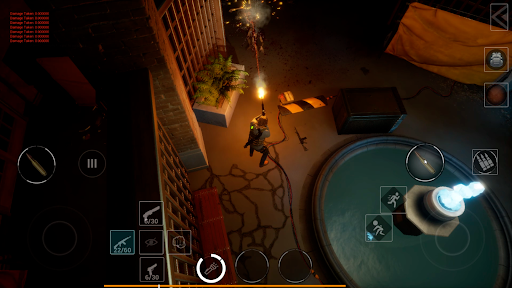
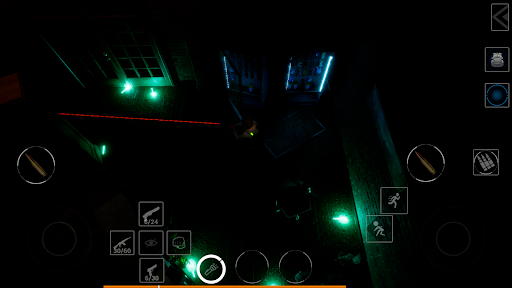
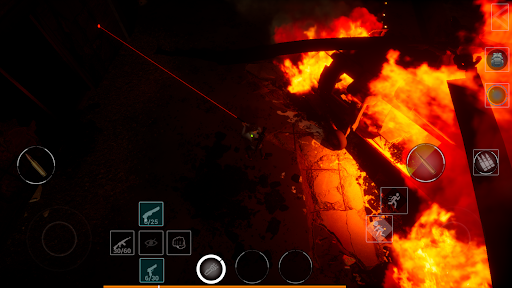
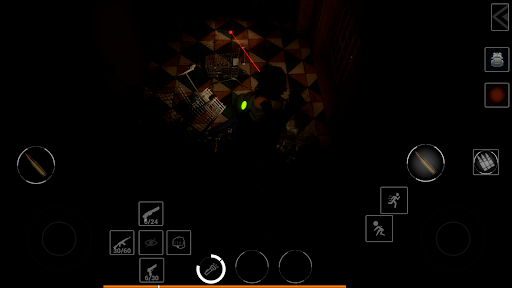
Welcome to Jericho
A vast laboratory complex in the heart of a metropolis. Cut off from the world.
Inside — silence, sealed doors, security systems, and the remains of those who tried to escape… and failed.
You’re not a hero.
You’re just a person trying to reach the end — or die like the rest.
Jericho: Survival Mission isn’t just a game.
It’s a story of isolation, fear, survival — and willpower.
There is no outside world here.
There’s only you — and whatever lurks within the complex.
Gameplay you won’t want to put down
• Top-down view — a mix of control and creeping panic
• Constant resource scarcity
• Numerous enemies, traps, and restricted zones
• Quests, objectives, and a critical main mission
• Tactical survival — you choose where and how to stay alive
Die or strategize
You won’t win by brute force.
Jericho is about calculation and planning.
Place mines in chokepoints. Avoid direct conflict. Block enemy paths.
Learn to anticipate enemy behavior — or they’ll find you first.
Designed for mobile
• Supports a wide range of devices
• Intuitive touch controls
• Optimized for smooth performance and clean visuals
• Smart streaming and loading for seamless gameplay
Roguelike at its core — death is part of the path
Did you fail? Start over.
But now… you know what to fear.
You know where to look.
You know what not to do.
Atmosphere that pulls you in
Footsteps in the hallway.
A flickering light.
The silence just around the corner.
And a sudden creak that makes your heart stop.
Jericho doesn’t scare you with jump scares.
It scares you with what might happen.
It makes you fear the silence itself.
If you're a fan of Resident Evil, Alien: Isolation, Darkwood, or Endoparasitic — this game is for you. Try Jericho: Survival Mission and see what you're capable of when there's no way out.
Show more

1. Download MEmu installer and finish the setup

2. Start MEmu then open Google Play on the desktop

3. Search Jericho: Survival Mission in Google Play
Install
4. Download and Install Jericho: Survival Mission
5. On install completion click the icon to start

6. Enjoy playing Jericho: Survival Mission on PC with MEmu
MEmu Play is the best Android emulator and 100 million people already enjoy its superb Android gaming experience. The MEmu virtualization technology empowers you to play thousands of Android games smoothly on your PC, even the most graphic-intensive ones.
Bigger screen with better graphics; Long duration, without limitation of battery or mobile data.
Full Keymapping support for precise control of keyboard and mouse or gamepad.
Multiple game accounts or tasks on single PC at one time with Multi-Instance manager.
Play Jericho: Survival Mission on PC by following steps:

















































