Jigsaw Puzzle Art: Relax Book
Updated
Current Version
1.1.10
Offered By

With your passion for Jigsaw Puzzle Art: Relax Book, you shouldn’t have to limit yourself to the small screen of a phone. Play like a pro and take full control of the game using a keyboard and mouse. MEmu gives you everything you’re looking for. Download and play Jigsaw Puzzle Art: Relax Book on PC. Play as long as you want — no more worries about battery life, mobile data, or unexpected calls. The all-new MEmu 9 is the best way to play Jigsaw Puzzle Art: Relax Book on PC. With our expertly designed keymapping system, Jigsaw Puzzle Art: Relax Book feels just like a real PC game. The MEmu multi-instance manager lets you run two or more accounts on the same device at the same time. Most importantly, our exclusive emulation engine unlocks your PC’s full potential, delivering smooth and seamless performance.
Show more
Download Jigsaw Puzzle Art: Relax Book on PC with MEmu Android Emulator. Enjoy playing on big screen. Jigsaw Puzzle Art: Relax Book — A Peaceful World of Picture Puzzle Games!
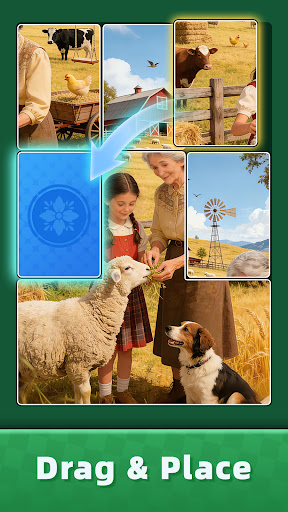
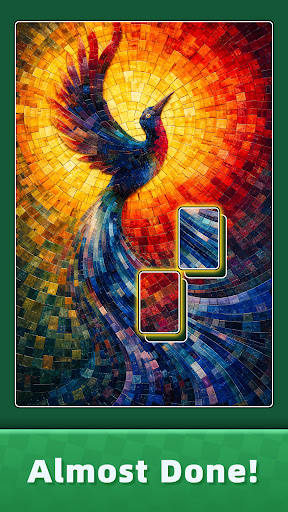
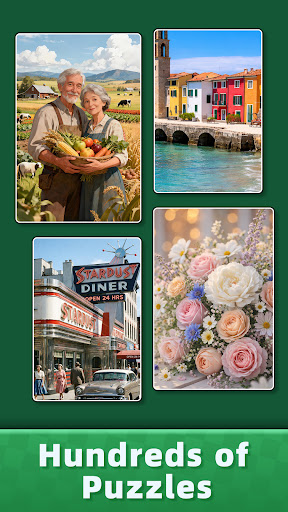
Jigsaw Puzzle Art: Relax Book — A Peaceful World of Picture Puzzle Games!
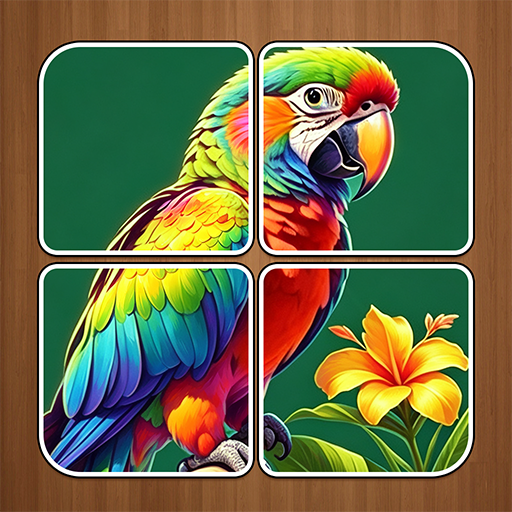
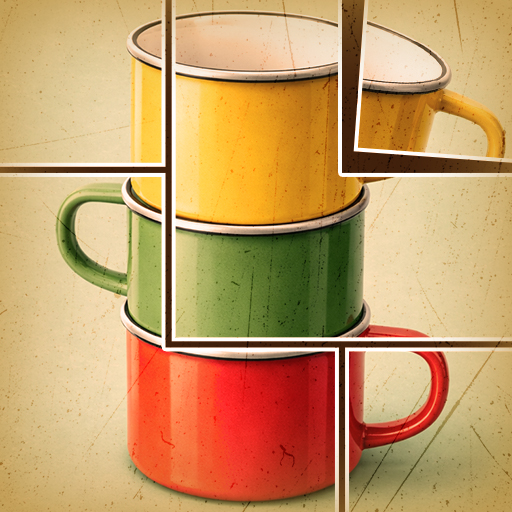
Welcome to Jigsaw Puzzle Art: Relax Book, the ultimate destination for picture puzzle games lovers!
Piece together stunning artworks, discover hidden details, and enjoy one of the most relaxing brain games you can play anywhere, anytime — even as offline games.
If you love free jigsaw puzzles, puzzles for adults, and the satisfying feeling of completing a beautiful image one piece at a time, this is great place to unwind your mind and challenge your focus.
Relax and Reconnect Through Art
Each puzzle is a story waiting to be completed. From breathtaking landscapes and adorable animals to dreamy paintings and abstract art, every collection in Jigsaw Puzzle Art: Relax Book offers a new way to relax and recharge.
HOW TO PLAY
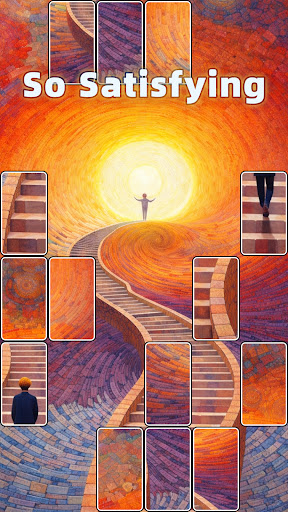
- Tap, Drag, and Fit: Just move puzzle pieces into the right place to complete the image.
- Feel the Snap: Experience the deeply satisfying “click” when pieces connect greatly.
- Chain Reactions: Watch as multiple pieces lock together at once for that extra jigsaw thrill.
- Offline Play Supported: Enjoy offline games anytime — no Wi-Fi required!
The controls are intuitive, the gameplay smooth, and every puzzle piece feels handcrafted to perfection. Whether you’re a casual player or a brain games enthusiast, you’ll find joy in every session.
GAME FEATURES
- Free Jigsaw Puzzles Anytime: Hundreds of puzzles for adults — totally free to play!
- Relaxing Sound & Visuals: Gentle music and beautiful art make this one of the most peaceful picture puzzle games on mobile.
- Play at Your Own Pace: No timers, no stress. Take your time to enjoy every puzzle.
- New Collections Added Regularly: Unlock new art packs and themes in future updates!
- Offline Games for All Ages: Whether you’re on a flight, commuting, or at home, your puzzle progress is always with you.
- Challenge Your Mind: It’s not just relaxing — it’s one of the most rewarding brain games for focus and memory.
Wonderful for Every Puzzle Lover!
Whether you’re new to free jigsaw puzzles or an expert who loves a good block puzzle challenge, Jigsaw Puzzle Art: Relax Book offers the wonderful balance of calm and creativity.
Start Your Puzzle Journey Today!
If you enjoy relaxing puzzle games, love free jigsaw puzzles, or simply want a beautiful brain game to calm your mind, this is your new favorite hobby.
Download Jigsaw Puzzle Art: Relax Book today — where every piece you place brings peace to your day.
Show more

1. Download MEmu installer and finish the setup

2. Start MEmu then open Google Play on the desktop

3. Search Jigsaw Puzzle Art: Relax Book in Google Play
Install
4. Download and Install Jigsaw Puzzle Art: Relax Book
5. On install completion click the icon to start

6. Enjoy playing Jigsaw Puzzle Art: Relax Book on PC with MEmu
MEmu Play is the best Android emulator and 100 million people already enjoy its superb Android gaming experience. The MEmu virtualization technology empowers you to play thousands of Android games smoothly on your PC, even the most graphic-intensive ones.
Bigger screen with better graphics; Long duration, without limitation of battery or mobile data.
Full Keymapping support for precise control of keyboard and mouse or gamepad.
Multiple game accounts or tasks on single PC at one time with Multi-Instance manager.
Play Jigsaw Puzzle Art: Relax Book on PC by following steps: