Mini World:CREATA VN
Updated
Current Version
1.7.11
Offered By

With your passion for Mini World:CREATA VN, you shouldn’t have to limit yourself to the small screen of a phone. Play like a pro and take full control of the game using a keyboard and mouse. MEmu gives you everything you’re looking for. Download and play Mini World:CREATA VN on PC. Play as long as you want — no more worries about battery life, mobile data, or unexpected calls. The all-new MEmu 9 is the best way to play Mini World:CREATA VN on PC. With our expertly designed keymapping system, Mini World:CREATA VN feels just like a real PC game. The MEmu multi-instance manager lets you run two or more accounts on the same device at the same time. Most importantly, our exclusive emulation engine unlocks your PC’s full potential, delivering smooth and seamless performance.
Show more
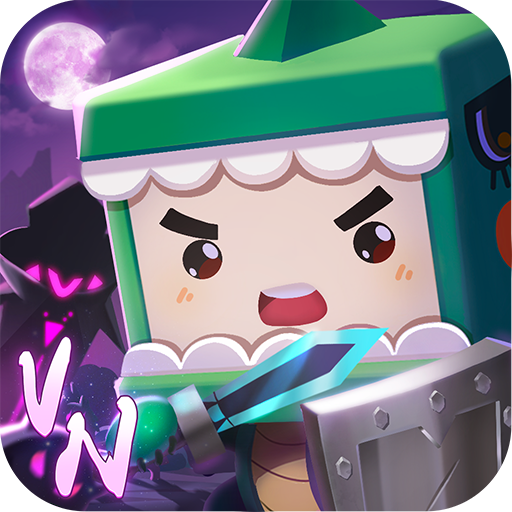
Download Mini World:CREATA VN on PC with MEmu Android Emulator. Enjoy playing on big screen. [Mini World] Vietnam exclusive version aired.
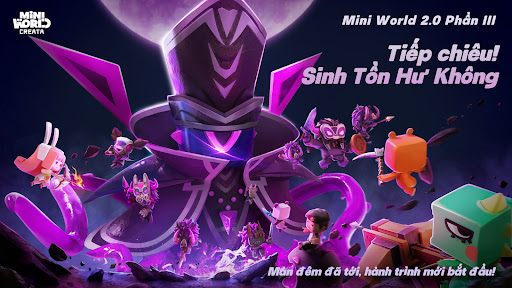
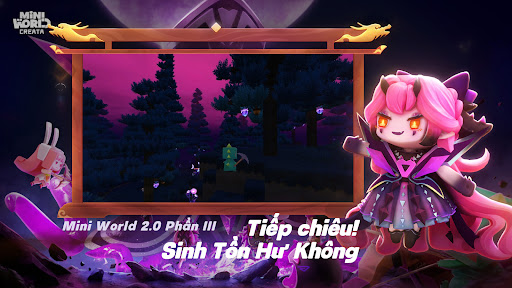
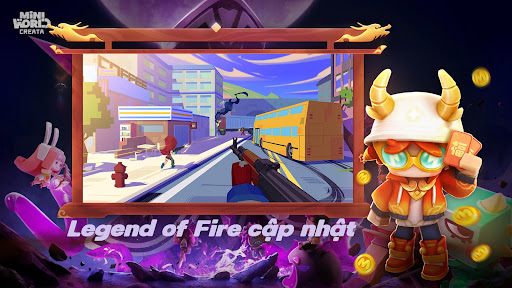
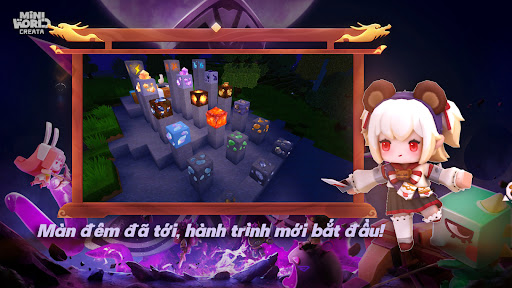
[Mini World] Vietnam exclusive version aired. Optimize and add more localized content, more exclusive gifts, come and experience the beauty of Vietnam right away!
[Mini World] is a beautiful 3D Sandbox game with high creative freedom.
There are no limit rules, no specified gameplay, you can create, destroy, survive or take risks. Garden, Library, Communal Hall...and many more are waiting for you to discover.
[Comfortable Open Playground]
You are free to be creative: can build your ideal building, city, open any map to grow crops, buy and sell crops, simulate trading business, endless options diversity and abundance.
You are also free to destroy: can tear down buildings you don't like, level forests and savannahs, build volcanoes and create floods... turn the world upside down!
You can choose risky survival: choose the right context, carefully deal with the hidden monsters, upgrade your weapons and fight the monsters, can also directly confront the special Very brave suicide squad.
Choose the Mini World playground for more options: Build Mini Games in Mini World, create music, shoot cartoons...
[Communicating with Friends, Double Joy]
Can make friends in five continents, four seas, play games in the connecting lobby, fight monsters together, chat, walk together, build a Garden, experience a new world, explore unknown maps arrive.
[Rich Events, Attractive Rewards]
The Treasure event officially begins, a new series of weapon skins are released.
More events during the holidays: Holiday gifts, special events for Summer vacation, Tet holiday, weekend events, golden hours, collaboration with famous big IPs, cool skins, weapons and more Other unexpected mysterious events are also in preparation.
[Contact us]
Facebook: https://www.facebook.com/groups/miniworldVN
Discord: https://discord.gg/miniworldcreatavn
CS Email:miniworldcustomerservice@gmail.com
Show more

1. Download MEmu installer and finish the setup

2. Start MEmu then open Google Play on the desktop

3. Search Mini World:CREATA VN in Google Play
Install
4. Download and Install Mini World:CREATA VN
5. On install completion click the icon to start

6. Enjoy playing Mini World:CREATA VN on PC with MEmu
MEmu Play is the best Android emulator and 100 million people already enjoy its superb Android gaming experience. The MEmu virtualization technology empowers you to play thousands of Android games smoothly on your PC, even the most graphic-intensive ones.
Bigger screen with better graphics; Long duration, without limitation of battery or mobile data.
Full Keymapping support for precise control of keyboard and mouse or gamepad.
Multiple game accounts or tasks on single PC at one time with Multi-Instance manager.
Play Mini World:CREATA VN on PC by following steps: