Reiner Knizia's My City
Updated
Current Version
1.0.5
Offered By

With your passion for Reiner Knizia's My City, you shouldn’t have to limit yourself to the small screen of a phone. Play like a pro and take full control of the game using a keyboard and mouse. MEmu gives you everything you’re looking for. Download and play Reiner Knizia's My City on PC. Play as long as you want — no more worries about battery life, mobile data, or unexpected calls. The all-new MEmu 9 is the best way to play Reiner Knizia's My City on PC. With our expertly designed keymapping system, Reiner Knizia's My City feels just like a real PC game. The MEmu multi-instance manager lets you run two or more accounts on the same device at the same time. Most importantly, our exclusive emulation engine unlocks your PC’s full potential, delivering smooth and seamless performance.
Show more
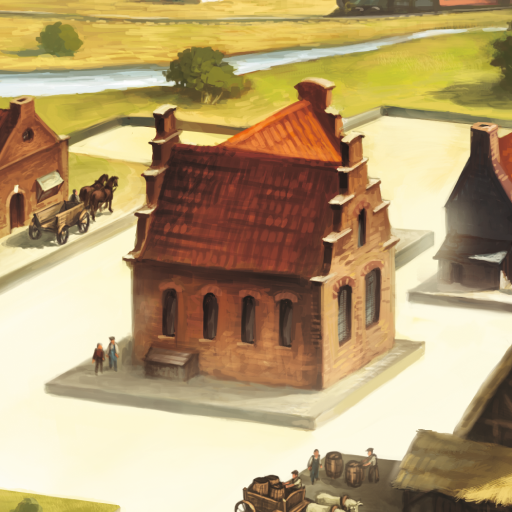
Download Reiner Knizia's My City on PC with MEmu Android Emulator. Enjoy playing on big screen. The official adaptation of Reiner Knizia's strategic tile-laying board game.
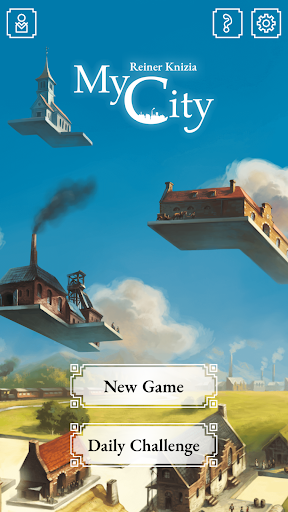
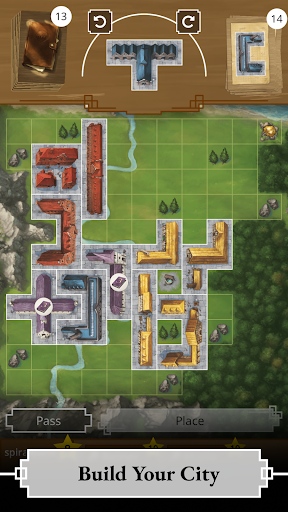
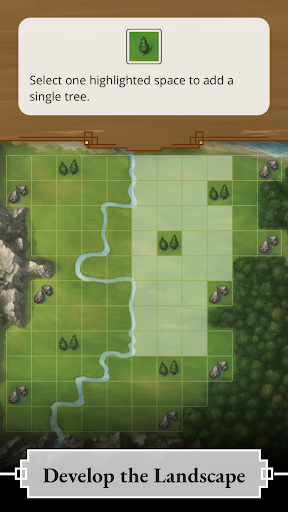
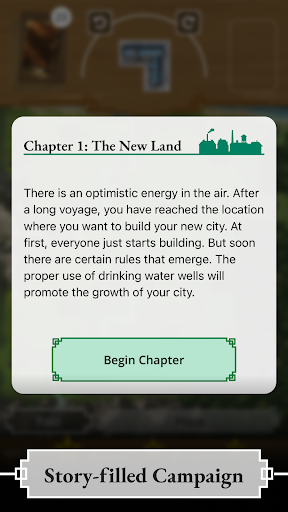
The official adaptation of Reiner Knizia's strategic tile-laying board game. Play with friends online or against AI opponents!
Grow your city from a small town into an industrial metropolis, one building at a time. Buildings and landmarks score points in different ways, and you need to find the perfect spot for each piece to outplan your opponents.
Play through the exciting Campaign where the rules and landscape of your city evolve over time. Next, mix up the board and rules in a Randomized Game for a highly replayable experience! You can also compete in the Daily Challenge to see how your skills measure up, or simply relax with the Eternal Game.
GAME MODES
• Campaign with 24 story-driven Episodes and evolving rules
• Randomized Game with a new rules and map every game (App Exclusive)
• Eternal Game for a familiar challenge
• Daily Challenge (App Exclusive)
FEATURES
• Play against up to 3 AI opponents
• Online Multiplayer for 2 to 4 players
• Learn the game with an interactive tutorial
• Offline Play
ACCESSIBILITY
• High Contrast Colors
• Color Symbols
• Building Textures
CURRENTLY AVAILABLE LANGUAGES
• Deutsch (de)
• English (en)
• Nederlands (nl)
• Polski (pl)
© 2025 Spiralburst Studio, under license from Dr. Reiner Knizia.
My City © Dr. Reiner Knizia, 2020. All rights reserved.
https://www.knizia.de
Show more

1. Download MEmu installer and finish the setup

2. Start MEmu then open Google Play on the desktop

3. Search Reiner Knizia's My City in Google Play
Install
4. Download and Install Reiner Knizia's My City
5. On install completion click the icon to start

6. Enjoy playing Reiner Knizia's My City on PC with MEmu
MEmu Play is the best Android emulator and 100 million people already enjoy its superb Android gaming experience. The MEmu virtualization technology empowers you to play thousands of Android games smoothly on your PC, even the most graphic-intensive ones.
Bigger screen with better graphics; Long duration, without limitation of battery or mobile data.
Full Keymapping support for precise control of keyboard and mouse or gamepad.
Multiple game accounts or tasks on single PC at one time with Multi-Instance manager.
Play Reiner Knizia's My City on PC by following steps: