Retro Zoo CEO
Updated
Current Version
1.7.7
Offered By

With your passion for Retro Zoo CEO, you shouldn’t have to limit yourself to the small screen of a phone. Play like a pro and take full control of the game using a keyboard and mouse. MEmu gives you everything you’re looking for. Download and play Retro Zoo CEO on PC. Play as long as you want — no more worries about battery life, mobile data, or unexpected calls. The all-new MEmu 9 is the best way to play Retro Zoo CEO on PC. With our expertly designed keymapping system, Retro Zoo CEO feels just like a real PC game. The MEmu multi-instance manager lets you run two or more accounts on the same device at the same time. Most importantly, our exclusive emulation engine unlocks your PC’s full potential, delivering smooth and seamless performance.
Show more
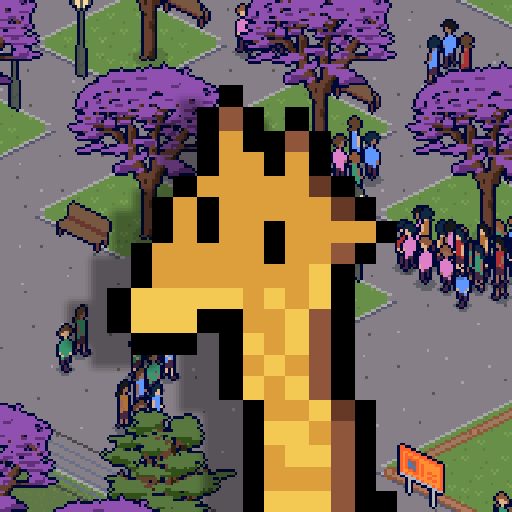
Download Retro Zoo CEO on PC with MEmu Android Emulator. Enjoy playing on big screen. In Retro Zoo CEO you will build your Zoo, discover animals from around the world, and manage the Zoo of your dreams in this one-time purchase premium game.
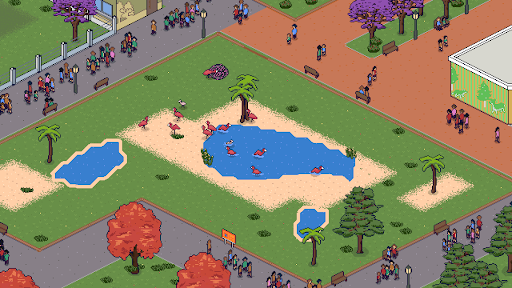
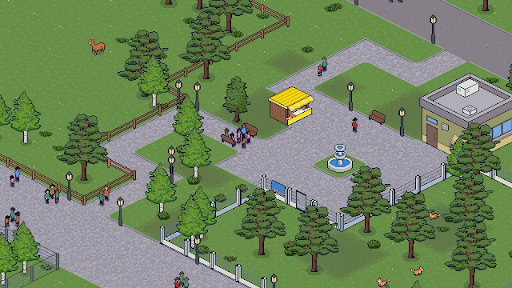
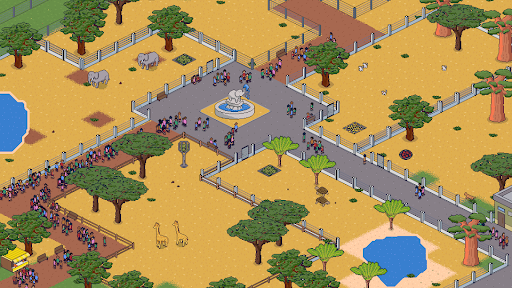
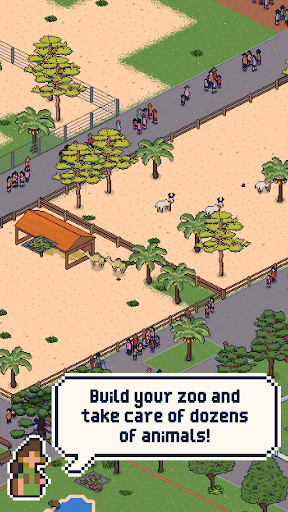
In Retro Zoo CEO you will build your Zoo, discover animals from around the world, and manage the Zoo of your dreams in this one-time purchase premium game.
MORE THAN 50 ANIMAL SPECIES – Retro Zoo CEO is a zoo management game featuring more than 50 species from across the globe. Travel the world in search of common and rare animals, bring them to your Zoo, and design the perfect habitats for them to thrive.
MANAGE EVERY DETAIL – Experience an in-depth simulation in which every visitor has unique needs and opinions. Make sure they can easily find food, restrooms, and places to relax during their visit. Neglect their needs and your Zoo may receive nasty online reviews and attract fewer visitors.
BUILD IT YOUR WAY – Inspired by classic tycoon games, but designed for modern mobile devices, Retro Zoo CEO gives you the freedom to create paths and enclosures while placing buildings and decorations across a vast map. Express your creativity and build the Zoo you have always imagined.
SUPPORT WILDLIFE CONSERVATION – Your ultimate goal is to create a zoo that is not only profitable, but also contributes to wildlife conservation and education around the world. Breed endangered species, care for them until they are healthy and mature, and release them back into the wild.
Start building your zoo today and become the ultimate Zoo CEO!
Show more

1. Download MEmu installer and finish the setup

2. Start MEmu then open Google Play on the desktop

3. Search Retro Zoo CEO in Google Play
Install
4. Download and Install Retro Zoo CEO
5. On install completion click the icon to start

6. Enjoy playing Retro Zoo CEO on PC with MEmu
MEmu Play is the best Android emulator and 100 million people already enjoy its superb Android gaming experience. The MEmu virtualization technology empowers you to play thousands of Android games smoothly on your PC, even the most graphic-intensive ones.
Bigger screen with better graphics; Long duration, without limitation of battery or mobile data.
Full Keymapping support for precise control of keyboard and mouse or gamepad.
Multiple game accounts or tasks on single PC at one time with Multi-Instance manager.
Play Retro Zoo CEO on PC by following steps:















































