Saturn Slalom
Updated
Current Version
1.1.1
Offered By

With your passion for Saturn Slalom, you shouldn’t have to limit yourself to the small screen of a phone. Play like a pro and take full control of the game using a keyboard and mouse. MEmu gives you everything you’re looking for. Download and play Saturn Slalom on PC. Play as long as you want — no more worries about battery life, mobile data, or unexpected calls. The all-new MEmu 9 is the best way to play Saturn Slalom on PC. With our expertly designed keymapping system, Saturn Slalom feels just like a real PC game. The MEmu multi-instance manager lets you run two or more accounts on the same device at the same time. Most importantly, our exclusive emulation engine unlocks your PC’s full potential, delivering smooth and seamless performance.
Show more
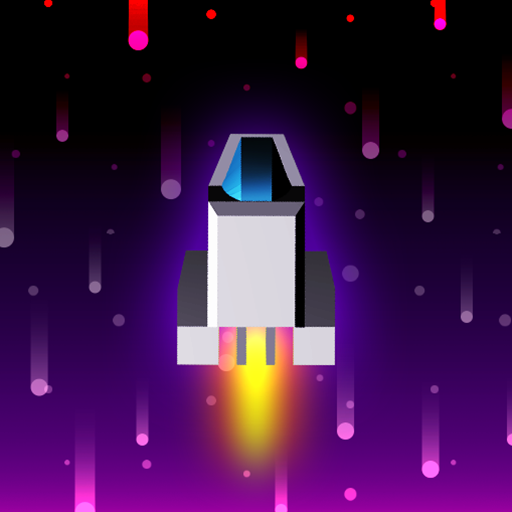
Download Saturn Slalom on PC with MEmu Android Emulator. Enjoy playing on big screen. Weave your rocket ship through a chaotic, audio-reactive galaxy in an interstellar test of skill, nerve, and speed!
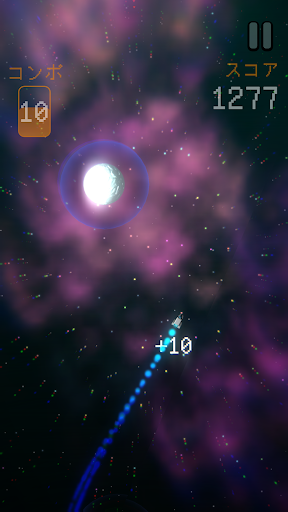
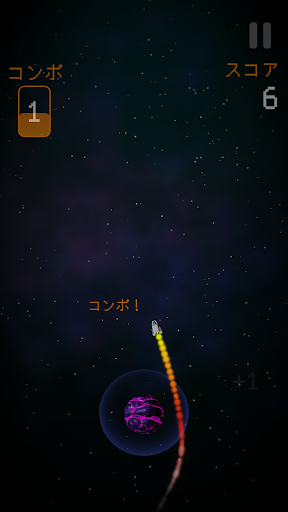
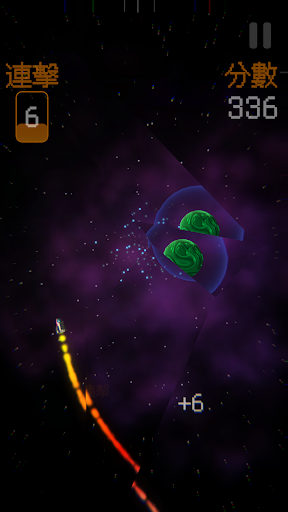
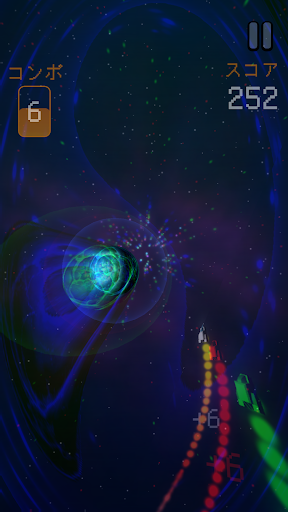
Weave your rocket ship through a chaotic, audio-reactive galaxy in an interstellar test of skill, nerve, and speed! Perfect for quick bursts of fun or long sessions chasing that next big run.
Score points by threading your ship through the chaos of deep space, and build your combo by flying dangerously close to planets. But don’t get too close… one slip and your ship takes damage, your display cracks, and your view of the galaxy begins to glitch!
With audio-reactive visuals that pulse to the beat and effects shaped by your every move, Saturn Slalom rewards those who learn to master the flow. Your combo fuels the beat. Can you push it high enough to make the bass drop?
Key Features
- Simple, Intuitive Controls | Tap left or right to steer your rocket
- Risk-and-Reward Gameplay | Fly close to planets to build combos, but beware of collisions
- Immersive Effects | Cracked screens and chromatic glitches bring every mistake to life
- Dynamic Audio | Your gameplay helps shape the soundtrack and visuals react to the game’s audio
- Intense Haptics | Feel the thrust of your ship, the beat of the music, and the explosion when you crash
- Endless challenge | Master the game’s many missions and chase the ultimate high score
- Show off your stuff | Compete on the leaderboards and show off your skills with achievements
Show more

1. Download MEmu installer and finish the setup

2. Start MEmu then open Google Play on the desktop

3. Search Saturn Slalom in Google Play
Install
4. Download and Install Saturn Slalom
5. On install completion click the icon to start

6. Enjoy playing Saturn Slalom on PC with MEmu
MEmu Play is the best Android emulator and 100 million people already enjoy its superb Android gaming experience. The MEmu virtualization technology empowers you to play thousands of Android games smoothly on your PC, even the most graphic-intensive ones.
Bigger screen with better graphics; Long duration, without limitation of battery or mobile data.
Full Keymapping support for precise control of keyboard and mouse or gamepad.
Multiple game accounts or tasks on single PC at one time with Multi-Instance manager.
Play Saturn Slalom on PC by following steps: