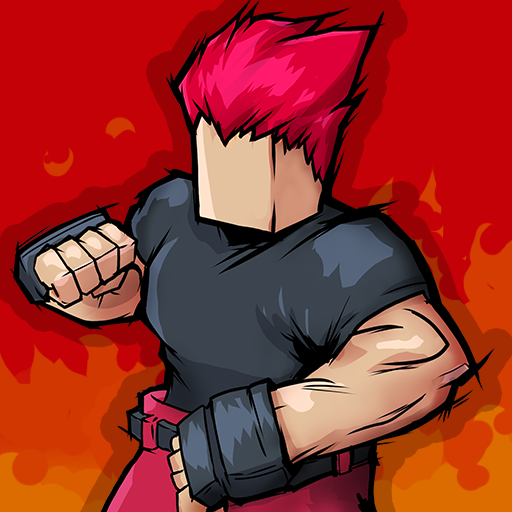
Vita Fighters
Updated
Current Version
1743492451
Offered By

With your passion for Vita Fighters, you shouldn’t have to limit yourself to the small screen of a phone. Play like a pro and take full control of the game using a keyboard and mouse. MEmu gives you everything you’re looking for. Download and play Vita Fighters on PC. Play as long as you want — no more worries about battery life, mobile data, or unexpected calls. The all-new MEmu 9 is the best way to play Vita Fighters on PC. With our expertly designed keymapping system, Vita Fighters feels just like a real PC game. The MEmu multi-instance manager lets you run two or more accounts on the same device at the same time. Most importantly, our exclusive emulation engine unlocks your PC’s full potential, delivering smooth and seamless performance.
Show more
Download Vita Fighters on PC with MEmu Android Emulator. Enjoy playing on big screen. An epic fighting game for casual and veteran fighting game players and free 1v1 fighting game designed for mobile.
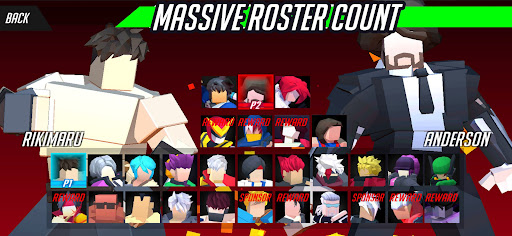
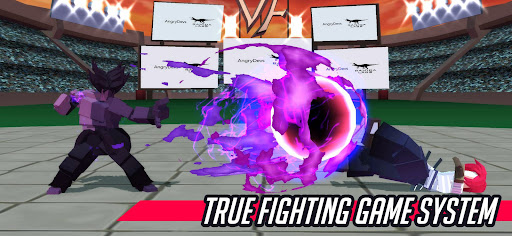
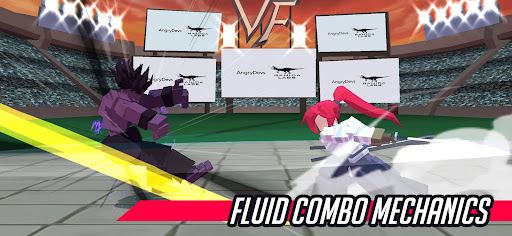
An epic fighting game for casual and veteran fighting game players and free 1v1 fighting game designed for mobile. Choose from the initial 30 playable characters based on different fighting game archetypes and defeat the final boss Angry Titan.
The game features block-styled cast of fighters merged with anime characters and a crossover gameplay of classic fighting games with emphasis on intuitive controls and simple art style.
** Game Features **
- 42 Characters
- 17 Background Stages
- Titanic Boss Fights
- No Swipe, No Cooldown Dependent Moves
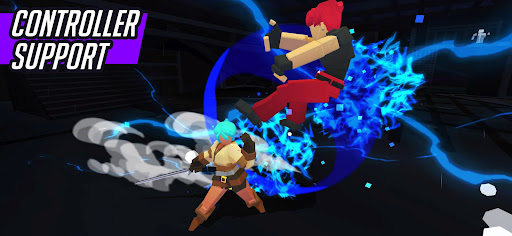
- Touch and Controller support
- Sweet Fighting Game Mechanics
- Next Generation Graphics ***
- No Forced Advertisements
- More contents to be added in the future
STORY
Not all fighting game characters get to the final roster of their respective game, hundreds of them are cut and sent to the chopping board never to be seen or talk about again. Enter Vita Fighters. The fighting game tournament with the prestigious prize of getting into a real AAA fighting game.
** To Use a Gamepad **
- Go to config -> controls -> press Assign Controller -> press a button in your gamepad
------------------
For comments / suggestions - let’s connect!
Twitter: @AngryDevs
https://twitter.com/VitaFighters
Discord:
https://discord.gg/ZcASVdm2YA
For more info:
https://ko-fi.com/angrydevs
www.fb.com/ranidalabs
------------------
Co-Developed with:
Angrydevs
Solo game developer who loves fighting games.
Published by:
Ranida Labs
An indie publishing arm of Ranida Games, the creator of Basketball Slam and Bayani - Fighting game.
** Special Thanks **
- One Man Symphony (@onemansymphony)
- Kevin Macleod's music (incompetech)
* More info on the game's credit screen
Show more

1. Download MEmu installer and finish the setup

2. Start MEmu then open Google Play on the desktop

3. Search Vita Fighters in Google Play
Install
4. Download and Install Vita Fighters
5. On install completion click the icon to start

6. Enjoy playing Vita Fighters on PC with MEmu
MEmu Play is the best Android emulator and 100 million people already enjoy its superb Android gaming experience. The MEmu virtualization technology empowers you to play thousands of Android games smoothly on your PC, even the most graphic-intensive ones.
Bigger screen with better graphics; Long duration, without limitation of battery or mobile data.
Full Keymapping support for precise control of keyboard and mouse or gamepad.
Multiple game accounts or tasks on single PC at one time with Multi-Instance manager.
Play Vita Fighters on PC by following steps:












































