Wrestling Manager Mobile 26
Updated
Current Version
5.2.4
Offered By

With your passion for Wrestling Manager Mobile 26, you shouldn’t have to limit yourself to the small screen of a phone. Play like a pro and take full control of the game using a keyboard and mouse. MEmu gives you everything you’re looking for. Download and play Wrestling Manager Mobile 26 on PC. Play as long as you want — no more worries about battery life, mobile data, or unexpected calls. The all-new MEmu 9 is the best way to play Wrestling Manager Mobile 26 on PC. With our expertly designed keymapping system, Wrestling Manager Mobile 26 feels just like a real PC game. The MEmu multi-instance manager lets you run two or more accounts on the same device at the same time. Most importantly, our exclusive emulation engine unlocks your PC’s full potential, delivering smooth and seamless performance.
Show more
Download Wrestling Manager Mobile 26 on PC with MEmu Android Emulator. Enjoy playing on big screen. Dive into the exciting world of professional wrestling and become the ultimate manager!
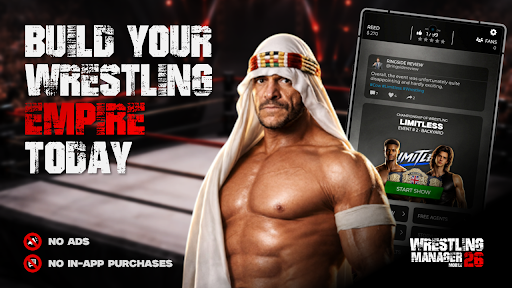
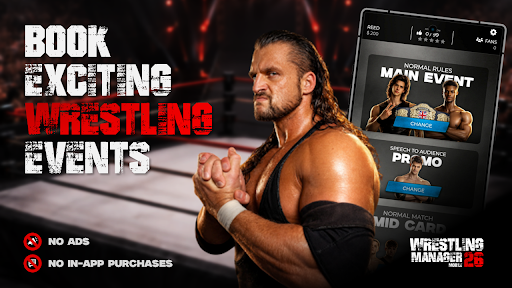
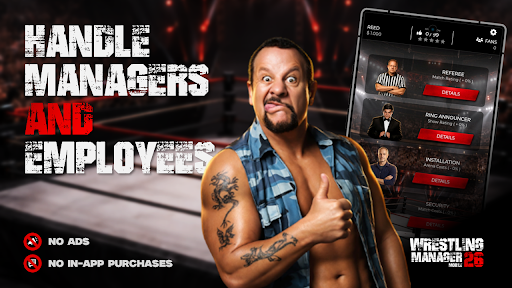
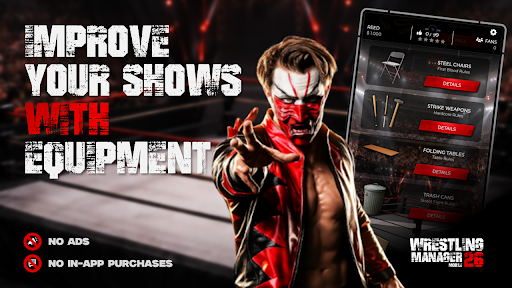
Dive into the exciting world of professional wrestling and become the ultimate manager! In this wrestling management game, you take full control of your own promotion. Sign your superstars, plan spectacular shows, and lead your company to the top of the industry.
Build your own roster of unique wrestlers, each with individual strengths and weaknesses. Decide who headlines the main event, who feuds with whom, and who becomes the next champion. Your decisions influence not only the success of your shows but also the popularity of your stars.
Organize weekly events or special shows that thrill fans. The better your planning, the higher your ratings and revenue.
But success doesn’t come on its own: manage your budget, invest in merchandise, and purchase wrestling rings and equipment. Negotiate contracts, keep your top stars happy, and discover new talent to ensure long-term success.
With intuitive gameplay, strategic depth, and countless possibilities, this game offers a captivating experience for both newcomers and seasoned fans alike. Become the driving force behind the scenes and write your own wrestling history!
Are you ready to take control and become the greatest wrestling legend behind the scenes?
Show more

1. Download MEmu installer and finish the setup

2. Start MEmu then open Google Play on the desktop

3. Search Wrestling Manager Mobile 26 in Google Play
Install
4. Download and Install Wrestling Manager Mobile 26
5. On install completion click the icon to start

6. Enjoy playing Wrestling Manager Mobile 26 on PC with MEmu
MEmu Play is the best Android emulator and 100 million people already enjoy its superb Android gaming experience. The MEmu virtualization technology empowers you to play thousands of Android games smoothly on your PC, even the most graphic-intensive ones.
Bigger screen with better graphics; Long duration, without limitation of battery or mobile data.
Full Keymapping support for precise control of keyboard and mouse or gamepad.
Multiple game accounts or tasks on single PC at one time with Multi-Instance manager.
Play Wrestling Manager Mobile 26 on PC by following steps: