Zombie.io - Potato Shooting
Updated
Current Version
1.5.8
Offered By

With your passion for Zombie.io - Potato Shooting, you shouldn’t have to limit yourself to the small screen of a phone. Play like a pro and take full control of the game using a keyboard and mouse. MEmu gives you everything you’re looking for. Download and play Zombie.io - Potato Shooting on PC. Play as long as you want — no more worries about battery life, mobile data, or unexpected calls. The all-new MEmu 9 is the best way to play Zombie.io - Potato Shooting on PC. With our expertly designed keymapping system, Zombie.io - Potato Shooting feels just like a real PC game. The MEmu multi-instance manager lets you run two or more accounts on the same device at the same time. Most importantly, our exclusive emulation engine unlocks your PC’s full potential, delivering smooth and seamless performance.
Show more
Download Zombie.io - Potato Shooting on PC with MEmu Android Emulator. Enjoy playing on big screen. "Apocalyptic adventures available now!
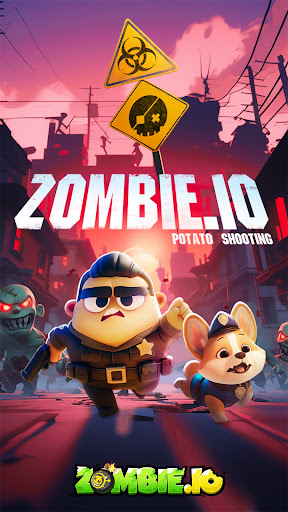
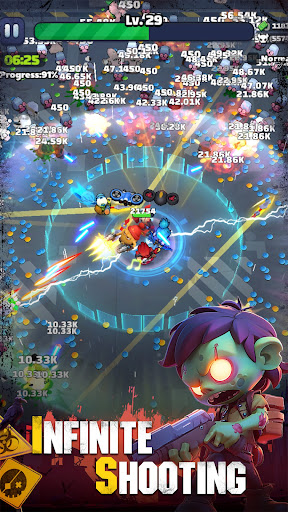
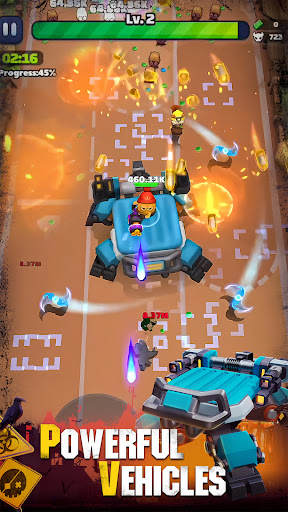
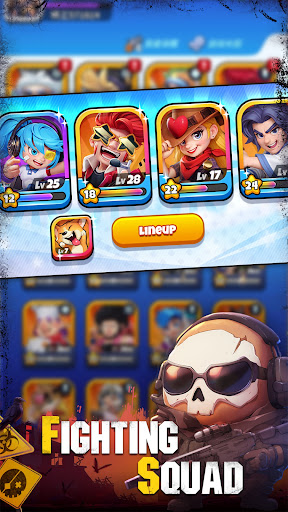
"Apocalyptic adventures available now! Epic heroes, S equipment and many rewards await in the 7-day server events! Join the game now to fight the zombie apocalypse and save the world!!
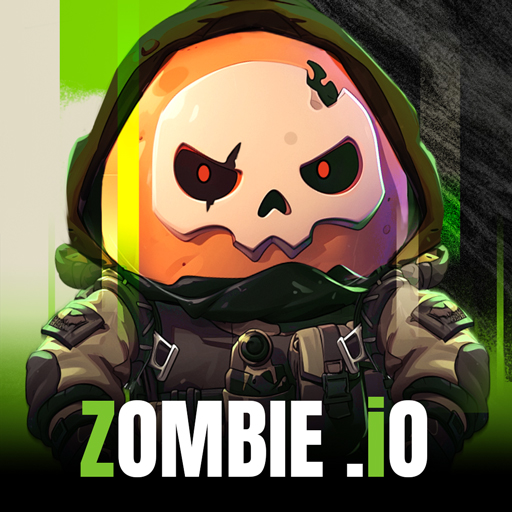
Immerse yourself in this delightful casual shooting mobile game in Zombie.io where you take on the role of an adorable potato protagonist.
The game unfolds in a world where extraterrestrial potatoes accidentally find themselves on Earth, forging an alliance with humans to combat the sudden zombie threat and save the world.
In the game, you can assemble a team of heroes and lead them on a mission to eradicate zombies and experience non-stop shooting intense action, and exciting gameplay features:
▼Endless Zombie Shooting▼
Unleash your shooting skills and face relentless waves of zombies as you strive to survive the apocalypse. Take down hordes of the undead with precise aim and strategic tactics.
▼ Mowing down Experience▼
Mow down the battlefield with your squad, creating pathways and obstacles for the zombies. Utilize the environment to your advantage and stay one step ahead of the undead.
▼ Gear Development▼
Equip your heroes with powerful weapons, armor, and accessories to enhance their abilities and increase your chances of survival. Customize your loadout and discover unique combinations for each hero.
▼Assemble your combat team▼
Rescue more heroes on your way to escape and recruit them into your squad! Each hero masters different special skills, upgrade them and use the correct combat strategy to defeat the ultimate zombie boss!
▼ Roguelite Gameplay▼
Experience the excitement of rogue-lite mechanics, where each playthrough is unique. Discover new skills, chapters, and challenges as you progress through the game. Adapt, strategize, and overcome the odds!
▼ Fighting alongside Friends▼
Meet more friends and embark on new adventures together. You can also build your own guild with your friends, working together to challenge powerful bosses for great rewards.
_______________
To find out more about the game or give us feedback, please follow our social media account:
▷▷▷Facebook: https://www.facebook.com/gaming/zombieioofficial
▷▷▷Discord: https://discord.gg/prR6q46yve
▷▷▷ Twitter: https://twitter.com/ZombieIo42202
▷▷▷ YouTube: https://www.youtube.com/channel/UCWfiU9Sh7CZwcWSq1GfC6yQ"
Show more

1. Download MEmu installer and finish the setup

2. Start MEmu then open Google Play on the desktop

3. Search Zombie.io - Potato Shooting in Google Play
Install
4. Download and Install Zombie.io - Potato Shooting
5. On install completion click the icon to start

6. Enjoy playing Zombie.io - Potato Shooting on PC with MEmu
MEmu Play is the best Android emulator and 100 million people already enjoy its superb Android gaming experience. The MEmu virtualization technology empowers you to play thousands of Android games smoothly on your PC, even the most graphic-intensive ones.
Bigger screen with better graphics; Long duration, without limitation of battery or mobile data.
Full Keymapping support for precise control of keyboard and mouse or gamepad.
Multiple game accounts or tasks on single PC at one time with Multi-Instance manager.
Play Zombie.io - Potato Shooting on PC by following steps: