Character AI - Chat Ask Create
Updated
Current Version
1.17.4
Offered By

Stop worrying about high battery drain when using Character AI - Chat Ask Create on your phone. Free yourself from the tiny screen and enjoy the app on a much larger display. From now on, get a full-screen experience of your app with the convenience of a keyboard and mouse. MEmu offers you all the surprising features you’d expect: quick installation and easy setup, intuitive controls, and no more worries about battery life, mobile data, or unexpected calls. The all-new MEmu 9 is the choice for using Character AI - Chat Ask Create on your computer. With the MEmu multi-instance manager, you can run two or more accounts at the same time. Most importantly, our exclusive emulation engine unlocks your PC’s full potential, delivering smooth and enjoyable performance.
Show more
Enjoy superb experience of using Character AI - Chat Ask Create on PC with MEMU App Player. It's a powerful free Android emulator which provides you with thousands of android apps for their desktop version. Enjoy connecting with friends and polishing your work with higher efficiency! Character.
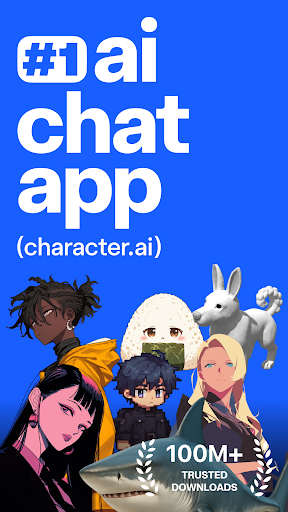
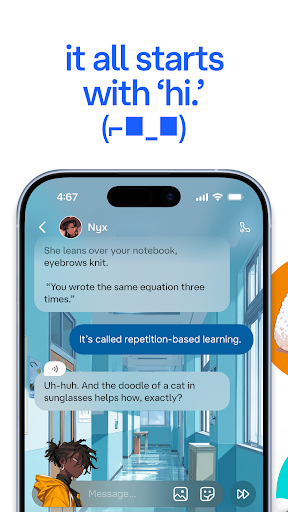
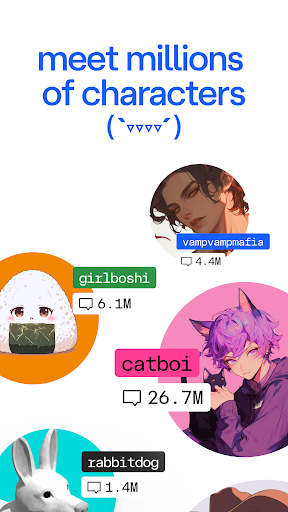
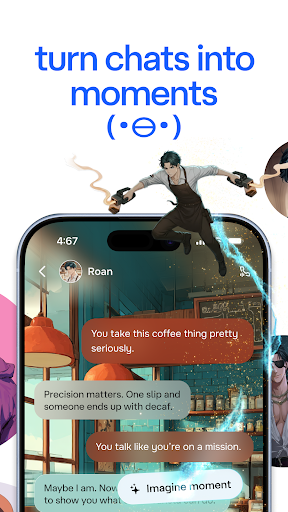
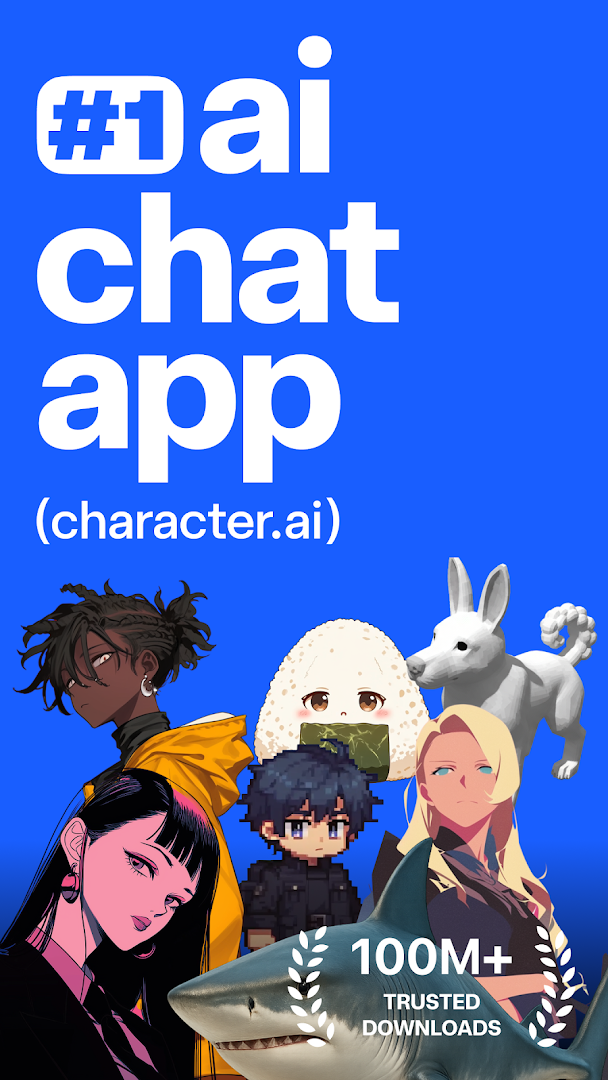
Character.AI isn’t just another AI chat app—it’s an infinite playground for your imagination, creativity, and exploration.
Dive into immersive conversations, create your own AI chatbots, and join a vibrant community of creators, just like you.
Text or talk—your next adventure begins here!
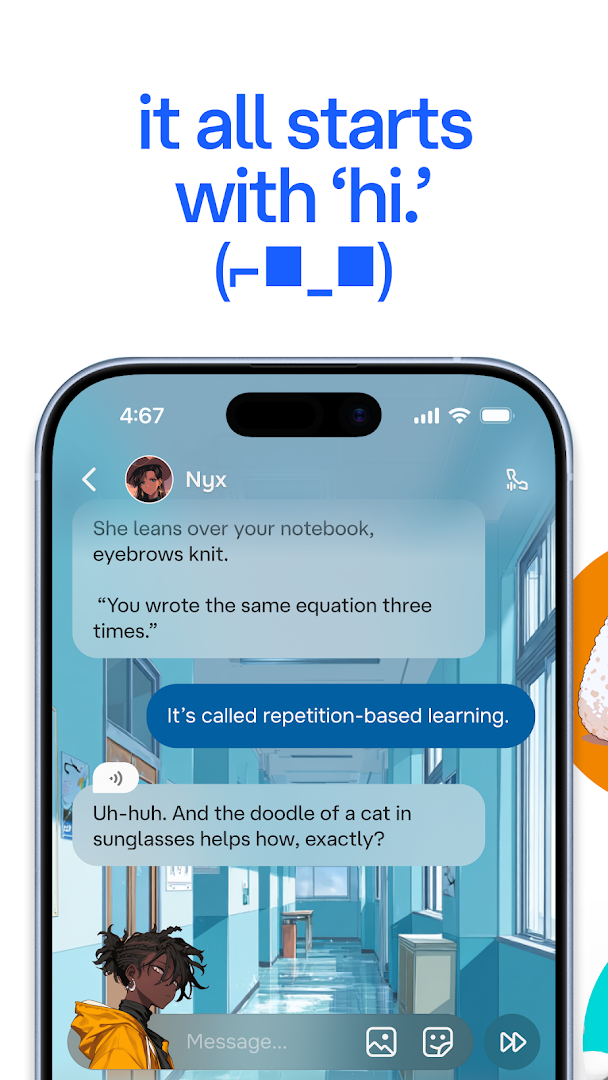
Chat, call, text, and create with AI Characters that respond intelligently, remember past conversations, and adapt to your style. Every AI chat feels natural, engaging, and unique to you. Explore endless possibilities as you create stories, build new worlds, roleplay adventures, or just have fun with your favorite AI chatbots.
Countless AI Characters, Endless Possibilities
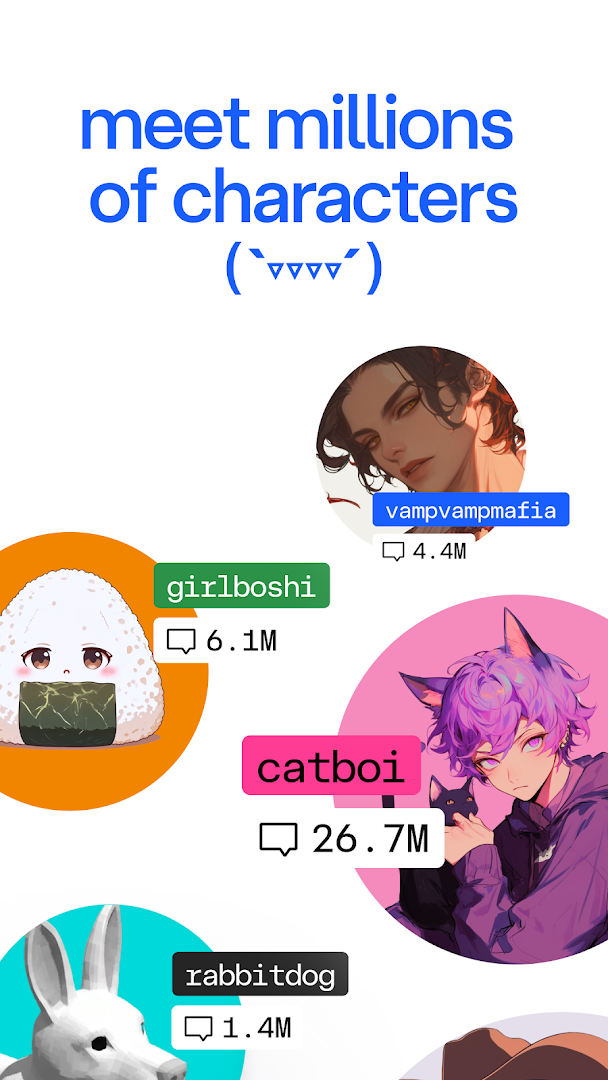
Character.AI is home to millions of user-generated AI Characters, offering a diverse and exciting world beyond basic chatbots. From legendary heroes and mischievous villains to unhinged weirdos and loyal sidekicks, there’s always a new AI Character waiting for you.
Love AI chat? Dive into Characters from every genre and personality type. Want to create your own? Our powerful Character Creation tools let you design custom AI chatbots with unique personalities, backstories, and even Voices! Personalize your creations to match your imagination and experience truly customized AI chat like never before.
Character.AI makes Character Creation easy, fun, and limitless. No matter what you dream up, you can bring it to life and share it with the entire AI Community.
Text or Talk—Your Choice with AI Chat and AI Calls
Experience the freedom to interact however you want—through typing or live voice calls. With Character.AI, you can seamlessly switch between AI chat and live conversations with AI Characters.
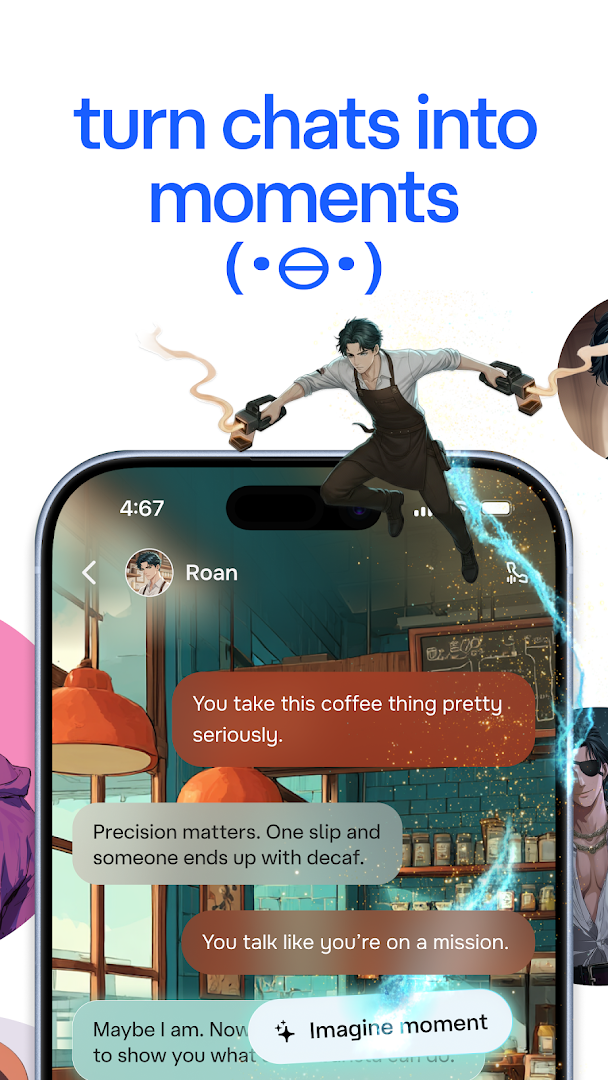
Whether you're deep in an AI-powered story or roleplaying an epic adventure, Character.AI offers a fully immersive AI chat experience tailored to you.
Get ready to rethink what AI chatbots can do—because with Character.AI, your conversations can go anywhere your imagination leads.
Unleash Your Creativity Through Character Creation
Character Creation isn’t just a feature—it’s a gateway to endless creativity.
Character.AI empowers you to create, design, and explore new worlds. Build your own AI chatbots, invent rich fictional universes, craft alternate timelines, or even create personalized AI assistants to help with learning, storytelling, or creative brainstorming.
No coding skills needed. Just your imagination, a few prompts, and the willingness to experiment. Join millions of creators who are pushing the boundaries of AI chat and AI Character development.
Join the Character.AI Community
Become part of a thriving AI Community filled with millions of real creators, explorers, and storytellers. Character.AI is more than just an app—it's a movement where people from around the world connect through the power of storytelling, AI chat, and world-building with your favorite Characters.
Discover new characters created by users like you, follow your favorite creators, and share your own masterpieces with the world. Build, learn, and grow within a community that celebrates innovation and creativity in AI chatbots and Character creation.
Whether you’re into roleplay, fan fiction, RPG adventures, or storytelling, Character.AI is the perfect space to fuel your passion and connect with like-minded explorers.
Interactive Entertainment, Reimagined with AI
At Character.AI, interactive entertainment is taken to the next level. Dive into rich AI roleplay experiences, unexpected plot twists, and collaborative storytelling. Whether you're writing a novel, brainstorming character arcs, or just passing the time with a funny AI chatbot, Character.AI makes every interaction meaningful and fun.
Plus, enjoy unlimited AI conversations and voice calls—all for free!
Download Character.AI and discover the ultimate platform for AI chat, AI Characters, AI chatbots, Character Creation, and connecting with an incredible AI Community.
Where will your next adventure take you?
Show more

1. Download MEmu installer and finish the setup

2. Start MEmu then open Google Play on the desktop

3. Search Character AI - Chat Ask Create in Google Play
Install
4. Download and Install Character AI - Chat Ask Create
5. On install completion click the icon to start

6. Enjoy using Character AI - Chat Ask Create on PC with MEmu
MEmu Play is the best Android emulator, and 100 million users already enjoy its superb Android app experience. Powered by advanced virtualization technology, it lets you enjoy thousands of Android apps smoothly on your PC—including the most graphics-intensive ones.
Bigger screen with better graphics; Long duration, without limitation of battery or mobile data.
Full Keymapping support for precise control of keyboard and mouse or gamepad.
Multiple game accounts or tasks on single PC at one time with Multi-Instance manager.
Use Character AI - Chat Ask Create on PC by following steps: