Blood Pressure Tracker App
Updated
Current Version
3.2
Offered By

Stop worrying about high battery drain when using Blood Pressure Tracker App on your phone. Free yourself from the tiny screen and enjoy the app on a much larger display. From now on, get a full-screen experience of your app with the convenience of a keyboard and mouse. MEmu offers you all the surprising features you’d expect: quick installation and easy setup, intuitive controls, and no more worries about battery life, mobile data, or unexpected calls. The all-new MEmu 9 is the choice for using Blood Pressure Tracker App on your computer. With the MEmu multi-instance manager, you can run two or more accounts at the same time. Most importantly, our exclusive emulation engine unlocks your PC’s full potential, delivering smooth and enjoyable performance.
Show more
Enjoy superb experience of using Blood Pressure Tracker App on PC with MEMU App Player. It's a powerful free Android emulator which provides you with thousands of android apps for their desktop version. Enjoy connecting with friends and polishing your work with higher efficiency! Smart and handy blood pressure app free.
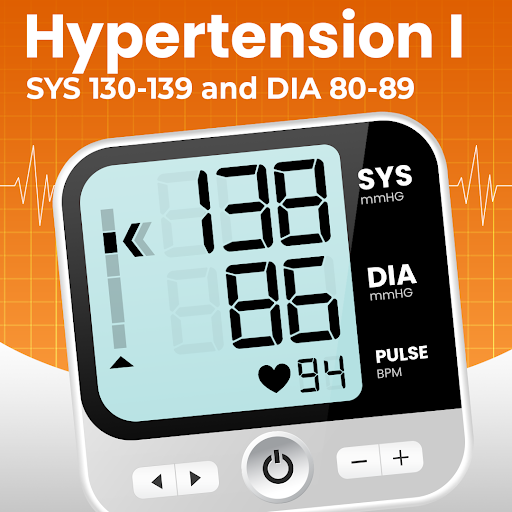
Smart and handy blood pressure app free. Presented by Begamob Global, the trustworthy fitness app development team!
Are you having trouble controlling your blood pressure?
Using our companion app (better with a blood pressure monitor), you can control your blood pressure with multiple build-in features like measurements analysis, statistics, graphs, comprehensive reports your doctor will love and many other tools to analyse high or low blood pressure!
· Average blood pressure for men, women?
· Symptoms of high, low blood pressure?
· procedure to raise or lower blood pressure immediately
Use our app right now to give you support and offer practical tips to cope with the conditions above, making your blood pressure control journey easy and effective.
Our fantastic features:
★ Log your systolic, diastolic, pulse, glucose, oxygen and weight
● Find writing down blood pressure readings annoying? Only need a simple swiping in 10s, you can log and save systolic, diastolic, pulse, and measuring date and time without copying them down. Besides, You can edit, save, update or delete measurement values at ease via fast keyboard data entry.
★ Navigate in calendar view
★ Share your blood pressure with your doctors
★ Report in csv, html, Excel and pdf
★ Organize your blood pressure by tags
★ Automatically calculate blood pressure categories
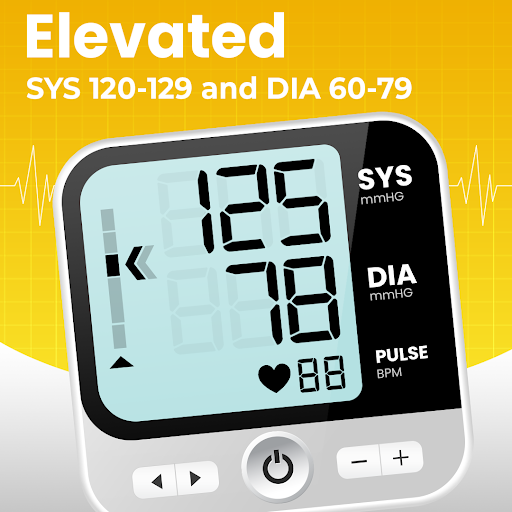
● If you are not sure what blood pressure zone you belong to, you can find reliable and auto-calculated answers based on the latest American Heart Association (AHA) guidelines.
★ Summary your blood pressure in max, min and avg
★ Monitor blood pressure trends
● Have a blood pressure monitor that cannot record every set of readings? Think that paper records are easy to lose? Via our interactive charts, you are able to see a comprehensive and clear diary to track daily well-being over long periods, grasp your blood pressure changes and compare values of different periods.
★ Helpful to monitor and control your blood pressure
* Blood pressure ( blood pressure ) monitoring/tracking and heart rate are very important for health. You can start managing your bloodpressure and heartrate now by using our blood pressure app, especially high bloodpressure or low blood pressure patients.
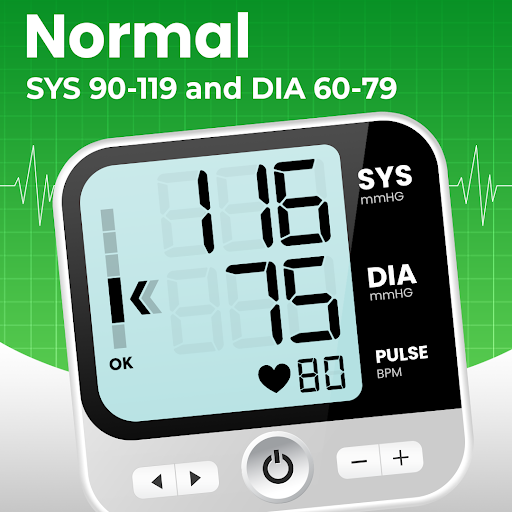
* According to American Heart Association (AHA), normal range of blood pressure are Systolic 91 ~ 120 mmHg and Diastolic 61 ~ 80 mmHg. Please enjoy our blood pressure ( blood pressure ) log and tracker app.
★ Appearance - Customise the appearance of the application to your needs
● Light and Dark theme
● Customizable colors for values of systolic, diastolic, pulse and weight. Especially useful for color blind users
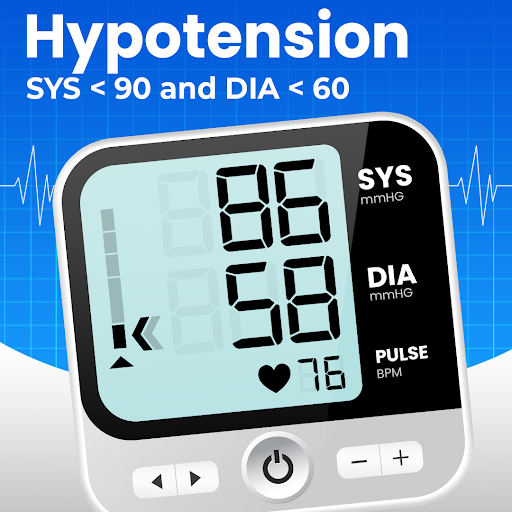
★ Categories: Choose from various blood pressure standards like JNC7, JNC8, ESH/ESC, Isolated Hypertension, Hypotension
★ Backups all your blood pressure data, so no need to worry about loosing them
⚠️Note: Our App serves as a companion App and DOES NOT measure blood pressure or pulse (like others). No app can replace professional medical measurement devices. Thus, to be responsible for your health, please use an FDA-approved blood pressure monitor to measure your blood pressure reliably.
※ If you like the app, then please give us a good rating as the driving force behind our continued development, thank you.
※ Since we can't reply reviews in the market, if you have any suggestions or questions please mail to our mailbox directly. For market reviews, please just leave your rating and cheers, thanks again.
Show more

1. Download MEmu installer and finish the setup

2. Start MEmu then open Google Play on the desktop

3. Search Blood Pressure Tracker App in Google Play
Install
4. Download and Install Blood Pressure Tracker App
5. On install completion click the icon to start

6. Enjoy using Blood Pressure Tracker App on PC with MEmu
MEmu Play is the best Android emulator, and 100 million users already enjoy its superb Android app experience. Powered by advanced virtualization technology, it lets you enjoy thousands of Android apps smoothly on your PC—including the most graphics-intensive ones.
Bigger screen with better graphics; Long duration, without limitation of battery or mobile data.
Full Keymapping support for precise control of keyboard and mouse or gamepad.
Multiple game accounts or tasks on single PC at one time with Multi-Instance manager.
Use Blood Pressure Tracker App on PC by following steps: