Disney+
Updated
Current Version
1735054894
Offered By

Stop worrying about high battery drain when using Disney+ on your phone. Free yourself from the tiny screen and enjoy the app on a much larger display. From now on, get a full-screen experience of your app with the convenience of a keyboard and mouse. MEmu offers you all the surprising features you’d expect: quick installation and easy setup, intuitive controls, and no more worries about battery life, mobile data, or unexpected calls. The all-new MEmu 9 is the choice for using Disney+ on your computer. With the MEmu multi-instance manager, you can run two or more accounts at the same time. Most importantly, our exclusive emulation engine unlocks your PC’s full potential, delivering smooth and enjoyable performance.
Show more
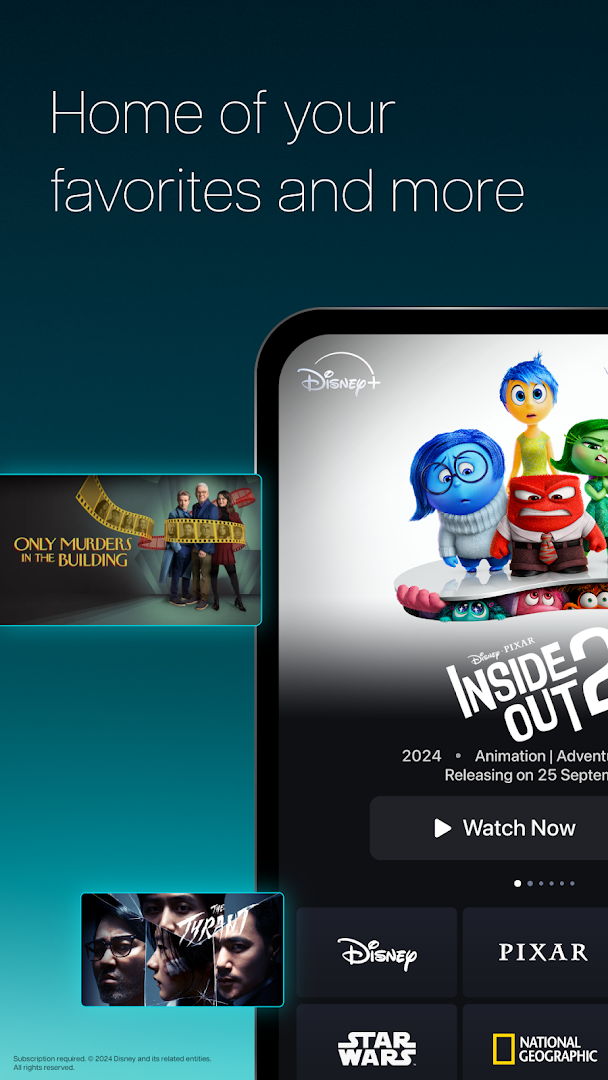
Enjoy superb experience of using Disney+ on PC with MEMU App Player. It's a powerful free Android emulator which provides you with thousands of android apps for their desktop version. Enjoy connecting with friends and polishing your work with higher efficiency! Disney+ is the dedicated streaming home for movies and shows from Disney, Pixar, Marvel, Star Wars, National Geographic, and Star.
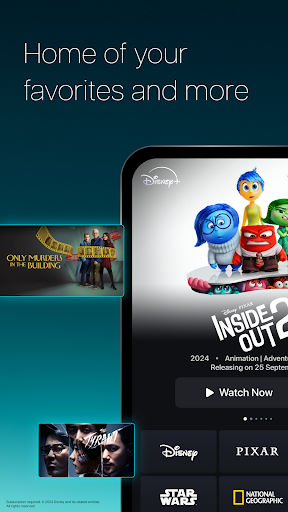
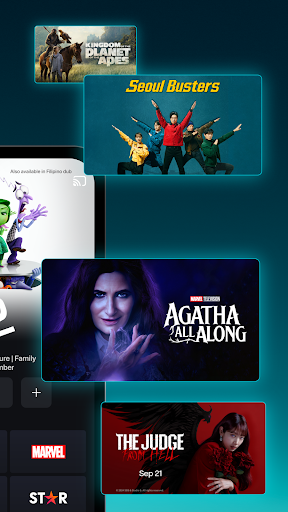
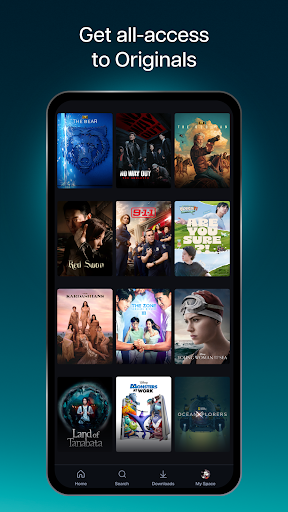
Disney+ is the dedicated streaming home for movies and shows from Disney, Pixar, Marvel, Star Wars, National Geographic, and Star.
From love stories and epic adventures to culinary delights, mysteries, and reality bites. From Hollywood to indie hits, find your stories in so many different spaces.
Discover new titles added regularly from blockbusters, binge-worthy series, documentaries, variety shows, and so much more. Stream at home, on-the-go or download selected content to watch offline on compatible devices today!
With Disney+, you can watch:
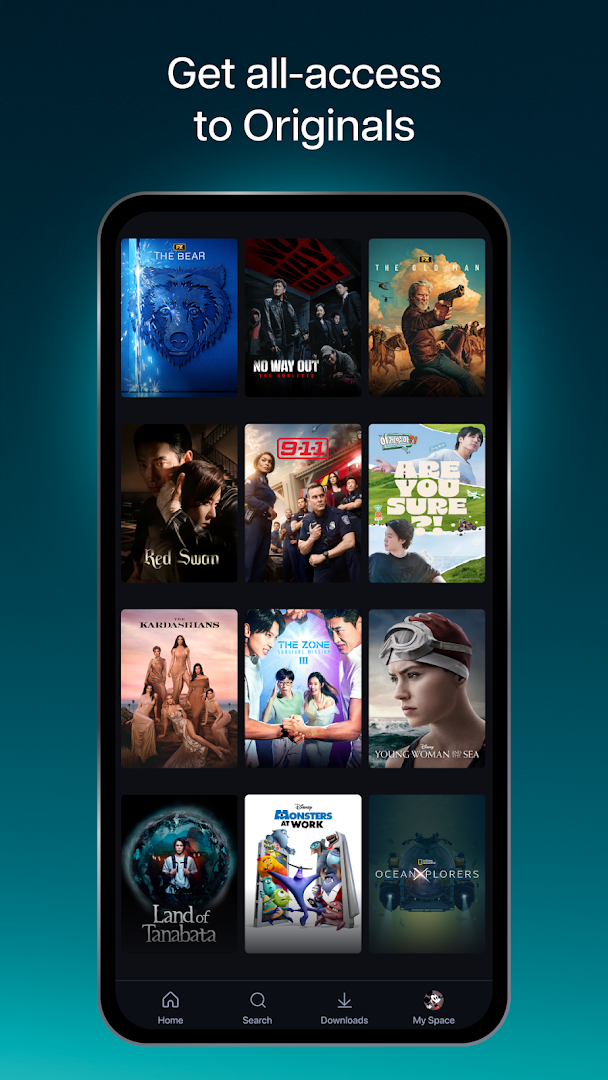
• A library of thousands of hours spanning movies, series, Disney+ Originals, and so much more.
• Blockbuster films, both live-action and animated, alongside gripping series, bite-sized content, and thought-provoking documentaries.
• A wide selection of Korean dramas and other Asian content.
• A range from the latest releases and popular TV series to the cherished Disney classics.
Enjoy these features, based on your chosen plan:
Premium Plan
• Watch on max. 4 screens at once
• Stream up to 4K Ultra HD^ for selected content
• Log in max. 10 devices
Basic & Premium Plans
• Download selected content on max. 10 mobile devices only*
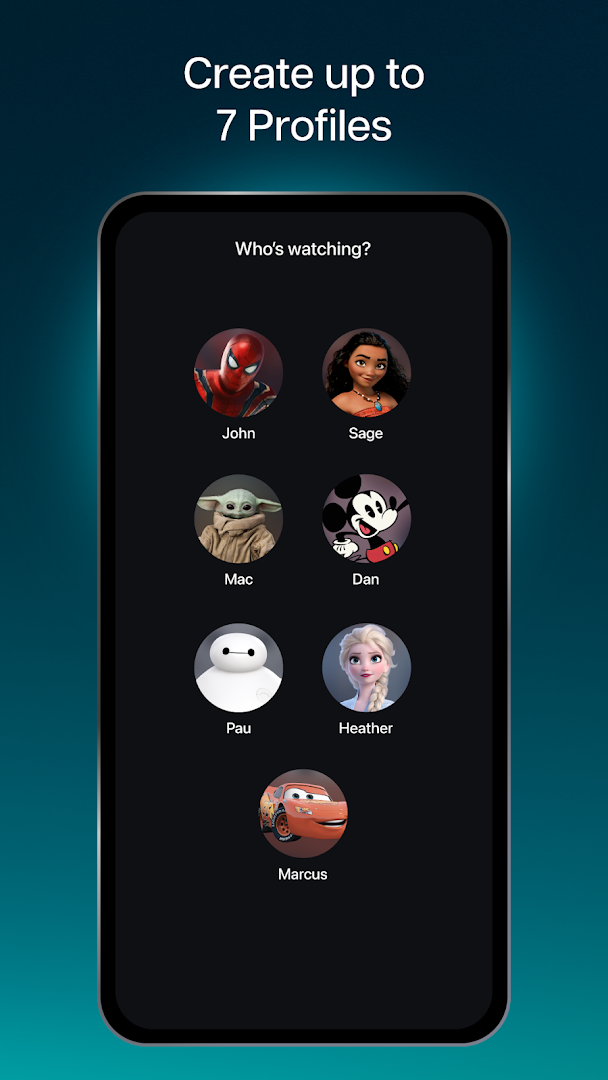
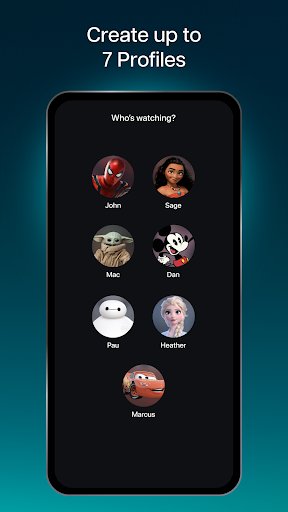
• Create up to 7 profiles under 1 account
• Watch all our titles on compatible Phones, Tablets, Laptops, TVs
Subscription is required. Additional bank charges may apply. The content available on Disney+ may vary by region. Some titles shown on this page may not be available in your country. ^Video and/ or audio quality subject to internet service, device capabilities, content and subscription plan. Please note that Smart TVs require HDCP V2 & HDCP V2.2 for Full HD (1080p) and 4K Ultra HD (2160p) content playback, respectively. *Downloaded content will remain on your device for a limited amount of time as long as you are an active Disney+ subscriber and your device is connected to the internet at least once every 30 days.
For more information on plans, price, features and more, please visit: help.disneyplus.com.
Subscriber Agreement: https://www.apps.disneyplus.com/subscriberagreement/ph/eng
Privacy Policy: https://privacy.thewaltdisneycompany.com/en/
Supplemental Privacy Policy for Philippines: https://privacy.thewaltdisneycompany.com/en/current-privacy-policy/supplemental-privacy-policy-for-philippines
Show more

1. Download MEmu installer and finish the setup

2. Start MEmu then open Google Play on the desktop

3. Search Disney+ in Google Play
Install
4. Download and Install Disney+
5. On install completion click the icon to start

6. Enjoy using Disney+ on PC with MEmu
MEmu Play is the best Android emulator, and 100 million users already enjoy its superb Android app experience. Powered by advanced virtualization technology, it lets you enjoy thousands of Android apps smoothly on your PC—including the most graphics-intensive ones.
Bigger screen with better graphics; Long duration, without limitation of battery or mobile data.
Full Keymapping support for precise control of keyboard and mouse or gamepad.
Multiple game accounts or tasks on single PC at one time with Multi-Instance manager.
Use Disney+ on PC by following steps: