GameChanger
Updated
Current Version
6.6.0.0
Offered By

Stop worrying about high battery drain when using GameChanger on your phone. Free yourself from the tiny screen and enjoy the app on a much larger display. From now on, get a full-screen experience of your app with the convenience of a keyboard and mouse. MEmu offers you all the surprising features you’d expect: quick installation and easy setup, intuitive controls, and no more worries about battery life, mobile data, or unexpected calls. The all-new MEmu 9 is the choice for using GameChanger on your computer. With the MEmu multi-instance manager, you can run two or more accounts at the same time. Most importantly, our exclusive emulation engine unlocks your PC’s full potential, delivering smooth and enjoyable performance.
Show more
Enjoy superb experience of using GameChanger on PC with MEMU App Player. It's a powerful free Android emulator which provides you with thousands of android apps for their desktop version. Enjoy connecting with friends and polishing your work with higher efficiency! Stream and score your team’s games for FREE and keep fans connected to the action with GameChanger, the #1 youth sports app.

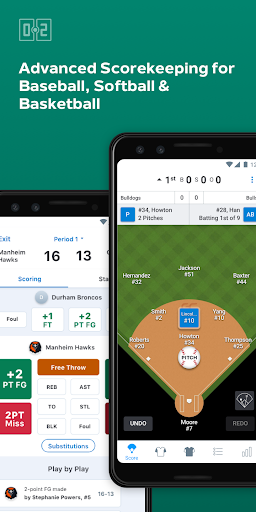
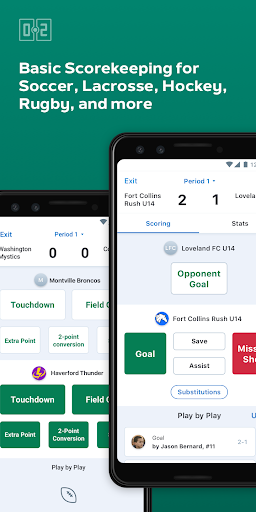
Stream and score your team’s games for FREE and keep fans connected to the action with GameChanger, the #1 youth sports app. All you need is a mobile device. Plus, coaches can access premium features, including stats and archived video for FREE!
EASY-TO-USE SCOREKEEPING TOOLS
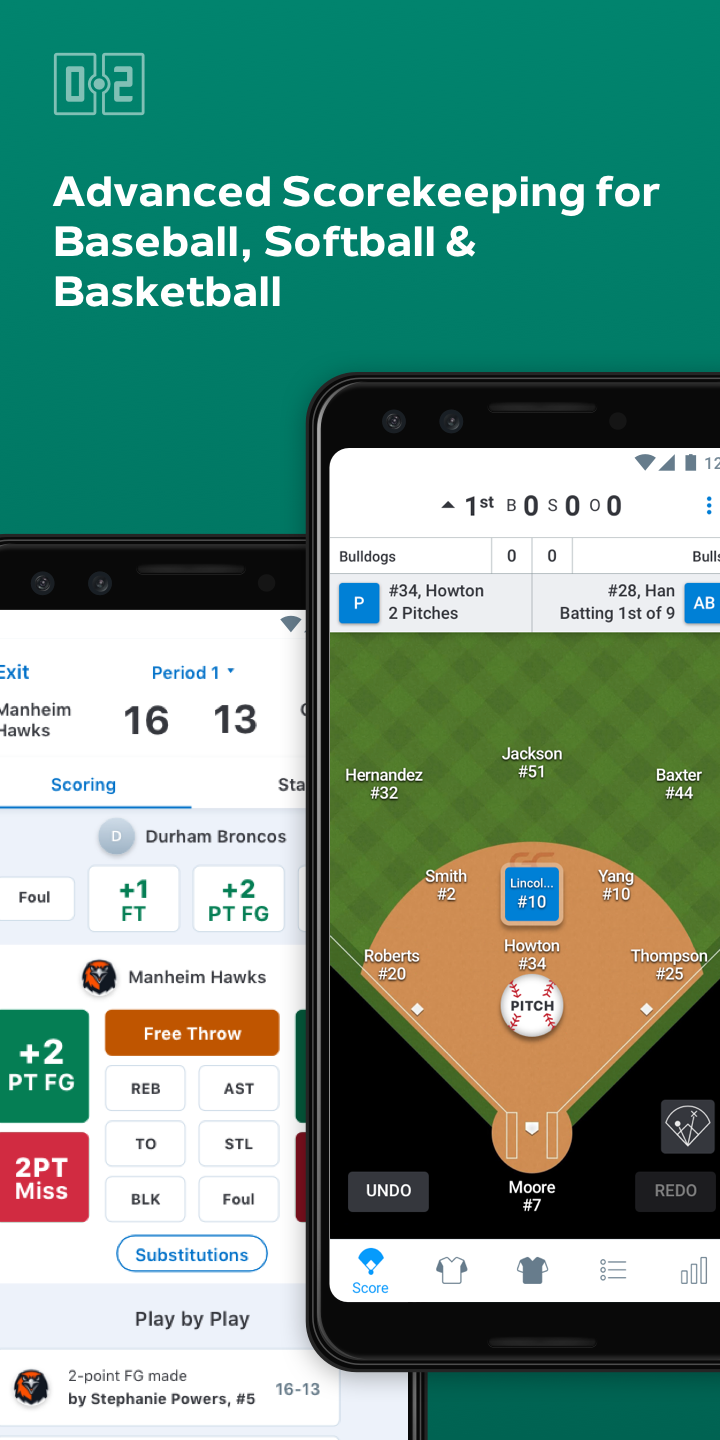
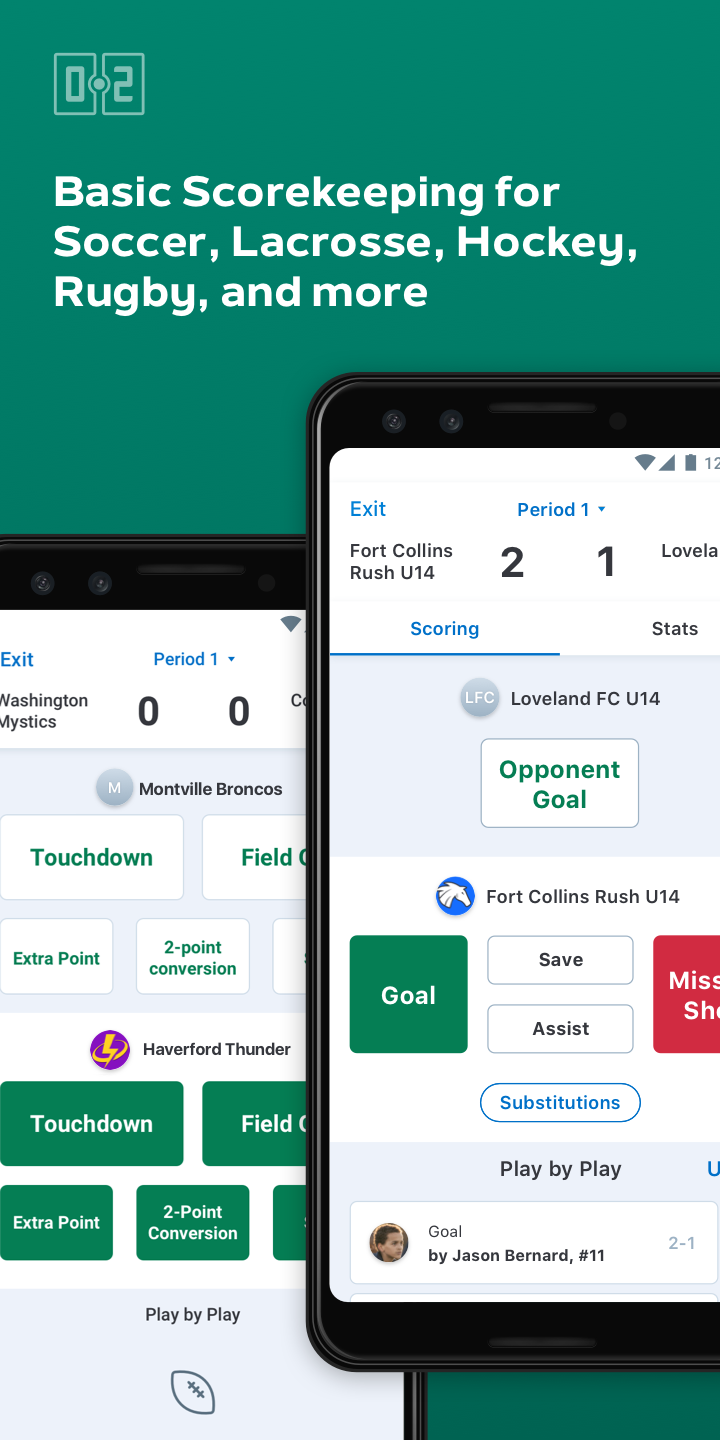
Ditch the paper scorebook with an intuitive FREE scorekeeping experience and get advanced scorekeeping tools and features for baseball, softball, basketball, soccer, lacrosse, football, hockey, field hockey, water polo, and rugby.
FREE LIVE VIDEO STREAMING
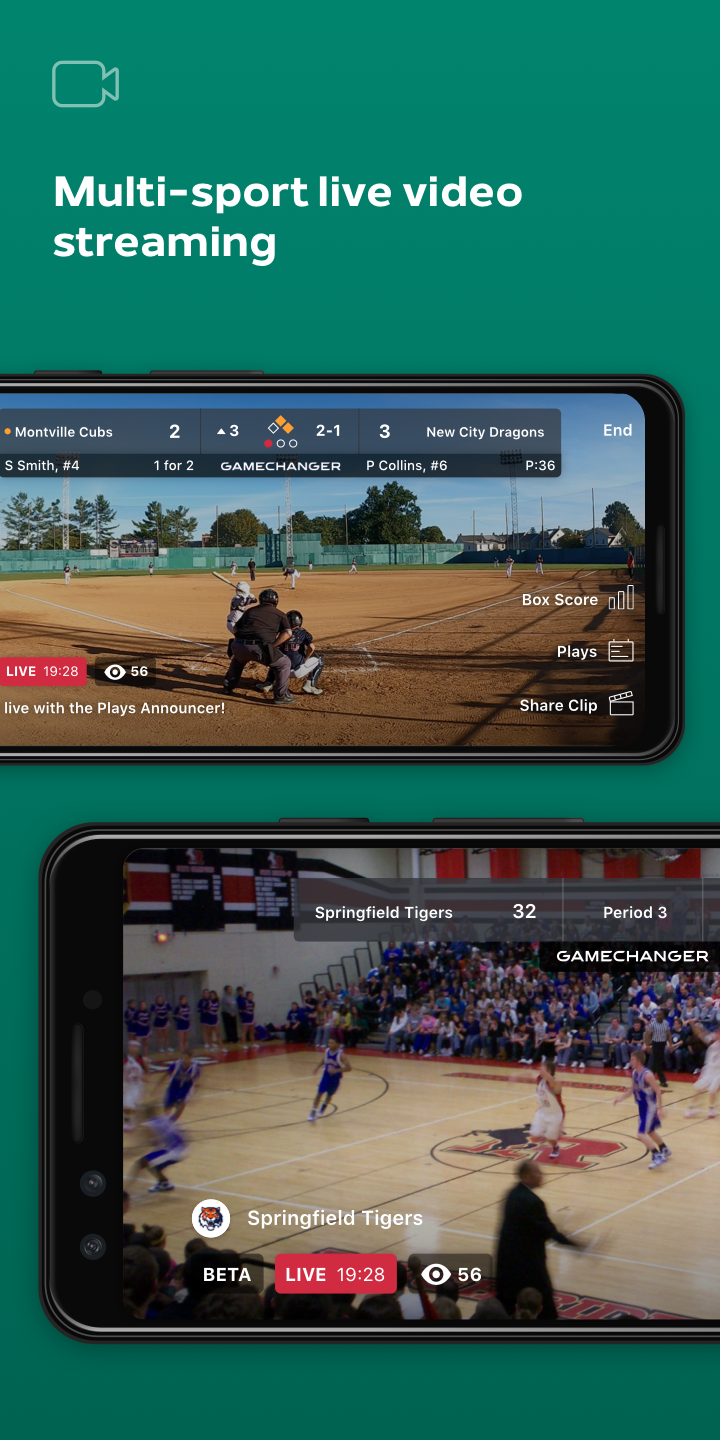
Set up a live game stream in just three taps using a mobile device or external camera to bring the game to anyone, anywhere. A live scoreboard overlay keeps viewers updated in real time. Plus, it’s free to tune in, so family and friends never have to miss a game!
AUTOSTREAM FOR BASKETBALL FORE FREE
Live stream basketball games easily with AutoStream, our proprietary AI-powered technology that delivers a hands-free full-court streaming experience for FREE. No complex setup required — all you need is a mobile device.
FREE TEAM MANAGEMENT
Streamline team communication for 20+ sports with free in-app messaging, photo sharing, and event scheduling with RSVP and calendar sync.
ROSTER MANAGEMENT
Keep roster and team contact info all in one place. Automatically populate your entire team roster in seconds by importing from MaxPreps, Sports Connect, or a past season on GameChanger.
TRACK BASEBALL & SOFTBALL STATS FOR FREE
Track 150+ basic and advanced baseball and softball stats, including pitch count, batting average, ERA, quality at-bats, and more.
ADDITIONAL FEATURES:
EXCLUSIVE VIDEO
Streamed games are automatically stored in the video archive, and highlights from games that are streamed and scored are automatically clipped. Coaches and premium subscribers can access and review full game video and highlights at any time.
SHAREABLE ATHLETE PROFILES
Baseball, softball, and basketball players can showcase individual stats and key video highlights on customizable athlete profiles that can be shared with family, friends, or recruiters. (Paid subscription required for fans.)
PITCHING AND BATTING SPRAY CHARTS
Make informed game-time decisions with pitching and batting spray charts for baseball and softball.
PITCH COUNT TRACKING (Baseball only)
Get relevant information to help monitor pitcher usage and keep players safe, with stats like pitch count, innings pitched, and innings caught.
FREE FOR COACHES AND TEAM STAFF
GameChanger premium features like video highlights, video archives, career stats, and spray charts remain completely free for coaches and team staff. (Paid subscription required for fans.)
WEB PORTAL
Manage team rosters, schedules, and review stats at our web portal at gc.com.
EXTERNAL CAMERA COMPATIBILITY
GameChanger is compatible with Mevo, GoPro, or other third-party cameras using RTMP.
GameChanger is currently available for the following sports: baseball, softball, soccer, basketball, lacrosse, football, volleyball, field hockey, ice hockey, water polo, rugby, swimming & diving, track & field, wrestling, crew & rowing, bowling, cheerleading, cross country, tennis, and golf teams.
Terms of Use: https://gc.com/home/terms
California Disclosures: https://dickssportinggoods.com/s/california-disclosures
US Patent No. 8,731,458
Show more

1. Download MEmu installer and finish the setup

2. Start MEmu then open Google Play on the desktop

3. Search GameChanger in Google Play
Install
4. Download and Install GameChanger
5. On install completion click the icon to start

6. Enjoy using GameChanger on PC with MEmu
MEmu Play is the best Android emulator, and 100 million users already enjoy its superb Android app experience. Powered by advanced virtualization technology, it lets you enjoy thousands of Android apps smoothly on your PC—including the most graphics-intensive ones.
Bigger screen with better graphics; Long duration, without limitation of battery or mobile data.
Full Keymapping support for precise control of keyboard and mouse or gamepad.
Multiple game accounts or tasks on single PC at one time with Multi-Instance manager.
Use GameChanger on PC by following steps: