The Weather Network: Local Forecasts & Radar Maps
Updated
Current Version
7.18.1.11555
Offered By

Stop worrying about high battery drain when using The Weather Network: Local Forecasts & Radar Maps on your phone. Free yourself from the tiny screen and enjoy the app on a much larger display. From now on, get a full-screen experience of your app with the convenience of a keyboard and mouse. MEmu offers you all the surprising features you’d expect: quick installation and easy setup, intuitive controls, and no more worries about battery life, mobile data, or unexpected calls. The all-new MEmu 9 is the choice for using The Weather Network: Local Forecasts & Radar Maps on your computer. With the MEmu multi-instance manager, you can run two or more accounts at the same time. Most importantly, our exclusive emulation engine unlocks your PC’s full potential, delivering smooth and enjoyable performance.
Show more
Enjoy superb experience of using The Weather Network: Local Forecasts & Radar Maps on PC with MEMU App Player. It's a powerful free Android emulator which provides you with thousands of android apps for their desktop version. Enjoy connecting with friends and polishing your work with higher efficiency! Plan with confidence and stay safe with The Weather Network app, your trusted daily planner for accurate weather.
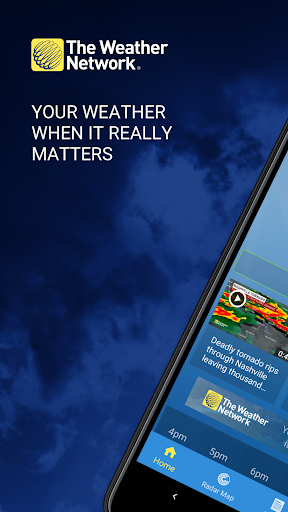
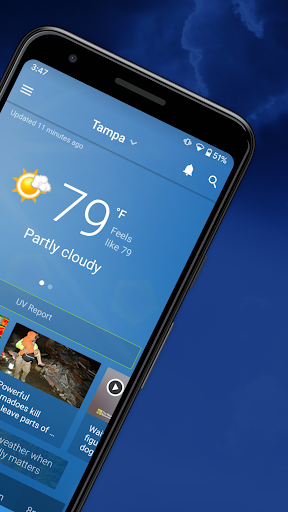
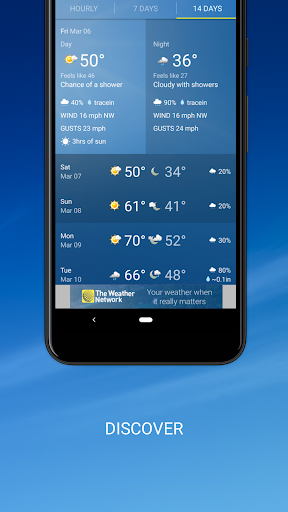
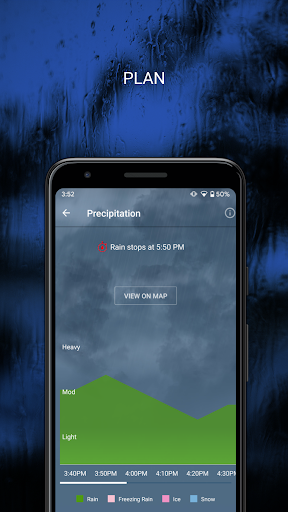
Plan with confidence and stay safe with The Weather Network app, your trusted daily planner for accurate weather.
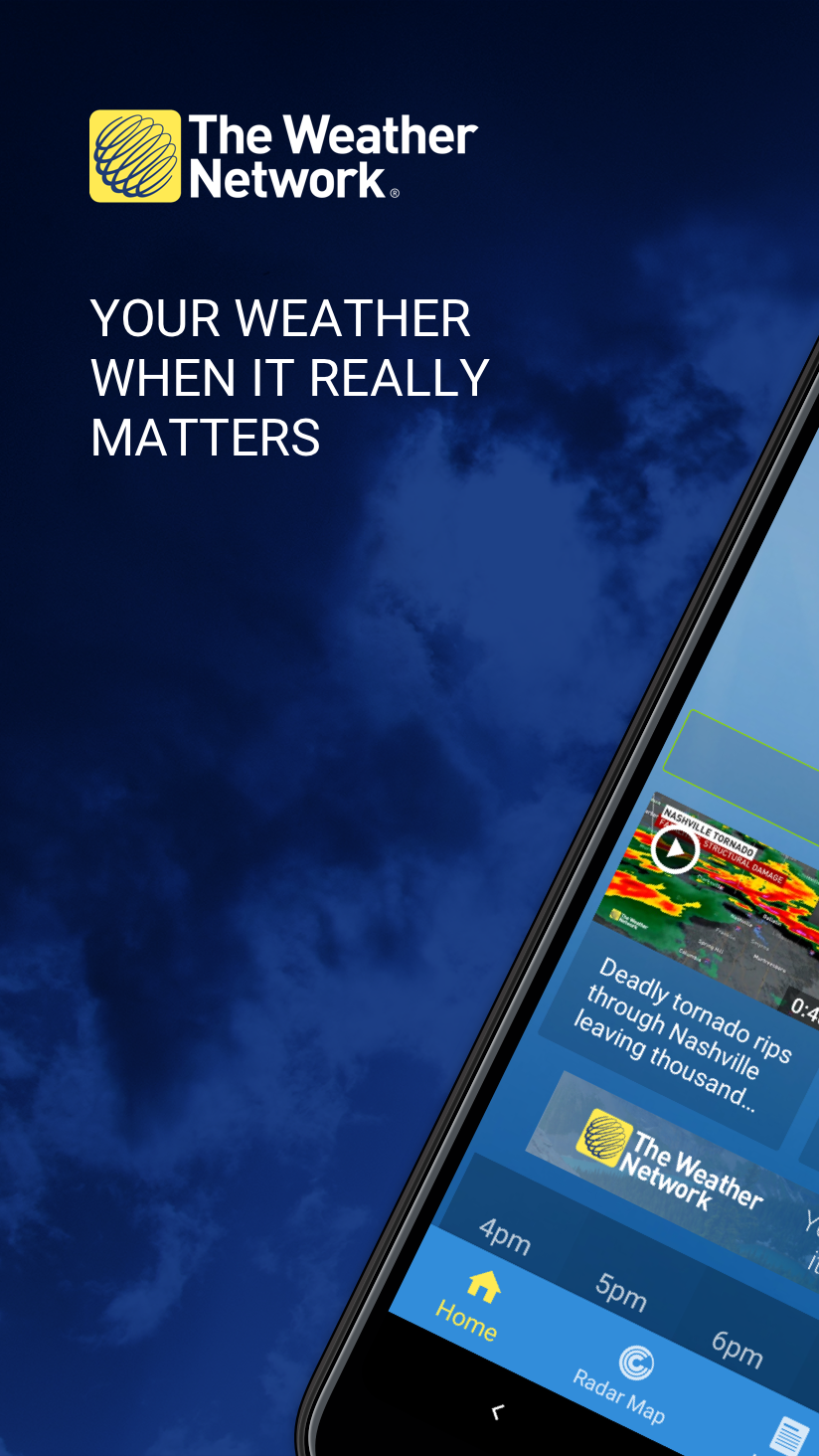
Trusted by over 10 million users for reliable forecast, real-time weather radar, and instant storm alerts for over 35 years.
Whether you need a local forecast for my location or travel weather for an international trip, you’ll have the most reliable local weather forecast at your fingertips, covering all of North America and beyond.
Features You’ll Love:
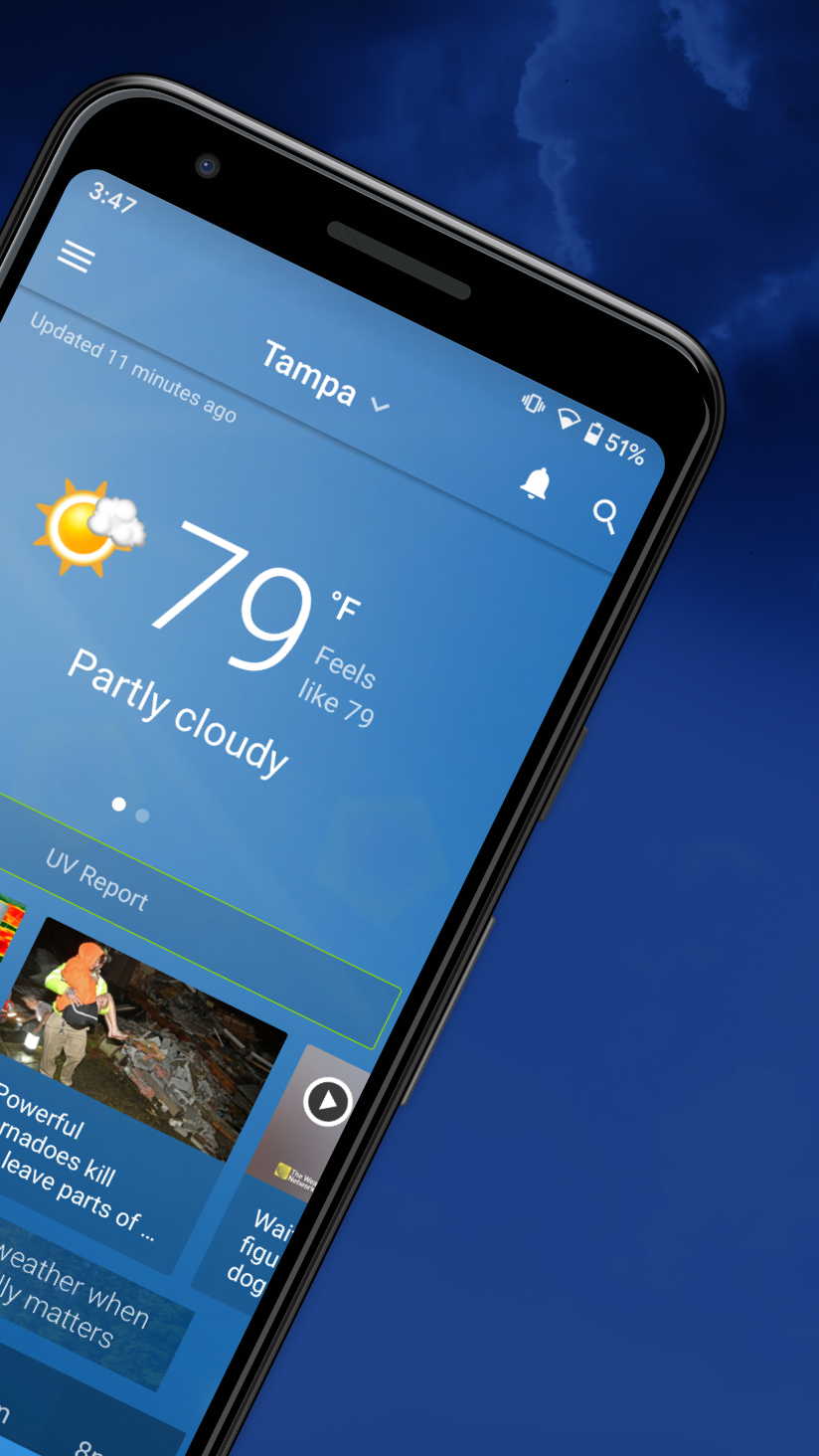
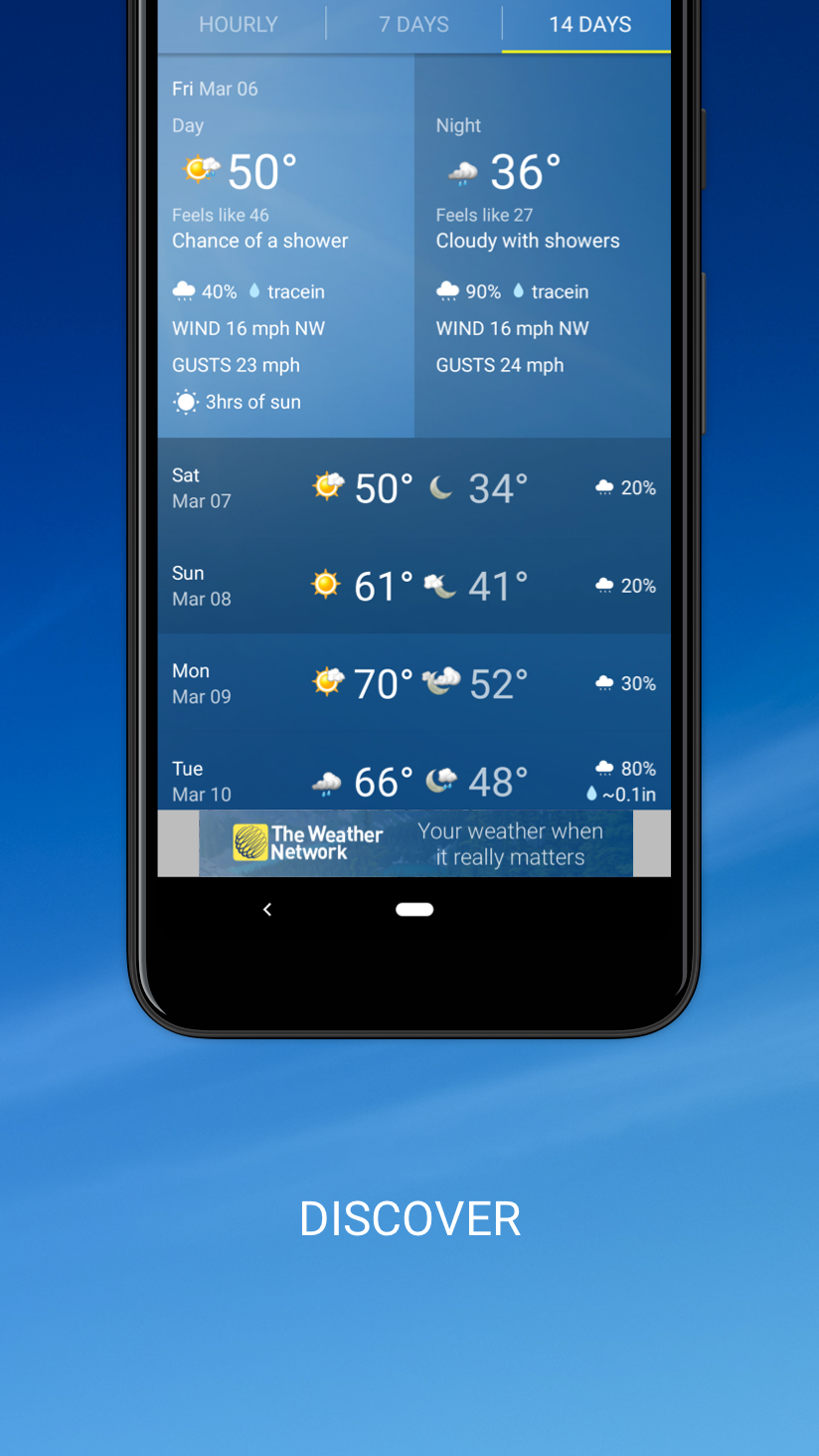
Accurate Local Forecasts – Get the most accurate weather forecast right in your neighbourhood. Plan everything with our Hourly Forecast, 7-day, and long-range 14-Day Forecast, with real-time updates every 15 minutes.
Live Radar Maps – Track storms precisely with our advanced Radar and Satellite maps. Our GPS accuracy shows weather at your exact location. Explore map layers for temperature, precipitation, wind, fire, clouds, and highway conditions.
Severe Weather Alerts – Your Outdoor Safety comes first. Receive instant Custom Notifications for all types of Severe Weather. Get Severe Storm Alerts, Lightning Alerts, Snow & Rain Alerts, and Temperature Swing Alerts, including official government warnings for your location.
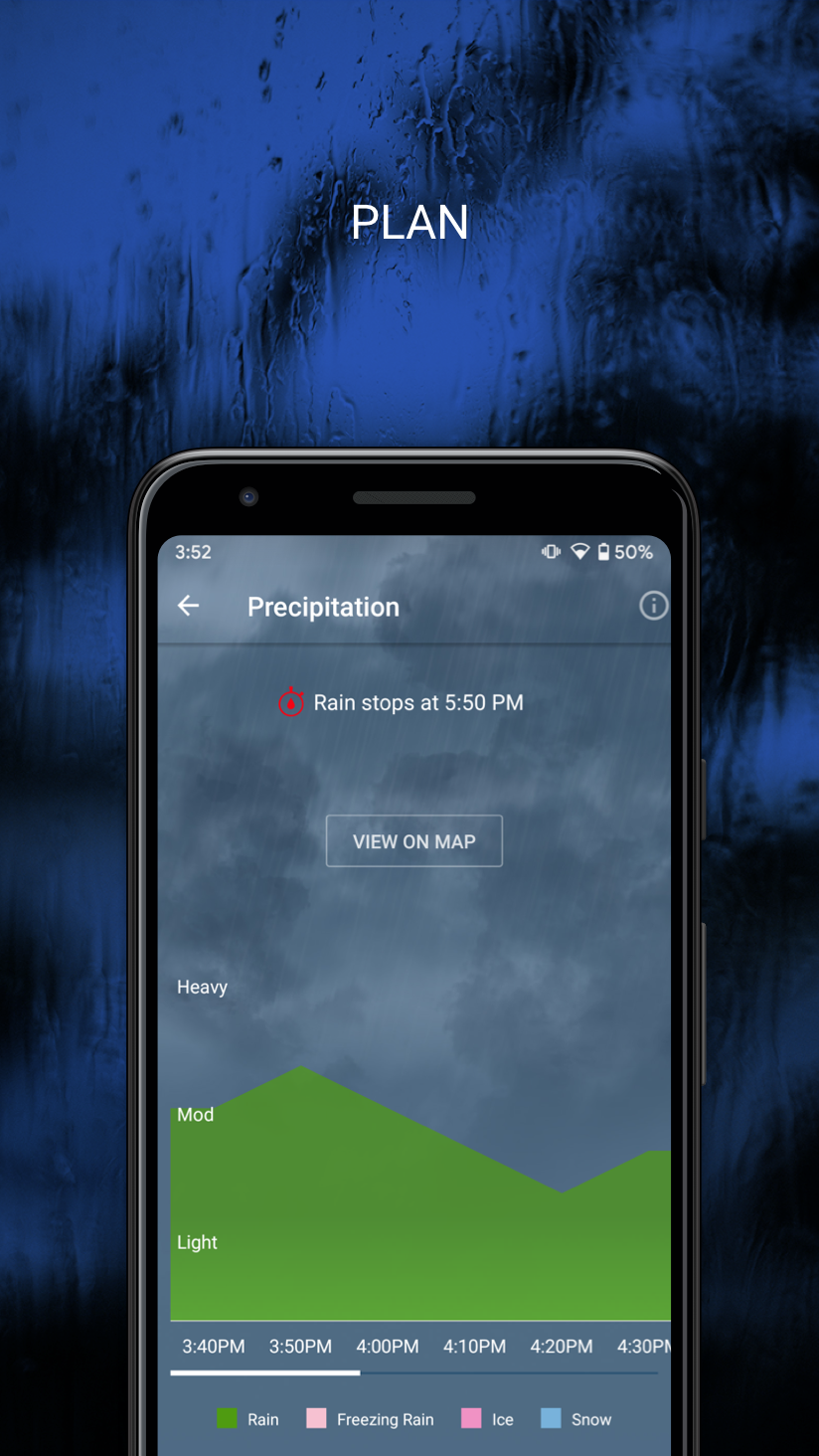
Precipitation Start & Stop Times – Never get caught in the rain or snow again! Our precipitation graphs show you exactly when rain or snow will start and stop, accurate to the minute.
Health & Weather Reports – Essential for outdoor planning, our detailed reports on Air Quality, UV Index, and allergy risks for your Nearby Weather conditions help you prepare for your day.
Weather News & Video – Go beyond the forecast with breaking news and analysis from our weather experts.
Customizable Weather Widget – Get a quick glance at today's forecast. Add our customizable widget to your home or lock screen for instant weather updates.
Siri Shortcuts – Get quick access to your most-used weather features.
Bilingual Weather (English / French) – Full support in both English and French.
Go Ad-Free – Your forecast, simplified. A completely ad-free experience.. Subscribe today.
Get the most accurate local forecast right in your neighbourhood. Plan everything with our daily, hourly, 7 & 14-day forecasts. Never get caught in the rain or snow again! Our precipitation graphs show you the exact start and stop times, down to the minute.
Track storms precisely with our advanced live radar. Safety first: get real-time severe weather alerts and official government warnings to stay prepared.
Plan smart with Air Quality, UV and Pollen reports. The most accurate forecast for every travel destination—from Toronto to Berlin.
Get a quick glance at today's forecast with our customizable widgets for your home screen & lock screen, so you're always ready to go.
Get Canada's weather app, the most accurate and reliable weather forecast for your exact location. Download The Weather Network app today. Your weather, when it really matters.
Privacy & Feedback
You can visit our website at www.theweathernetwork.com and go to our Help Centre for answers to your questions. https://help.theweathernetwork.com/hc/en-us
By installing this app, you agree to our Terms & Conditions and our Privacy Policy. To learn more, visit: https://www.theweathernetwork.com/en/about-us/privacy-policy and https://www.theweathernetwork.com/en/info/terms-of-use
The Weather Network/MétéoMédia app is trusted by 10.9 million mobile app users. Source: Comscore, Mobile Metrix, June 2025.
About us: https://www.theweathernetwork.com/en/info/about-us
The Weather Network (R) is a registered trademark of Pelmorex Weather Networks (Television) Inc.
Show more

1. Download MEmu installer and finish the setup

2. Start MEmu then open Google Play on the desktop

3. Search The Weather Network: Local Forecasts & Radar Maps in Google Play
Install
4. Download and Install The Weather Network: Local Forecasts & Radar Maps
5. On install completion click the icon to start

6. Enjoy using The Weather Network: Local Forecasts & Radar Maps on PC with MEmu
MEmu Play is the best Android emulator, and 100 million users already enjoy its superb Android app experience. Powered by advanced virtualization technology, it lets you enjoy thousands of Android apps smoothly on your PC—including the most graphics-intensive ones.
Bigger screen with better graphics; Long duration, without limitation of battery or mobile data.
Full Keymapping support for precise control of keyboard and mouse or gamepad.
Multiple game accounts or tasks on single PC at one time with Multi-Instance manager.
Use The Weather Network: Local Forecasts & Radar Maps on PC by following steps: