PicSo – Turn Videos into Anime
Updated
Current Version
1.20.5
Offered By

Stop worrying about high battery drain when using PicSo – Turn Videos into Anime on your phone. Free yourself from the tiny screen and enjoy the app on a much larger display. From now on, get a full-screen experience of your app with the convenience of a keyboard and mouse. MEmu offers you all the surprising features you’d expect: quick installation and easy setup, intuitive controls, and no more worries about battery life, mobile data, or unexpected calls. The all-new MEmu 9 is the choice for using PicSo – Turn Videos into Anime on your computer. With the MEmu multi-instance manager, you can run two or more accounts at the same time. Most importantly, our exclusive emulation engine unlocks your PC’s full potential, delivering smooth and enjoyable performance.
Show more
Enjoy superb experience of using PicSo – Turn Videos into Anime on PC with MEMU App Player. It's a powerful free Android emulator which provides you with thousands of android apps for their desktop version. Enjoy connecting with friends and polishing your work with higher efficiency! PicSo is an AI Art Generator for Everyone.
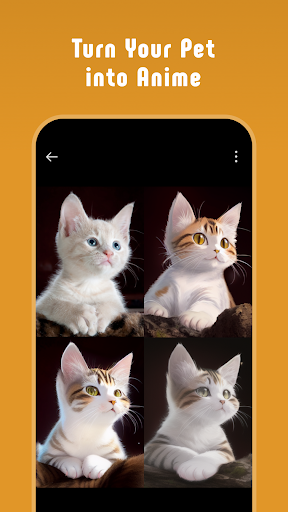
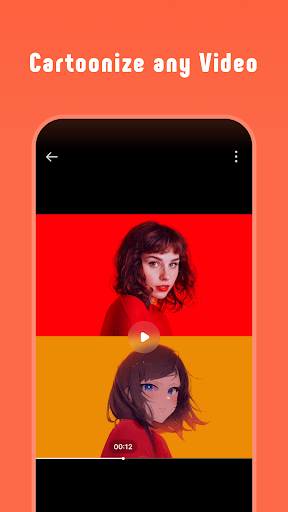
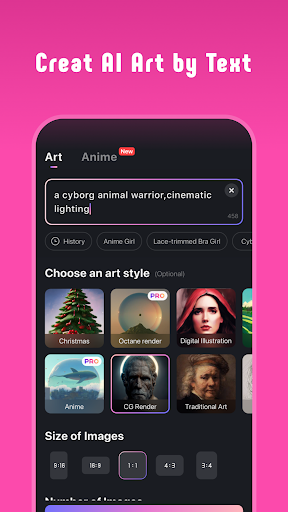
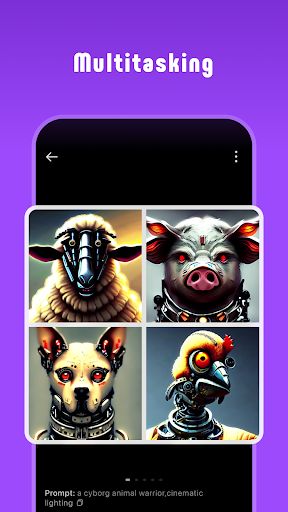
PicSo is an AI Art Generator for Everyone. Include AI anime & human creator, image video to cartoon AI converter and text to art maker generator, and offering multiple unique styles and features. Team PicSo has been working hard to create a unique and user-friendly AI that comes to meet all uses.
Try PicSo – Generator AI Girl Today!
AI Art Generator for Everyone
PicSo is named after Picasso, which expresses that everyone can be a great artist like Picasso. It is an AI image generator that turns your imagination into digital art, and disparate ideas to synthesize objects. And allow you to effortlessly create art that’s based on fantasy and dystopia sci-fi scenes deep within our super-charged painting creator.
Create Anime Character or AI Girl with Your Keywords
Whether you're an artist or simply a fan of AI, this app makes it easy for you to create a unique and personalized anime and human character that truly represents your vision. With its advanced AI technology and state-of-the-art graphics, you have complete control over every aspect of your character's appearance, from hair color and eye shape to clothing and accessories.
Easily Turn Pictures into Cartoons
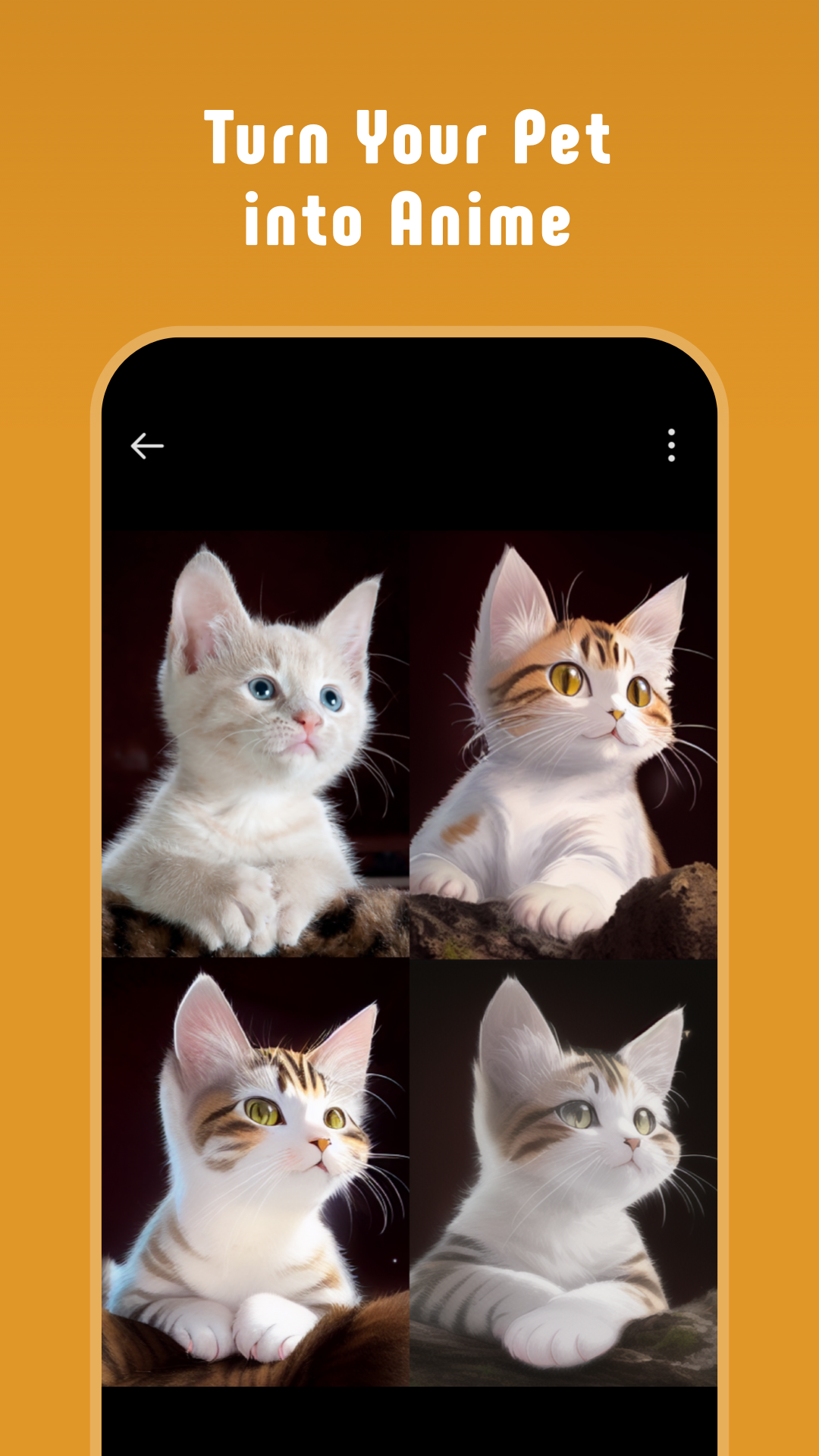
Go from pic to cartoon in secs. PicSo's image cartoonizer is powered by AI so you don't need any editing skills. You can convert you and your pets into cartoons in a flash. Simply upload your plain photos, and watch them turn into animated pictures in seconds.
Convert Video Clips into Anime
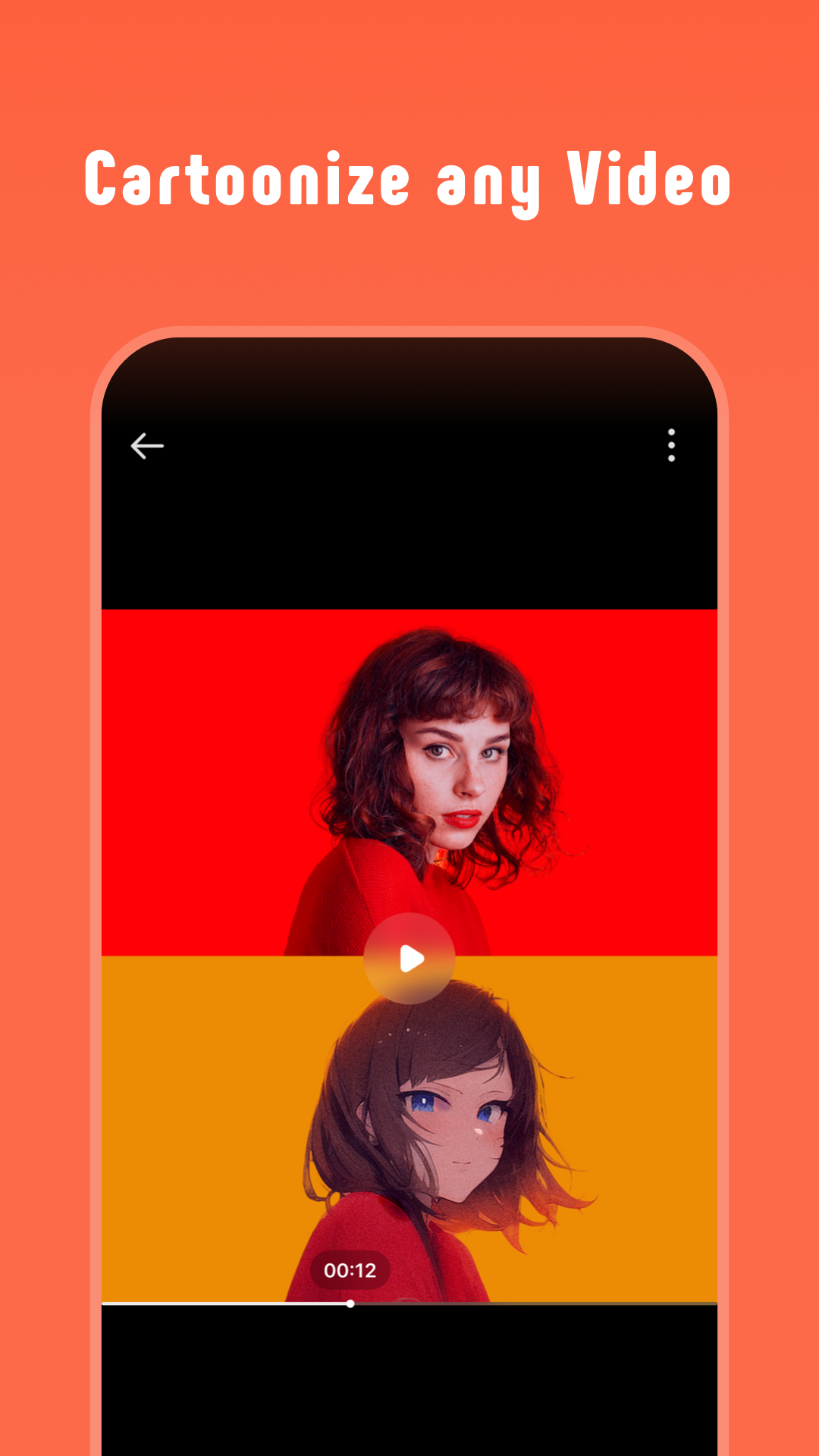
Using AI to convert real footage or any movie clips into animation. Powered by AI art generator, just uploading any clips will you create a cartoon effortlessly to get amazing output.
Text to AI Painting Creator
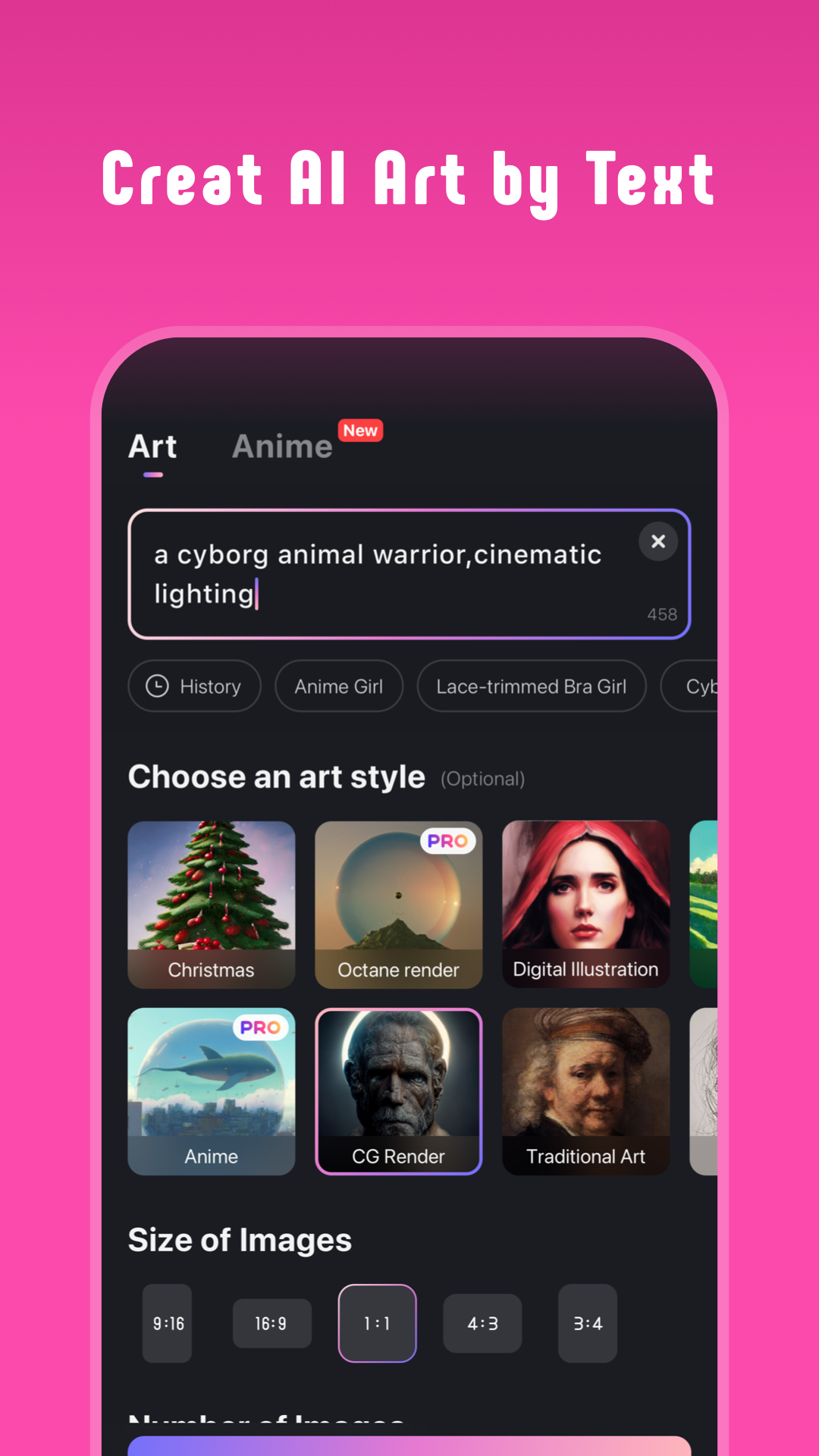
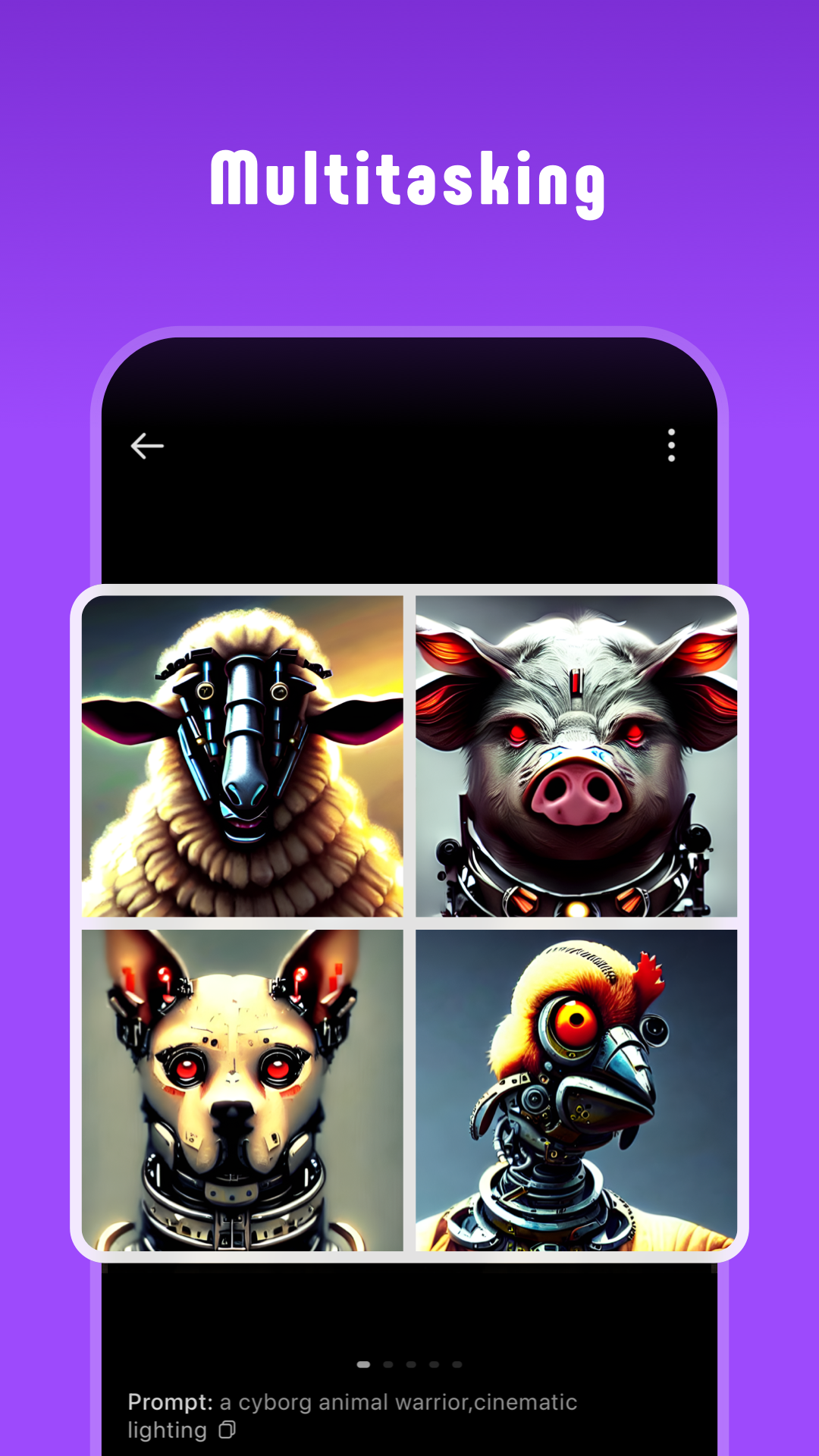
Step into the world of endless creativity and numerous artistic possibilities with our pictures from AI image generator - PicSo. The AI text to art maker not only helps you create an image or artwork for digital use but also improves the efficiency of your painting efforts. Let AI provide ideas for your artistic creation. Simply enter any text prompt and create an AI picture art instantly.
Potential Use:
Make Your Ideal Anime Character and AI human
You can refine and customize your character as much as you like, adjusting everything from facial features to clothing and accessories, until you have the perfect anime character that truly represents your vision.
Image and Video To Cartoon
Animate Images and videos! It’s a fun and easy-to-use tool for transforming regular photos into real cartoons. With just a few taps, users can turn their selfies, pets, and videos into playful, cartoon art.
AI Painting Creator for Digital Creators
Struggling to create art for your projects? Minimize your workout with this AI-powered tool. Simply input a one-sentence text prompt and instantly create AI-generated art for all your needs.
Cool AI Text to Art Generator Styles
Try various artwork generator styles for your AI picture art. The text to art maker has cool new effects and artistic styles to create paintings according to your needs. Try out cool new sci-fi dystopian and fantasy art themes.
Highlight Features of PicSo – Text to AI Art Maker
Create anime girl and AI human from any text prompt input
Transform your pictures and videos into cartoons.
Animate your favorite movie clips and your own videos
Simple and easy to use Art AI apps UI/UX
AI Supported text to art maker and painting creator for digital creators
Improve efficiency of your drawing, painting or hand painting creations
Create art using AI to use as desktop wallpapers
Art painting creator based on fantasy and dystopia sci-fi scenes
Generate AI picture and drawings in different artistic styles
AI painting creator for artists and design enthusiasts
- Terms of Use: https://picso.ai/agreement?type=tos
- Privacy Policy:https://picso.ai/agreement?type=privacy
In case of any questions, issues, or collaboration requests, contact us at feedback@picso.ai.
Show more

1. Download MEmu installer and finish the setup

2. Start MEmu then open Google Play on the desktop

3. Search PicSo – Turn Videos into Anime in Google Play
Install
4. Download and Install PicSo – Turn Videos into Anime
5. On install completion click the icon to start

6. Enjoy using PicSo – Turn Videos into Anime on PC with MEmu
MEmu Play is the best Android emulator, and 100 million users already enjoy its superb Android app experience. Powered by advanced virtualization technology, it lets you enjoy thousands of Android apps smoothly on your PC—including the most graphics-intensive ones.
Bigger screen with better graphics; Long duration, without limitation of battery or mobile data.
Full Keymapping support for precise control of keyboard and mouse or gamepad.
Multiple game accounts or tasks on single PC at one time with Multi-Instance manager.
Use PicSo – Turn Videos into Anime on PC by following steps: