Ruangguru - One-stop Learning Solution
Updated
Current Version
6.95.0
Offered By

Stop worrying about high battery drain when using Ruangguru - One-stop Learning Solution on your phone. Free yourself from the tiny screen and enjoy the app on a much larger display. From now on, get a full-screen experience of your app with the convenience of a keyboard and mouse. MEmu offers you all the surprising features you’d expect: quick installation and easy setup, intuitive controls, and no more worries about battery life, mobile data, or unexpected calls. The all-new MEmu 9 is the choice for using Ruangguru - One-stop Learning Solution on your computer. With the MEmu multi-instance manager, you can run two or more accounts at the same time. Most importantly, our exclusive emulation engine unlocks your PC’s full potential, delivering smooth and enjoyable performance.
Show more
Enjoy superb experience of using Ruangguru - One-stop Learning Solution on PC with MEMU App Player. It's a powerful free Android emulator which provides you with thousands of android apps for their desktop version. Enjoy connecting with friends and polishing your work with higher efficiency! Missed the school subject or didn’t understand the materials?
Missed the school subject or didn’t understand the materials?
Relax
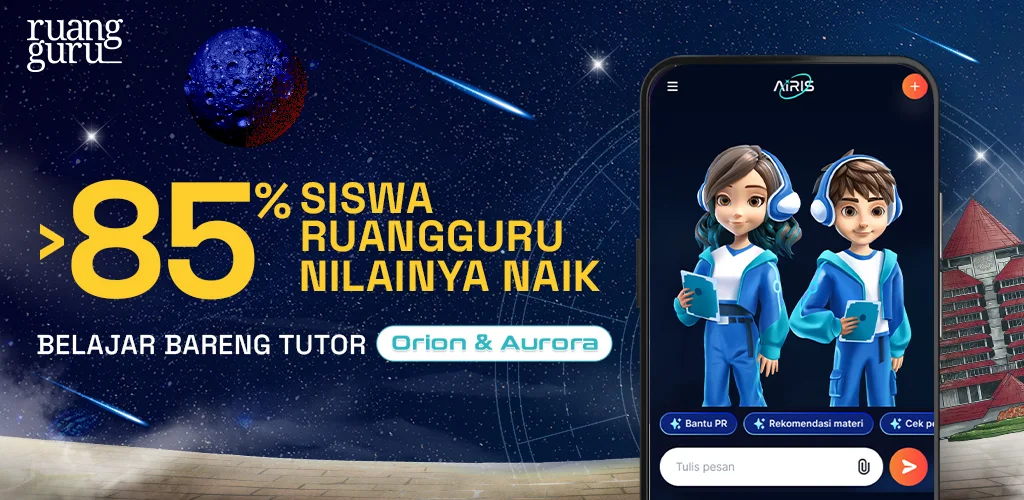
Studying with Ruangguru online tutoring app can be the answer to your worries.
In this online learning application, you can be more prepared and confident facing PTS, PAS, UTBK, and Ujian Mandiri.
Get a more exciting online learning experience with the guidance of the Master Teacher and the support of technology-based features.
Ruangguru - the online tutoring application has tons of excellent features and products to cater to your learning needs.
ruangbelajar
Not your ordinary learning videos, ruangbelajar provides you with features such as:
Learning videos that you can download and watch over and over
Access using laptop/PC
Summaries in the form of interesting infographics
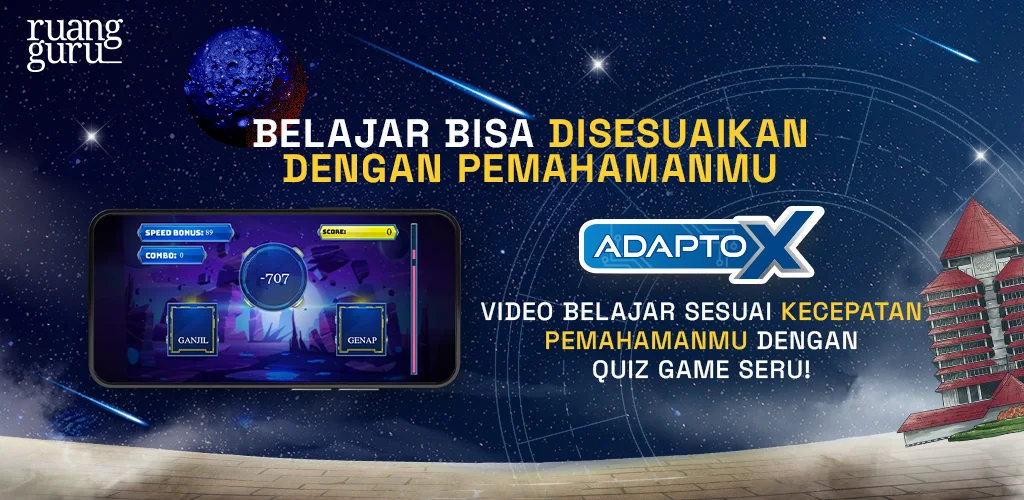
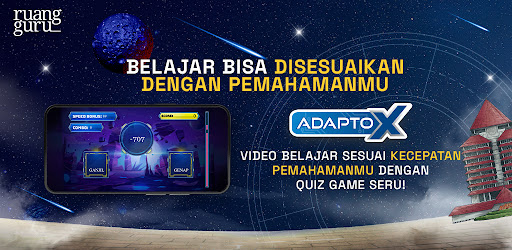
Adapto - a feature that can adjust and match learning videos to your level of understanding.
Study Schedule to help you be more disciplined in managing your study time.
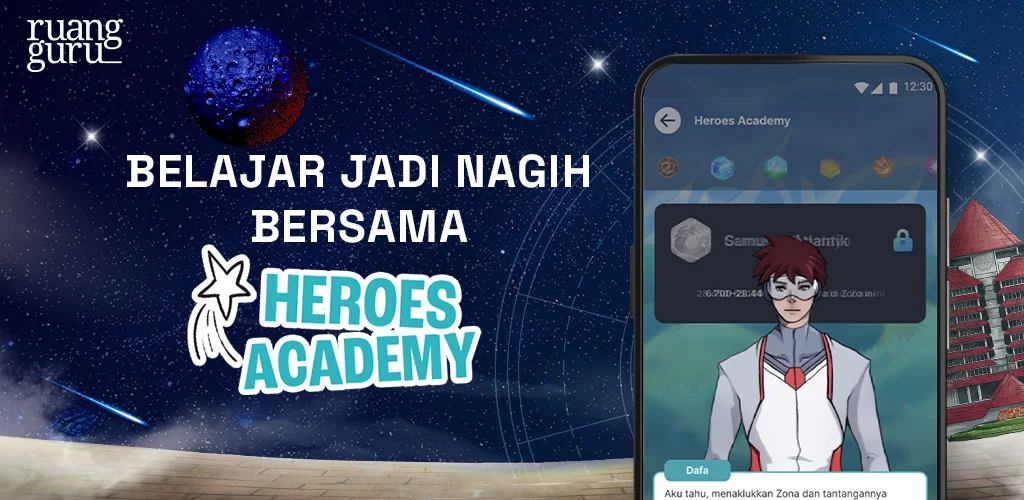
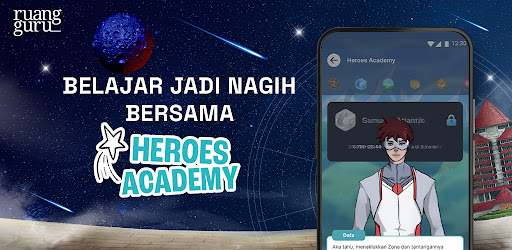
Ruangguru Adventure - learning with your chosen avatar
Pet Mission - let your study buddy evolve by doing your study mission
Learni with Dafa Lulu through fun and exciting adventures
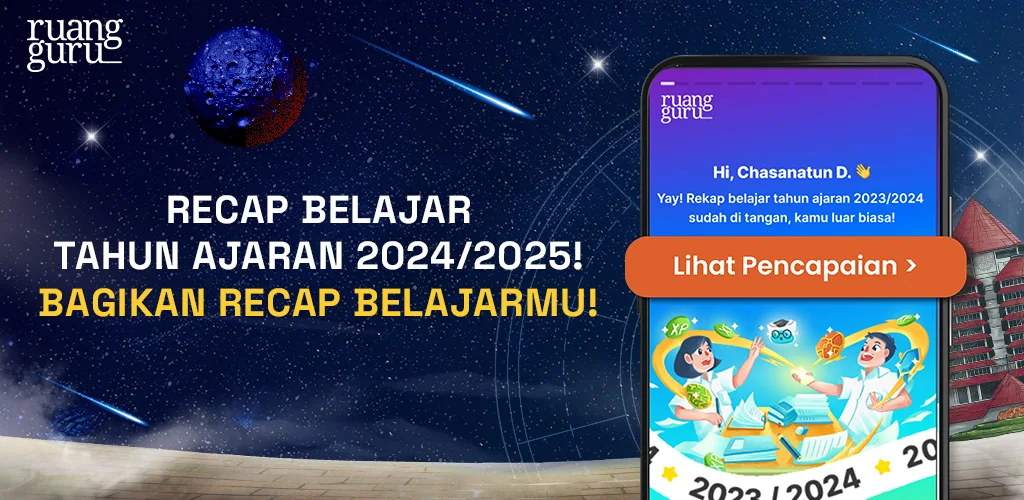
Study Progress Reports accessible by parents
Brain Academy Online
The best interactive online tutoring in Indonesia with various product advantages, such as:
⭐ Interactive live teaching with Star Master Teacher
⭐ Homework Clinic via video call to help you finish your schoolwork
⭐ Private counseling (consultation) about many things from learning strategies, SNMPTN rasionalization, to soft skill development
⭐ Hobbyist Club, a place to share information with friends from all over Indonesia with the same hobby to share information.
⭐ Tryout to prepare yourself for PTS, PAS, and UTBK
Brain Academy Offline
This online-offline combo of tutoring can also be your option. Brain Academy also has several advantages, such as:
Consulting services with the best teachers
Has more than 30 branches in every part of Indonesia
Gadgets and high speed WiFi in every class
Soft skill development class, free of charge
English Academy
Get new experience of online English Course with native teachers.
Some of our excellent features are:
Online classes with Cambdridge Curriculum standard
There are various levels available, classes for 7 year-old children up to university students and professionals
Special classes for TOEFL iBT preparation
roboguru
Answer difficult questions from school for free at roboguru. Enjoy the features, such as:
Ask any question anytime 24/7
Also available via roboguru Whatsapp
Get answers from Master Teacher with the explanation video
ruangles
Find the best private tutor at ruangles. You can:
Get experienced teachers graduated from the best universities
Set the study to your needs
Get complete choice of subjects
Get affordable tuition fees
Change the teacher if he/she is not to your liking. Guaranteed
ruanglesonline
Ask your homework via online chat at ruanglesonline. Advantages of studying via ruanglesonline:
Availble for Elementary, Junior High, and Senior High school level
Affordable
Complete choice of subjects
Quality tutors
ruanguji
Prepare for UTBK tryout at ruanguji and you’ll get:
Simultaneous Tryout Simulation
Complete package of tryout questions
Each question comes with text and video explanations
ruangbaca
Ruangguru also provides free tutoring services in the form of articles. Access ruangbaca’s various advantages:
Articles of lessons from 6th grader of Elementary to Senior High and Vocational School
Information around Scholarship and campus wold
Information around the world of teaching and teacher training
Information around children education (and parenting)
Everyday’s Interesting facts discussed from the scientific point of view
Get a more exciting learning experience only in Ruangguru online tutoring application.
Show more

1. Download MEmu installer and finish the setup

2. Start MEmu then open Google Play on the desktop

3. Search Ruangguru - One-stop Learning Solution in Google Play
Install
4. Download and Install Ruangguru - One-stop Learning Solution
5. On install completion click the icon to start

6. Enjoy using Ruangguru - One-stop Learning Solution on PC with MEmu
MEmu Play is the best Android emulator, and 100 million users already enjoy its superb Android app experience. Powered by advanced virtualization technology, it lets you enjoy thousands of Android apps smoothly on your PC—including the most graphics-intensive ones.
Bigger screen with better graphics; Long duration, without limitation of battery or mobile data.
Full Keymapping support for precise control of keyboard and mouse or gamepad.
Multiple game accounts or tasks on single PC at one time with Multi-Instance manager.
Use Ruangguru - One-stop Learning Solution on PC by following steps: