Tempo - Music Video Editor with Effects
Updated
Current Version
4.28.0
Offered By

Stop worrying about high battery drain when using Tempo - Music Video Editor with Effects on your phone. Free yourself from the tiny screen and enjoy the app on a much larger display. From now on, get a full-screen experience of your app with the convenience of a keyboard and mouse. MEmu offers you all the surprising features you’d expect: quick installation and easy setup, intuitive controls, and no more worries about battery life, mobile data, or unexpected calls. The all-new MEmu 9 is the choice for using Tempo - Music Video Editor with Effects on your computer. With the MEmu multi-instance manager, you can run two or more accounts at the same time. Most importantly, our exclusive emulation engine unlocks your PC’s full potential, delivering smooth and enjoyable performance.
Show more
Enjoy superb experience of using Tempo - Music Video Editor with Effects on PC with MEMU App Player. It's a powerful free Android emulator which provides you with thousands of android apps for their desktop version. Enjoy connecting with friends and polishing your work with higher efficiency! Tempo is a video editor and video maker with amazing effects!
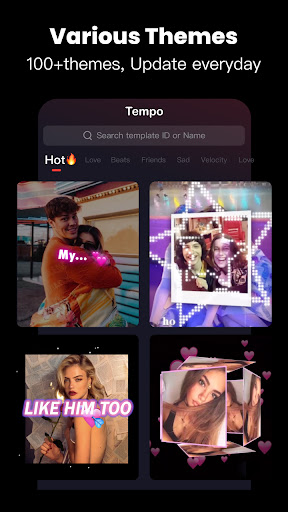
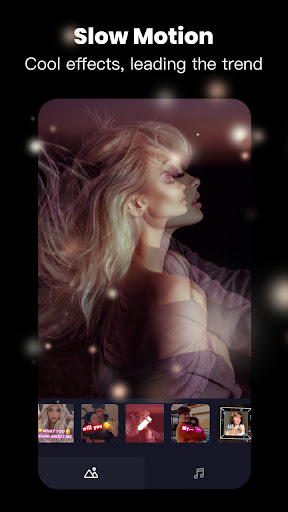
Tempo is a video editor and video maker with amazing effects! As a free video editing app, Tempo has many popular video themes, as well as a variety of music and effects to choose from.
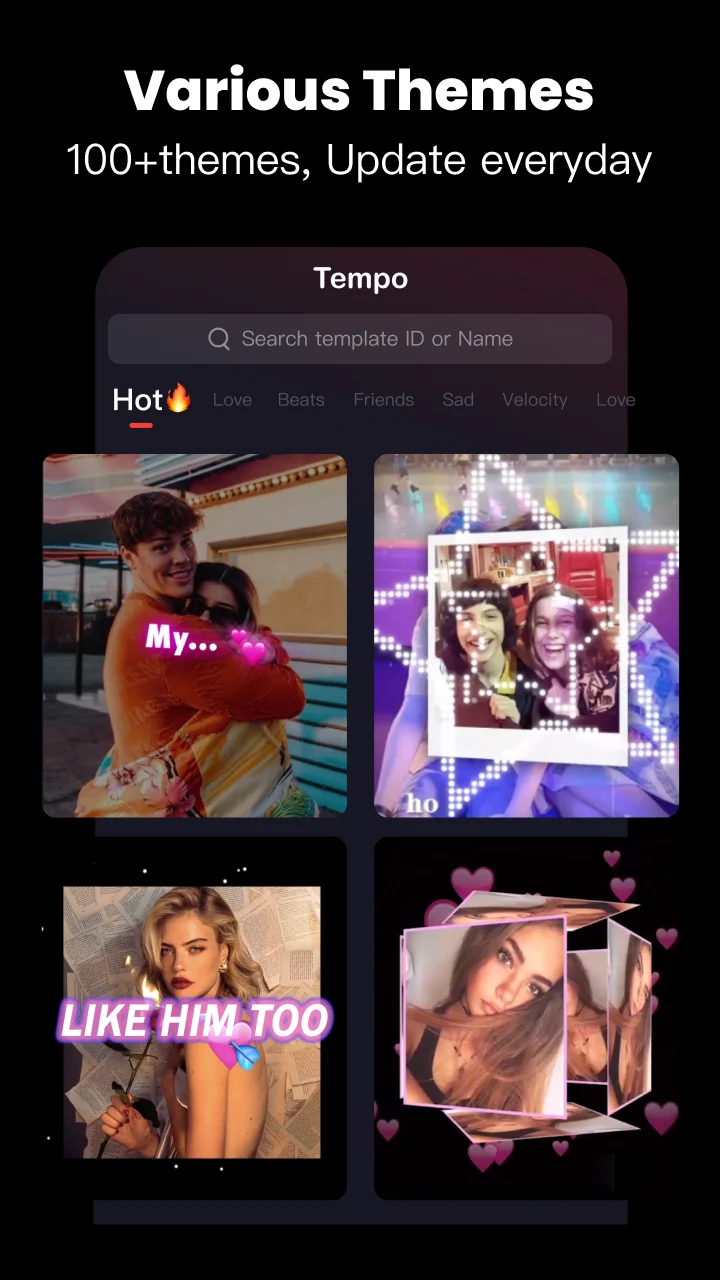
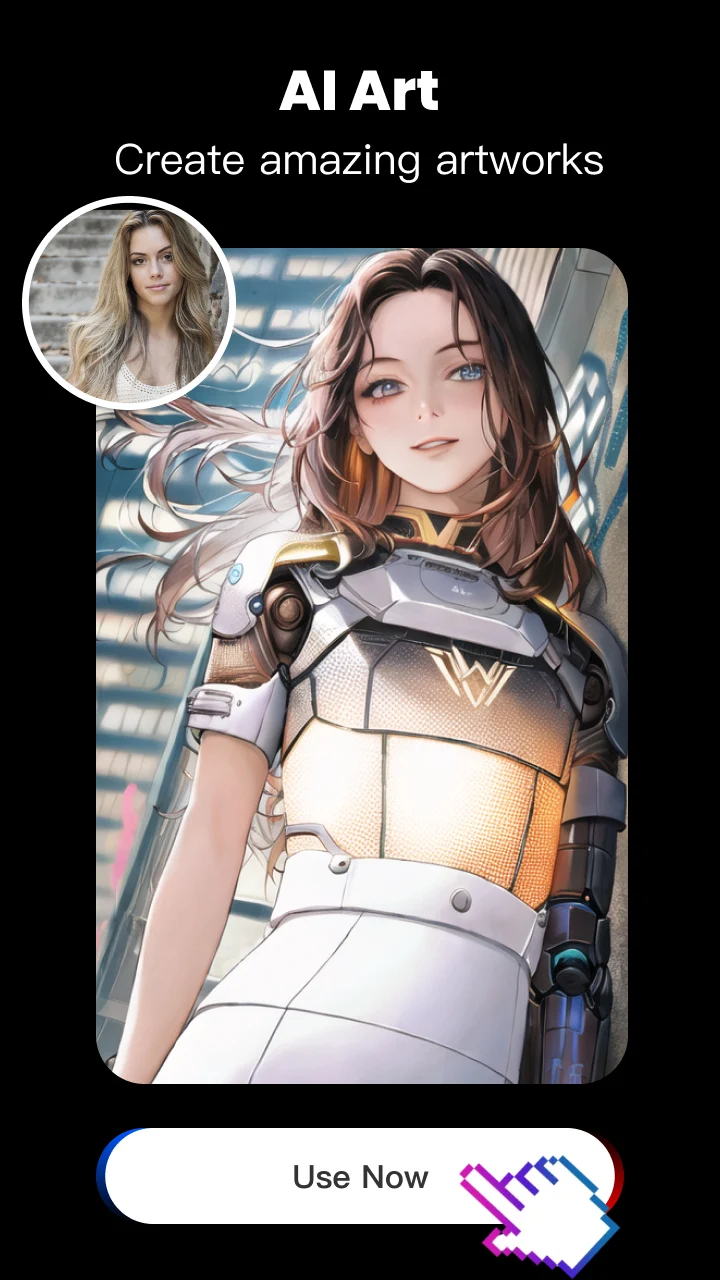
⭐Tempo has 1000+ video themes: Trending, Love, Anime, Emoji, Friends, Sad. With Tempo you can easily add music to videos, create slow motion effect videos with photos, make cartoon videos with magical effects.
Tempo is also a great choice for beginners who want to make awesome videos with ease. You can edit photos and videos, add music and beats, add glitch effects and slow motion effects, add transitions, etc.
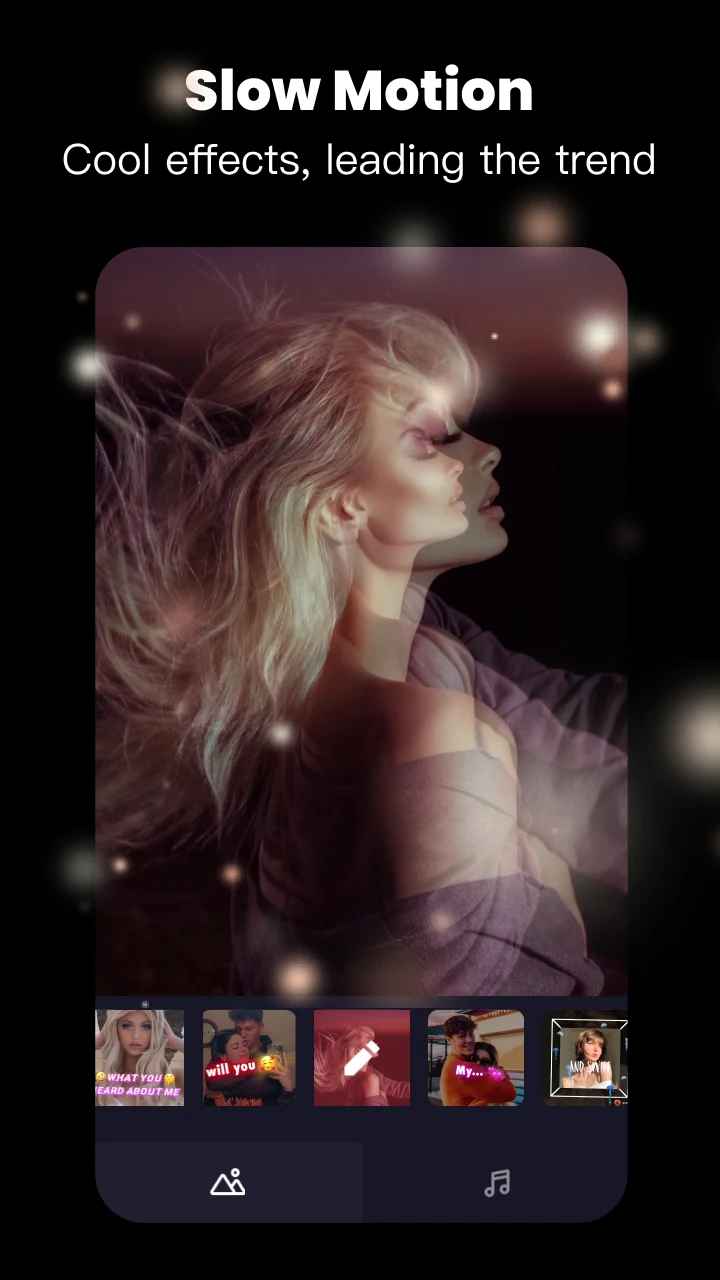
Get prepared to be impressed by our slow motion effects, which will all add spark to your video and inspire your creativity. Download Tempo APP now to create videos for Youtube & Instagram!
Special Features
• Hundreds of high-quality filters to meet users’ different requirements;
• Special transition effects make your video unique;
• Multiple shots supported, and switch filters easily;
• Stylish face stickers;
• Share your creative photos/videos to Facebook, Instagram
Share Video
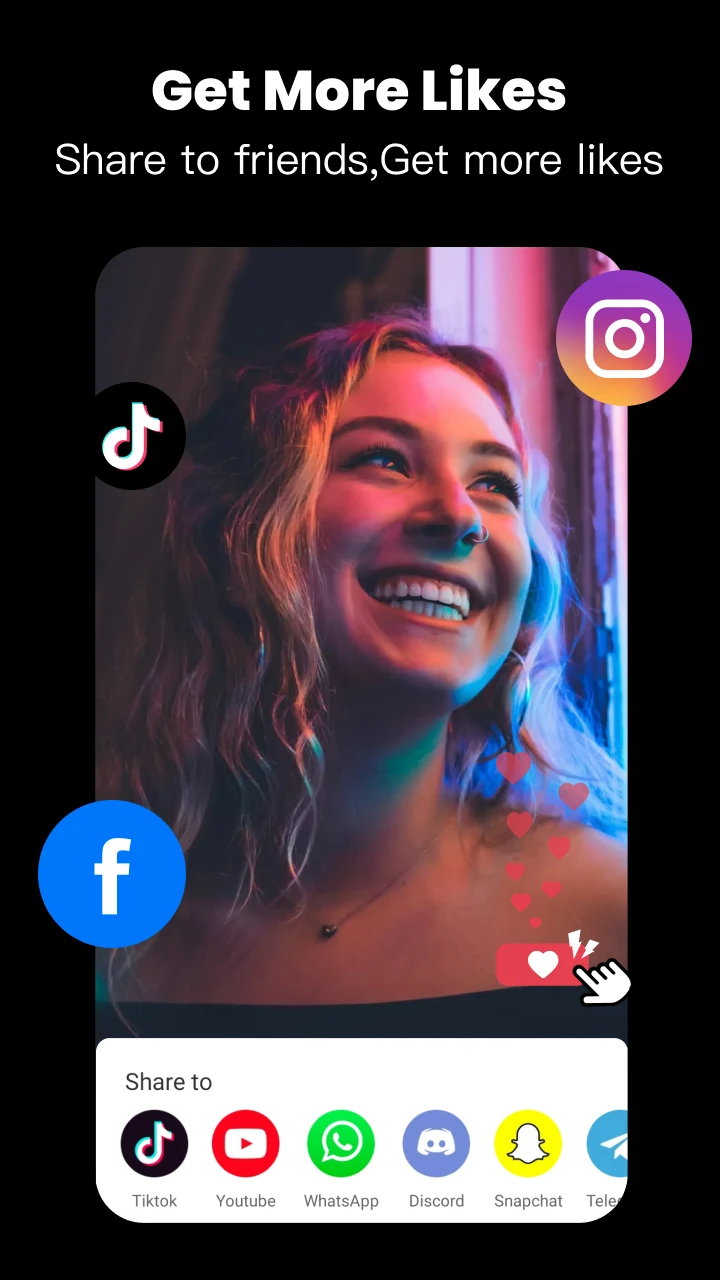
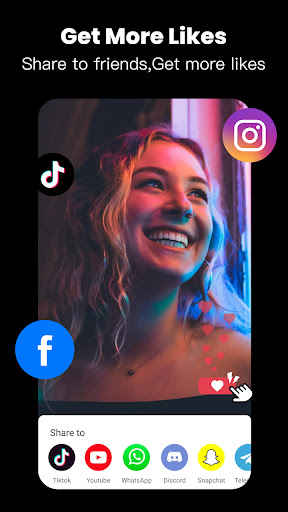
Easily and instantly share your work with your friends on any social media such as Facebook, YouTube Shorts, Instagram to gain more likes and get new followers.
Music Video Maker and Effects
Tempo offers basic editing tools for you to create video easily, or make video with video themes.
You can try glitch effects which will make your photos come alive. Tempo’s video effects are designed to be a perfect match for editing short videos.
Tempo offers lots of music to make your video fun and popular.Cool music video editor with effects: edit video with music & pic for Instagram!
Free Video Editing App
Tempo offers short video editing tools to satisfy your extra needs, you can import your videos & clips, so the video can perfectly match with the background music. And there’re variety of text styles and fonts for you to choose in this free video editing app. Trendy music video editor with fantastic effects and transitions.
Add Music to Video
Tempo is also a photo video maker with varieties of background music, so you can always find the one that fits your need when making a photo video. You can also choose your favorite video themes, upload your photo and videos and easily create video with music. You can create entertaining short video clips with the most recent popular music.
Save Video
Tempo provides 720P/1080P HD export with no quality loss. This easy-to-use clip maker helps you make video from pics and song with video templates, turn your photos & video clips into cool video with music and transitions! Save or export video to your phone at any time.
# ABOUT SUBSCRIPTION
- You can subscribe for unlimited access to all features and content offered for purchase within Tempo.
- Subscriptions are billed monthly or annually at the rate selected depending on the subscription plan.
-- Payment will be charged to your Google Play Account at confirmation of purchase;
- Your subscription automatically renews unless auto-renew is turned off at least 24-hours before the end of the current period;
- Your account will be charged for renewal within 24-hours prior to the end of the current period;
- You can manage your subscription and switch off the auto-renewal by accessing your Account Settings after purchase;
- If you cancel the subscription service purchased from an app on Google Play, you will not get the refund of the current billing cycle no matter when you cancel it, but you will continue to receive subscription content in the current billing cycle. Your subscription cancellation will take effect after the current billing cycle.
- All personal data is handled under the terms and conditions of Tempo’s privacy policy.
Contact email: tempovideoapp@gmail.com
Show more

1. Download MEmu installer and finish the setup

2. Start MEmu then open Google Play on the desktop

3. Search Tempo - Music Video Editor with Effects in Google Play
Install
4. Download and Install Tempo - Music Video Editor with Effects
5. On install completion click the icon to start

6. Enjoy using Tempo - Music Video Editor with Effects on PC with MEmu
MEmu Play is the best Android emulator, and 100 million users already enjoy its superb Android app experience. Powered by advanced virtualization technology, it lets you enjoy thousands of Android apps smoothly on your PC—including the most graphics-intensive ones.
Bigger screen with better graphics; Long duration, without limitation of battery or mobile data.
Full Keymapping support for precise control of keyboard and mouse or gamepad.
Multiple game accounts or tasks on single PC at one time with Multi-Instance manager.
Use Tempo - Music Video Editor with Effects on PC by following steps: