YouTube Create
Updated
Current Version
1790867817
Offered By

Stop worrying about high battery drain when using YouTube Create on your phone. Free yourself from the tiny screen and enjoy the app on a much larger display. From now on, get a full-screen experience of your app with the convenience of a keyboard and mouse. MEmu offers you all the surprising features you’d expect: quick installation and easy setup, intuitive controls, and no more worries about battery life, mobile data, or unexpected calls. The all-new MEmu 9 is the choice for using YouTube Create on your computer. With the MEmu multi-instance manager, you can run two or more accounts at the same time. Most importantly, our exclusive emulation engine unlocks your PC’s full potential, delivering smooth and enjoyable performance.
Show more
Enjoy superb experience of using YouTube Create on PC with MEMU App Player. It's a powerful free Android emulator which provides you with thousands of android apps for their desktop version. Enjoy connecting with friends and polishing your work with higher efficiency! Take your videos to the next level with YouTube Create, the official editing and creation app from YouTube.
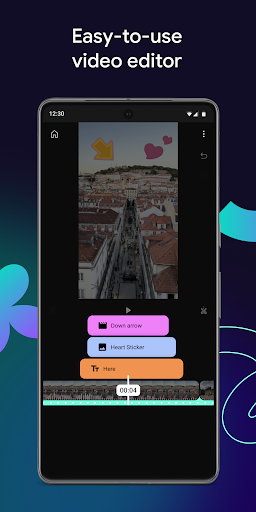
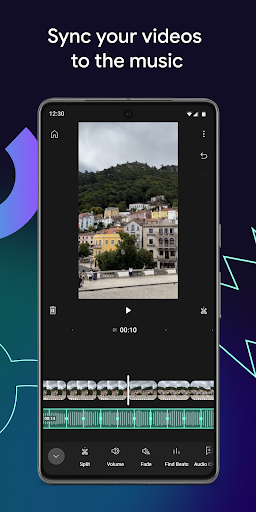
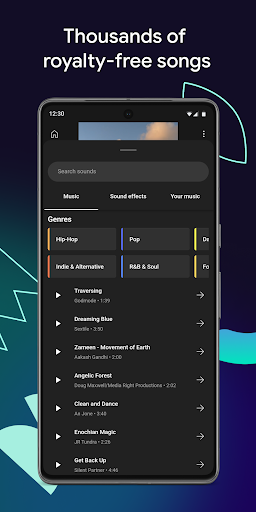
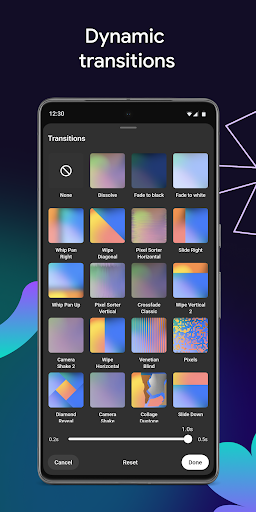
Take your videos to the next level with YouTube Create, the official editing and creation app from YouTube. Add filters and effects, music, voiceover, Auto-Captions and more to easily make amazing videos that will captivate your audience—all without the need for complicated editing tools.
EDIT WITH ALL THE ESSENTIALS
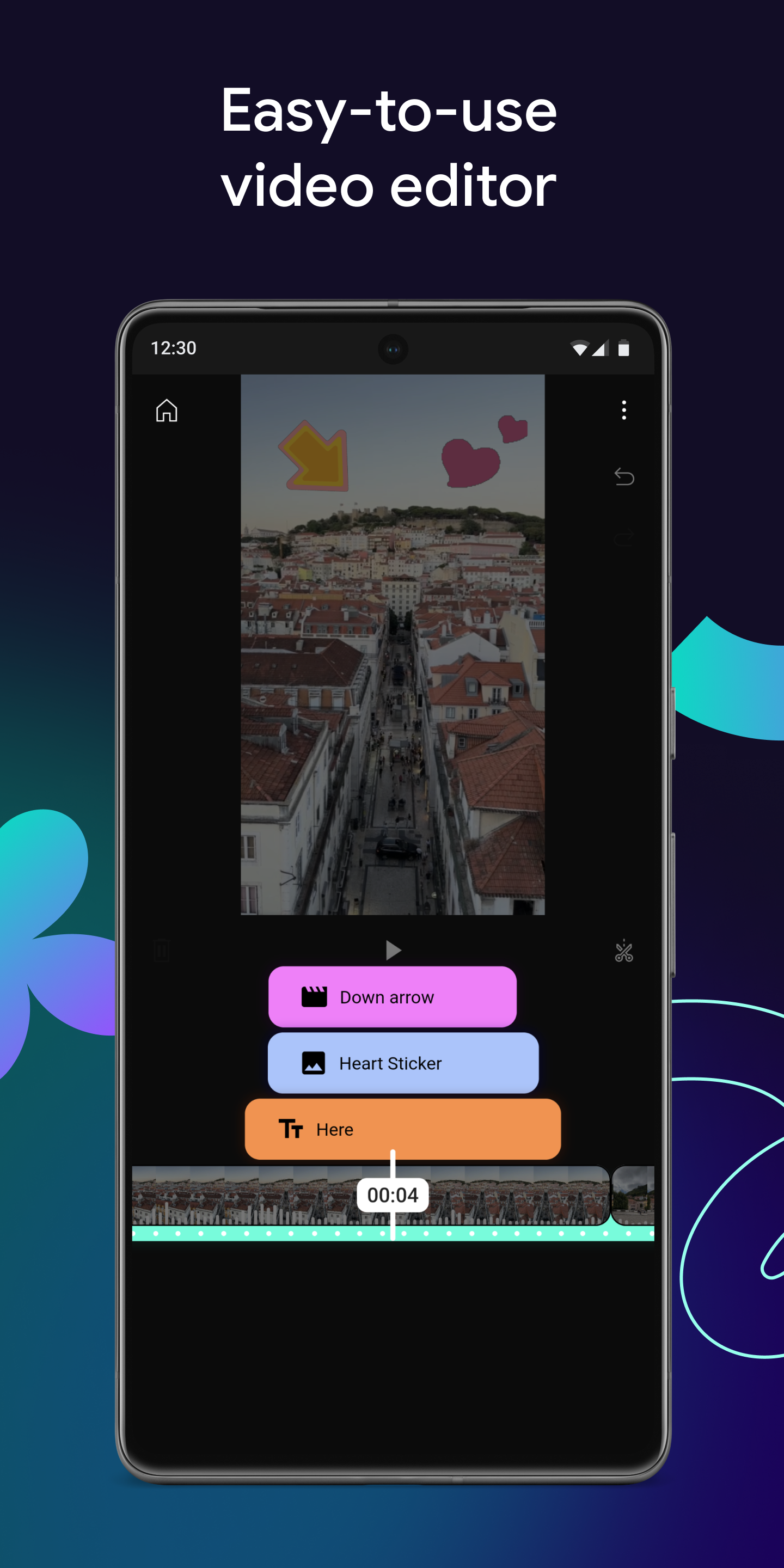
● Easily combine videos, photos and audio all in one place
● Trim, clip and crop video clips
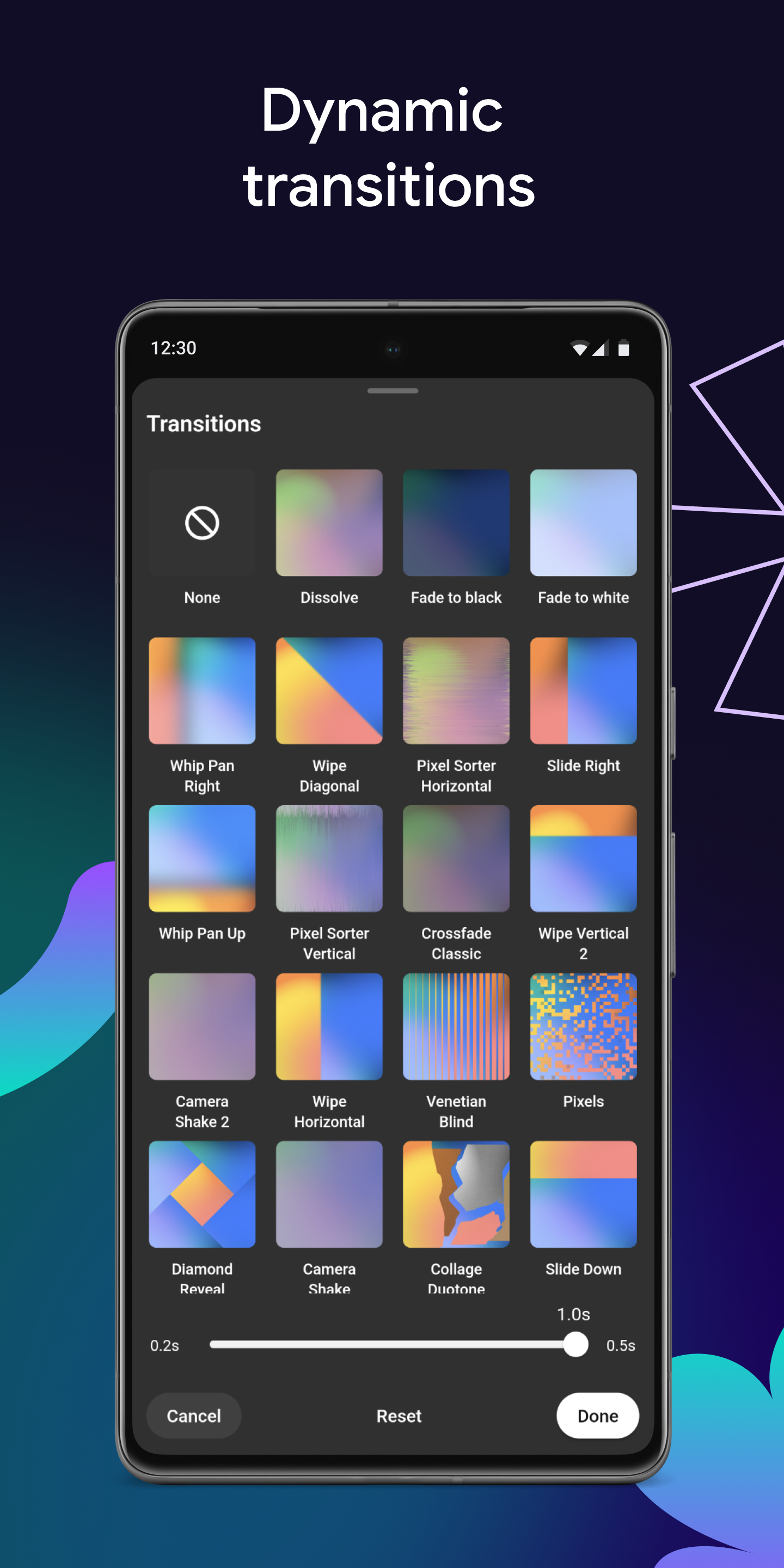
● Choose from 40+ transitions to seamlessly blend your clips together
● Speed up or slow down your video
SIMPLIFY YOUR PROCESS WITH POWERFUL TOOLS
● Turn your footage into a high-quality first draft using the Edit with AI tool*
● Automatically add captions or subtitles to your videos with just one tap (available in select languages)
● Arrange your footage with one of our built-in, customizable templates
● Remove your video's background with the cut out or chroma key features
ENHANCE VIDEOS WITH MUSIC AND QUALITY AUDIO
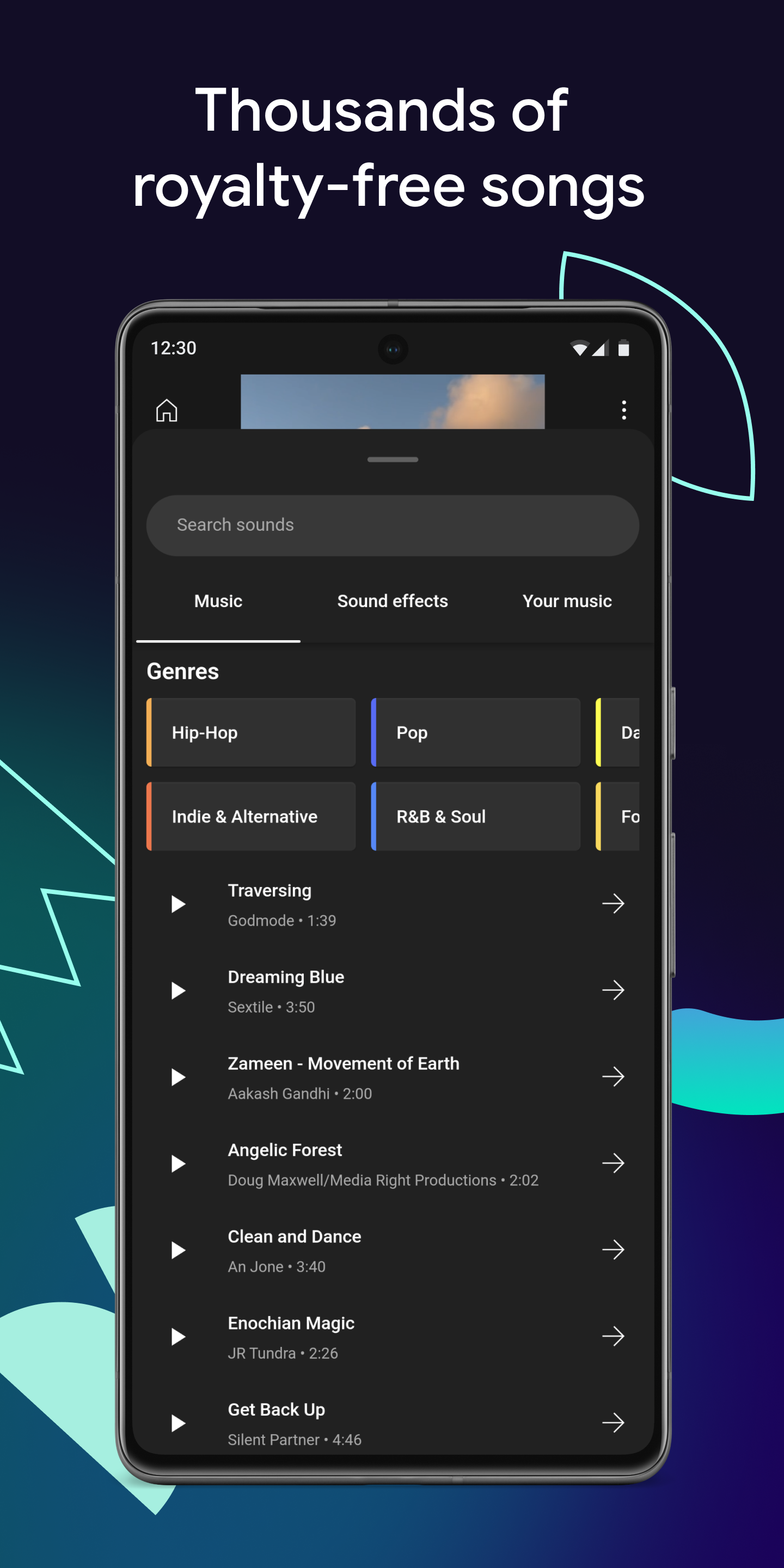
● Bring your video to life with thousands of trending and royalty-free songs available through the YouTube Shorts music library, as well as sound effects
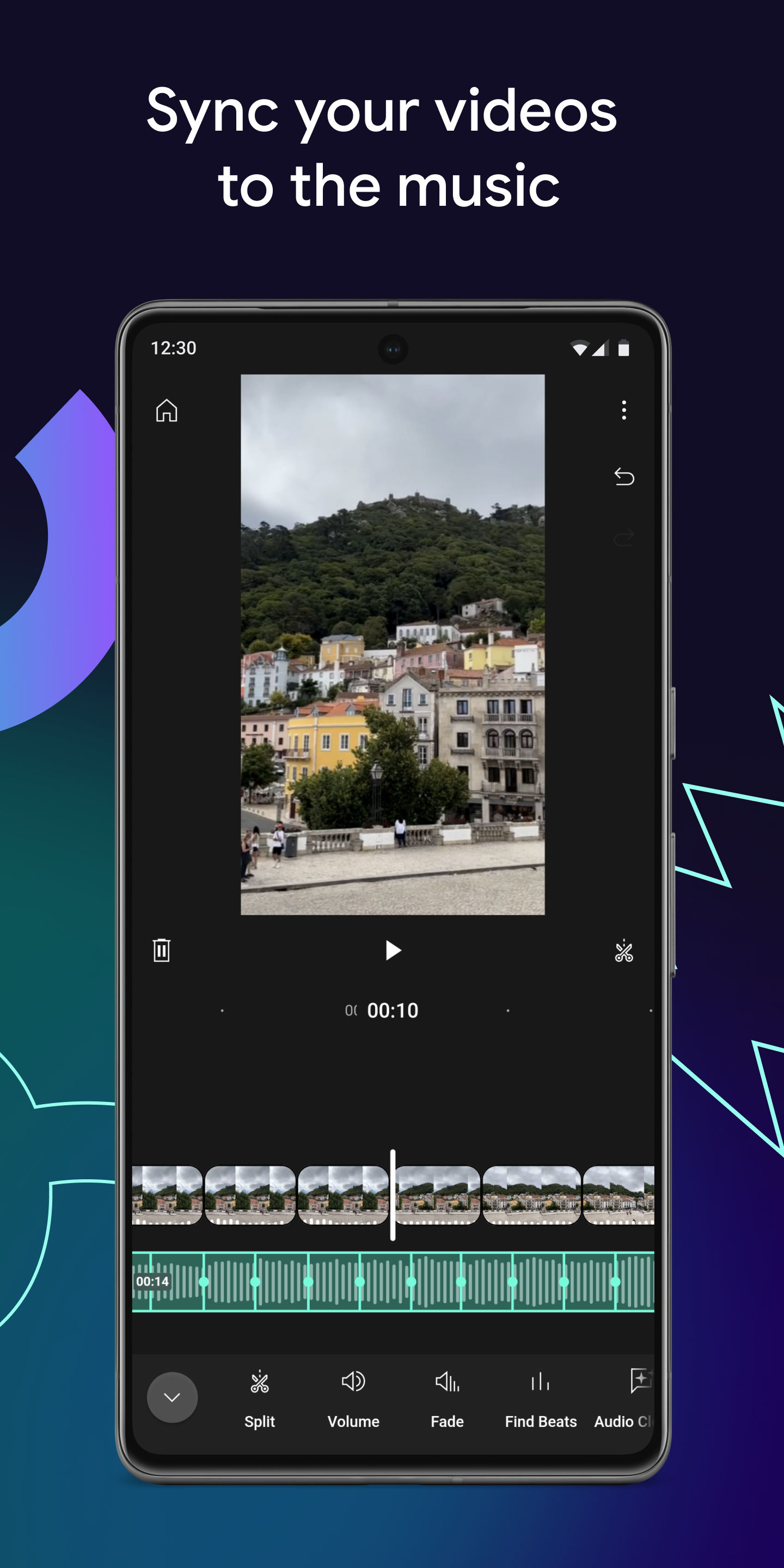
● Find the beat of your soundtrack and easily sync your video clips to the music with beat matching
● Narrate your videos by recording a voiceover directly in the app
● Easily remove distracting background noise with the audio cleanup tool
CREATE BEYOND YOUR CAMERA WITH AI
● Generate new videos with prompts and reference images*
● Also generate new images with prompts and reference images*
● Remix AI videos and put your own spin on them*
STAND OUT WITH FILTERS AND EFFECTS
● Enhance the colour by adjusting saturation, brightness, exposure, hue and more
● Set the mood with customizable filters
● Choose from 60+ effects to make your videos pop
GET CREATIVE WITH UNIQUE STICKERS AND FONTS
● Add your creative touch with hundreds of fonts and animated text effects
● Choose from a library of stickers, GIFs and emoji to match your style
MADE TO SHARE ACROSS FORMATS
● Resize your videos to different aspect ratios, including portrait, landscape and square, for sharing across different formats
● Export videos in up to 4K resolution, with frame rates of up to 60 fps supported
● Easily upload your video directly to your YouTube channel and share your creation with your audience
*Feature is available in select countries
Show more

1. Download MEmu installer and finish the setup

2. Start MEmu then open Google Play on the desktop

3. Search YouTube Create in Google Play
Install
4. Download and Install YouTube Create
5. On install completion click the icon to start

6. Enjoy using YouTube Create on PC with MEmu
MEmu Play is the best Android emulator, and 100 million users already enjoy its superb Android app experience. Powered by advanced virtualization technology, it lets you enjoy thousands of Android apps smoothly on your PC—including the most graphics-intensive ones.
Bigger screen with better graphics; Long duration, without limitation of battery or mobile data.
Full Keymapping support for precise control of keyboard and mouse or gamepad.
Multiple game accounts or tasks on single PC at one time with Multi-Instance manager.
Use YouTube Create on PC by following steps: