BiP – Messaging, Voice and Video Calling
Updated
Current Version
3.99.42-HEAD
Offered By

Stop worrying about high battery drain when using BiP – Messaging, Voice and Video Calling on your phone. Free yourself from the tiny screen and enjoy the app on a much larger display. From now on, get a full-screen experience of your app with the convenience of a keyboard and mouse. MEmu offers you all the surprising features you’d expect: quick installation and easy setup, intuitive controls, and no more worries about battery life, mobile data, or unexpected calls. The all-new MEmu 9 is the choice for using BiP – Messaging, Voice and Video Calling on your computer. With the MEmu multi-instance manager, you can run two or more accounts at the same time. Most importantly, our exclusive emulation engine unlocks your PC’s full potential, delivering smooth and enjoyable performance.
Show more
Enjoy superb experience of using BiP – Messaging, Voice and Video Calling on PC with MEMU App Player. It's a powerful free Android emulator which provides you with thousands of android apps for their desktop version. Enjoy connecting with friends and polishing your work with higher efficiency! BiP is a secure and easy-to-use communication platform that brings users together with features such as instant messaging, voice and video calling.


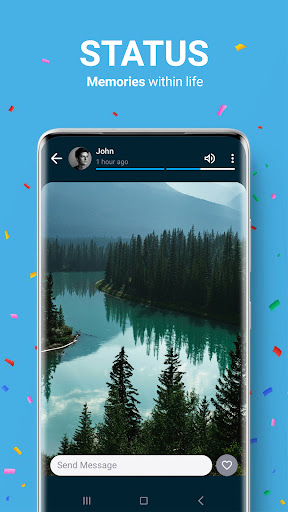
BiP is a secure and easy-to-use communication platform that brings users together with features such as instant messaging, voice and video calling. Millions of users from all over the world prefer BiP for fast, uninterrupted, and fun communication. It is possible to send HD photos and videos, live location, voice messages, create polls in group chats and share your memories in your status. BiP can be used on all mobile devices with Android 6 and above operating systems.
Do I Have to Pay to Use BiP?
BiP is a communication application offered for free in application stores, so you do not pay any membership fee to use BiP. Data charges may apply while downloading and using BiP.
Discover the Features in BiP!
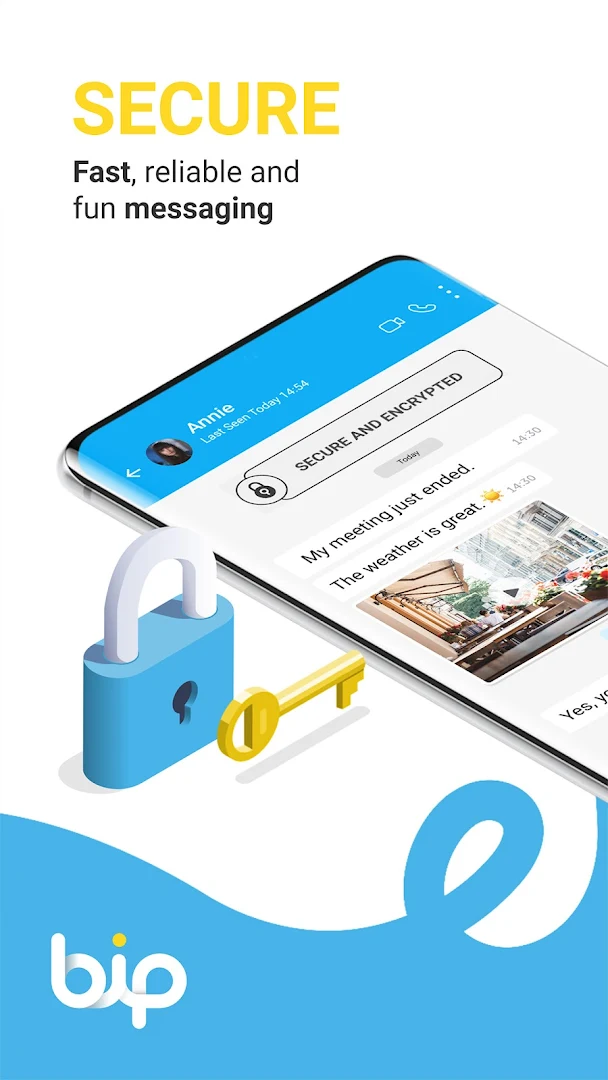
• Secure Communication
No one can access the chats and calls made through the application other than you, all your personal messages and calls are protected with end-to-end encryption and the most advanced international security protocols. BiP does not store or share messages with third parties. Moreover, you can permanently delete your BiP account anytime you want!
• HD Quality Video and Voice Calls
In BiP, you can have group voice and video calls in HD quality for up to 15 people; you can communicate with your family, friends, and all your loved ones.
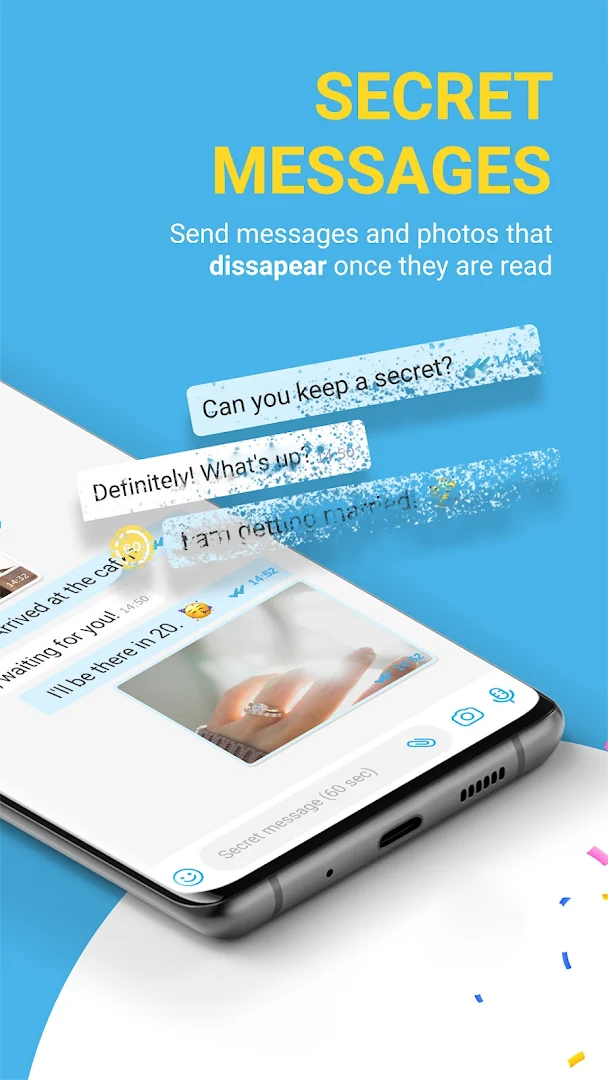
• Disappearing Messages
With BiP's disappearing message feature, you can send your messages with a limited time. Thus, messages are deleted without leaving a trace after the time you specify.
• Instant Translation
With BiP's simultaneous translation feature, your messages are instantly and accurately translated into more than 100 languages. The person on the other side can easily read incoming messages in their own language regardless of which language they are written in. This way, you don't need to waste time with translation programs.
• More Features
BiP is much more than an ordinary messaging app. Some of the opportunities waiting for you include:
• Channels where you can reach out to large audiences with the content you share, and follow based on your interests
• Region-specific Discover services such as weather forecasts, sports news and lifestyle tips.
• Different options such as anonymous voting, multiple voting, and test mode for polls in group chats
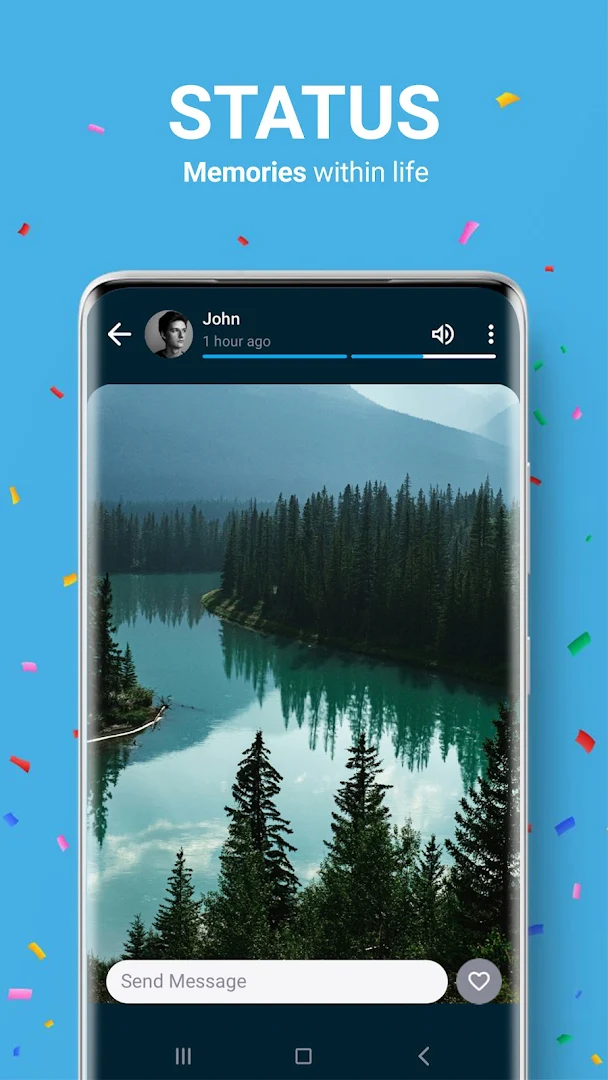
• Photo and video sharing with BiP Status that disappear after 24 hours
• Customizable main menu and a selection of different application themes
• It is possible to easily transfer your chats from other messaging applications to BiP. By downloading BiP and exporting your chats, you can continue messaging with your loved ones from where you left off.
• You may set BiP as your default SMS application.
• After downloading the app, you may register BiP via SMS OTP or automated call in some certain regions.
* Data charges may apply.
You can reach us at:
https://bip.com/en/
https://www.instagram.com/bipglobal/
Show more

1. Download MEmu installer and finish the setup

2. Start MEmu then open Google Play on the desktop

3. Search BiP – Messaging, Voice and Video Calling in Google Play
Install
4. Download and Install BiP – Messaging, Voice and Video Calling
5. On install completion click the icon to start

6. Enjoy using BiP – Messaging, Voice and Video Calling on PC with MEmu
MEmu Play is the best Android emulator, and 100 million users already enjoy its superb Android app experience. Powered by advanced virtualization technology, it lets you enjoy thousands of Android apps smoothly on your PC—including the most graphics-intensive ones.
Bigger screen with better graphics; Long duration, without limitation of battery or mobile data.
Full Keymapping support for precise control of keyboard and mouse or gamepad.
Multiple game accounts or tasks on single PC at one time with Multi-Instance manager.
Use BiP – Messaging, Voice and Video Calling on PC by following steps: