WELT News – Nachrichten live
Updated
Current Version
8.9
Offered By

Stop worrying about high battery drain when using WELT News – Nachrichten live on your phone. Free yourself from the tiny screen and enjoy the app on a much larger display. From now on, get a full-screen experience of your app with the convenience of a keyboard and mouse. MEmu offers you all the surprising features you’d expect: quick installation and easy setup, intuitive controls, and no more worries about battery life, mobile data, or unexpected calls. The all-new MEmu 9 is the choice for using WELT News – Nachrichten live on your computer. With the MEmu multi-instance manager, you can run two or more accounts at the same time. Most importantly, our exclusive emulation engine unlocks your PC’s full potential, delivering smooth and enjoyable performance.
Show more
Enjoy superb experience of using WELT News – Nachrichten live on PC with MEMU App Player. It's a powerful free Android emulator which provides you with thousands of android apps for their desktop version. Enjoy connecting with friends and polishing your work with higher efficiency! With this app you are comprehensively and quickly informed around the clock.
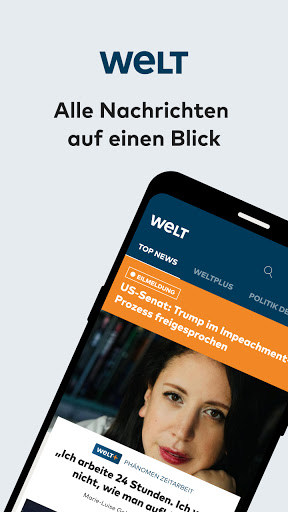
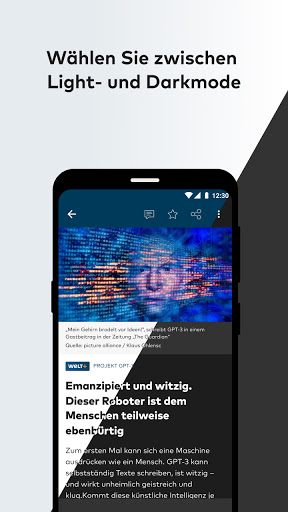
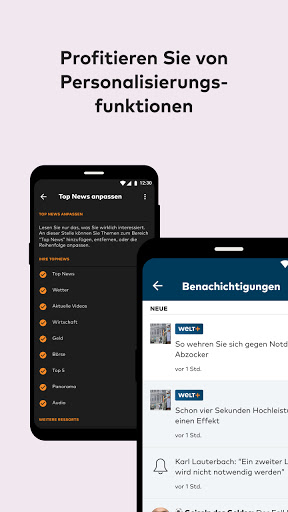
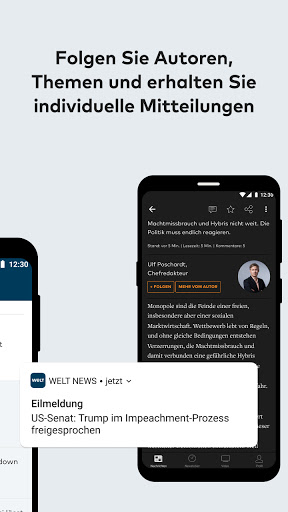
With this app you are comprehensively and quickly informed around the clock.
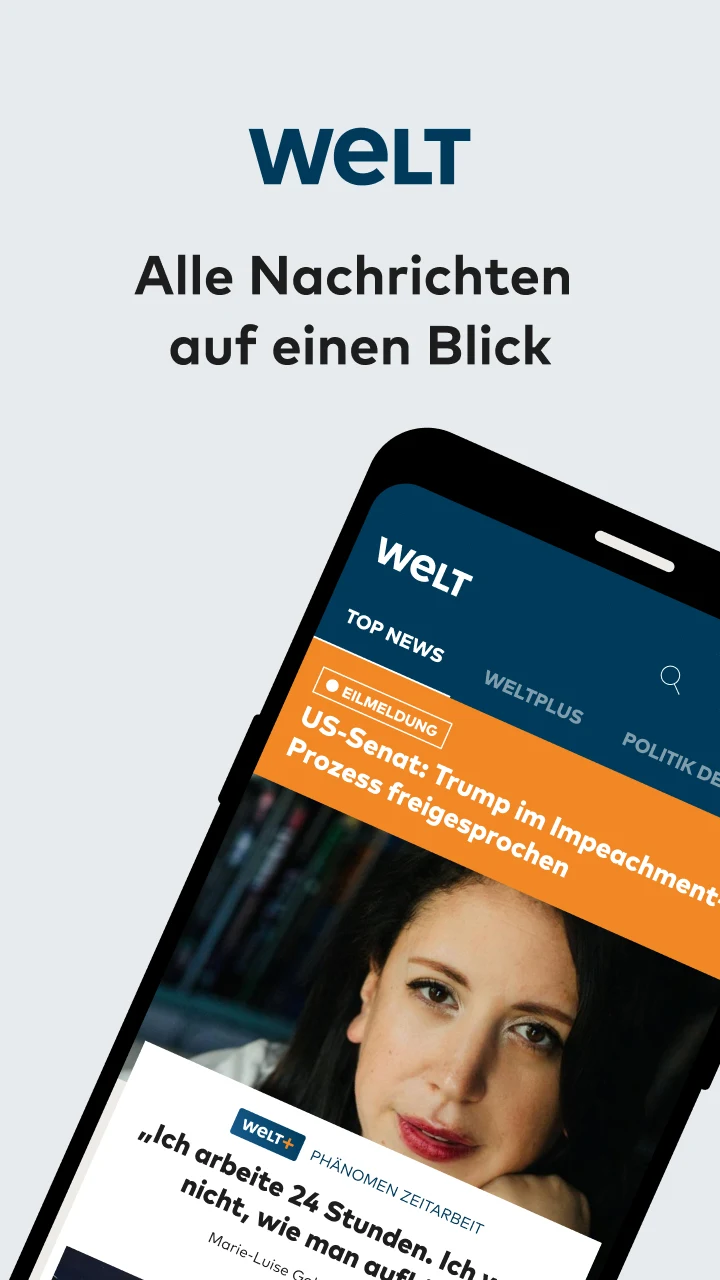
WELT News is WELT's free app so you won't miss anything.
Over 300 journalists report worldwide on the most important events in politics, business, sport, panorama, culture and knowledge. This offer is supplemented by detailed analyses, test reports and opinions. Experience quality journalism – anytime, anywhere.
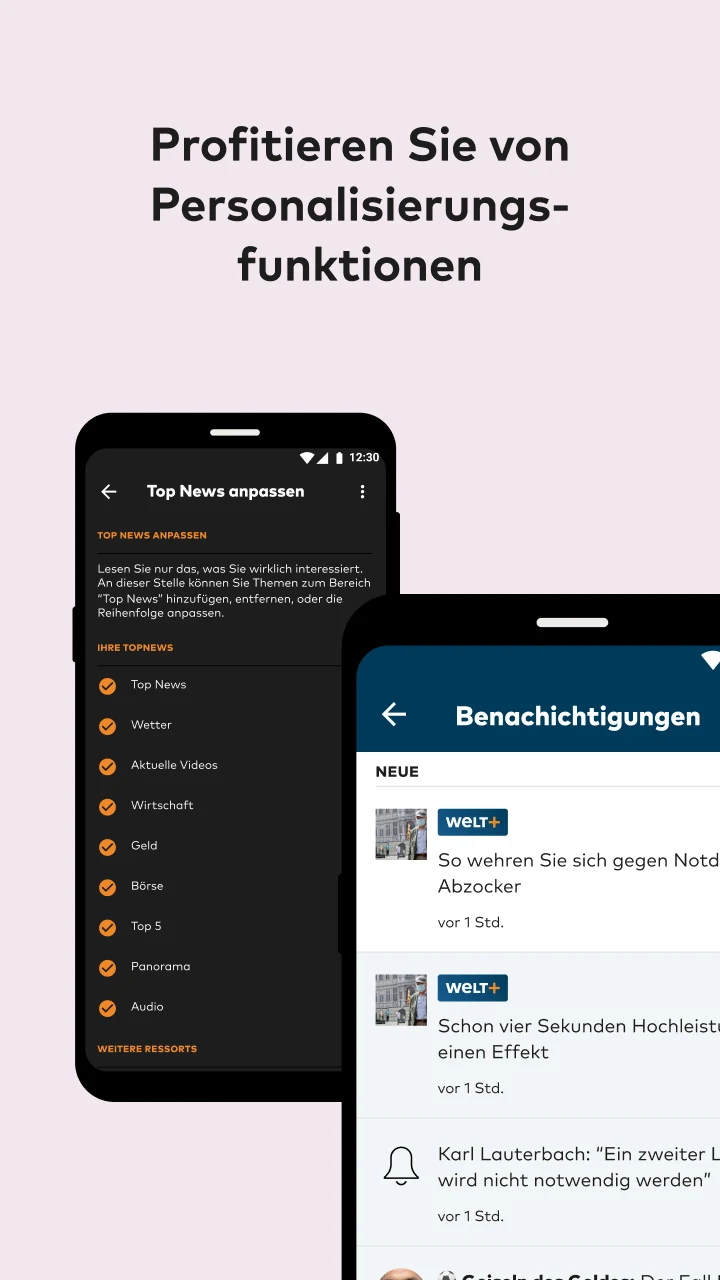
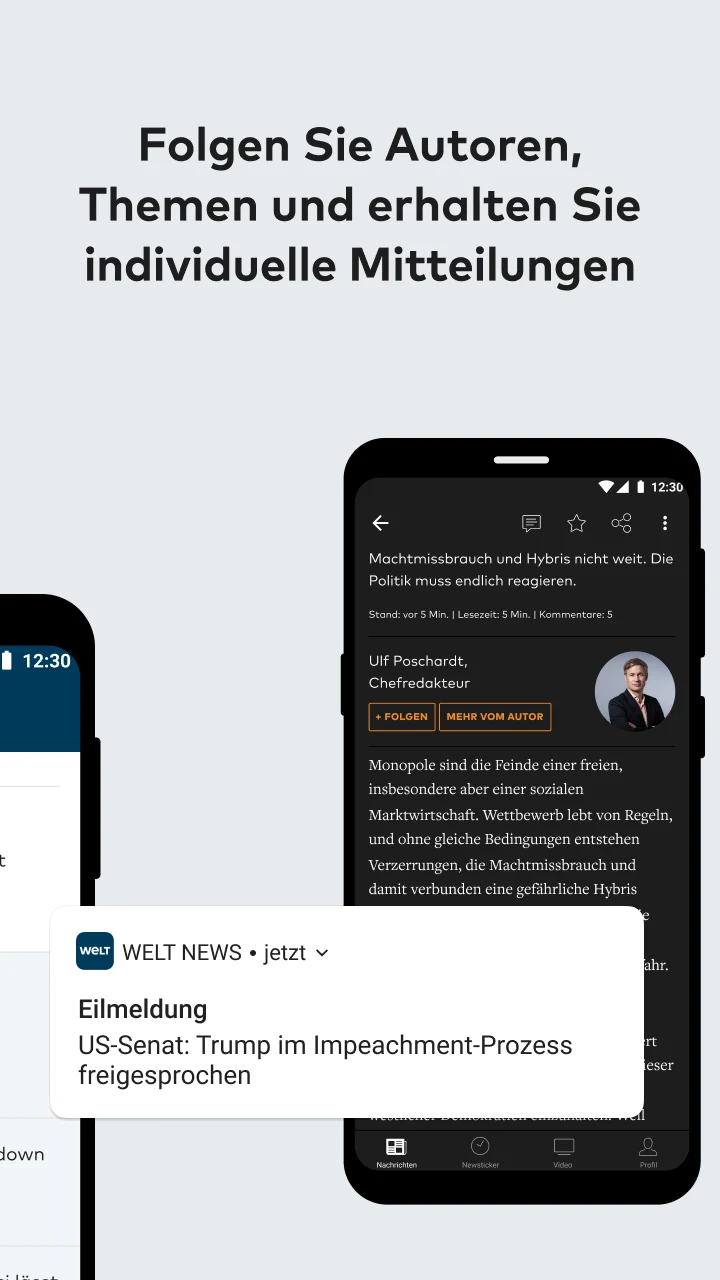
High-quality videos, current stock market prices, local weather reports and extensive picture galleries make this app the perfect companion throughout the day. Personalizable push notifications inform you in real time as soon as something important happens or your favorite author has published a new article. You can also find out about current situations at any time via live TV stream.
With the news ticker you always stay up to date, and if time is short, you can simply save articles in your profile. You can also customize the homepage according to your preferences and follow the TV program live on WELT at any time.
WELT community: Discuss with other readers of WELT and comment on our research and comments and exchange ideas with each other. Use our interactive formats, the “WELT Talk” and the “WELT Video Chat” and get in direct contact with our authors and external experts, as well as the editor-in-chief.
WELT Club: As a WELTplus subscriber, you automatically become an exclusive member of our WELT Club. This gives you advantages such as access to exclusive events, direct communication with the editorial team and a look behind the scenes in our backstage newsletter. You can also look forward to regular competitions and other benefits.
You can also send us comments and suggestions for the further development of this app directly via our email address: digital@welt.de. We look forward to any feedback!
With a WELTplus subscription you can also enjoy exclusive articles and other benefits.
Our offers:
1 month of WELTplus for €0.99 / month (the first 3 months, then €12.99 / month)*: The strongest and most exclusive pieces, selected for you every day.
1 year of WELTplus €99.99 / year*: Get access to all WELT content for a whole year.
*Your subscription will be extended by the corresponding term unless you have canceled it. You can cancel the automatic renewal at any time up to 24 hours before it expires.
If you have any questions about the WELT News app, we will be happy to help you:
• In our FAQ in the app
• By email: digital@welt.de
• By telephone: 030-5858-5383
Show more

1. Download MEmu installer and finish the setup

2. Start MEmu then open Google Play on the desktop

3. Search WELT News – Nachrichten live in Google Play
Install
4. Download and Install WELT News – Nachrichten live
5. On install completion click the icon to start

6. Enjoy using WELT News – Nachrichten live on PC with MEmu
MEmu Play is the best Android emulator, and 100 million users already enjoy its superb Android app experience. Powered by advanced virtualization technology, it lets you enjoy thousands of Android apps smoothly on your PC—including the most graphics-intensive ones.
Bigger screen with better graphics; Long duration, without limitation of battery or mobile data.
Full Keymapping support for precise control of keyboard and mouse or gamepad.
Multiple game accounts or tasks on single PC at one time with Multi-Instance manager.
Use WELT News – Nachrichten live on PC by following steps: