Document Reader, PDF Converter
Updated
Current Version
1.3.3
Offered By

Stop worrying about high battery drain when using Document Reader, PDF Converter on your phone. Free yourself from the tiny screen and enjoy the app on a much larger display. From now on, get a full-screen experience of your app with the convenience of a keyboard and mouse. MEmu offers you all the surprising features you’d expect: quick installation and easy setup, intuitive controls, and no more worries about battery life, mobile data, or unexpected calls. The all-new MEmu 9 is the choice for using Document Reader, PDF Converter on your computer. With the MEmu multi-instance manager, you can run two or more accounts at the same time. Most importantly, our exclusive emulation engine unlocks your PC’s full potential, delivering smooth and enjoyable performance.
Show more
Enjoy superb experience of using Document Reader, PDF Converter on PC with MEMU App Player. It's a powerful free Android emulator which provides you with thousands of android apps for their desktop version. Enjoy connecting with friends and polishing your work with higher efficiency! Document Reader is an all-in-one file viewer that helps you read and manage all formats of office files easily.
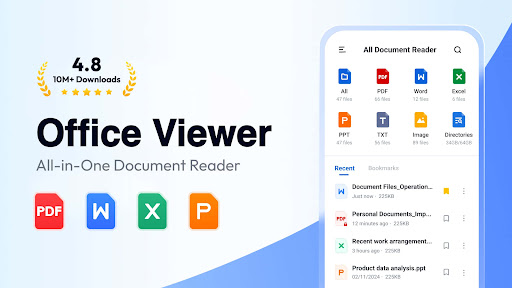
Document Reader is an all-in-one file viewer that helps you read and manage all formats of office files easily. PDF, WORD, EXCEL, PPT, TXT, etc. all supported.
It's very easy to use, and compatible with all office formats. Just open it, you'll see all your documents well organized in folders for quick search and viewing.
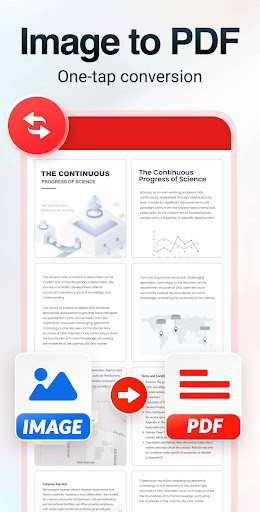
It's also a handy PDF tool to convert images/scans into PDFs, create documents fast with templates, and handle PDF, Word, and PPT conversions. View documents, convert files, and manage everything in one place!
Why choose Document Reader?
Support all formats - PDF, DOC, DOCX, XLS, XLXS, PPT, TXT, PNG, JPG, RTF, etc.
All document viewer/office viewer
Read all documents anywhere, anytime with just one click
Simple and clear file lists, easy to search and manage files
Bookmark documents for quick access
No internet required, read documents offline
Download this simple, fast, lightweight all document reader now!
Document Reader can work as:
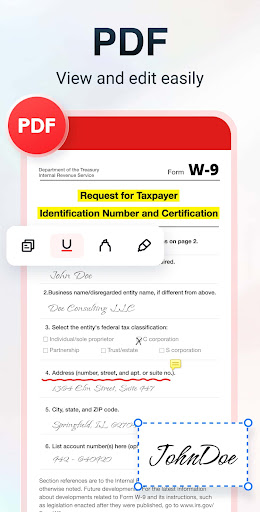
PDF Reader/PDF Viewer
- Zoom in/zoom out pages while reading
- Jump to the page you want directly
- Switch from landscape and portrait reading mode freely
- Annotate PDFs or add text with ease
- Easily print and share PDFs
Word Reader
- Handy document viewer for all DOC, DOCX, and DOCS files
- Easily find your target file through quick search feature
- Sort all documents by file path, size, name, last edit date, etc.
- Simple and elegant interface
Image to PDF Converter
- Turn images or scans into clear, high-quality PDFs
- Convert multiple images with adjustable page order
- Auto-crop edges for more efficient conversion
- Apply filters to enhance color for sharper results
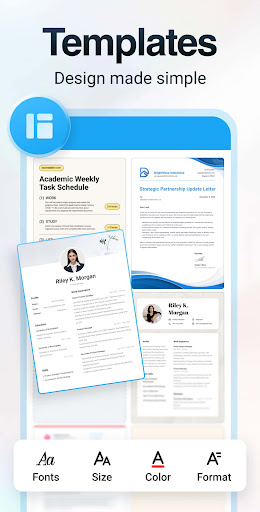
Document Editor with Templates
- Ready-made templates for resumes, posters, letters, and more
- Easily edit text and fonts to fit your needs
- Replace images with your own photos and adjust layouts smoothly
- Create polished documents in just minutes
Document Converter
- Convert PDF to Word for easy editing
- Convert Word to PDF for instant sharing
- Convert PPT to PDF while keeping layouts intact
Excel/Text Viewer
- Quickly open XLS, XLSX, TXT files and search out the data you want
- A simple and straightforward way to read spreadsheets on your device
PPT Viewer
- Viewing PPT, PPTX, PPS, PPSX files has never been easier
- Fast and stable performance, HD quality
More features on the way…
Edit documents freely
Support more document formats, RAR, ZIP, MOBI, HTML, etc.
Night mode
Search text within documents
…
Try Document Reader now and you can read, edit and manage documents in all formats on the go!
Permission Needed:
1. To read and edit files on your device, users with Android 11+ need to grant the MANAGE_EXTERNAL_STORAGE permission.
2. To convert images into PDFs or replace images in templates, users with Android 13+ need to grant the READ_MEDIA_IMAGES permission for image access.
These permissions are used only for the stated purposes and never for any other use.
Thank you for choosing Document Reader. We welcome all feedback and suggestions. If you have any questions, don't hesitate to contact us at allreaderappfeedback@gmail.com.
Show more

1. Download MEmu installer and finish the setup

2. Start MEmu then open Google Play on the desktop

3. Search Document Reader, PDF Converter in Google Play
Install
4. Download and Install Document Reader, PDF Converter
5. On install completion click the icon to start

6. Enjoy using Document Reader, PDF Converter on PC with MEmu
MEmu Play is the best Android emulator, and 100 million users already enjoy its superb Android app experience. Powered by advanced virtualization technology, it lets you enjoy thousands of Android apps smoothly on your PC—including the most graphics-intensive ones.
Bigger screen with better graphics; Long duration, without limitation of battery or mobile data.
Full Keymapping support for precise control of keyboard and mouse or gamepad.
Multiple game accounts or tasks on single PC at one time with Multi-Instance manager.
Use Document Reader, PDF Converter on PC by following steps: