CREX - Cricket Exchange
Updated
Current Version
25.05.06
Offered By

Stop worrying about high battery drain when using CREX - Cricket Exchange on your phone. Free yourself from the tiny screen and enjoy the app on a much larger display. From now on, get a full-screen experience of your app with the convenience of a keyboard and mouse. MEmu offers you all the surprising features you’d expect: quick installation and easy setup, intuitive controls, and no more worries about battery life, mobile data, or unexpected calls. The all-new MEmu 9 is the choice for using CREX - Cricket Exchange on your computer. With the MEmu multi-instance manager, you can run two or more accounts at the same time. Most importantly, our exclusive emulation engine unlocks your PC’s full potential, delivering smooth and enjoyable performance.
Show more
Enjoy superb experience of using CREX - Cricket Exchange on PC with MEMU App Player. It's a powerful free Android emulator which provides you with thousands of android apps for their desktop version. Enjoy connecting with friends and polishing your work with higher efficiency! Looking to exchange your love for cricket with a companion?
Looking to exchange your love for cricket with a companion?
Search no further, here’s the best one-stop-app for all things cricket.
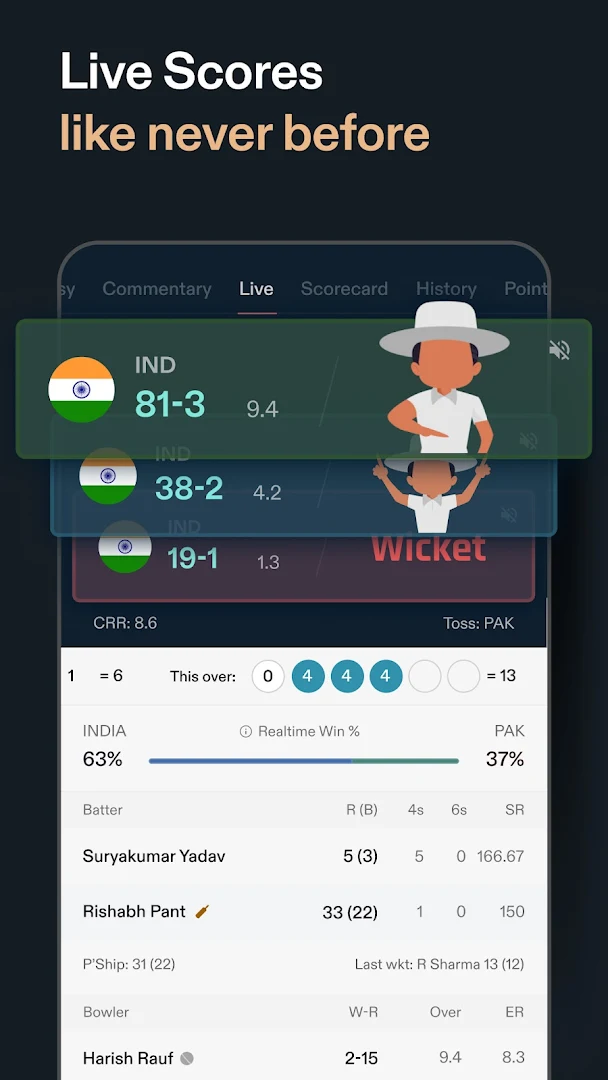
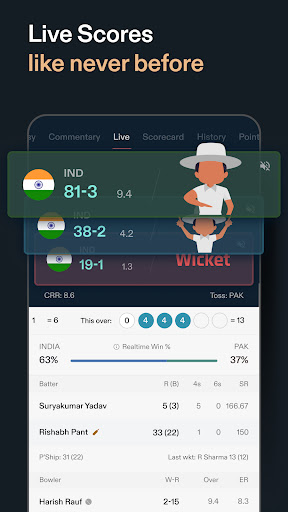
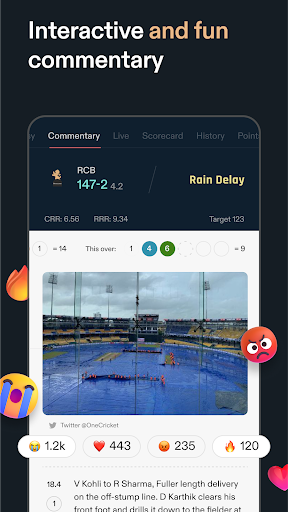
CREX is where all the cricketing action takes place. We are here to transform your Live Cricket Experience knowing that Cricket is more than a game to you. From Live score updates & match highlights to fantasy analysis & exclusive cricket videos by cricket experts like Akash Chopra; everything you need to know about your favourite sport is covered here in the most unique and engaging manner.
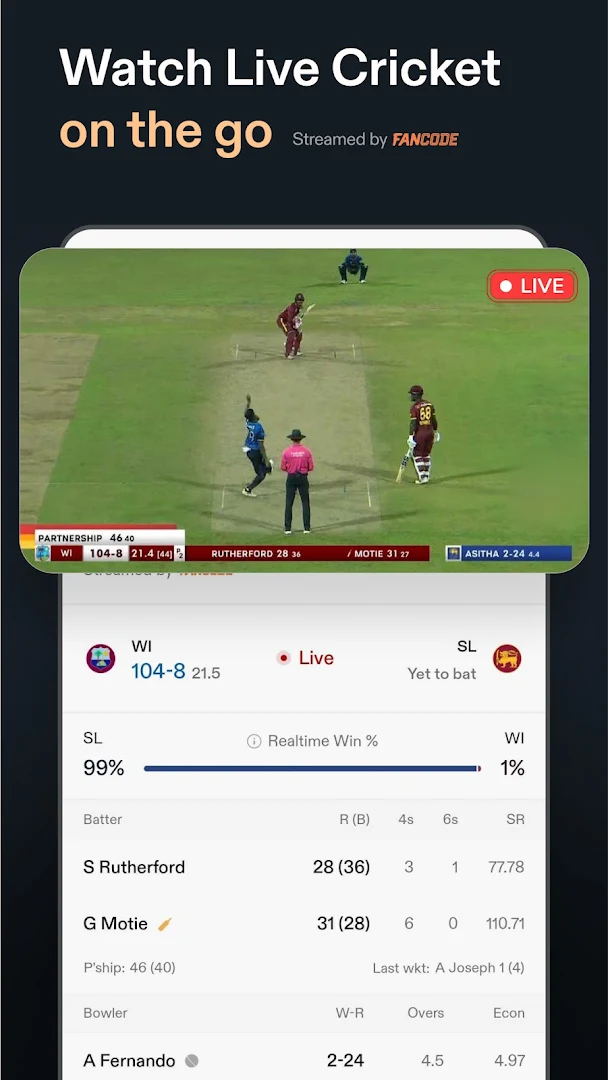
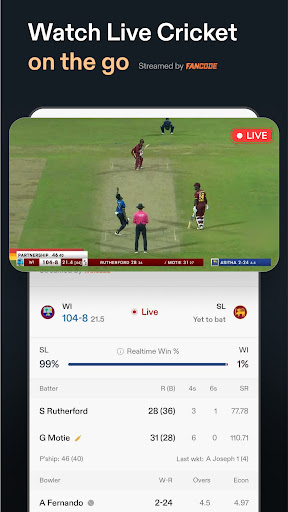
We have partnered with Fancode to bring you live cricket streaming to your mobile screen. Now you also can watch live cricket that is exclusively available in India on the CREX app.
CREX covers:
- All international and domestic cricket matches
- Live Cricket streaming on CREX app.
- Exclusive cricket videos and match highlights.
- Every important happenings in the cricket world
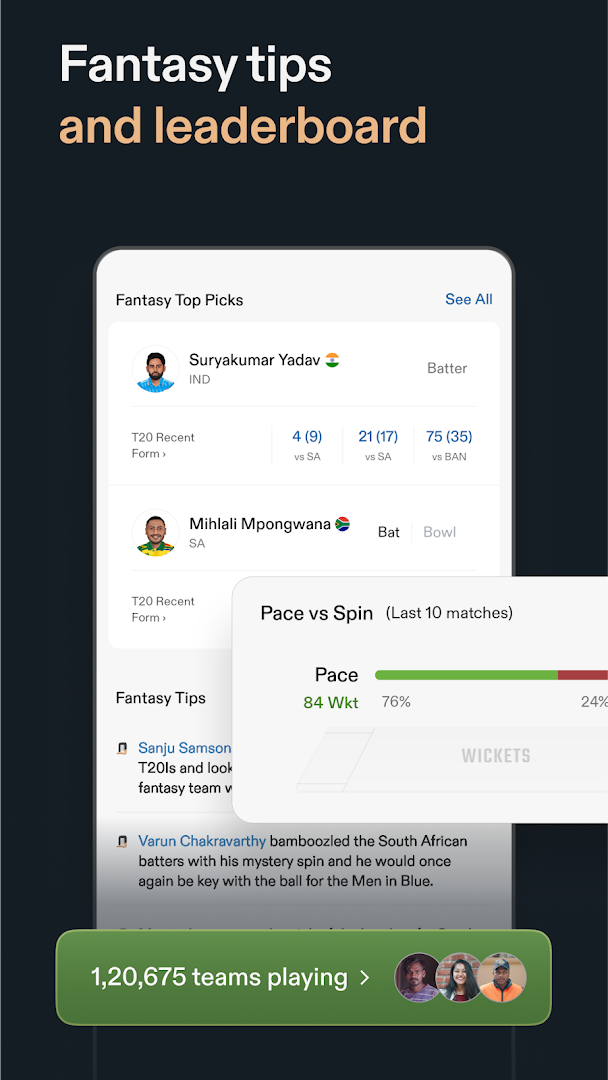
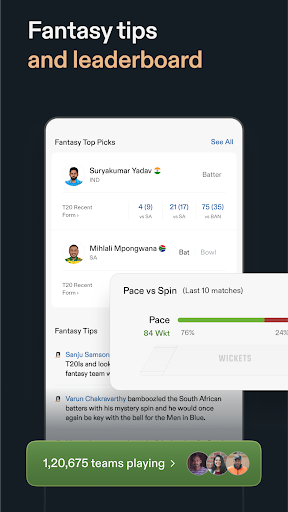
- Fantasy tips and top picks
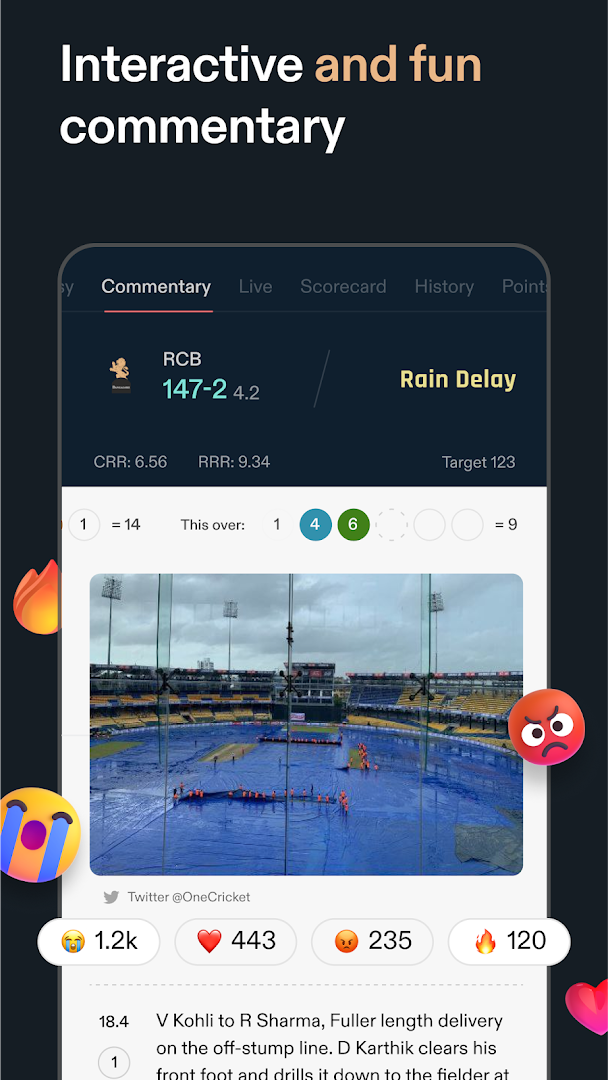
- Live ball by ball commentary
- Detailed scorecard with wicket description and partnership stats
- Insightful pre-match info and analysis
- Detailed rankings, points table, & records
- And a lot more
Follow Cricket Score & Updates of all tours & leagues including SA 20 League 2025, Ireland Women Tour of India 2025, International League T20 2025, Champions Trophy, Women Ashes 2025, U19 Women's T20 World Cup 2025, Women's Premier League 2025, England Tour of India 2025, England vs New Zealand, etc. with CREX. We cover all tournaments, tours, and leagues including but not limited to World Cup, IPL, BBL, PSL, BPL, Abu Dhabi T10 league, Super Smash, T20 Blast, County Cricket, Super 50 Cup.
Unique Features:
Follow interesting insights and all important updates.
Get free expert fantasy cricket tips, create teams and rank on our Leaderboard.
Get deep insights and improve your cricket analysis with graphs.
Read match summaries with video highlights and more.
Find detailed information related to any active series.
Keep track of live scores anytime, anywhere with Pin Live score.
Tap any player or team and get in-depth stats & analysis.
Switch between light and dark themes whenever you like.
Notifications for all live & upcoming matches, key events, & Breaking News.
Find anything related to your favourite sport with Cricket Search.
Become a cricket guru by taking daily cricket quizzes.
Informative Tabs:
Home
- Cricket insights
- Team updates
- Live happenings
- Cricket stories, shorts, and reels
Matches
- All Live Matches
- Personalised Match info
- Live match streaming
- Exclusive cricket videos
- Upcoming and Finished matches
Series
- Complete series info and stats
- Points table
- Top Performing Players and Teams Squads
- News and videos
Fixtures
- Days-wise, Series-wise and Teams-wise matches
- Matches are further classified into International, T20, ODI, Test, League and Women
- Follow your favourite teams
News
- Latest Cricket News & updates
- Articles, Breaking News, & much more
More
- Men’s Ranking
- Women’s ranking
- Choose your preferred language- available in English, Hindi, & Bengali.
Details about Premium version :
If you’re a premium customer, you can PIN live score in the background. Yes, there is a premium subscription for the app too. It’s quite reasonable and comes with features that have never been offered before like Odds’ History, Graphs, PIN Live Scores. Go premium to experience the best cricket app, ad-free.
Download the app and enjoy Cricket with a Better, Faster & More Reliable version of CREX.
Show more

1. Download MEmu installer and finish the setup

2. Start MEmu then open Google Play on the desktop

3. Search CREX - Cricket Exchange in Google Play
Install
4. Download and Install CREX - Cricket Exchange
5. On install completion click the icon to start

6. Enjoy using CREX - Cricket Exchange on PC with MEmu
MEmu Play is the best Android emulator, and 100 million users already enjoy its superb Android app experience. Powered by advanced virtualization technology, it lets you enjoy thousands of Android apps smoothly on your PC—including the most graphics-intensive ones.
Bigger screen with better graphics; Long duration, without limitation of battery or mobile data.
Full Keymapping support for precise control of keyboard and mouse or gamepad.
Multiple game accounts or tasks on single PC at one time with Multi-Instance manager.
Use CREX - Cricket Exchange on PC by following steps: