SHOWROOM - free live streaming
Updated
Current Version
5.21.1
Offered By

Stop worrying about high battery drain when using SHOWROOM - free live streaming on your phone. Free yourself from the tiny screen and enjoy the app on a much larger display. From now on, get a full-screen experience of your app with the convenience of a keyboard and mouse. MEmu offers you all the surprising features you’d expect: quick installation and easy setup, intuitive controls, and no more worries about battery life, mobile data, or unexpected calls. The all-new MEmu 9 is the choice for using SHOWROOM - free live streaming on your computer. With the MEmu multi-instance manager, you can run two or more accounts at the same time. Most importantly, our exclusive emulation engine unlocks your PC’s full potential, delivering smooth and enjoyable performance.
Show more
Enjoy superb experience of using SHOWROOM - free live streaming on PC with MEMU App Player. It's a powerful free Android emulator which provides you with thousands of android apps for their desktop version. Enjoy connecting with friends and polishing your work with higher efficiency! SHOWROOM is one of the largest live streaming platforms in Japan!
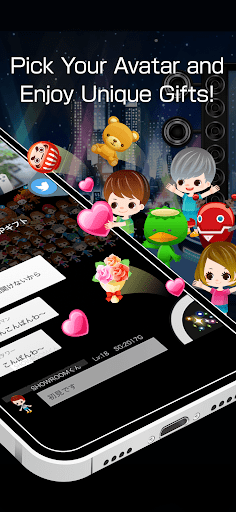

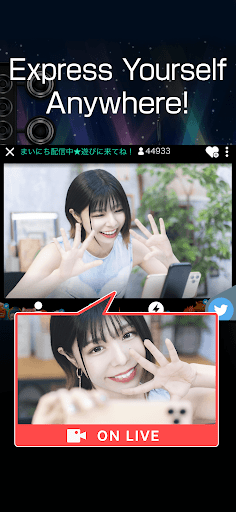
SHOWROOM is one of the largest live streaming platforms in Japan!*
Enjoying live streaming has never been easier.
Interact with and view streams from all the popular idols, artists, models, voice actors, comedians, celebrities, and more!!
Users can enjoy the many steams on the platform everyday or even start your own stream and start interacting and amassing a fanbase of followers.
(*) According to AppAnnie, including web and smartphone app.
◆How to Enjoy SHOWROOM◆
■Watch Live Streams!
-------------------------------------
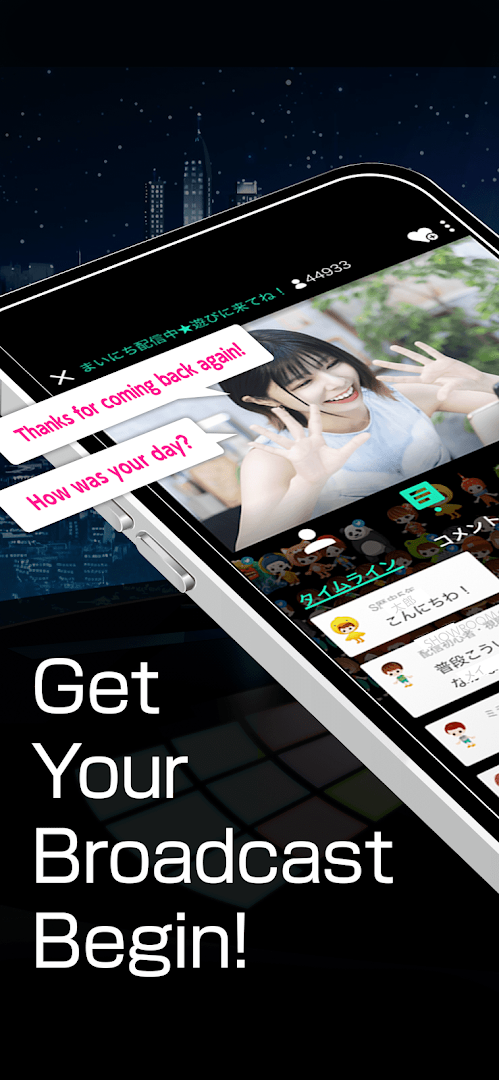
Watch your favorite streamers and interact with them through commenting and send gifts. Streamers love to chat with their fans, so jump in to watch a stream and make sure to say "hello" in the comments!
■Start Stremaing
-------------------------------------
All you need is a smartphone to start streaming! Once you have started your stream, you can comment directly with your fans.
■There are lots of events every month!
-------------------------------------
There are many events held on SHOWROOM every month!
You can send gift items to streamers in events and help make their streaming dreams come true!
【Examples of Event prizes】
- TV appearances
- Production of original music by famous composers or musicians
- Appearance on runways of large fashion events
- Exclusive and regular modeling for famous magazines
- Fashion model for popular stores
- Become an ambassador for a famous company or store
- Create original goods in collaboration with stores and create a special sections in the stores
- Design your own original avatars
■Recommended functions
-------------------------------------
○Live Streaming
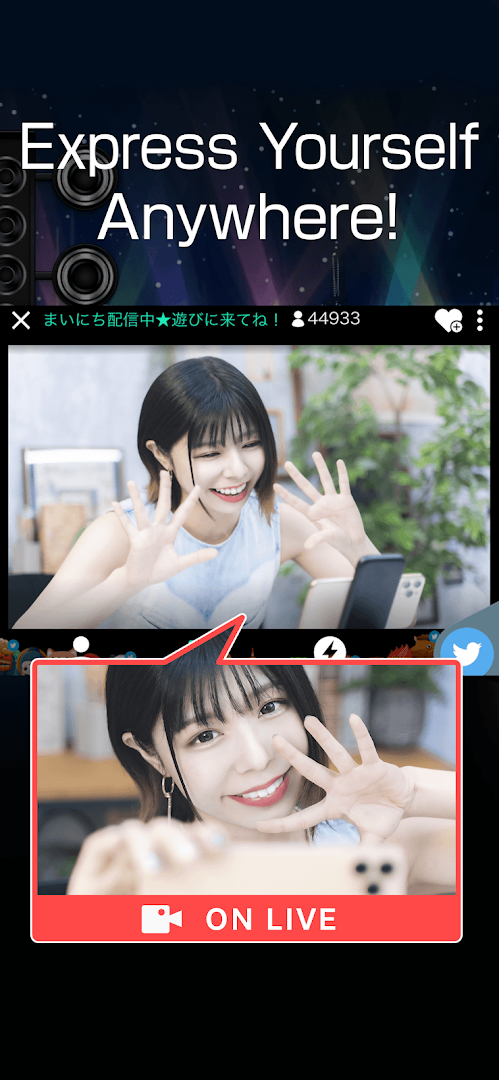
With SHOWROOM, you can easily stream live from your smartphone!
Feel free to start at any time you like! A lot of friendly listeners are waiting for you!
○Avatars
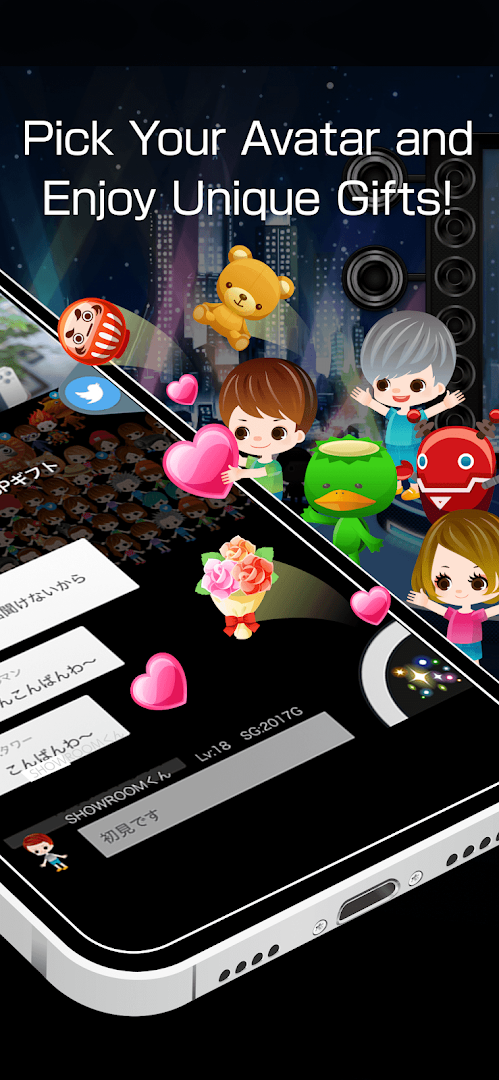
SHOWROOM has a unique avatar system that makes communication through your custom avatar fun!
○Karaoke
You can enjoy karaoke streaming while singing your favorite songs!
The listener can liven up the karaoke transmission with a mirror ball gift!
○Gifting
You can give items to your favorite streamers to support them and help make their dreams come true with your support!
You can choose from many gifts to send to your favorite streamers!
○Effects
You can use a variety of filters and make-up functions to make your skin and hair look beautiful, or create your special streams. Try to find your original settings by combining different effects!
○24-hour monitoring
In addition to the unique AI (patent pending), SHOWROOM is working to create a safe and secure environment for everyone by creating a 24-hour monitoring system to check for inappropriate streams or comments.
■SHOWROOM is recommended for the people who
-------------------------------------
- Want to support streamers who works hard for their dreams
- Want to work hard for my dream.
- Like to see popular idols and artists streaming
- Want to have friends I can talk to
- Want to increase their fanbase on Twitter and Instagram
- Want to enjoy live streaming with fans
■Official SNS accounts
-------------------------------------
○Twitter
@SHOWROOM_jp
https://twitter.com/SHOWROOM_jp
○Note
https://note.com/showroom_note
○Instagram
http://instagram.com/showroom_official
Show more

1. Download MEmu installer and finish the setup

2. Start MEmu then open Google Play on the desktop

3. Search SHOWROOM - free live streaming in Google Play
Install
4. Download and Install SHOWROOM - free live streaming
5. On install completion click the icon to start

6. Enjoy using SHOWROOM - free live streaming on PC with MEmu
MEmu Play is the best Android emulator, and 100 million users already enjoy its superb Android app experience. Powered by advanced virtualization technology, it lets you enjoy thousands of Android apps smoothly on your PC—including the most graphics-intensive ones.
Bigger screen with better graphics; Long duration, without limitation of battery or mobile data.
Full Keymapping support for precise control of keyboard and mouse or gamepad.
Multiple game accounts or tasks on single PC at one time with Multi-Instance manager.
Use SHOWROOM - free live streaming on PC by following steps: