ABCmouse.com
Updated
Current Version
8.66.1
Offered By

Stop worrying about high battery drain when using ABCmouse.com on your phone. Free yourself from the tiny screen and enjoy the app on a much larger display. From now on, get a full-screen experience of your app with the convenience of a keyboard and mouse. MEmu offers you all the surprising features you’d expect: quick installation and easy setup, intuitive controls, and no more worries about battery life, mobile data, or unexpected calls. The all-new MEmu 9 is the choice for using ABCmouse.com on your computer. With the MEmu multi-instance manager, you can run two or more accounts at the same time. Most importantly, our exclusive emulation engine unlocks your PC’s full potential, delivering smooth and enjoyable performance.
Show more
Enjoy superb experience of using ABCmouse.com on PC with MEMU App Player. It's a powerful free Android emulator which provides you with thousands of android apps for their desktop version. Enjoy connecting with friends and polishing your work with higher efficiency! Math and Reading for Kids 2–8.
Math and Reading for Kids 2–8
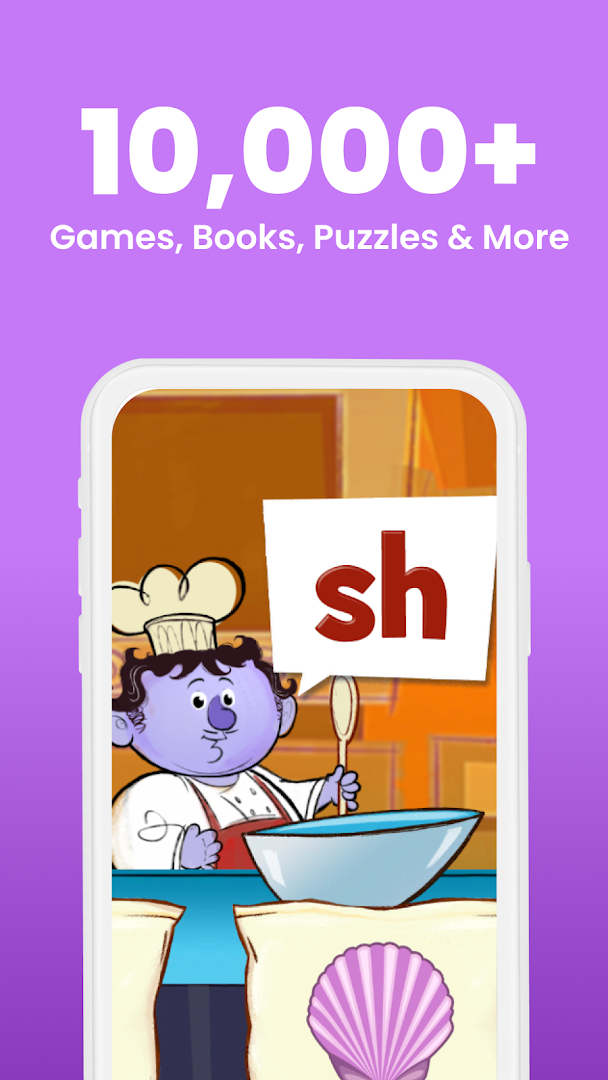
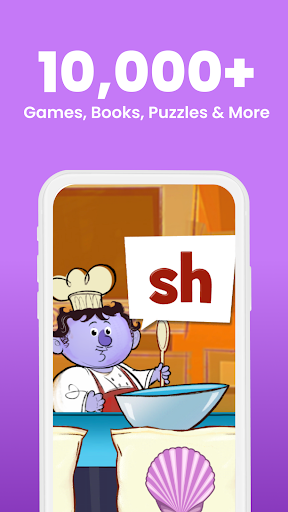
ABCmouse is the award-winning learning program that covers reading, math, art, music, and more for kids ages 2 to 8. Created by teachers and education experts, it has 10,000+ exciting Learning Activities for children at all academic levels.
Key Features
The ABCmouse Early Learning Academy is the research-validated program that kids 2–8 love to play with as they learn:
• Full standards-based curriculum for learning on mobile devices
• Trusted by teachers and designed by early learning education experts
• Used in more than 70,000 classrooms and in nearly half of all U.S. public libraries
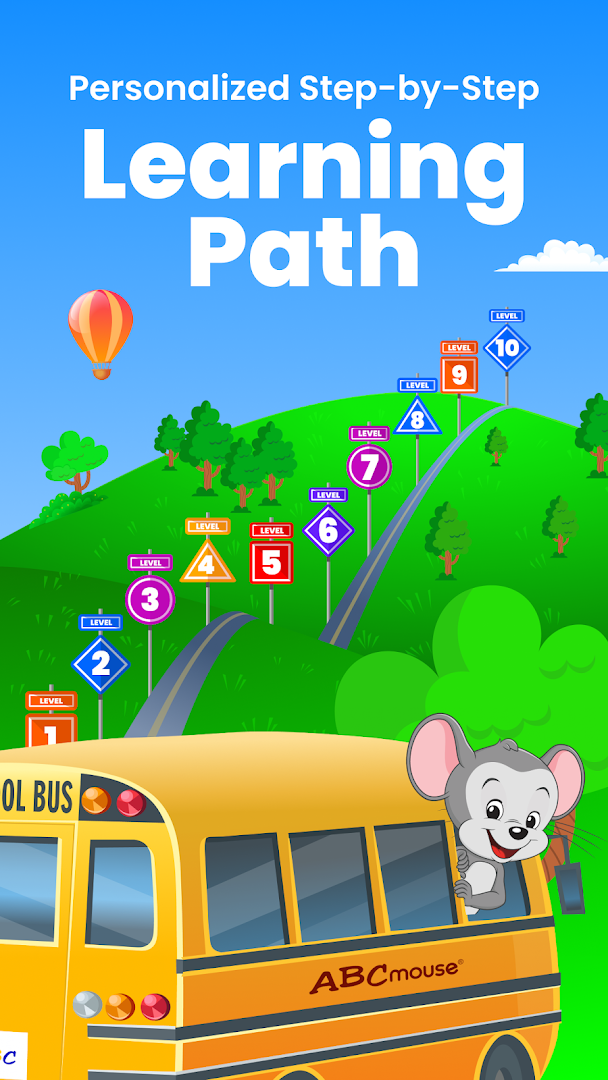
• 10 levels, over 850 lessons, and 10,000+ individual Learning Activities
• All academic subjects for toddlers, preschool, kindergarten, 1st grade, and 2nd grade
• Accelerates children’s development of early literacy and math skills
• Helps ensure kindergarten readiness and 3rd grade readiness
• Covers math, reading, science, social studies, art, and music across all levels
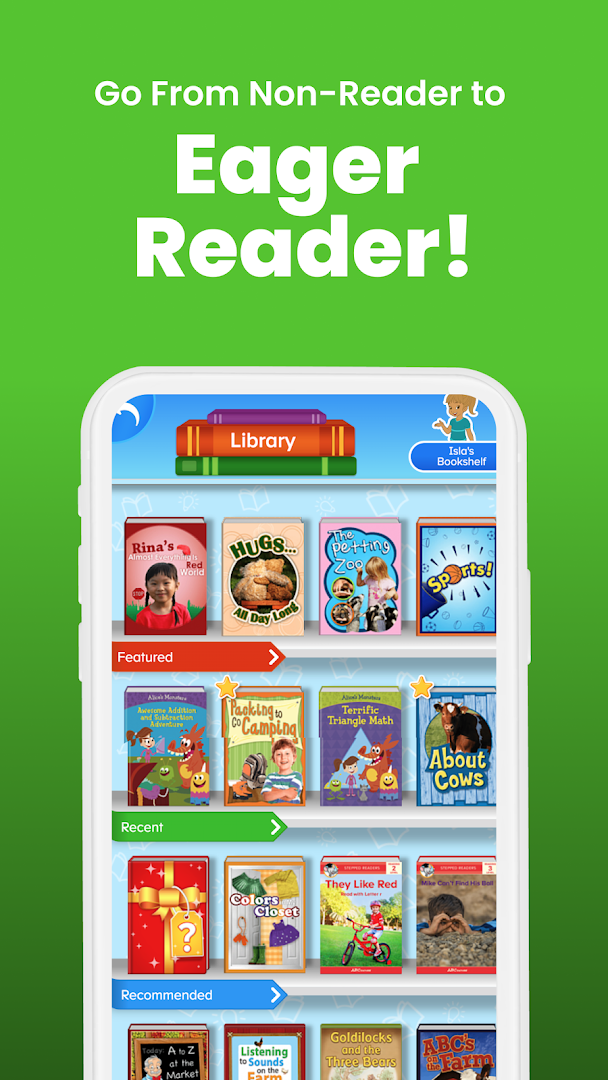
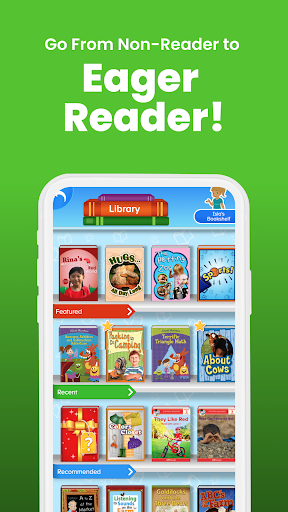
• Thousands of books, videos, puzzles, printable activities, songs, games, and animations
• 900+ books and activities in Spanish
• Customizable Avatar, My Room, My Hamster, and Pet Park features
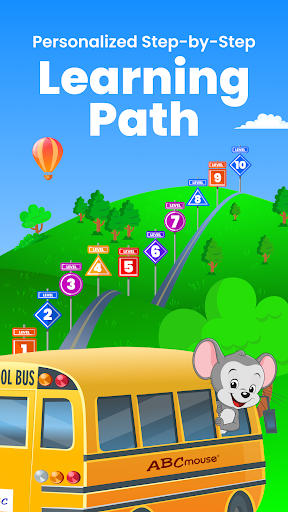
• Step-by-Step Learning Path and independent learning
• Great for homeschoolers and learning on the go
• Easy to track and monitor progress
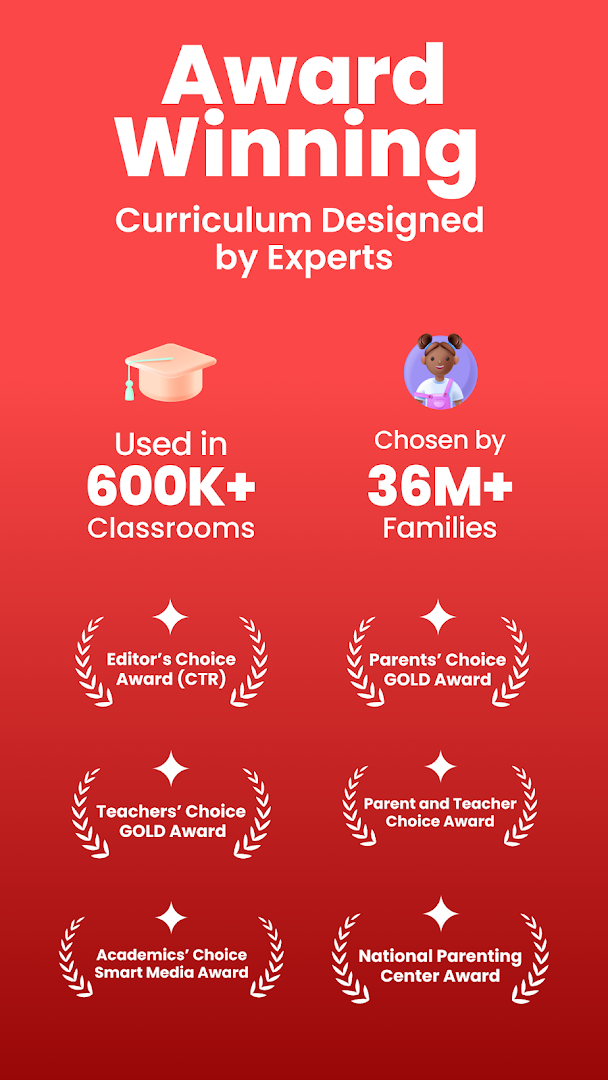
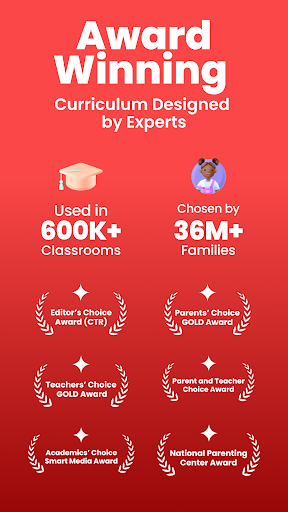
• Winner of prestigious Mom’s Choice GOLD, Teachers’ Choice, and Parents’ Choice GOLD Awards
• 100% safe and kid-friendly environment!
Subscription Options
• Subscription automatically renews unless auto-renew is turned off at least 24-hours before the end of the current period
• Account will be charged for renewal within 24-hours prior to the end of the current period, and identify the cost of the renewal
• Subscriptions may be managed by the user and auto-renewal may be turned off by going to the user's Account Settings after purchase
See our full Terms and Conditions at:
http://www.abcmouse.com/tandc
View our Privacy Policy at:
http://www.abcmouse.com/privacy
Min Specs for Android Tablet/Phone:
Android Version: 9.0
Memory (RAM): More than 4GB RAM
Storage: 16 GB
Show more

1. Download MEmu installer and finish the setup

2. Start MEmu then open Google Play on the desktop

3. Search ABCmouse.com in Google Play
Install
4. Download and Install ABCmouse.com
5. On install completion click the icon to start

6. Enjoy using ABCmouse.com on PC with MEmu
MEmu Play is the best Android emulator, and 100 million users already enjoy its superb Android app experience. Powered by advanced virtualization technology, it lets you enjoy thousands of Android apps smoothly on your PC—including the most graphics-intensive ones.
Bigger screen with better graphics; Long duration, without limitation of battery or mobile data.
Full Keymapping support for precise control of keyboard and mouse or gamepad.
Multiple game accounts or tasks on single PC at one time with Multi-Instance manager.
Use ABCmouse.com on PC by following steps: