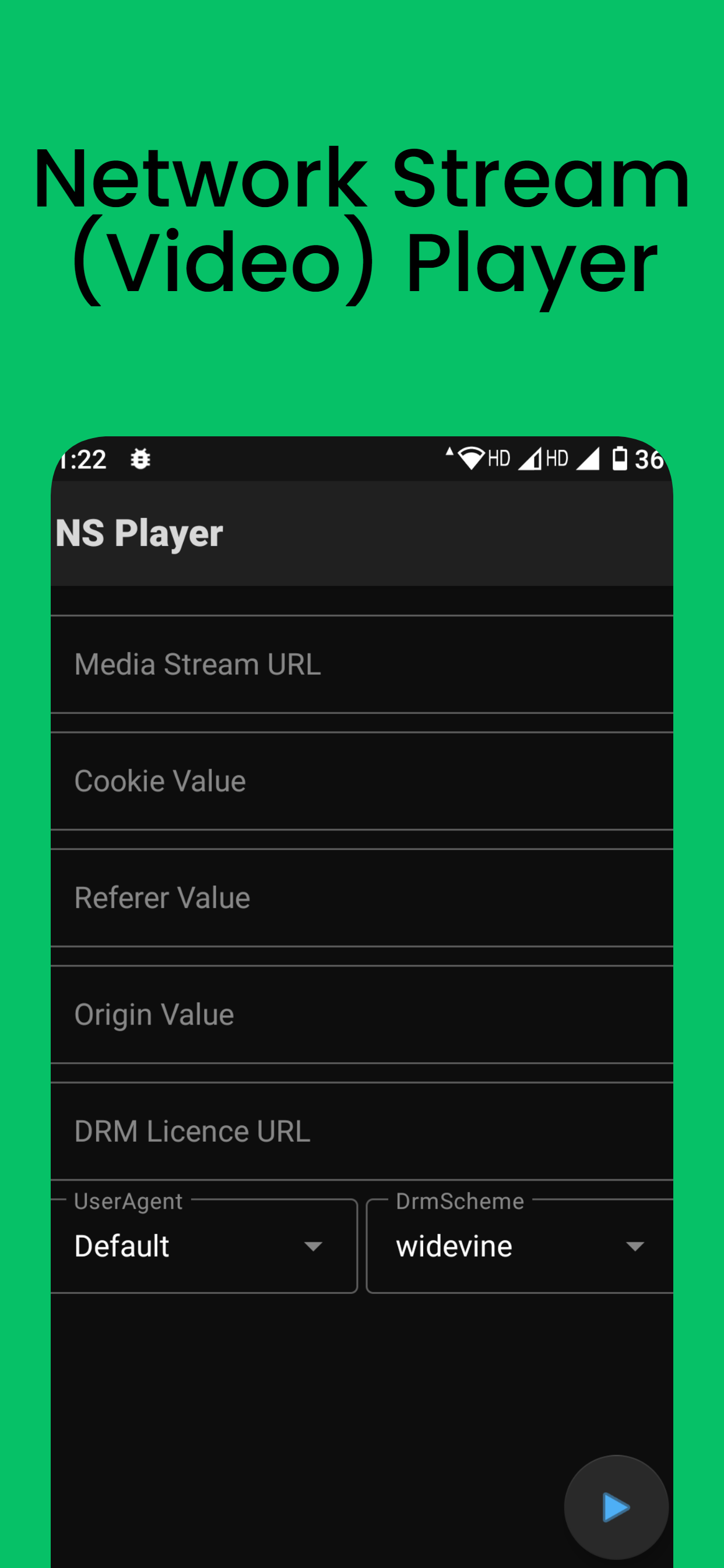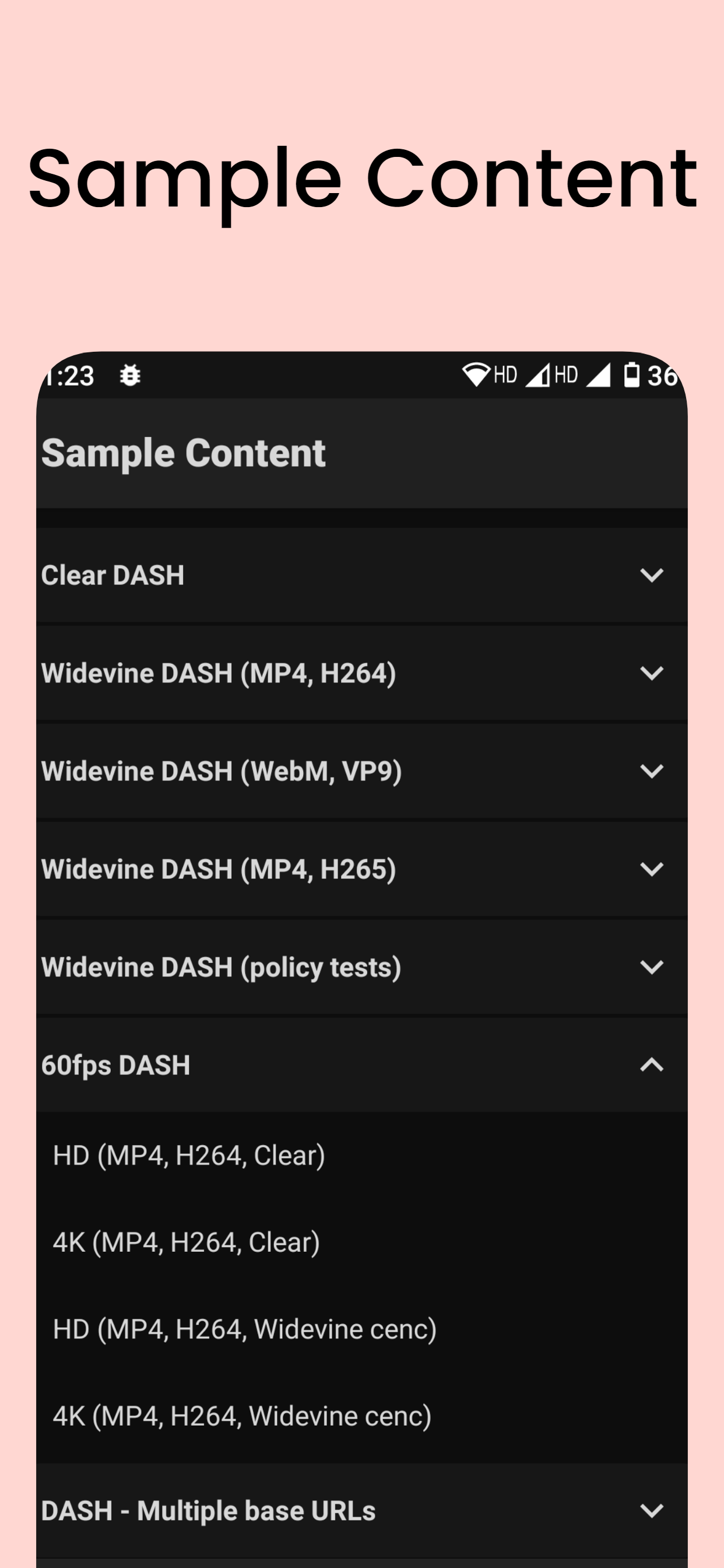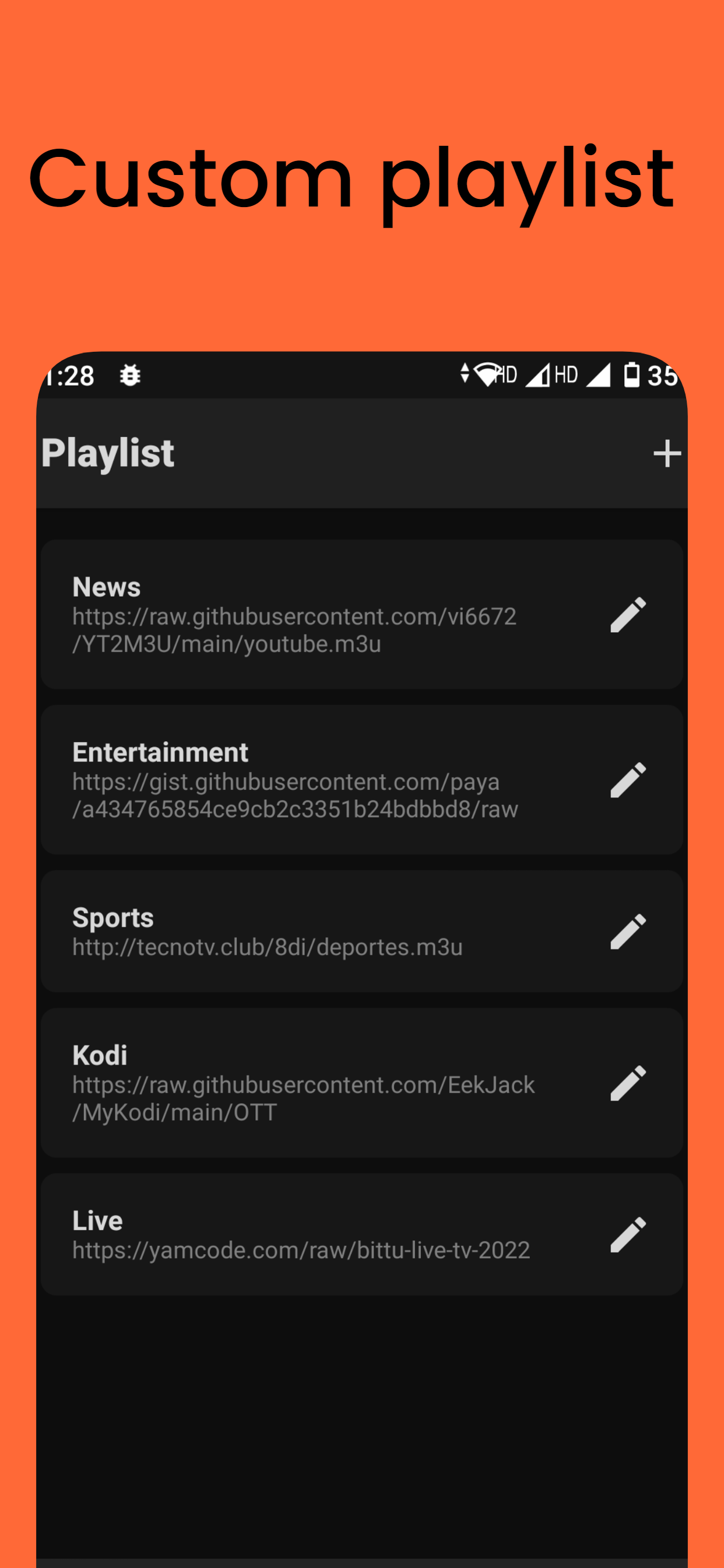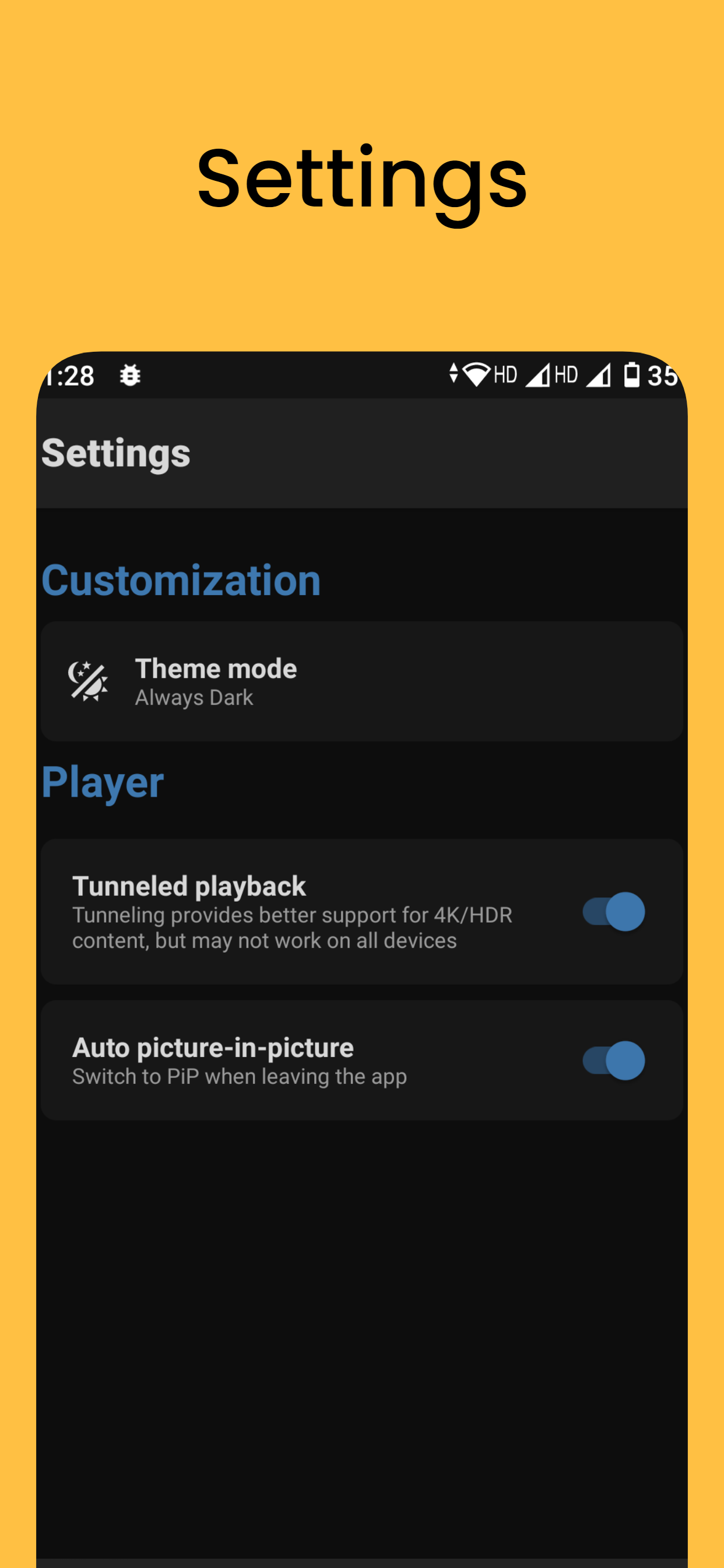
Network Stream (Video) Player
Updated
Current Version
7.3
Offered By

Stop worrying about high battery drain when using Network Stream (Video) Player on your phone. Free yourself from the tiny screen and enjoy the app on a much larger display. From now on, get a full-screen experience of your app with the convenience of a keyboard and mouse. MEmu offers you all the surprising features you’d expect: quick installation and easy setup, intuitive controls, and no more worries about battery life, mobile data, or unexpected calls. The all-new MEmu 9 is the choice for using Network Stream (Video) Player on your computer. With the MEmu multi-instance manager, you can run two or more accounts at the same time. Most importantly, our exclusive emulation engine unlocks your PC’s full potential, delivering smooth and enjoyable performance.
Show more
Enjoy superb experience of using Network Stream (Video) Player on PC with MEMU App Player. It's a powerful free Android emulator which provides you with thousands of android apps for their desktop version. Enjoy connecting with friends and polishing your work with higher efficiency! Note:.
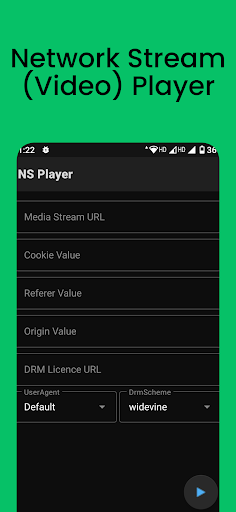
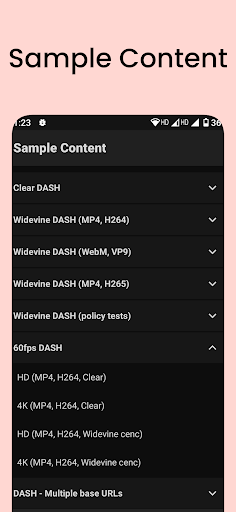
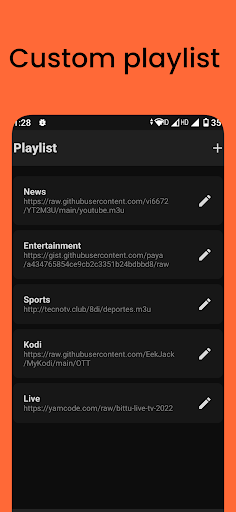
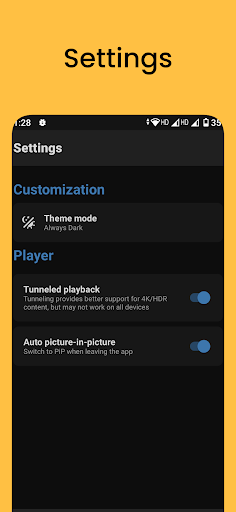
Note:
This is a very alpha and preview version, please don't expect too much from it, and don't rate this version. Thanks for the support and We will continue to improve it.
Our video player is based on the powerful AndroidX Media library, and includes the ffmpeg extension with all of its audio formats enabled. That means you can enjoy crystal-clear audio playback on your device, even with special formats like AC3, EAC3, DTS, DTS HD, and TrueHD. With support for a wide range of media protocols, including MP4, HLS, DASH, and SmoothStreaming, AndroidX Media is the perfect choice for developers and users who demand the best in media performance and flexibility.
IMPORTANT:
The official Network Stream (Video) Player version does not contain any content what so ever. This means that you should provide your own content from a local or remote storage location, DVD, Blu-Ray or any other media carrier that you own. Additionally Network Stream (Video) Player allows you to import files that may provide access to content that is freely available on the official content provider website. Any other means of watching illegal content which would otherwise be paid for is not endorsed or approved by NSTeam.
Supported formats:
✔️ Streaming: DASH, HLS, SmoothStreaming, RTMP, RTSP
✔️ Containers: MP4, MOV, FLV, MKV, WebM, Ogg, MPEG
✔️ Video: H.263, H.264 AVC, H.265 HEVC, MPEG-4 SP, VP8, VP9, AV1
✔️ Audio: Vorbis, Opus, FLAC, ALAC, MP1, MP2, MP3, AAC, AC-3, E-AC-3, DTS, DTS-HD, TrueHD
Features:
✔️ Native Android app with simple and easy-to-use interface
✔️ Play video files in various formats
✔️ Adjust brightness and volume with gestures
✔️ Video, Audio, Subtitle track selection
✔️ Save stream history
✔️ Picture-in-picture mode
DRM :
✔️ Widevine
✔️ ClearKey
✔️ PlayReady
Disclaimer:
- Network Stream (Video) Player does not supply or include any media or content.
- Users must provide their own content
- Network Stream (Video) Player has no affiliation with any third-part links or files or plug-in or add-on provider what so ever.
- We do not endorse the streaming of copyright protected material without permission of the copyright holder.
- In order to upgrade from a previous version you must have installed an official released version by NSTeam. Any other version may cause failure to upgrade.
Show more

1. Download MEmu installer and finish the setup

2. Start MEmu then open Google Play on the desktop

3. Search Network Stream (Video) Player in Google Play
Install
4. Download and Install Network Stream (Video) Player
5. On install completion click the icon to start

6. Enjoy using Network Stream (Video) Player on PC with MEmu
MEmu Play is the best Android emulator, and 100 million users already enjoy its superb Android app experience. Powered by advanced virtualization technology, it lets you enjoy thousands of Android apps smoothly on your PC—including the most graphics-intensive ones.
Bigger screen with better graphics; Long duration, without limitation of battery or mobile data.
Full Keymapping support for precise control of keyboard and mouse or gamepad.
Multiple game accounts or tasks on single PC at one time with Multi-Instance manager.
Use Network Stream (Video) Player on PC by following steps: