
pump.fun - speculate on trends
Updated
Current Version
33.0.0
Offered By

Stop worrying about high battery drain when using pump.fun - speculate on trends on your phone. Free yourself from the tiny screen and enjoy the app on a much larger display. From now on, get a full-screen experience of your app with the convenience of a keyboard and mouse. MEmu offers you all the surprising features you’d expect: quick installation and easy setup, intuitive controls, and no more worries about battery life, mobile data, or unexpected calls. The all-new MEmu 9 is the choice for using pump.fun - speculate on trends on your computer. With the MEmu multi-instance manager, you can run two or more accounts at the same time. Most importantly, our exclusive emulation engine unlocks your PC’s full potential, delivering smooth and enjoyable performance.
Show more
Enjoy superb experience of using pump.fun - speculate on trends on PC with MEMU App Player. It's a powerful free Android emulator which provides you with thousands of android apps for their desktop version. Enjoy connecting with friends and polishing your work with higher efficiency! pump.
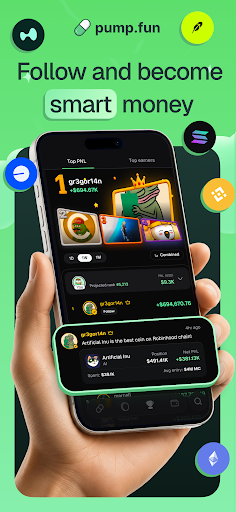
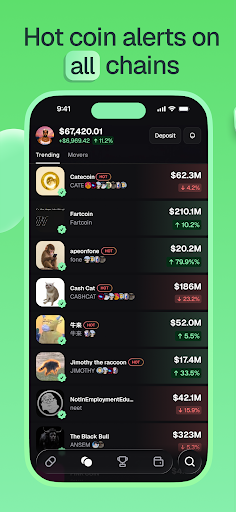
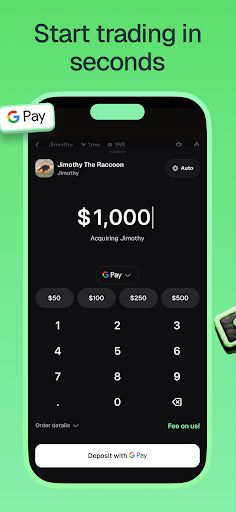
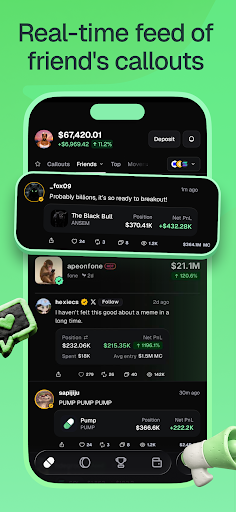
pump.fun is the funnest app to discover trends forming in seconds, and profit from your taste!
Find memecoins
· Get live updates on a constant stream of breaking narratives!
· See trending memes that people are buying and selling the most.
Follow top callers
· Find users with a track record of success!
· Follow your friends and climb the leaderboard.
Stay in control
· Own your funds, PumpFun is a self-custodial wallet that only you have control over.
· We cannot access or freeze your funds.
Easy deposit and withdrawal
· Easily deposit and withdraw your crypto where it is accessible at all times.
DISCLOSURES
· PumpFun is not an exchange and does not provide any investment advice. The content of this app is not and should not be considered investment advice and does not constitute any offer or solicitation to offer or recommendation of any product or service.
· Memecoins are not assets and do not possess any intrinsic value and do not have any utility. Memecoins are for entertainment purposes only and should not be considered an investment, currency, or something of value. The price of memecoins can be extremely volatile and unpredictable. Price data in the app may be inaccurate or delayed.
· Wallet services are provided by Privy.io. All transfers in or out of the wallet are made on the blockchain using the self-custodial wallet connected to your account. PumpFun is a visual interface to blockchain decentralized exchanges and does not endorse any cryptocurrencies.
Show more

1. Download MEmu installer and finish the setup

2. Start MEmu then open Google Play on the desktop

3. Search pump.fun - speculate on trends in Google Play
Install
4. Download and Install pump.fun - speculate on trends
5. On install completion click the icon to start

6. Enjoy using pump.fun - speculate on trends on PC with MEmu
MEmu Play is the best Android emulator, and 100 million users already enjoy its superb Android app experience. Powered by advanced virtualization technology, it lets you enjoy thousands of Android apps smoothly on your PC—including the most graphics-intensive ones.
Bigger screen with better graphics; Long duration, without limitation of battery or mobile data.
Full Keymapping support for precise control of keyboard and mouse or gamepad.
Multiple game accounts or tasks on single PC at one time with Multi-Instance manager.
Use pump.fun - speculate on trends on PC by following steps:































