Weather Forecast
Updated
Current Version
1.8.6
Offered By

Stop worrying about high battery drain when using Weather Forecast on your phone. Free yourself from the tiny screen and enjoy the app on a much larger display. From now on, get a full-screen experience of your app with the convenience of a keyboard and mouse. MEmu offers you all the surprising features you’d expect: quick installation and easy setup, intuitive controls, and no more worries about battery life, mobile data, or unexpected calls. The all-new MEmu 9 is the choice for using Weather Forecast on your computer. With the MEmu multi-instance manager, you can run two or more accounts at the same time. Most importantly, our exclusive emulation engine unlocks your PC’s full potential, delivering smooth and enjoyable performance.
Show more
Enjoy superb experience of using Weather Forecast on PC with MEMU App Player. It's a powerful free Android emulator which provides you with thousands of android apps for their desktop version. Enjoy connecting with friends and polishing your work with higher efficiency! Weather - Live weather & Radar app with live weather radar is one of the most effective weather applications for warning of severe weather such as rainstorms, typhoons and floods.
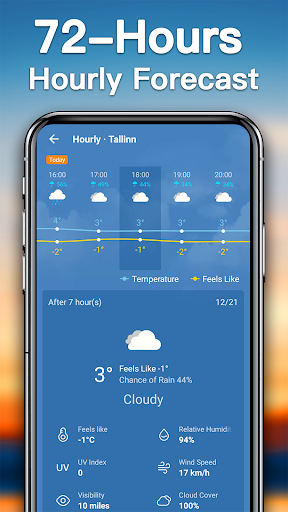
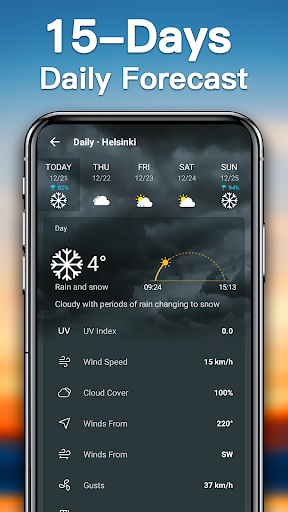
Weather - Live weather & Radar app with live weather radar is one of the most effective weather applications for warning of severe weather such as rainstorms, typhoons and floods. With Weather Forecast, daily life becomes more convenient.
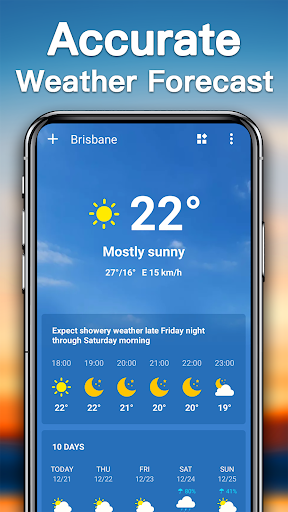
☀ Accurate weather forecast
This weather app provides reliable weather data and constantly updated weather information
☀ Detailed and comprehensive weather information
Provides comprehensive weather information such as current weather conditions, current temperature, maximum and minimum temperature, wind direction and speed, dew point, precipitation, sunrise and sunset time, and phase of the moon
☀ Simple and clear weather forecast UI
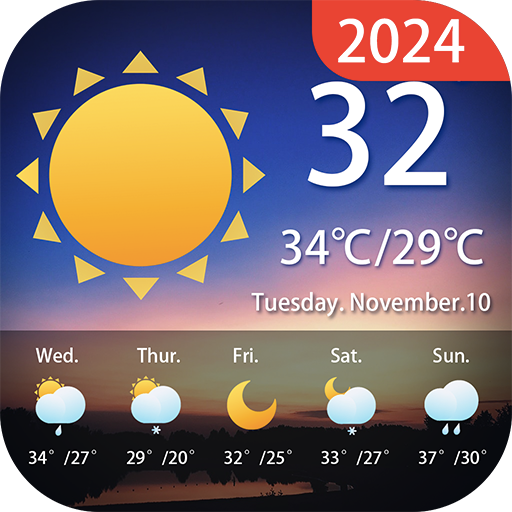
Quickly and easily see weather today, weather tomorrow and other weather information
☀ Weather information updated in real-time
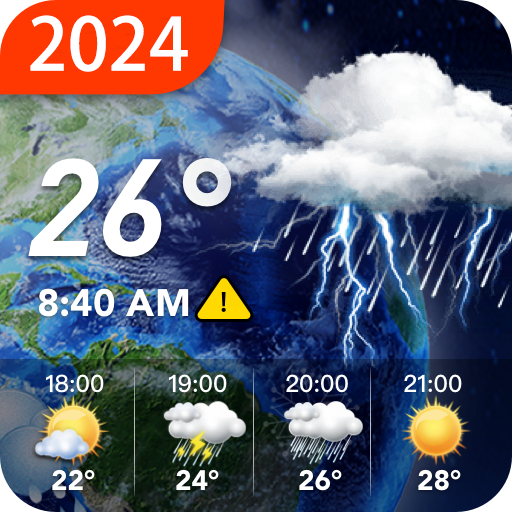
Provides current, 72-hour and 14-day weather forecast data, and update constantly
☀ Weather widget
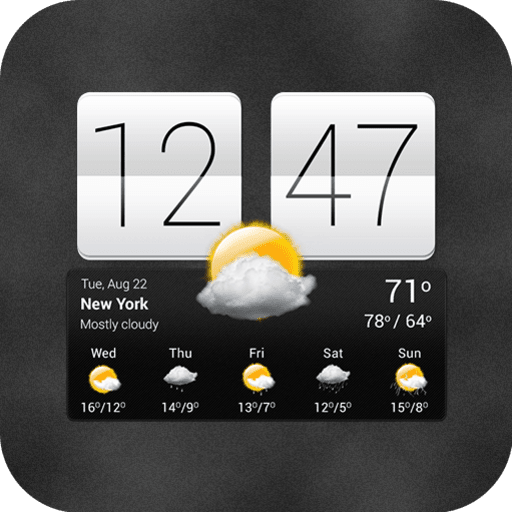
Various styles of weather widgets, including cute style, classic style, simple style, gorgeous style, etc. Set the weather widgets to check the weather more conveniently
☀ Weather notification bar
Four styles of weather notification bars, you can choose to display hourly weather or daily weather
☀ Weather radar
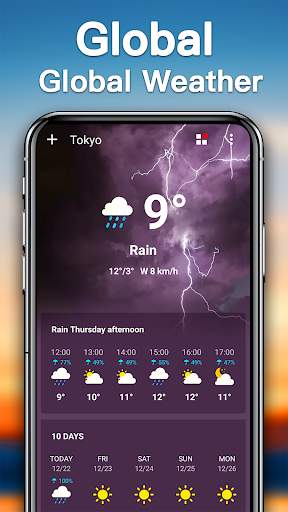
Live weather radar provides natural disasters and severe weather alerts, and protective measures must be taken when severe weather such as heavy rains, floods, and typhoons occur
☀ Health and life
This weather app can intelligently judge whether you need to bring umbrellas and coats to deal with weather changes based on weather conditions, UV index, air quality, visibility, etc., to ensure the smooth progress of daily activities, and let you deal with any weather conditions calmly
☀ Four weather channels
Switch weather data sources (AccuWeather, Weather Bit, World Weather Online, Open Weather) to make widget weather your most accurate weather channel app
☀ Build a city weather map
Set up multiple cities, easily switch cities, and check the weather in different cities. Business trips, tours, etc. can be carried out smoothly with the assistance of this weather forecast app
This weather app can present you with accurate weather forecasts including current weather, hourly weather and daily weather in a simple and clear way, allowing you to quickly check weather information and arrange daily routines. The weather radar, which is updated in real-time, allows you to respond to severe weather conditions in advance to protect life and property. So, come and download this weather app to make your life safer, healthier and better!
Show more

1. Download MEmu installer and finish the setup

2. Start MEmu then open Google Play on the desktop

3. Search Weather Forecast in Google Play
Install
4. Download and Install Weather Forecast
5. On install completion click the icon to start

6. Enjoy using Weather Forecast on PC with MEmu
MEmu Play is the best Android emulator, and 100 million users already enjoy its superb Android app experience. Powered by advanced virtualization technology, it lets you enjoy thousands of Android apps smoothly on your PC—including the most graphics-intensive ones.
Bigger screen with better graphics; Long duration, without limitation of battery or mobile data.
Full Keymapping support for precise control of keyboard and mouse or gamepad.
Multiple game accounts or tasks on single PC at one time with Multi-Instance manager.
Use Weather Forecast on PC by following steps: