Divine Clash
Aggiornata
Versione corrente
Offerta da

Vista tutta la passione dimostrata nel giocare a Divine Clash, le tue mani non dovrebbero essere limitate al minuscolo schermo di un telefono. Gioca come un professionista e ottieni il pieno controllo del gioco con tastiera e mouse. MEmu ti offre tutto ciò che ti aspetti. Scarica e gioca a Divine Clash su PC. Gioca quanto vuoi, niente più limitazioni di batteria, dati mobili e chiamate inquietanti. Il nuovissimo MEmu 9 è la scelta migliore per giocare a Divine Clash su PC. Realizzato sulla base della nostra esperienza, lo squisito sistema di mappatura dei tasti preimpostati rende Divine Clash un vero e proprio gioco per PC. MEmu è un gestore multi-instanza che permette di giocare con 2 o più account sullo stesso dispositivo. E la cosa più importante, il nostro esclusivo motore di emulazione può liberare tutto il potenziale del tuo PC, rendendo tutto fluido.
Mostra altro
Scarica Divine Clash su PC con MEmu Android Emulator. Divertiti giocando sul grande schermo. In a world where mythologies collide, chaos spreads across every realm.
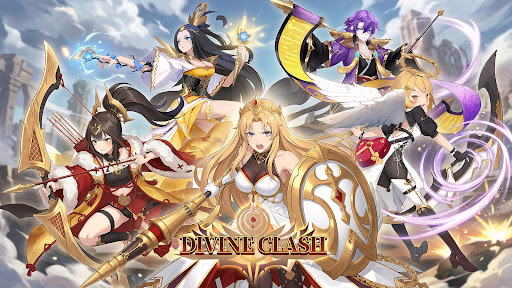
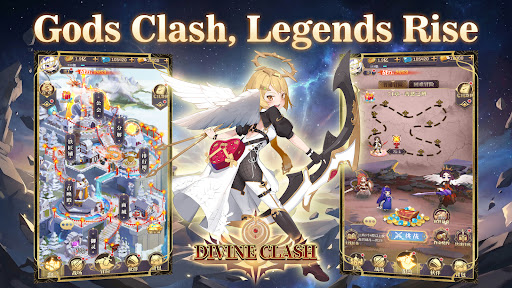
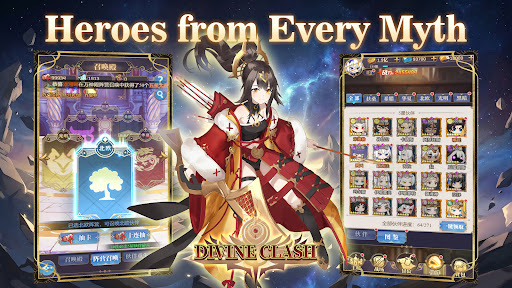
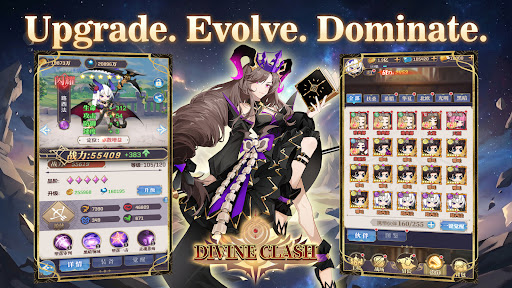
In a world where mythologies collide, chaos spreads across every realm.
From Greek and Norse legends to Eastern myths, powerful factions stand divided.
Now, it is your turn to unite them.
Summon legendary heroes, build your squad, and restore balance in this anime-style idle RPG.
-GAME FEATURE-
▸Heroes from Six Factions
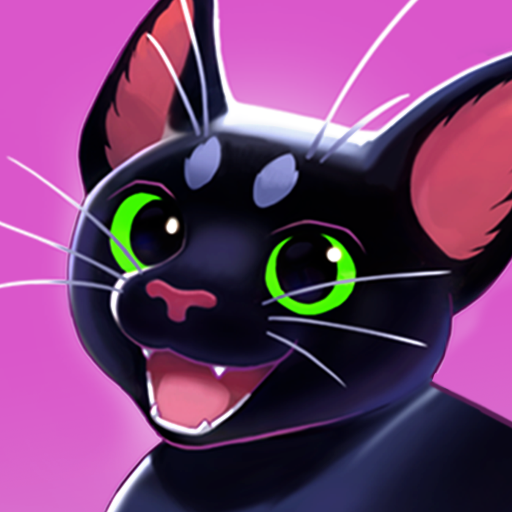
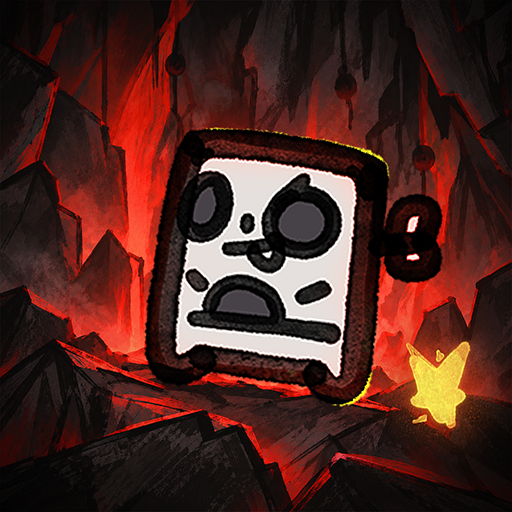
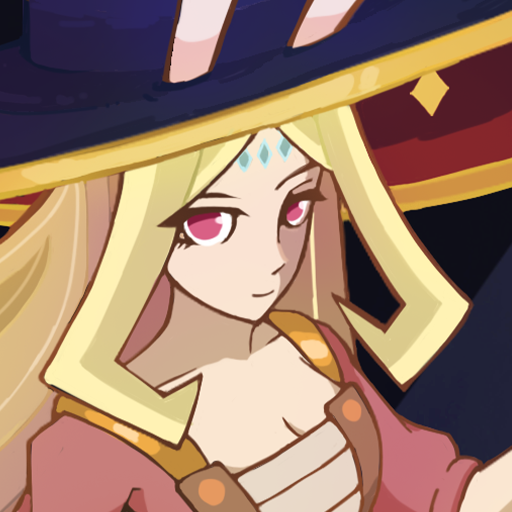
Recruit heroes from Japanese, Greek, Chinese, and Norse mythologies, along with Light and Dark factions. Each hero brings unique abilities and distinct combat roles.
▸Strategic 6v6 Battles
Form a team of six and take on fully automated turn-based battles. Combine classes, formations, and faction bonuses to gain the upper hand.
▸Idle Progression Made Easy
Advance even while offline. Collect resources, strengthen your team, and return to greater power with minimal effort.
▸Deep Upgrade Systems
Enhance your heroes through leveling, evolution, and gear. Build stronger teams and unlock new potential as you progress.
▸A World Full of Challenges
Take on boss battles, endless towers, trials, and adventure stages as you push back the forces threatening the realm.
▸PvE and PvP Modes
Compete in arena battles, guild wars, and other competitive modes, or explore a wide range of PvE content.
Unite the factions. Command your heroes.
Restore balance to a world on the brink—start your journey in Divine Clash today.
Mostra altro

1. Scarica il programma di installazione di MEmu e completa l'installazione

2. Avvia il Memu e apri il Google Play sulla homepage

3. Cerca Divine Clash in Google Play
Install
4. Scarica e installa Divine Clash
5. Al termine dell'installazione, fai clic sull'icona per avviar

6. Divertiti giocando a Divine Clash su PC con MEmu
MEmu App Player è il miglior emulatore Android gratuito, utilizzato da 50 milioni di persone per ottenere un'esperienza di gioco Android superba. La tecnilogia di virtualizzazione MEmu ti permette di giocare a migliaia di giochi Android con semplicità sul tuo computer, anche i giochi con la grafica più esigente.
Schermo più grande con una grafica migliore; Lunga durata, senza limitazione di batteria o dati mobili.
Supporto completo per mappa di tastiera per un controllo preciso di tastiera e mouse o gamepad.
Multipli account di gioco o attività su un singolo PC contemporaneamente con il gestore di multi istanza.
Play Divine Clash on PC by following steps: