Divine Clash
更新日
現在のバージョン
提供元

スマホ不要!プロ選手のようにキーボードとマウスで操作しよう。MEmuエミュはあなたにすべての期待を与える。電池が切れてしまうとか画面が小さいとかの問題を心配する必要がなくて、存分Divine Clashを楽しんでください。新しいMEmuエミュ7はPCでDivine Clashをプレイするのに最適!完璧なキーマッピングシステムにより、まるでパソコンゲームみたい。マルチインスタンスで複数のゲームやアプリを同時に実行!唯一無二な仮想化エンジンがパソコンの可能性を最大限になる。遊べるだけでなく、より楽しめる!
もっと見る
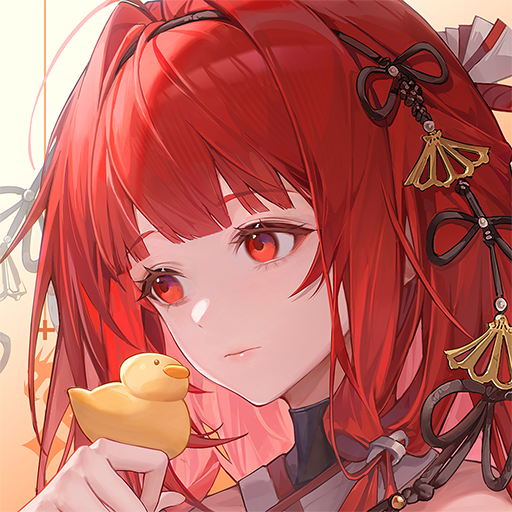
Divine ClashをPCでダウンロード!大画面でより楽しむ。電源が落ちてしまうとか通信料が足りないとかの問題を心配する必要がなく、PCの大画面でより快適にゲームを楽しましょう! In a world where mythologies collide, chaos spreads across every realm.
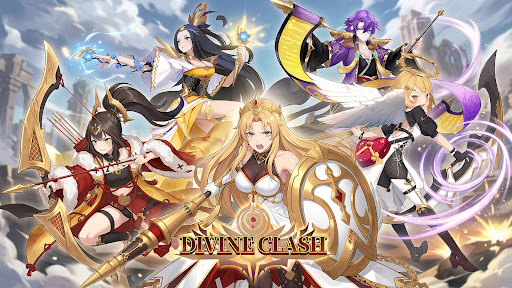
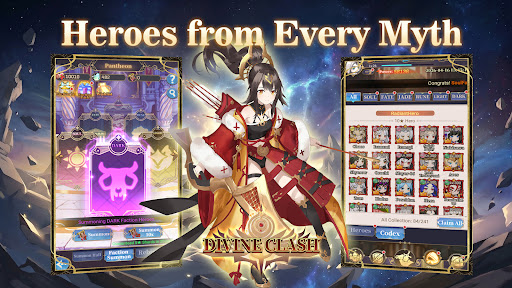
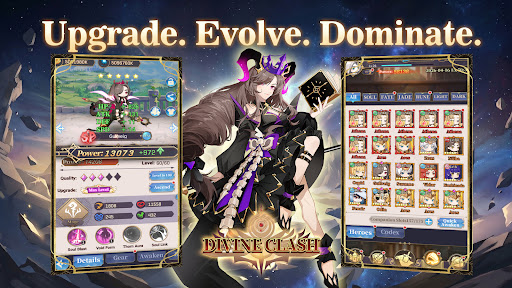
In a world where mythologies collide, chaos spreads across every realm.
From Greek and Norse legends to Eastern myths, powerful factions stand divided.
Now, it is your turn to unite them.
Summon legendary heroes, build your squad, and restore balance in this anime-style idle RPG.
-GAME FEATURE-
▸Heroes from Six Factions
Recruit heroes from Japanese, Greek, Chinese, and Norse mythologies, along with Light and Dark factions. Each hero brings unique abilities and distinct combat roles.
▸Strategic 6v6 Battles
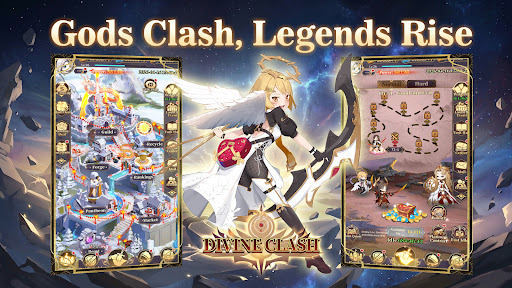
Form a team of six and take on fully automated turn-based battles. Combine classes, formations, and faction bonuses to gain the upper hand.
▸Idle Progression Made Easy
Advance even while offline. Collect resources, strengthen your team, and return to greater power with minimal effort.
▸Deep Upgrade Systems
Enhance your heroes through leveling, evolution, and gear. Build stronger teams and unlock new potential as you progress.
▸A World Full of Challenges
Take on boss battles, endless towers, trials, and adventure stages as you push back the forces threatening the realm.
▸PvE and PvP Modes
Compete in arena battles, guild wars, and other competitive modes, or explore a wide range of PvE content.
Unite the factions. Command your heroes.
Restore balance to a world on the brink—start your journey in Divine Clash today.
もっと見る

1. MEmuインストーラーをダウンロードしてセットアップを完了する

2. MEmuを起動し、デスクトップでのPlayストアを開く

3. PlayストアでDivine Clashを検索する
Install
4. Divine Clashをダウンロードしてインストールする
5. インストールが完了したら、アイコンをクリックしてスタート

6. MEmuを使用してPCでDivine Clashを楽しむ
MEmu App Playerは最高の無料で提供されるAndroidエミュレータで、5,000万人がすでに優れたAndroidゲーム体験を楽しんでいます。 MEmuの仮想化技術は、あなたのPCで何千ものAndroidゲームを快適にプレイすることを可能にします。
大画面でより精細;無限の待機、電池とドラフィックの極限を超え
キーボード・マウス・コントローラーを全力でサポート、より快適
マルチインスタンスで複数のゲームを同時に実行
Play Divine Clash on PC by following steps: