Divine Clash
Zaktualizowano
Aktualna wersja
Sprzedawca

Przy całej swojej pasji do grania w Divine Clash, twoje ręce nie powinny być ograniczone na małym ekranie telefonu. Graj jak zawodowiec i uzyskaj pełną kontrolę nad grą za pomocą klawiatury i myszy. MEmu oferuje ci wszystko, czego oczekujesz. Pobierz i graj Divine Clash na PC. Graj tak długo, jak chcesz, bez ograniczeń baterii, danych komórkowych i niepokojących połączeń. Zupełnie nowy MEmu 9 to najlepszy wybór do grania w Divine Clash na PC. Przygotowany dzięki naszej wiedzy, znakomity, wstępnie ustawiony system mapowania klawiszy sprawia, że Divine Clash jest prawdziwą grą na PC. Zakodowany naszą absorpcją, menedżer wielu instancji umożliwia granie na 2 lub więcej kontach na tym samym urządzeniu. A co najważniejsze, nasz emulator może uwolnić pełny potencjał twojego komputera, sprawić, że wszystko będzie płynne. Dbamy nie tylko o to, jak grasz, ale także o cały proces czerpania radości z grania.
Pokaż więcej
Ciesz się wspaniałym doświadczeniem podczas grania w Divine Clash na komputerze z aplikacją MEMU App Player. Jest to potężny darmowy emulator Androida pozwalający grać w tysiące gier na Androida. In a world where mythologies collide, chaos spreads across every realm.
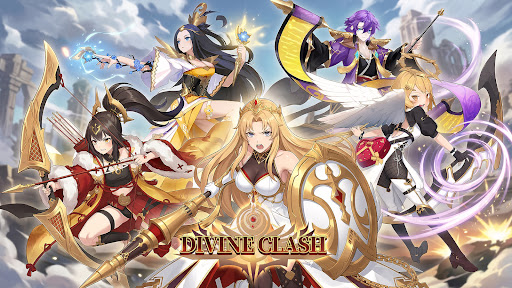
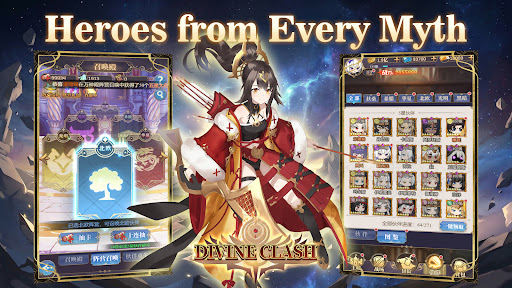
In a world where mythologies collide, chaos spreads across every realm.
From Greek and Norse legends to Eastern myths, powerful factions stand divided.
Now, it is your turn to unite them.
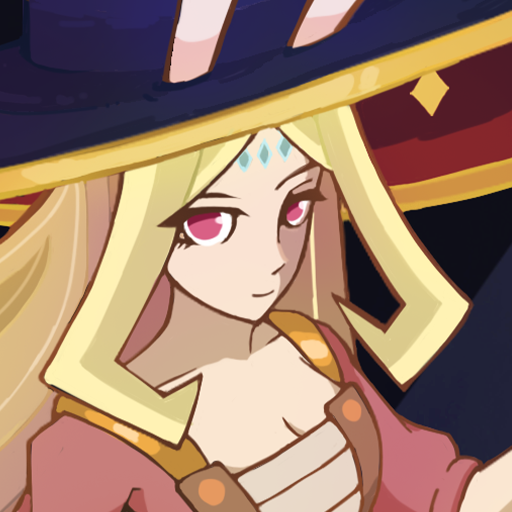
Summon legendary heroes, build your squad, and restore balance in this anime-style idle RPG.
-GAME FEATURE-
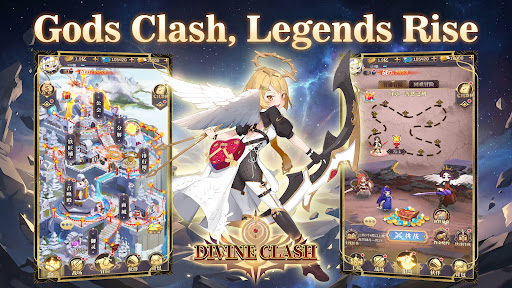
▸Heroes from Six Factions
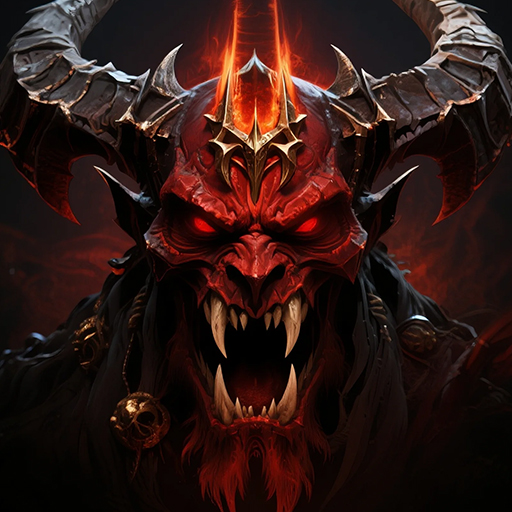
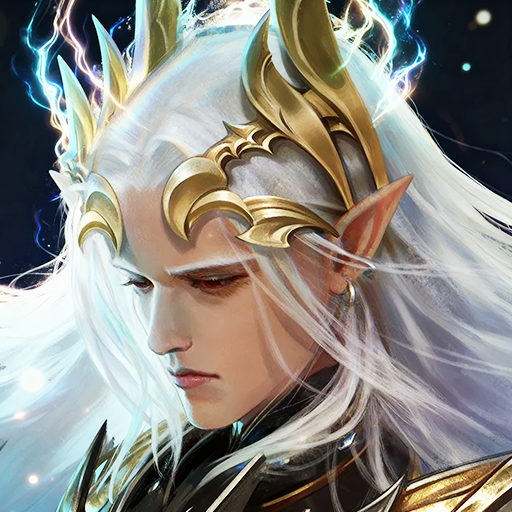
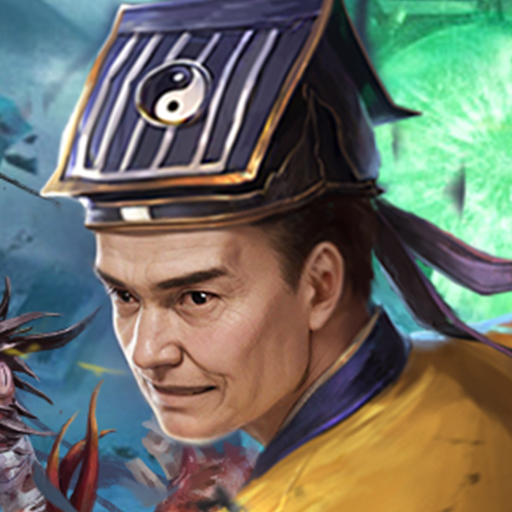
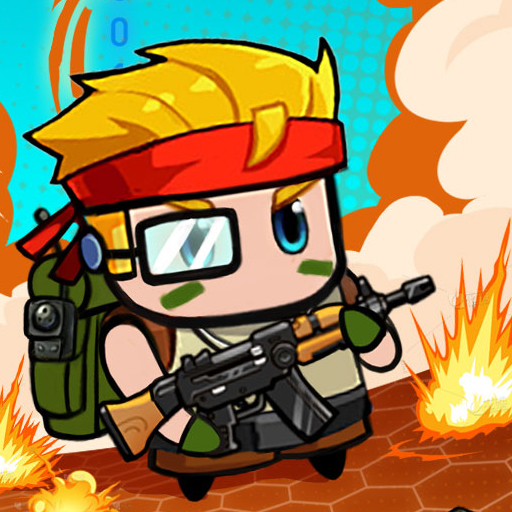
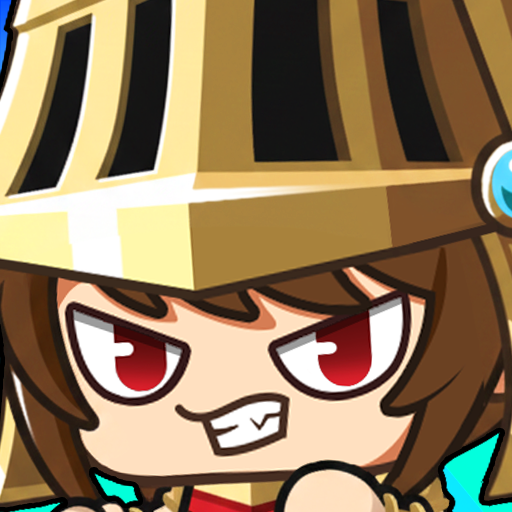
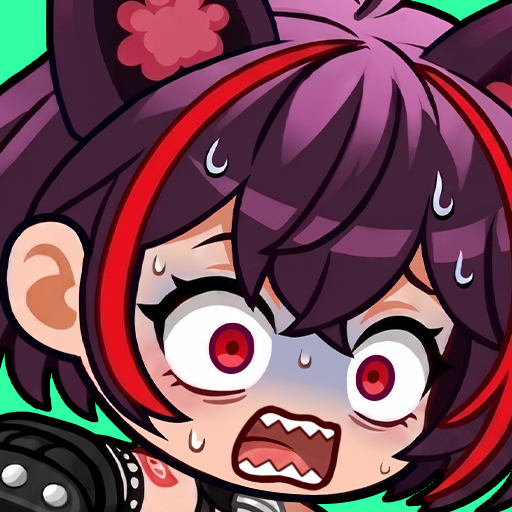
Recruit heroes from Japanese, Greek, Chinese, and Norse mythologies, along with Light and Dark factions. Each hero brings unique abilities and distinct combat roles.
▸Strategic 6v6 Battles
Form a team of six and take on fully automated turn-based battles. Combine classes, formations, and faction bonuses to gain the upper hand.
▸Idle Progression Made Easy
Advance even while offline. Collect resources, strengthen your team, and return to greater power with minimal effort.
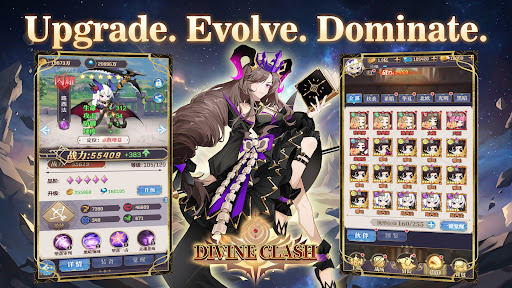
▸Deep Upgrade Systems
Enhance your heroes through leveling, evolution, and gear. Build stronger teams and unlock new potential as you progress.
▸A World Full of Challenges
Take on boss battles, endless towers, trials, and adventure stages as you push back the forces threatening the realm.
▸PvE and PvP Modes
Compete in arena battles, guild wars, and other competitive modes, or explore a wide range of PvE content.
Unite the factions. Command your heroes.
Restore balance to a world on the brink—start your journey in Divine Clash today.
Pokaż więcej

1. Pobierz instalator MEmu i zakończ instalację

2. Uruchom MEmu, a następnie otwórz Google Play na pulpicie

3. Wyszukaj Divine Clash w Google Play
Install
4. Pobierz i zainstaluj Divine Clash
5. Po zakończeniu instalacji kliknij ikonę, aby rozpocząć

6. Ciesz się grą Divine Clash na PC z MEmu
MEmu Play to najlepszy emulator Androida, a 100 milionów ludzi już korzysta z jego i dosta doskonałe wrażenia z gier na Androida. Technologia wirtualizacji MEmu umożliwia płynne granie w tysiące gier Androida na komputerze, nawet tych najbardziej wymagających grafiki.
Większy ekran z lepszą grafiką; Długi czas, bez ograniczeń baterii lub danych mobilnych.
Pełna obsługa mapowania klawiszy dla precyzyjnego sterowania klawiaturą i myszą lub gamepadem.
Wiele kont gier lub zadań na jednym komputerze jednocześnie z menedżerem wielu instancji.
Play Divine Clash on PC by following steps: