Divine Clash
อัปเดตเมื่อ
เวอร์ชันปัจจุบัน
ให้บริการโดย

เวลาคุณเล่น Divine Clash, คุณอาจรู้สึกว่ามือคุณอาจบังจอแล้วทำให้ไม่ได้เล่นแบบเต็มที่. เล่นแบบไร้ขีดจำกัดด้วยเม้าส์และคีย์บอร์ด. MEmu มีตัวเลือกหลายอย่างให้คุณใช้งานเกมที่คุณเล่นแบบที่คุณต้องการ. ดาวน์โหลดและเล่น Divine Clash บน PC. เล่นนานแค่ไหนก็ได้, ไม่ต้องชาร์จแบตเตอรี่, หรือเจอคนโทรเข้ามาระหว่างเล่น. MEmu 9 เป็นตัวเลือกสำหรับการเล่น Divine Clash บน PC. ทางทีมงานเราได้ปรับแต่งเกม, ปรับให้เล่นเกมบางเกมได้เหมือนเล่น Divine Clash เป็นเกม PC เช่นเล็งด้วยเม้าส์หรือใช้คีย์บอร์ด. ระบบของเรายังทำให้คุณสามารถเปิดเล่นได้มากกว่า 2 เกมพร้อมๆกันในคอมของคุณ. และที่สำคัญที่สุด, ระบบโปรแกรมของเราสามารถทำให้คุณใช้ระบบของ PC ทำให้เกมลื่นเหมือนกับใช้โทรศัพท์รุ่นล่าสุด. เราไม่ได้ดูแลเรื่องการเล่นเกม, แต่เราดูแลถึงความสนุกสนานที่คุณได้จากการเล่นด้วย.
แสดงเพิ่มเติม
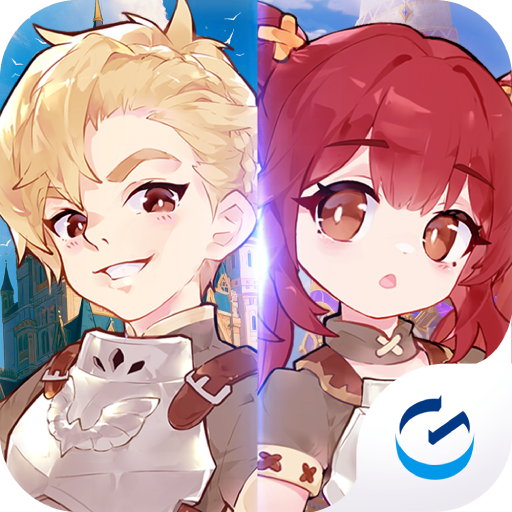
ดาวน์โหลด Divine Clash บน PC ด้วย MEmu Android Emulator สนุกกับการเล่นบนหน้าจอขนาดใหญ่ In a world where mythologies collide, chaos spreads across every realm.
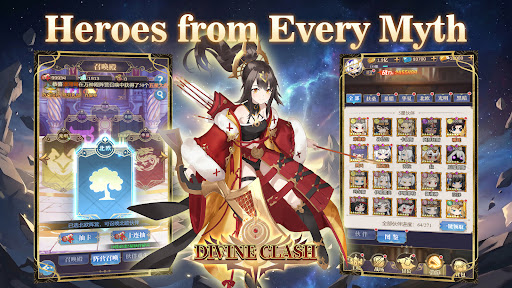
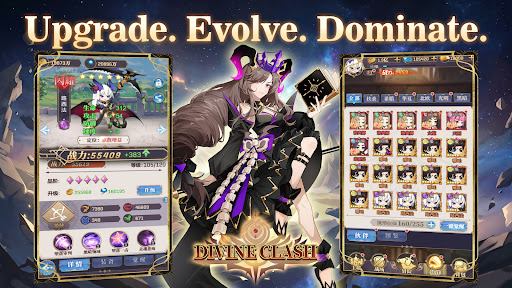
In a world where mythologies collide, chaos spreads across every realm.
From Greek and Norse legends to Eastern myths, powerful factions stand divided.
Now, it is your turn to unite them.
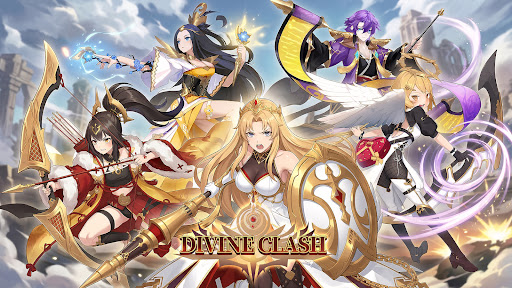
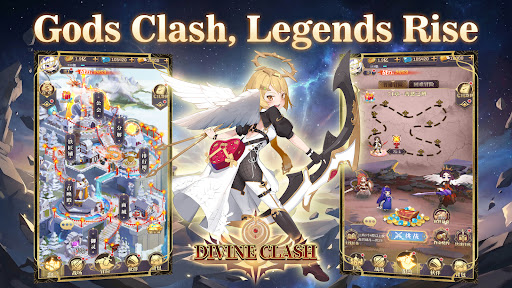
Summon legendary heroes, build your squad, and restore balance in this anime-style idle RPG.
-GAME FEATURE-
▸Heroes from Six Factions
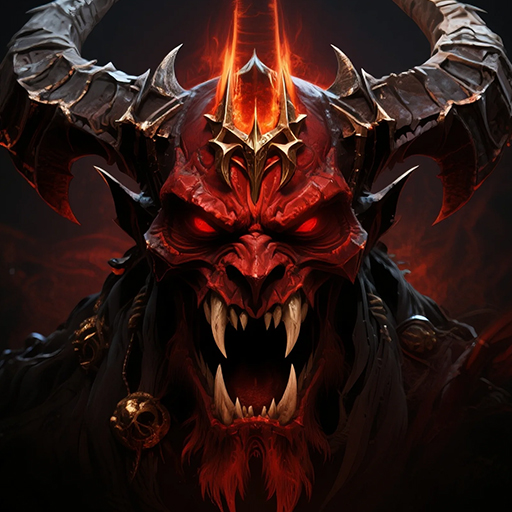
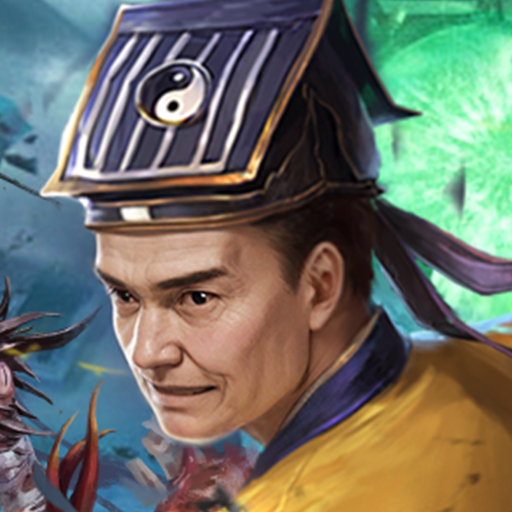
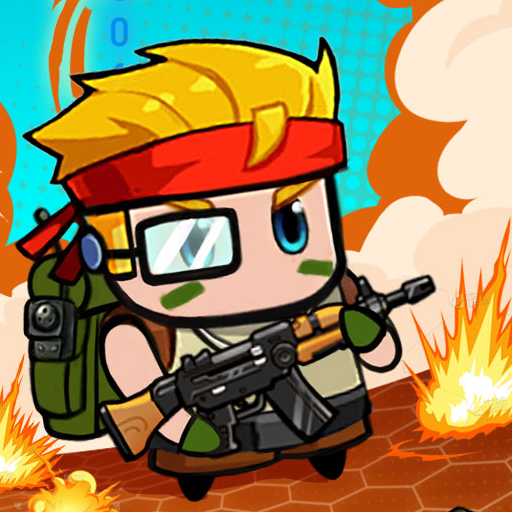
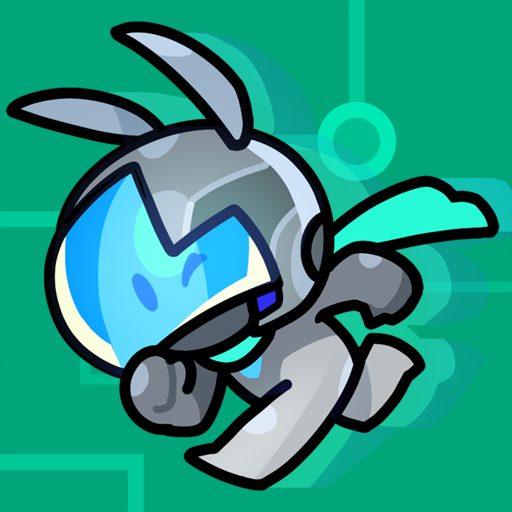
Recruit heroes from Japanese, Greek, Chinese, and Norse mythologies, along with Light and Dark factions. Each hero brings unique abilities and distinct combat roles.
▸Strategic 6v6 Battles
Form a team of six and take on fully automated turn-based battles. Combine classes, formations, and faction bonuses to gain the upper hand.
▸Idle Progression Made Easy
Advance even while offline. Collect resources, strengthen your team, and return to greater power with minimal effort.
▸Deep Upgrade Systems
Enhance your heroes through leveling, evolution, and gear. Build stronger teams and unlock new potential as you progress.
▸A World Full of Challenges
Take on boss battles, endless towers, trials, and adventure stages as you push back the forces threatening the realm.
▸PvE and PvP Modes
Compete in arena battles, guild wars, and other competitive modes, or explore a wide range of PvE content.
Unite the factions. Command your heroes.
Restore balance to a world on the brink—start your journey in Divine Clash today.
แสดงเพิ่มเติม

1. ดาวน์โหลดตัวติดตั้ง MEmu และสิ้นสุดการติดตั้ง

2. เริ่ม MEmu จากนั้นเปิด Google Play บนหน้าแรก

3. ค้นหา Divine Clash ใน Google Play
Install
4. ดาวน์โหลดและติดตั้ง Divine Clash
5. เมื่อติดตั้งเสร็จให้คลิกที่ไอคอนเพื่อเริ่มใช้งาน

6. สนุกกับการเล่น Divine Clash บนพีซีด้วย MEmu
MEmu App Player เป็นอีมูเลเตอร์ Android ที่ดีที่สุดและผู้คนกว่า 50 ล้านคนเพลิดเพลินไปกับประสบการณ์การเล่นเกม Android ที่ยอดเยี่ยม เทคโนโลยีการจำลองเสมือนของ MEmu ช่วยให้คุณเล่นเกม Android หลายพันเกมได้อย่างราบรื่นบนพีซีของคุณแม้แต่เกมที่ต้องใช้กราฟิกมากที่สุด
จอใหญ่และกราฟฟิกสวยกว่า; เล่นได้นาน, ไม่ต้องใช้แบตเตอรี่โทรศัพท์หรือเน็ตโทรศัพท์.
ระบบปรับแต่งปุ่มคีย์บอร์ดและเม้าส์ตามที่คุณเลือก
เล่นมากกว่าหนึ่งเกมบน PC ในเวลาเดียวกันด้วยระบบหลายจอหรือ Multi-Instance manager.
Play Divine Clash on PC by following steps: