Mandala Color by Number Book
Aggiornata
Versione corrente
1.2.2
Offerta da

Vista tutta la passione dimostrata nel giocare a Mandala Color by Number Book, le tue mani non dovrebbero essere limitate al minuscolo schermo di un telefono. Gioca come un professionista e ottieni il pieno controllo del gioco con tastiera e mouse. MEmu ti offre tutto ciò che ti aspetti. Scarica e gioca a Mandala Color by Number Book su PC. Gioca quanto vuoi, niente più limitazioni di batteria, dati mobili e chiamate inquietanti. Il nuovissimo MEmu 9 è la scelta migliore per giocare a Mandala Color by Number Book su PC. Realizzato sulla base della nostra esperienza, lo squisito sistema di mappatura dei tasti preimpostati rende Mandala Color by Number Book un vero e proprio gioco per PC. MEmu è un gestore multi-instanza che permette di giocare con 2 o più account sullo stesso dispositivo. E la cosa più importante, il nostro esclusivo motore di emulazione può liberare tutto il potenziale del tuo PC, rendendo tutto fluido.
Mostra altro
Scarica Mandala Color by Number Book su PC con MEmu Android Emulator. Divertiti giocando sul grande schermo. Mandala Color – A Captivating Coloring Game.
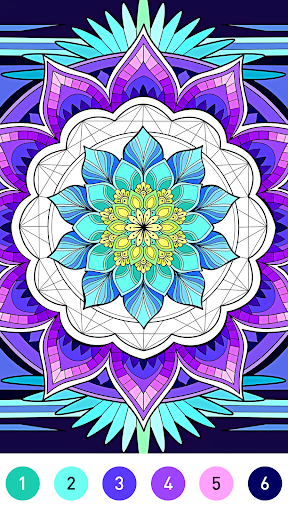
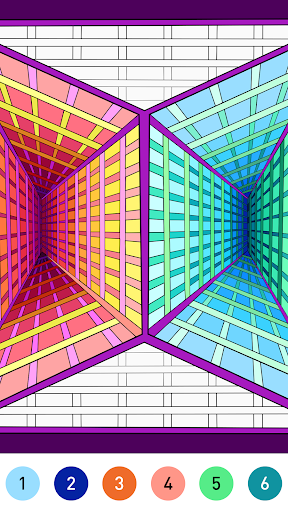
Mandala Color – A Captivating Coloring Game
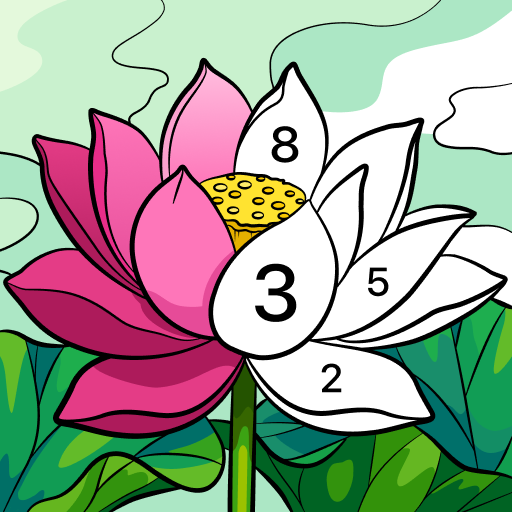
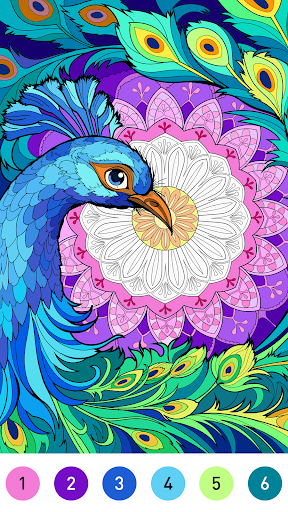
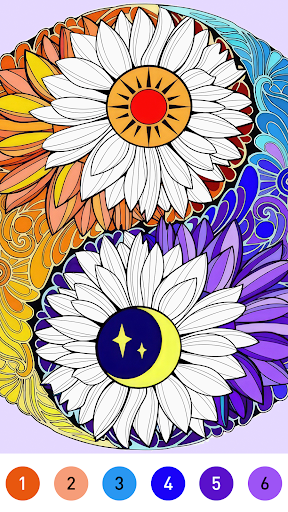
Embark on a journey of creativity and relaxation with "Mandala Color," a unique coloring game that transcends the boundaries of traditional coloring experiences. Immerse yourself in a world of intricate designs, vibrant colors, and meditative gameplay, as you unleash your artistic expression on digital canvases inspired by the ancient art of mandalas.
Key Features:
-Mesmerizing Mandalas
Explore a vast collection of beautifully crafted mandalas, each designed to evoke a sense of tranquility and balance. From simple and elegant patterns to more complex and detailed designs, "Mandala Color" offers a diverse range of artistic possibilities.
-Unleash Your Creativity
Break free from the constraints of traditional coloring books. With an extensive color palette and a variety of tools at your disposal, express your unique style and bring your imagination to life. Experiment with gradients, textures, and shading to create stunning visual masterpieces.
-Therapeutic Gameplay
Immerse yourself in a soothing and meditative experience as you fill each mandala with colors. "Mandala Color" is designed to be a calming escape from the hustle and bustle of everyday life, providing a therapeutic space for mindfulness and relaxation.
-User-Friendly Interface
Enjoy a seamless and intuitive user interface that caters to both beginners and experienced artists. Effortlessly navigate through the app, choose colors with ease, and access a range of helpful features to enhance your coloring experience.
-Daily Challenges and Rewards
Stay engaged with daily challenges that test your creativity and unlock exciting rewards. Complete special themed mandalas and earn achievements to showcase your artistic prowess.
-Share Your Creations
Showcase your completed mandalas on social media or within the "Mandala Color" community. Connect with fellow artists, exchange tips, and inspire others with your unique creations.
-Regular Updates
Immerse yourself in a dynamic coloring experience with regular updates that introduce new mandalas, color palettes, and features. "Mandala Color" is a living, breathing canvas that evolves to keep your creative spirit engaged.
How to Play:
-Choose a Mandala
Browse through the extensive collection of mandalas and select the one that resonates with you.
-Color with Intuition
Pick colors from a rich palette and apply them to the mandala with the touch of your finger or stylus.
-Save and Share
Save your completed mandalas to your gallery and share them with friends, family, and the "Mandala Color" community.
Rediscover the joy of coloring with "Mandala Color" – where art, relaxation, and digital innovation converge. Download now and embark on a journey of self-expression and mindfulness. Unleash your inner artist and let the colors flow!
Mostra altro

1. Scarica il programma di installazione di MEmu e completa l'installazione

2. Avvia il Memu e apri il Google Play sulla homepage

3. Cerca Mandala Color by Number Book in Google Play
Install
4. Scarica e installa Mandala Color by Number Book
5. Al termine dell'installazione, fai clic sull'icona per avviar

6. Divertiti giocando a Mandala Color by Number Book su PC con MEmu
MEmu App Player è il miglior emulatore Android gratuito, utilizzato da 50 milioni di persone per ottenere un'esperienza di gioco Android superba. La tecnilogia di virtualizzazione MEmu ti permette di giocare a migliaia di giochi Android con semplicità sul tuo computer, anche i giochi con la grafica più esigente.
Schermo più grande con una grafica migliore; Lunga durata, senza limitazione di batteria o dati mobili.
Supporto completo per mappa di tastiera per un controllo preciso di tastiera e mouse o gamepad.
Multipli account di gioco o attività su un singolo PC contemporaneamente con il gestore di multi istanza.
Play Mandala Color by Number Book on PC by following steps: