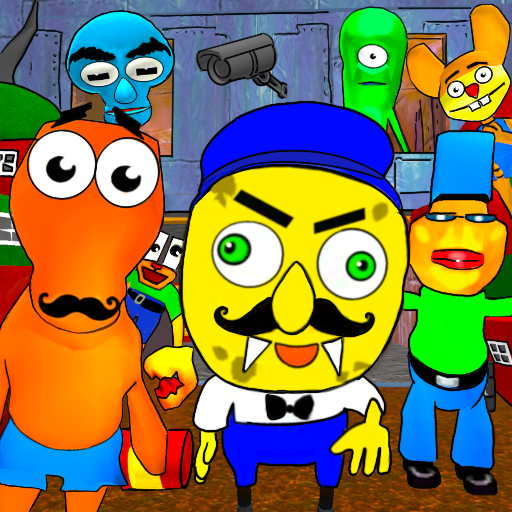
Sponge Neighbor Escape 3D
Aggiornata
Versione corrente
1.5
Offerta da

Vista tutta la passione dimostrata nel giocare a Sponge Neighbor Escape 3D, le tue mani non dovrebbero essere limitate al minuscolo schermo di un telefono. Gioca come un professionista e ottieni il pieno controllo del gioco con tastiera e mouse. MEmu ti offre tutto ciò che ti aspetti. Scarica e gioca a Sponge Neighbor Escape 3D su PC. Gioca quanto vuoi, niente più limitazioni di batteria, dati mobili e chiamate inquietanti. Il nuovissimo MEmu 9 è la scelta migliore per giocare a Sponge Neighbor Escape 3D su PC. Realizzato sulla base della nostra esperienza, lo squisito sistema di mappatura dei tasti preimpostati rende Sponge Neighbor Escape 3D un vero e proprio gioco per PC. MEmu è un gestore multi-instanza che permette di giocare con 2 o più account sullo stesso dispositivo. E la cosa più importante, il nostro esclusivo motore di emulazione può liberare tutto il potenziale del tuo PC, rendendo tutto fluido.
Mostra altro
Scarica Sponge Neighbor Escape 3D su PC con MEmu Android Emulator. Divertiti giocando sul grande schermo. Global Update!
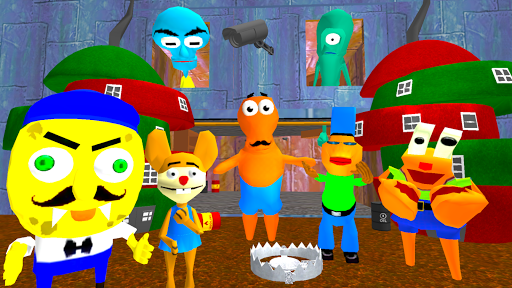
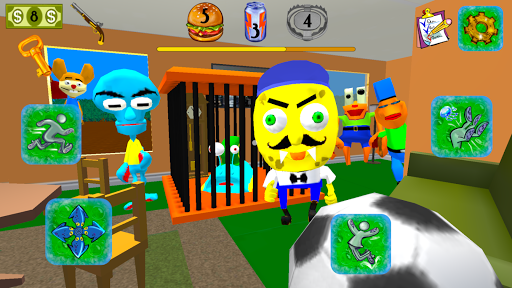
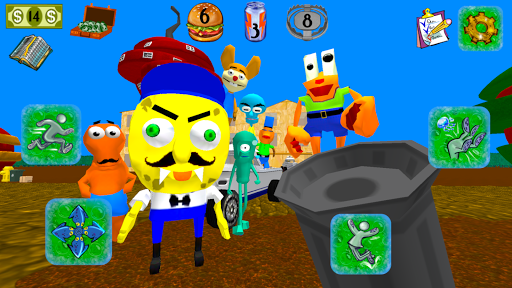
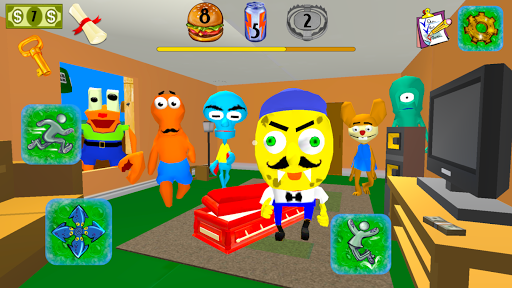
Global Update! 7 Different Characters! New Game Mechanics: Ghost Mode, Traps, Energy Drinks, Burgers and more! Rescue the Snail!
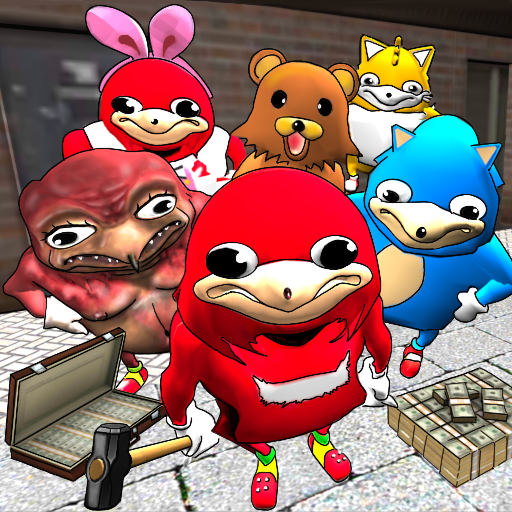
7 Different Characters! Pick your enemies in the main menu. You can play with one or even 7 enemies in the same time! The Game has Ghost Mode. Activate it to be invisible for the neighbors! Collect money completing levels. Buy burgers and energy drinks in game store to restore stamina. Buy traps to stun neighbors!
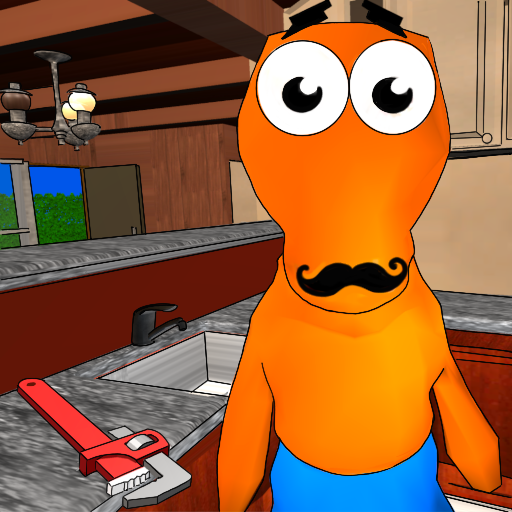
You play for a guy whose name is Bob. You came to the bottom neighborhood of the city and settled next to the sponge neighbor. You liked his unusually huge pineapple house. You thought he was very kind. He has a huge mustache and he always says hello to strangers.
You have learned that he works in a fast food restaurant which is famous for its crab burgers. After some time, you learned that the secret burger recipe was stolen.
Very soon, you began to notice that your new neighbor began to behave discreetly. He always looks around and installed surveillance cameras around his house... Bob decides to find out if he is related to this robbery. Try to get into the scary sponge's house and find evidence. Feel like a detective in the house of your strange neighbour.
Your curious character Bob should sneak to his house unnoticed. If a sponge sees you then it will catch you immediately! You can run away and hide in your house, hide under the beds in his house. Escape it if he will chase you!
The game has been implemented all your wishes. You can change the sensitivity control settings as you like. The game provides you with wide opportunities. You can pick up items and throw them at the scary neighbor to stun him, it will give you some time to escape!
You always wanted to be a detective. Find the secret burger recipe and return it to the owner! In addition to the recipe, the restaurant lost money. You saw that your scary neighbor bought a luxury yacht-car. He could not afford to buy it at the salary of the chef of the restaurant. If he is involved in this - you have to figure it out.
Try and Enjoy the best game simulator! Enjoy the best underwater world game about the Ocean Gang! Run from the enemies as fast as possible and complete all missions!
Mostra altro

1. Scarica il programma di installazione di MEmu e completa l'installazione

2. Avvia il Memu e apri il Google Play sulla homepage

3. Cerca Sponge Neighbor Escape 3D in Google Play
Install
4. Scarica e installa Sponge Neighbor Escape 3D
5. Al termine dell'installazione, fai clic sull'icona per avviar

6. Divertiti giocando a Sponge Neighbor Escape 3D su PC con MEmu
MEmu App Player è il miglior emulatore Android gratuito, utilizzato da 50 milioni di persone per ottenere un'esperienza di gioco Android superba. La tecnilogia di virtualizzazione MEmu ti permette di giocare a migliaia di giochi Android con semplicità sul tuo computer, anche i giochi con la grafica più esigente.
Schermo più grande con una grafica migliore; Lunga durata, senza limitazione di batteria o dati mobili.
Supporto completo per mappa di tastiera per un controllo preciso di tastiera e mouse o gamepad.
Multipli account di gioco o attività su un singolo PC contemporaneamente con il gestore di multi istanza.
Play Sponge Neighbor Escape 3D on PC by following steps: