Spexi DJI Mini 3 & 4 Series
Aggiornata
Versione corrente
2.6.1
Offerta da

Non devi più preoccuparti dei sovraccarichi durante l'utilizzo di Spexi DJI Mini 3 & 4 Series sul tuo cellulare, liberati dal piccolo schermo e goditi dell'App su uno schermo molto più grande. D'ora in poi, sperimenta la tua App a schermo intero con tastiera e mouse. MEmu ti offre tutte le sorprendenti funzioni che ti aspettavi: installazione rapida e impostazione semplice, controlli intuitivi, niente più limitazioni di batteria, dati mobili e chiamate fastidiose. Il MEmu 9 nuovo di zecca è la prima scelta per utilizzare Spexi DJI Mini 3 & 4 Series sul tuo computer. Codificato con il nostro assorbimento, il gestore multi-istanza consente di aprire 2 o più account contemporaneamente. E soprattutto, il nostro esclusivo motore di emulazione può sbloccare il pieno potenziale del tuo PC, rendendo tutto liscio e piacevole.
Mostra altro
Goditi un'esperienza straordinaria con Spexi DJI Mini 3 & 4 Series su PC con MEmu Play. È un potente emulatore Android gratuito che ti offre migliaia di app Android per la versione desktop. Divertiti a connetterti con gli amici e a perfezionare il tuo lavoro con maggiore efficienza! Get Paid by Flying Your Drone with Spexi.
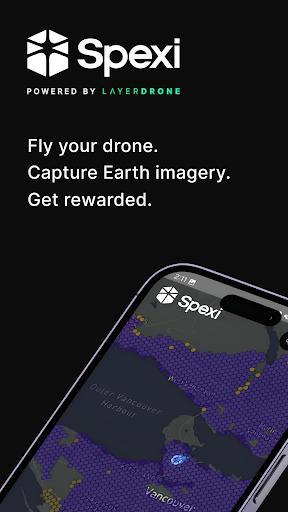
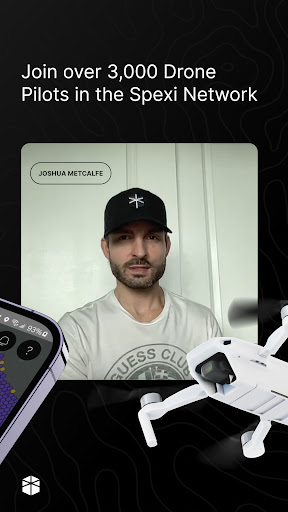
Get Paid by Flying Your Drone with Spexi
Do you love flying drones and capturing high-resolution Earth imagery?
You can earn up to $500 a day by flying your drone with Spexi. Fly automated missions, upload your data, and get rewards using the app.
What is Spexi?
“The Uber for drones,” Spexi rewards drone pilots for uploading imagery that is used by emergency responders, city planners, and numerous other industries. These contributions are form the world’s most detailed imaging network and the foundation for the next generation of AI and GIS applications: The LayerDrone Network.
Spexi: Powered by LayerDrone
LayerDrone is a mission-driven organization established to develop and maintain the LayerDrone Network—an open, decentralized network for capturing ultra-high resolution Earth imagery through a community of drone pilots.
Why Fly with Spexi?
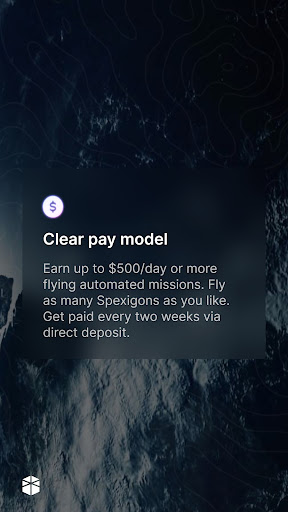
Earn Rewards for Flying – Drone pilots in the Spexi Network have earned up to $500 per day capturing Earth imagery. You’ll always know how much you’ll make before you start, and it’s a great way to make money doing something you love.
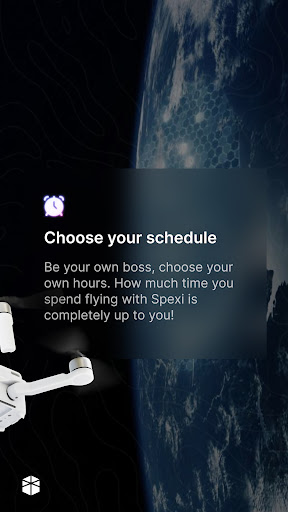
Set Your Own Schedule – Fly when you want and choose to fly as many missions as you’d like. Spexi gives you complete control over your schedule.
Real-Time Support – Our Discord community and our customer support team has you covered, helping you with any questions you might have.
Free Training – When you join, attend our virtual onboarding sessions so you can learn what it takes to fly with Spexi.
What You Need to Fly with Spexi
Getting started is simple! Here’s what you need:
• Compatible Drone – For this version of the app you will need a DJI Mini 3, DJI Mini 3 Pro or DJI Mini 4 Pro.
• Android Device – You’ll need an Android phone or tablet to use the Spexi app.
• Valid Drone Pilot License – US pilots will need a valid Part 107 pilot license.
Ready to Get Started?
Download Spexi and start earning money with your drone today. It’s easy, rewarding, and fun!
Mostra altro

1. Scarica il programma di installazione di MEmu e completa l'installazione

2. Avvia il Memu e apri il Google Play sulla homepage

3. Cerca Spexi DJI Mini 3 & 4 Series in Google Play
Install
4. Scarica e installa Spexi DJI Mini 3 & 4 Series
5. Al termine dell'installazione, fai clic sull'icona per avviar

6. Divertiti giocando a Spexi DJI Mini 3 & 4 Series su PC con MEmu
MEmu App Player è il miglior emulatore Android gratuito, utilizzato da 50 milioni di persone per ottenere un'esperienza di gioco Android superba. La tecnilogia di virtualizzazione MEmu ti permette di giocare a migliaia di giochi Android con semplicità sul tuo computer, anche i giochi con la grafica più esigente.
Schermo più grande con una grafica migliore; Lunga durata, senza limitazione di batteria o dati mobili.
Supporto completo per mappa di tastiera per un controllo preciso di tastiera e mouse o gamepad.
Multipli account di gioco o attività su un singolo PC contemporaneamente con il gestore di multi istanza.
Use Spexi DJI Mini 3 & 4 Series on PC by following steps: